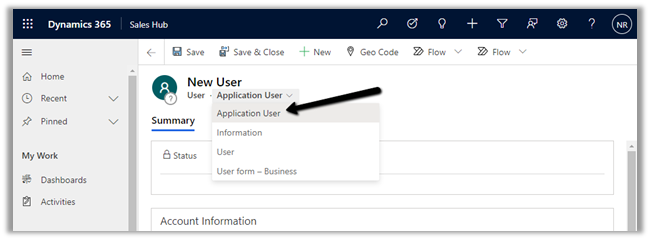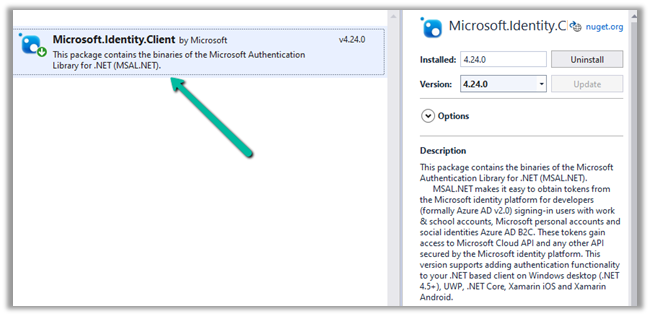
- Use CrmServiceClient to execute web request against Dynamics 365 Web API – OAuth
Refer appropriate connection string as required with CrmServiceClient-
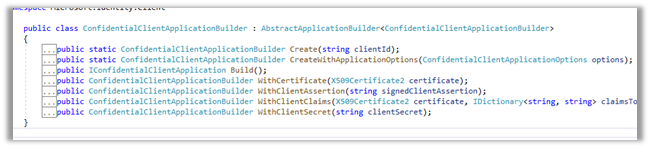
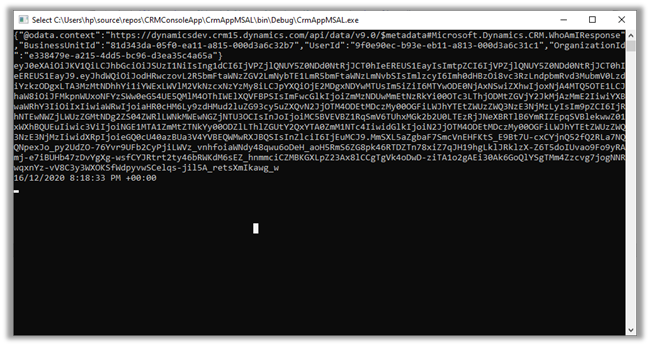
- Consume Dynamics 365 Web API using MSAL.NET using ConfidentialClientApplicationBuilder class
the connection string parameters
- Consume Dynamics 365 Web API – OAuth – Authorization Code Grant Type
- Consume Dynamics 365 Web API – OAuth – Implicit Grant Type
- Consume Dynamics 365 Web API – OAuth – Implicit Grant Type (through Single Page Application)
- Consume Dynamics 365 Web API – OAuth – Client Credentials
- Consume Dynamics 365 Web API – OAuth – ROPC – Resource Owner Password Credential
- Use CrmServiceClient to execute web request again Organization Service – OAuth
- Consume Organization Service – Office 365 (Auth Type)
- Consume Organization Service – On-Premise
Replace Office 365 authentication with OAuth
Recent Posts –
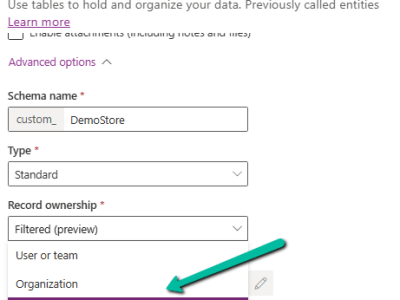
Filtered Record Ownership: A New Approach to Row-Level Security (Dataverse / Dynamics 365)
Dataverse has traditionally provided User/Team and Organization ownership. Filtered Record Ownership (Preview) introduces another approach: access can be determined by filter conditions on the data rather than…

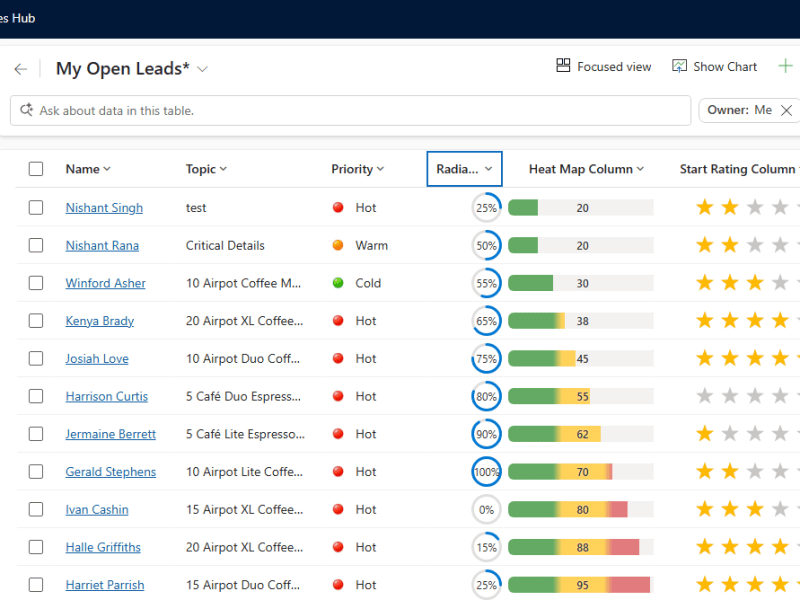
Enhancing Dataverse Views with Custom Icons, Tooltips & Visualizations (Dynamics 365)
While working with Model-driven apps, sometimes a visual indicator can make a view much easier to scan. For example, instead of displaying simple text like Priority –…
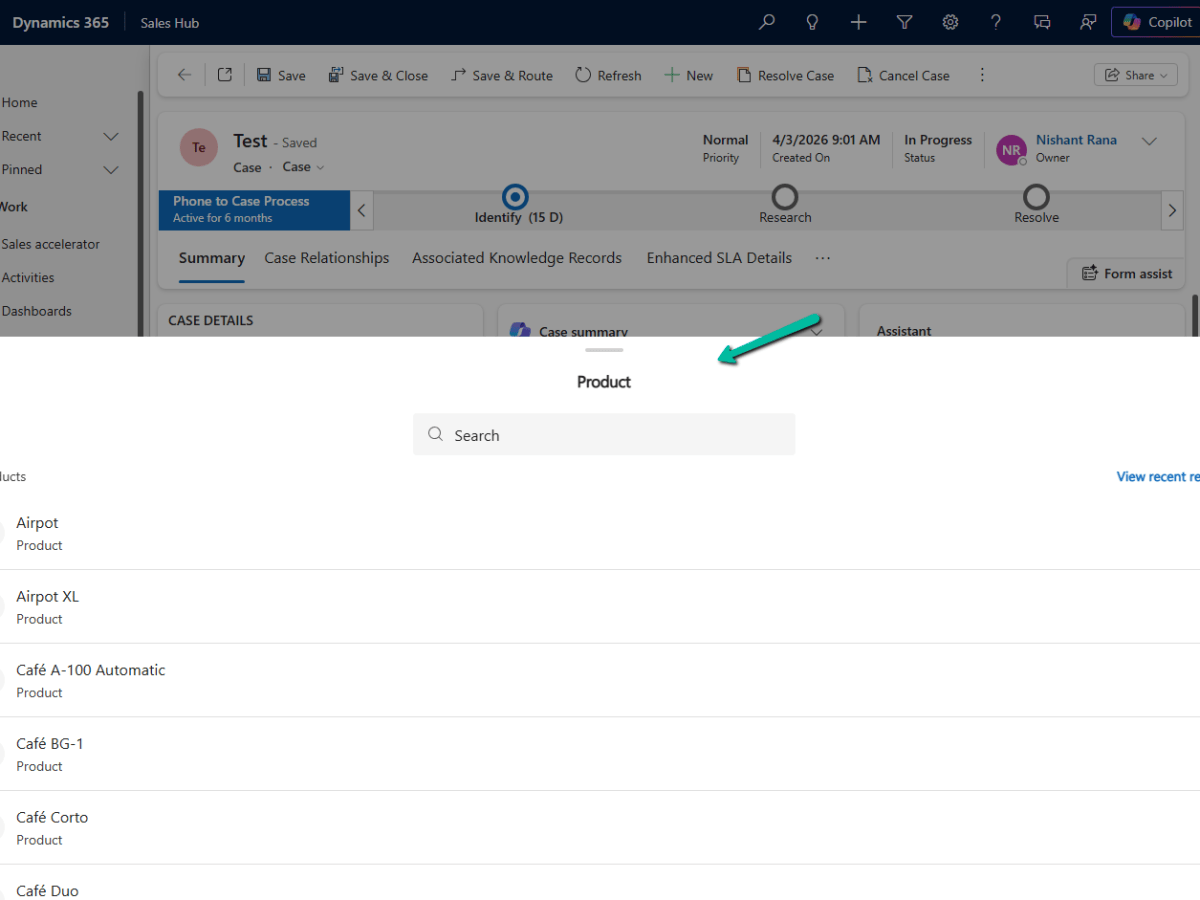
Drawer Lookup Control in Dynamics 365 (A better lookup experience on mobile)
I recently came across a small but useful addition to the Dynamics 365 / Power Apps lookup experience: the Drawer Lookup Control. With the standard lookup, selecting…

Export Bookable Resource Working Hours using ExpandCalendar (Dynamics 365 Field Service)
Recently we had a requirement to export the working hours of Bookable Resources from Dynamics 365 for a specified date range and make that information available to…

Making a Field Read-Only in Business Process Flow (BPF) – Dataverse / Dynamics 365
A common requirement with Business Process Flows is this: the user must capture all the required details on the form before they are allowed to move to…
How to Enable Microsoft 365 Copilot in Model-Driven Apps
Microsoft 365 Copilot brings conversational AI directly into Model-Driven Apps, allowing users to ask natural language questions about Dataverse data, quickly locate records, and improve productivity without…

AB-100 Last-Minute Revision Cheat Sheet (Microsoft Agentic AI Business Solutions Architect)
Recently, I cleared the Microsoft Certified: Architecting Agentic AI Business Solutions (AB-100) exam. While preparing, I ended up creating this one-page Architect’s Compass for my last-minute revision.…
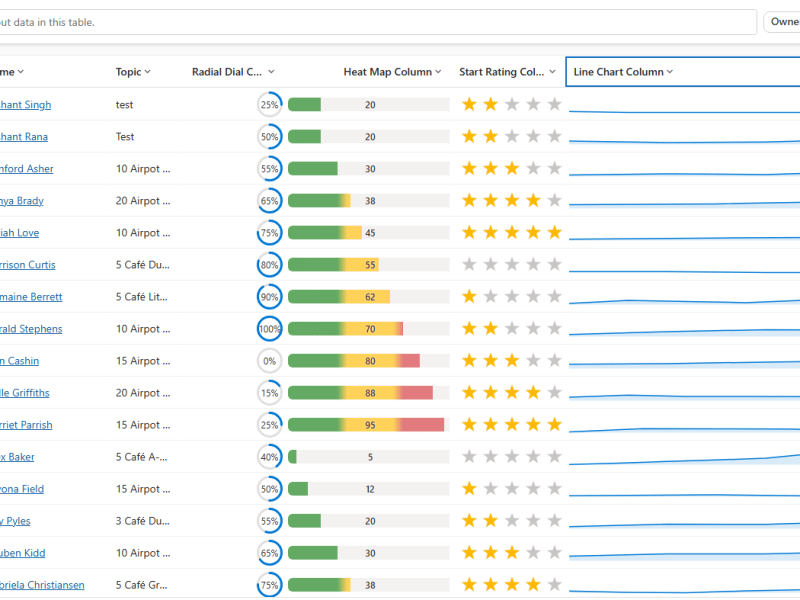
Column Visualizations for Grids / Views (Preview) –Dataverse / Dynamics 365
Power Apps now lets us render a column’s data as a small graphic in the grid – a gauge, a sparkline, a colored bar, or stars –…

Business Process Flow Error: “Participating entity record of stage: X is not valid” (0x80040216) (Dynamics 365 / Dataverse)
Scenario Working on a custom multi-entity Business Process Flow (Opportunity → Quote) recently, we ran into this error while trying to reactivate the process: The BPF (custom_salesprocess)…

Comparing Web Resources (JavaScript) Across Multiple Dataverse Environments Using a Console App
We recently refactored a large JavaScript solution — replacing a number of deprecated methods with their supported equivalents, along with some performance improvements — the kind of…

Power Platform Environment Not Showing Up in Maker Portal & Power Platform Admin Center (Dataverse / Dynamics 365)
Recently, we ran into an interesting issue while working with a Dynamics 365 / Dataverse environment. Even though the user was assigned the System Administrator security role,…

SQL4CDS UTC Mode: Converting Advanced Find Date Filters to UTC Boundaries– A Quick Reference (Dataverse / Dynamics 365)
While validating record counts for a Work Orders view in Dynamics 365 Field Service, we ran into the same underlying issue covered in an earlier post –…
Something went wrong. Please refresh the page and/or try again.


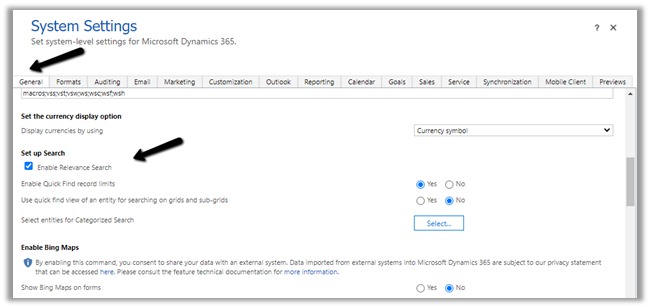
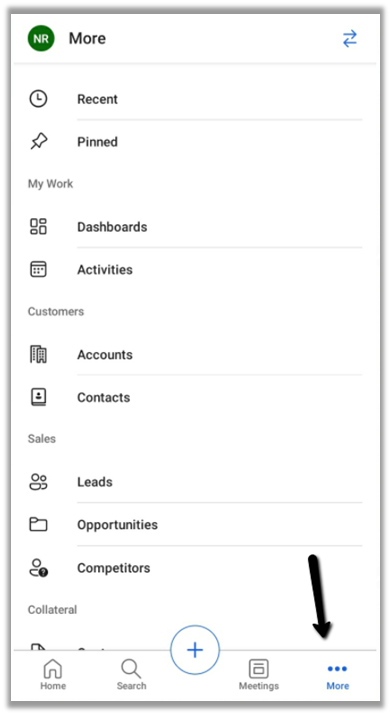
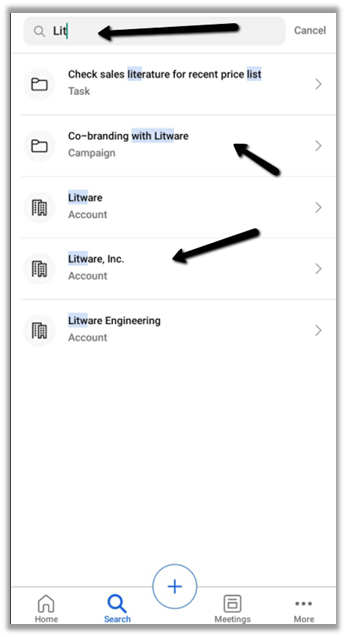
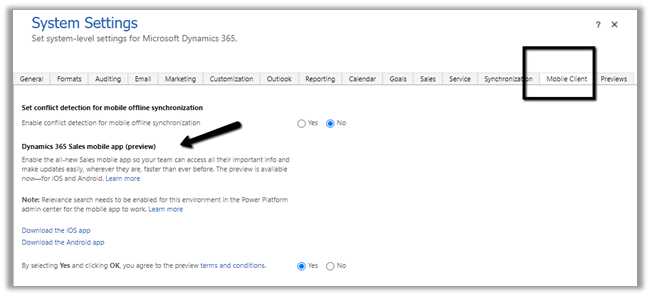 We also need to enable Relevance search on the environment for the mobile app’s search to work.