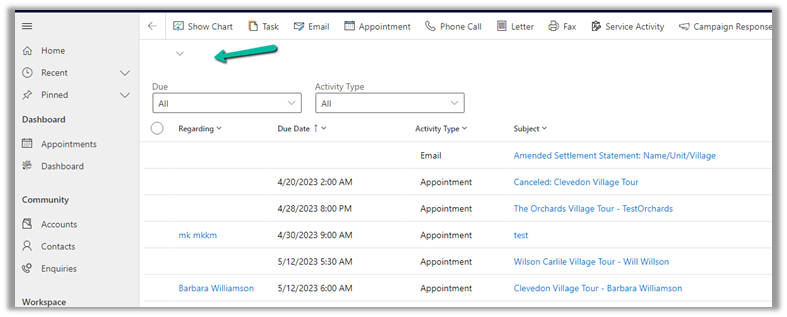
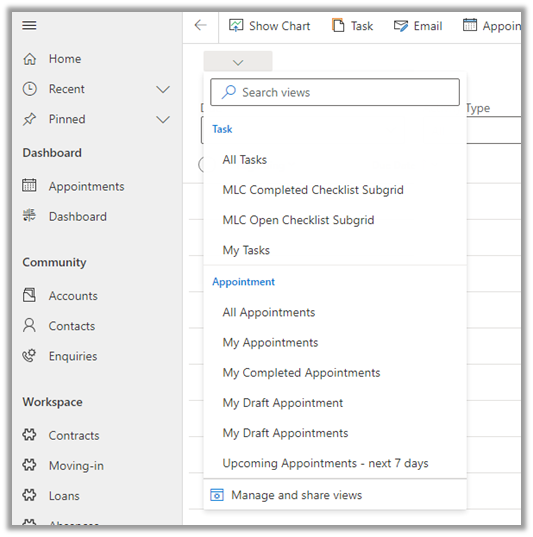
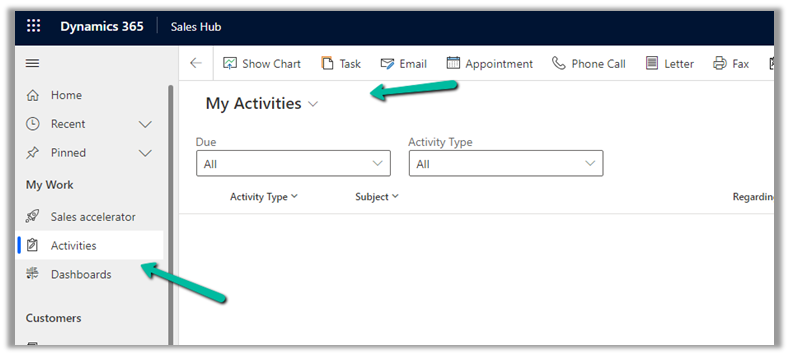
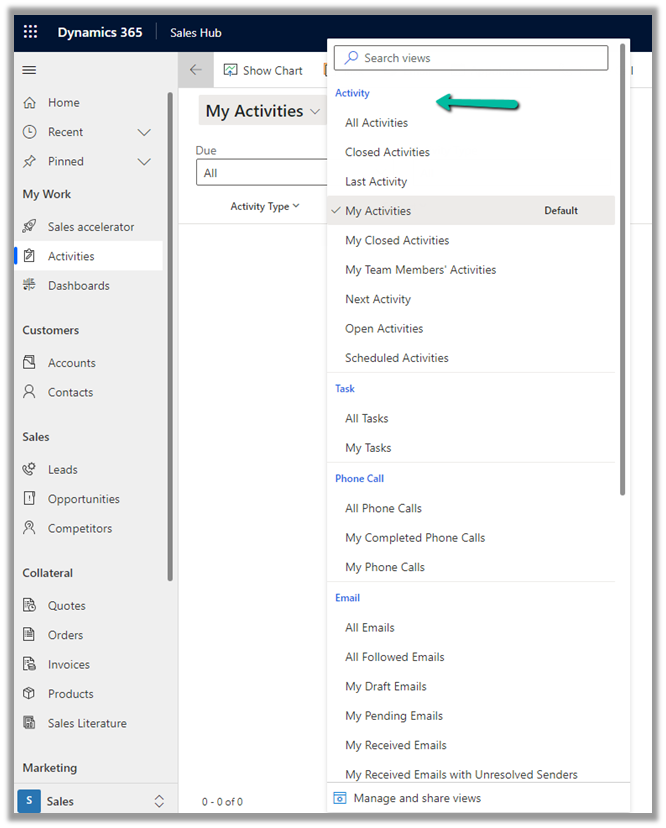
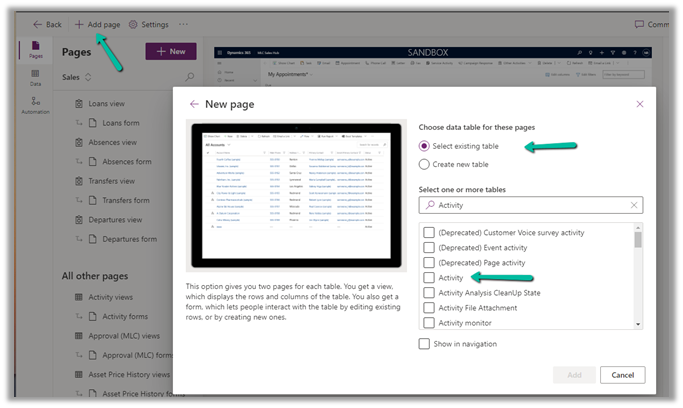
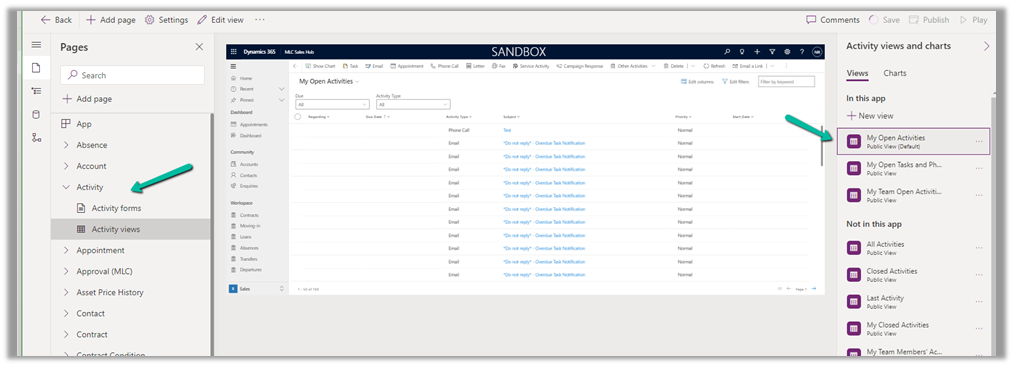
The new modern refreshed look for the Model-driven app can be enabled from Maker Portal >> Model-driven App (Edit) >> Settings >> Upcoming – Try the new look and feel (preview)
Recently in one of our custom pages, we had to set the default value (DefaultSelectedItems) of the combo box based on one of the lookup fields on the record. We were opening the custom page from the ribbon button on the form.
Below is our function to pass the record’s GUID to the custom page from the button.
    openSearchCustomPage: function (primaryControl, firstPrimaryItemId) {
        var pageInputCustom = {
            pageType: 'custom',
            name: 'custom_searchproduct_570ed',
            entityName: 'lead',
            recordId: firstPrimaryItemId
        };

        var navigationOptions = {
            target: 2,
            position: 1,
            width: 1350
        };

        Xrm.Navigation.navigateTo(pageInputCustom, navigationOptions).then(
            function success(result) {
                console.log(result);
            },
            function error(error) {
                console.log(error);
            }
        );
    }
Next in App’s OnStart, we are setting the GUID of the record to a variable first, and than setting another variable to store the GUID of the Region lookup field on that record.
// text variable passed by the form / webresource/ ribbon
Set(varEnquiryIdWithoutCurlyBraces,GUID(Substitute(Substitute(Param("recordId"),"{",""),"}","")));

// get the Region Of Interest from the Lead / Enquiry ID
// If value present use it for prefiltering the Gallery Items
Set(varRegionOfInterest,LookUp(Enquiries,Lead=varEnquiryIdWithoutCurlyBraces, 'Region of Interest'));
And lastly, for the combo box (Items = Region (custom table)), we are setting the DefaultSelectedItems as follows
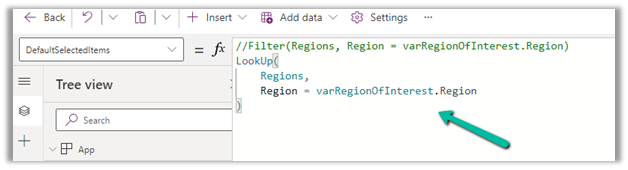
LookUp(Regions,Region=varRegionOfInterest.Region)
We also tried using the Filter option, but it was giving incorrect values.
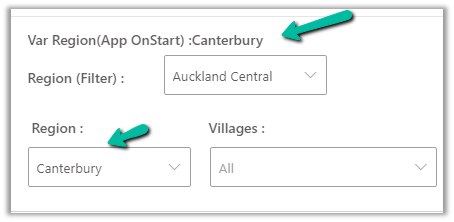
The value on the form –
The value in the Custom Page –
Correct value populated for combo box Region, and incorrect for the one using Filter formula
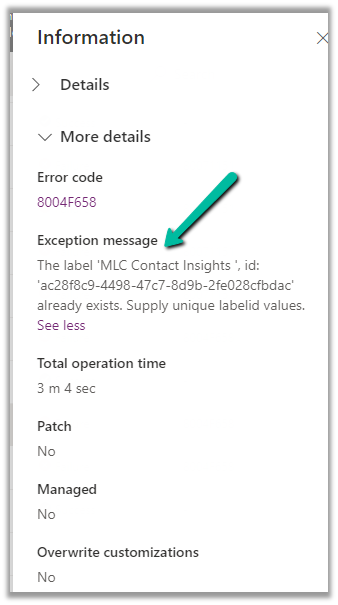
While trying to import the solution (patch), we were getting the below error.
“Expected non-empty Guid”
There was hardly any detail in the log file also
We tried removing the solution component one by one in our source environment and trying the import again in the target environment.
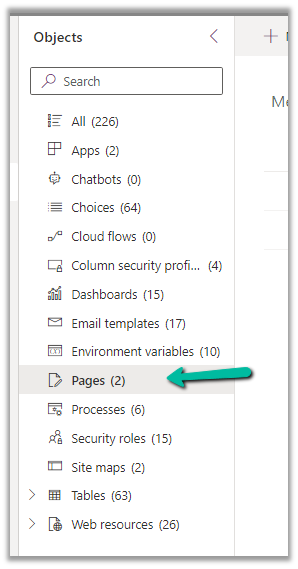
Eventually removing the Pages (custom page) allowed us to import the solution successfully into the target environment.
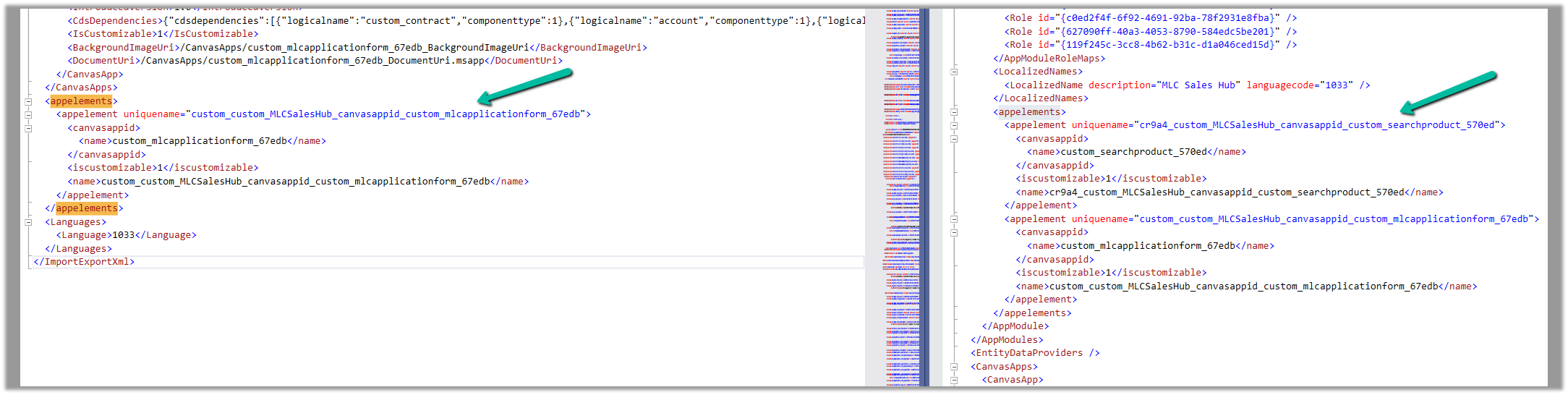
We then compared the customization.xml of the current solution with the backup solution of the Target and see the information missing in the current solution.
Left is – Current solution (giving error) and Right is the backup solution of the target.
Interestingly next time when we extracted the new patch after a couple of days, we could see the tag there and so no issues that time.