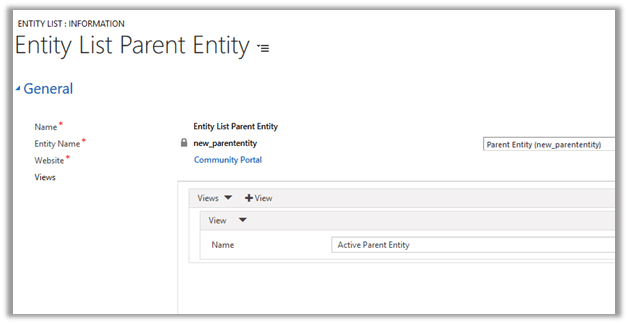
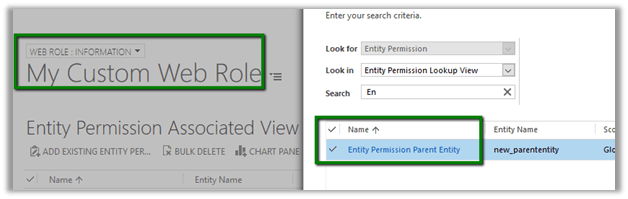
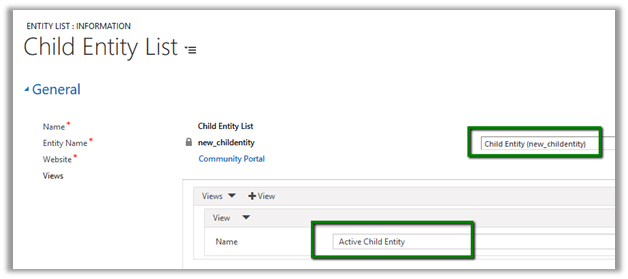
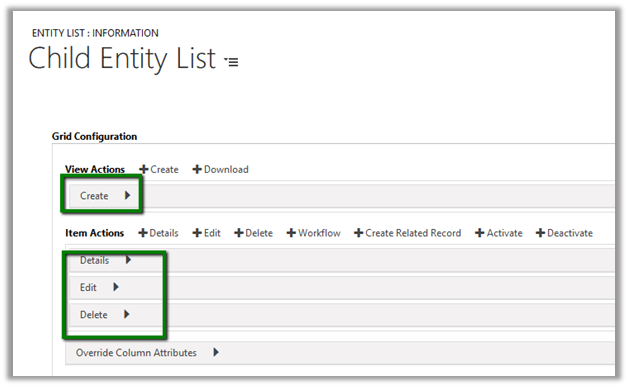
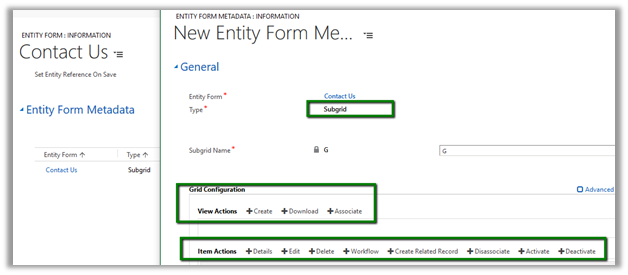
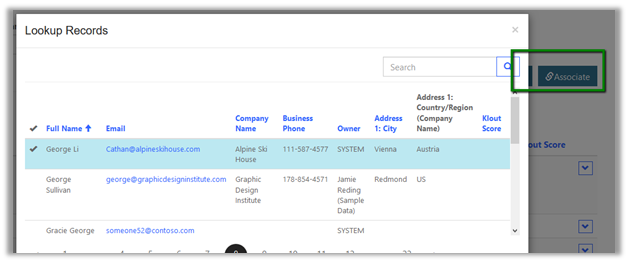
Similar to configuring Actions for Entity Form we can specify Actions for Entity List.
https://nishantrana.me/2017/02/27/adding-actions-qualify-workflow-delete-etc-for-entity-form-in-portal-in-dynamics-365/
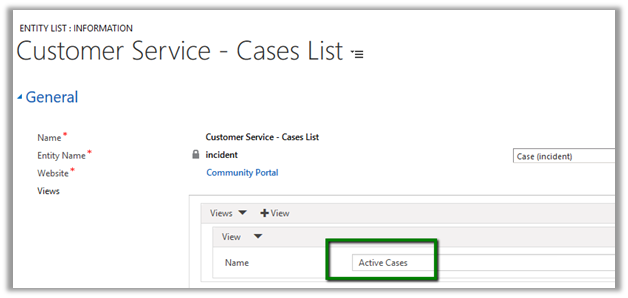
Let us take example of Case List that comes configured with Community Portal for incident\cases entity.
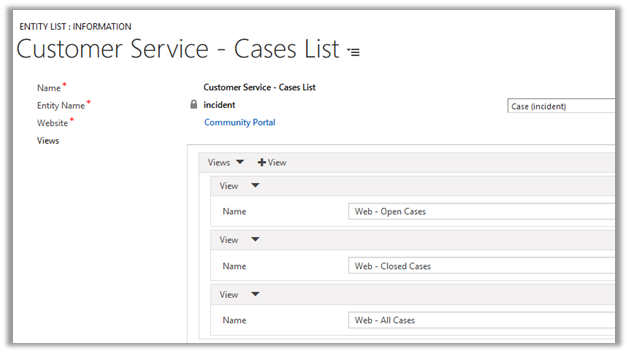
Inside portal this is how the list shows up as grid à

To define Actions we need to go to Options tab à
Grid Configuration

View Actions lets us define actions for the View which are Create and Download.
For Create we need to define an entity form, web page or an URL configured for Insert for incident record.
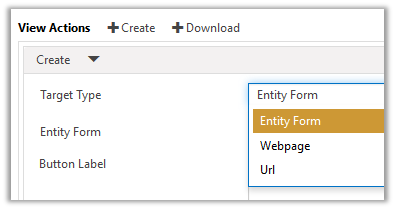
Below we have selected Target Type as Entity Form and Create Case as the Entity Form.

This adds the Create button in the portal

Clicking on Create opens the Entity Form for Insert.

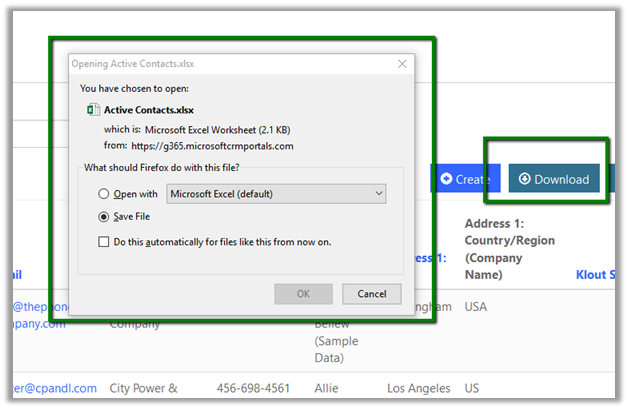
Download Action lets user to export the records to Excel

This adds the Download button in the page.

Clicking on Download opens the save as dialog

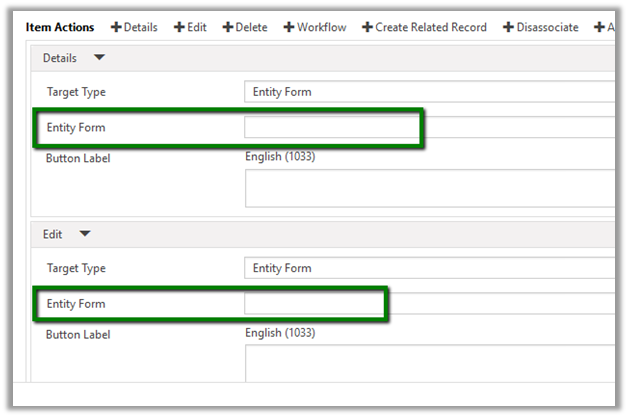
For Details and Edit Item Actions we need to specify either Web Page, Entity Form or URL to a page having Entity Form defined for Incident\Case entity.
Below we have specified the Edit Case Entity Form.

Inside Portal

Clicking on them opens the Entity Form
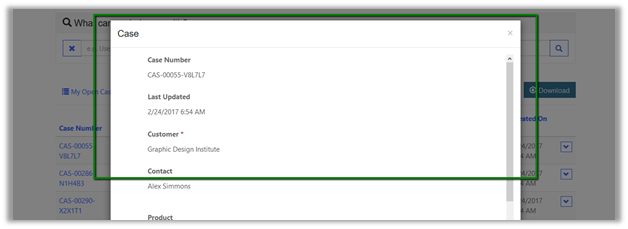
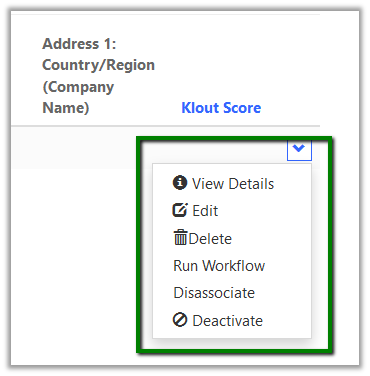
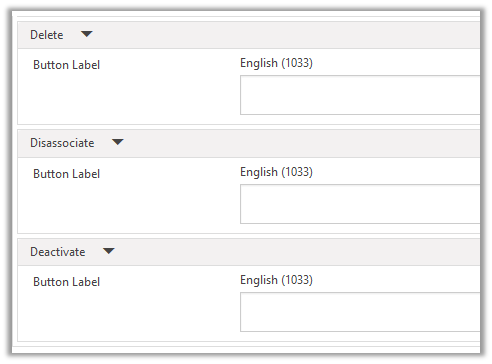
Similarly, we can add rest of the Item Actions like Delete, Close, Resolve, Cancel etc.
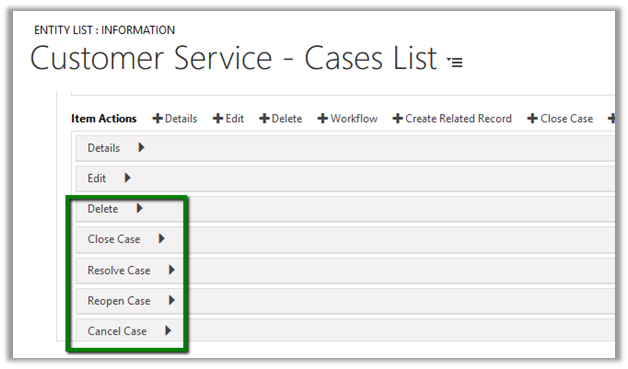
This add the corresponding options to the grid in the portal.
As we are showing all the Active Records it automatically hides the Reopen Case button.

Here clicking on Cancel Case, cancels the Case record in CRM and shows the below message in the portal.

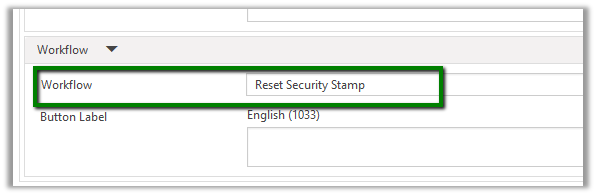
For Workflow Action, we can define an On Demand Workflow created for the Case Entity.
Suppose we have following workflow defined for Case.
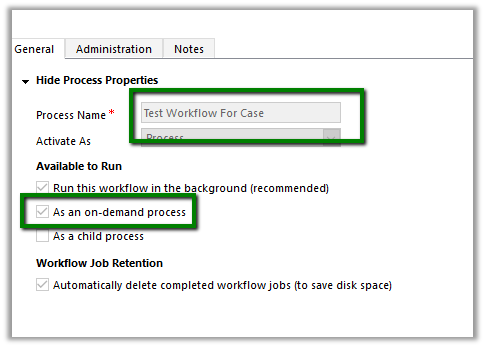
Configuring the same inside Entity List

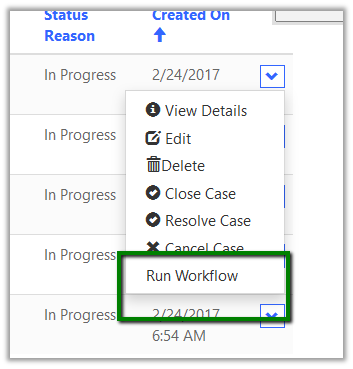
In the portal we get the option to Run Workflow
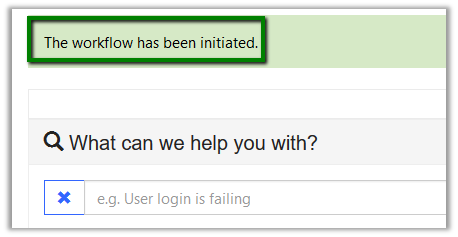
Clicking on it gives the below message
Hope it helps..