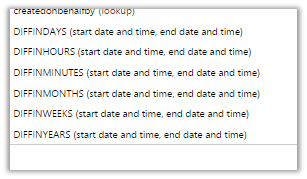
Calculated fields in CRM 2015 (after Update 1) includes functions to calculate difference between date time fields.
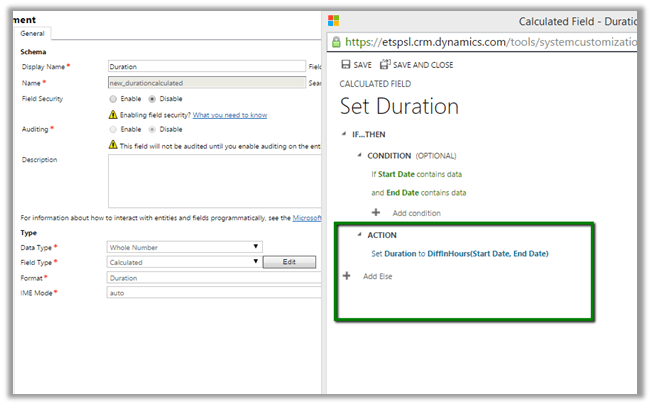
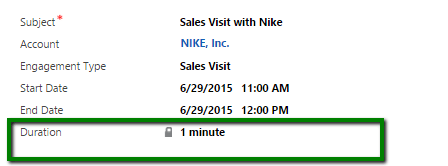
Now we can define the Duration (custom calculated) field in the following manner
Hope it helps..

Calculated fields in CRM 2015 (after Update 1) includes functions to calculate difference between date time fields.
Now we can define the Duration (custom calculated) field in the following manner
Hope it helps..

New version of Chrome doesn’t showModalDialog method.

As an alternate we can use Xrm.Internal.openDialog method
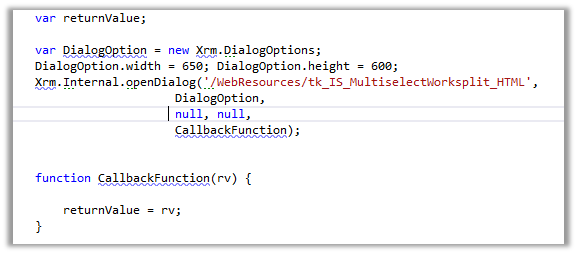
We need to refer ClientGlobalContext.js.aspx

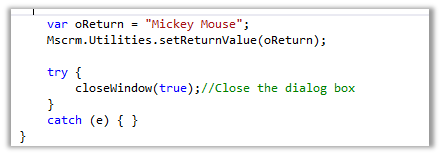
To return value to the parent window and close the current window
Helpful links
https://debajitcrm.wordpress.com/2014/04/29/exploring-the-xrm-internal-namespace-in-crm-2013/
https://dynamicsofdynamicscrm.wordpress.com/2014/04/28/call-crm-2013-modal-window-for-webresources/
https://mscrmmindfire.wordpress.com/2014/04/23/open-dialog-box-like-crm-2013/
MOST IMP – It is unsupported
Hope it helps!!

When you work with HTML web resources, There might be situations where you need data about the CRM.
“ClientGlobalContext.js.aspx” gives the Context information out side of the CRM FORM.
when we do reference to the above file, what comes next is How to refer the above file., it takes some time to figure out.,
Way1: http://âClientGlobalContext.js.aspxâ << refer like this when you use a web resource with out having folder conventions>>
Way2: http://â../ClientGlobalContext.js.aspxâ << refer like this when you use web resource with a folder like structure
For example:Web resource name is referred as “test_/new_HTMLResource.htm”>>
Way 3: http://â../../ClientGlobalContext.js.aspxâ << refer like this if the web resource looks like this “ test_/testing1/new_HTMLResource.htm”
I hope this would help and save lot of time of yours when you start working with Web resources

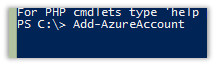
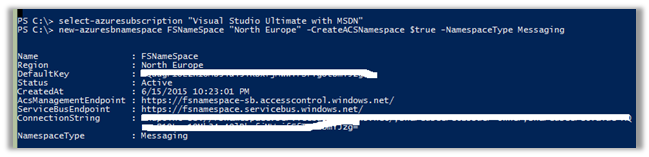
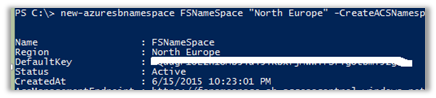
Run Microsoft Azure PowerShell
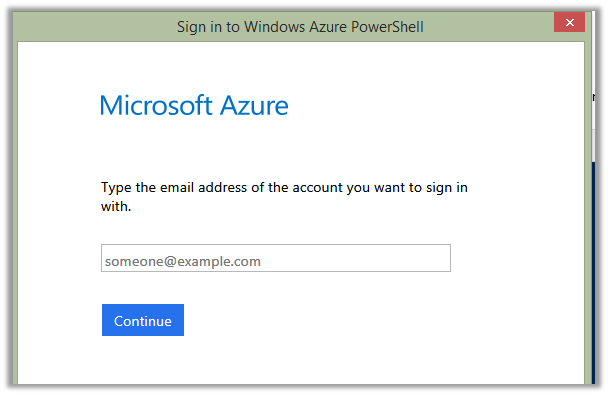
Sign in using your Azure Account.
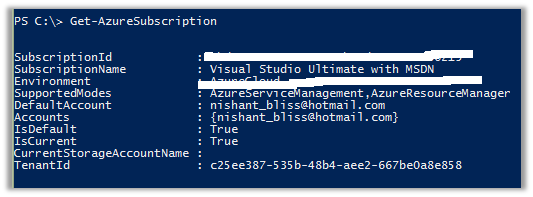
Open Azure Management Portal
https://manage.windowsazure.com/
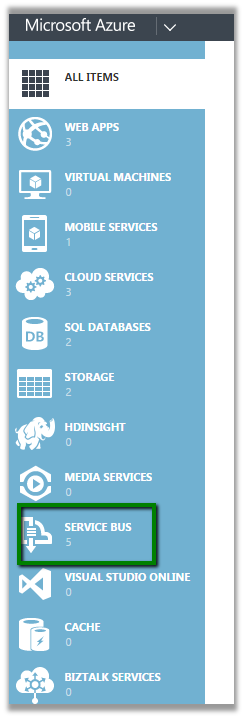
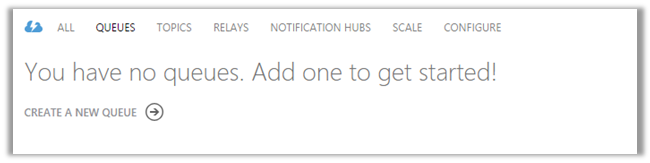
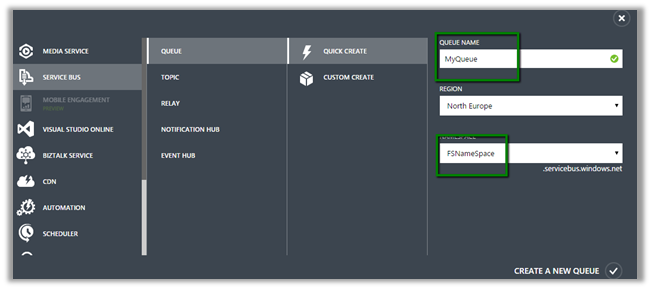
Click on the Service Bus à Queues and Create a Queue using Quick Create
Now open Plugin Registration Tool.
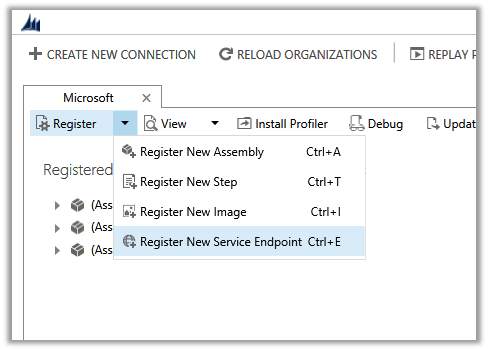
Solution Namespace – Name Space we gave to our Service Bus.
Path – Name of the Queue.

Cick Save & Configure ACS
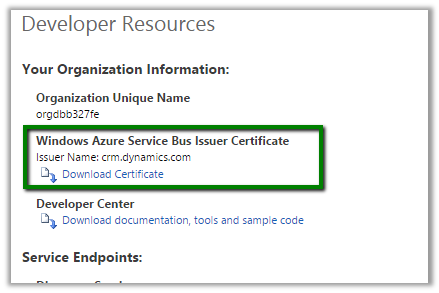
Management Key è Default Key
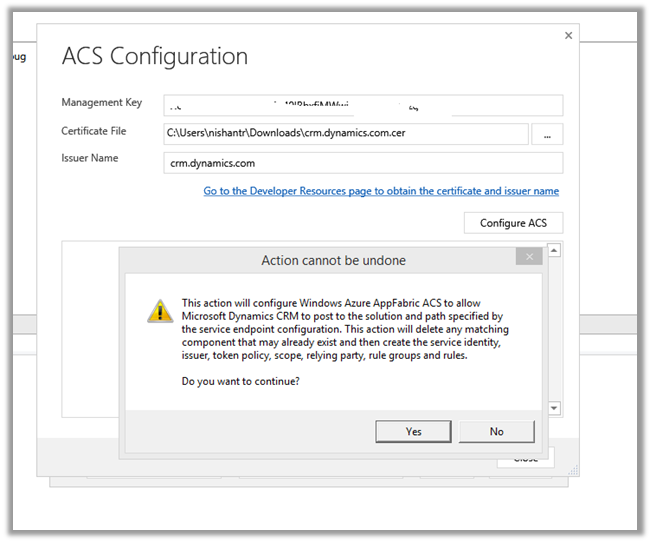

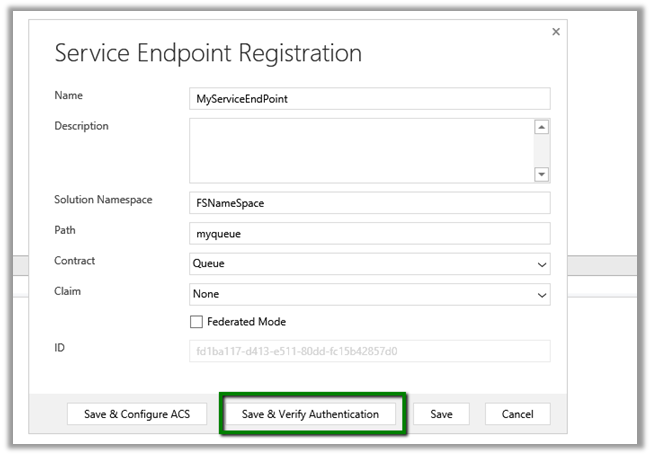
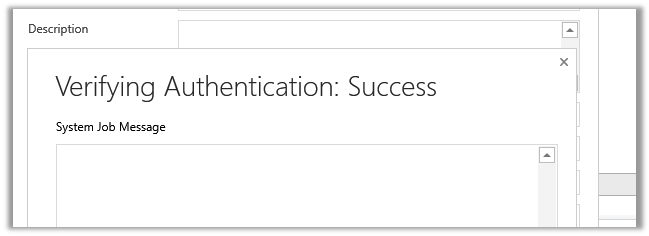
Click Save.
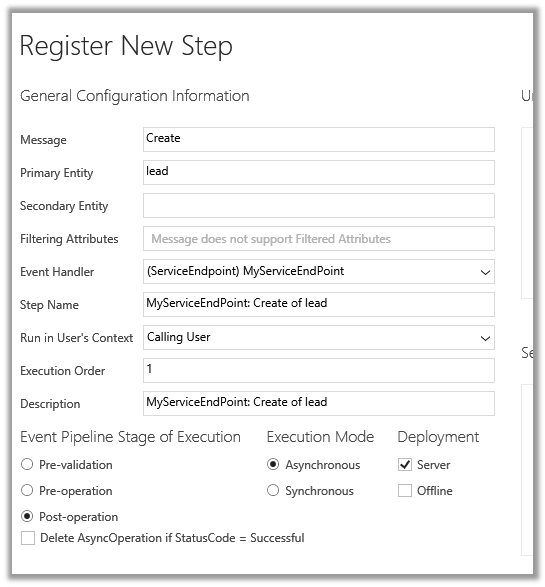
Now register a new Step. (Post Lead Create Asynchronous)
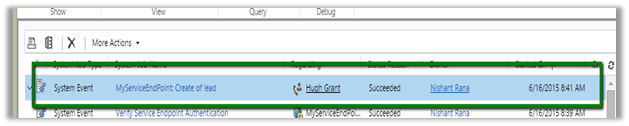
Create a new Lead record in CRM.
Check the System Job.
Hope it helps..

If you try to delete the out of the box reports from a Dynamics CRM 2011 system, you will find you will get the error :
“You cannot complete this action for this component because of the configuration of it’s managed properties”.
Now, a lot of people don’t like to have the Sales or Marketing reports there. Maybe you are just using CRM for straightforward case management, or maybe you’ve got all your own custom entities and the users are confused about what is in their sales pipeline report!
One way to get around this (as of CRM 2011 Rollup 12 – Feb 2013), is to flick the isManaged switch in the database for each report. This can be achieved by running the following SQL query against the organisation database :
Once you’ve done this, simply go to the UI and try to delete the reports again.
EDIT 1
If you…
View original post 54 more words

Hi,
Was getting the below error while building in the Unit Test Project
The Unit Test project was showing the following assemblies as missing
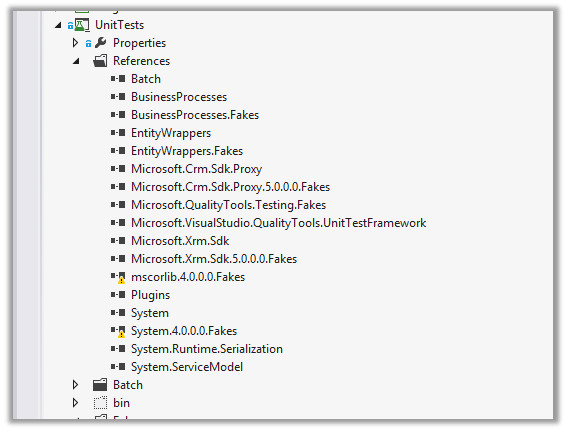
Tried generating the fakes for them but still the issue didn’t resolve.
Then finally copied the missing assemblies from another development machine to my dev machine’s FakeAssemblies folder.
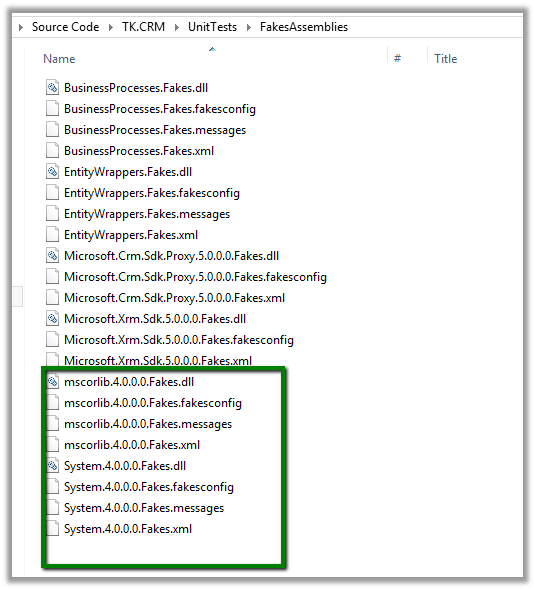
This fixed the issue.
Hope it helps..


