
In Portal, we have few Site Setting records that defines the registration behavior.
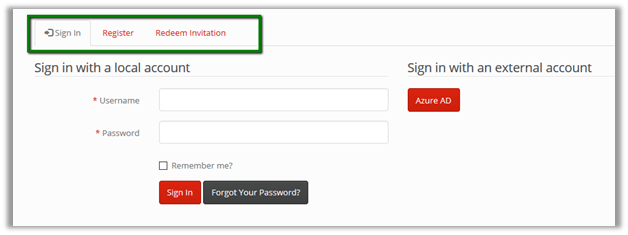
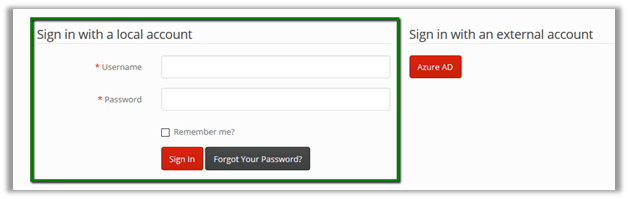
By default, if user clicks on Sign In page, we see the below options i.e. Sign In, Register and Redeem Invitation as well as Sign in with an external account.
If we want to disable Local Login then we can set the below Authentication/Registration/LocalLoginEnabled value as false.
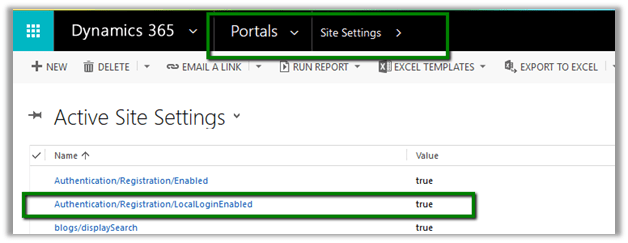
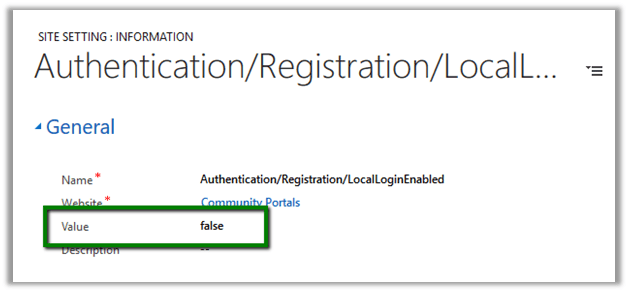
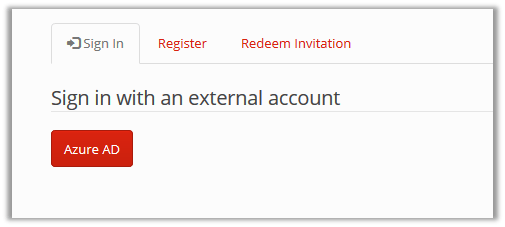
This hides the Sign in with Local Account option.
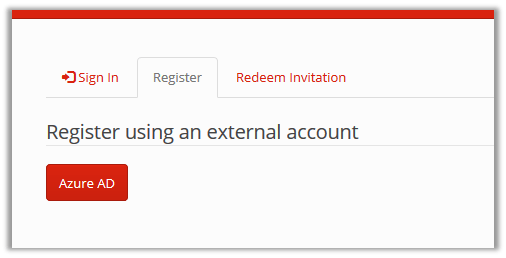
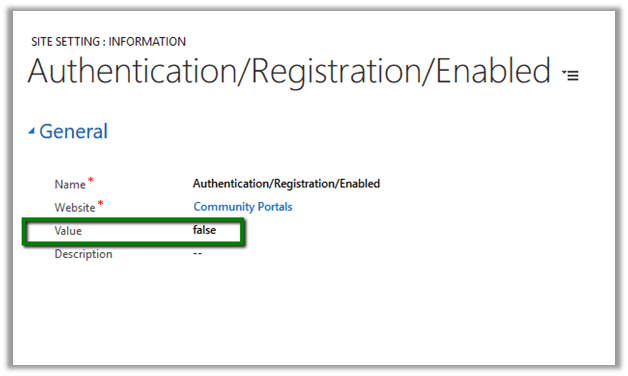
For disabling the Registration option we can set the below site setting record as false.
This hides the Registration tabs from the sign in page
Setting both the above site settings as false, presents the user with the only option of using Azure AD for signing in to the portal.

Hope it helps..












 Nishant Rana's Weblog