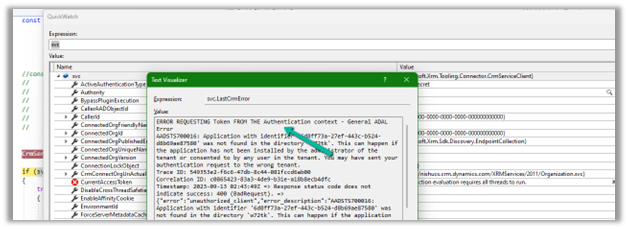
AADSTS700016: Application with identifier ‘6d8ff73a-27ef-443c-b524-d8b69ae87580’ was not found in the directory ‘w72tk’. This can happen if the application has not been installed by the administrator of the tenant or consented to by any user in the tenant. You may have sent your authentication request to the wrong tenant.
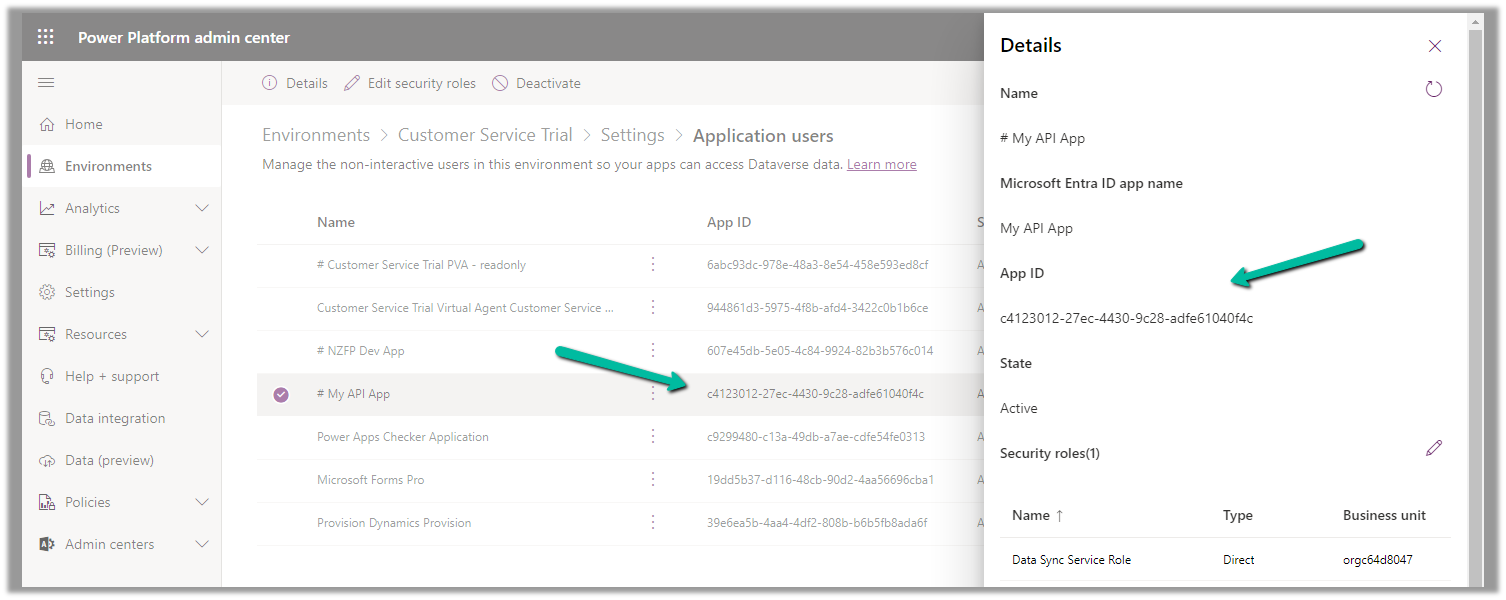
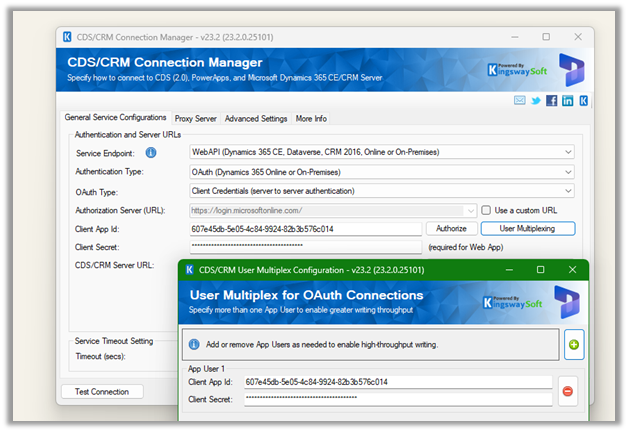
This could be if we have specified wrong Client or App Id.
Check the correct App Id either from Azure you can also refer to the correponding Application User created for it.
Recently for setting up a new environment, we created a new sandbox environment and copied the production environment to it. Next, we had to reduce the storage space occupied by this new environment.
We followed the below steps
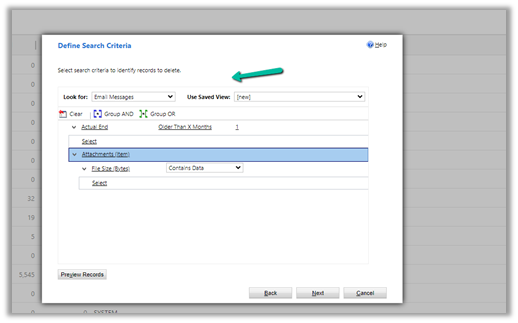
Bulk Deletion Job – Delete Email Messages having Attachments older than 1 month.
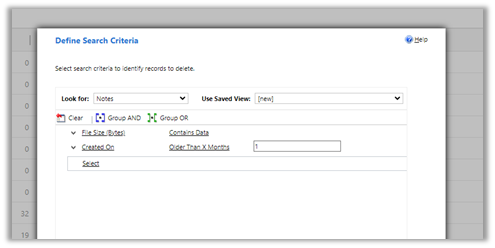
Bulk Deletion Job – Delete Notes having attachments older than 1 month.
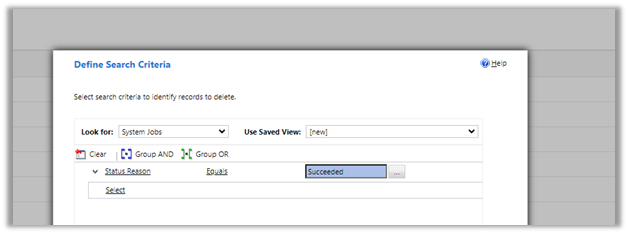
Delete System Job with Status as Succeeded.
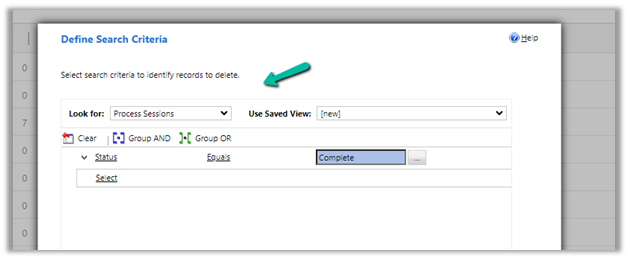
Delete Process Session with Status as Complete
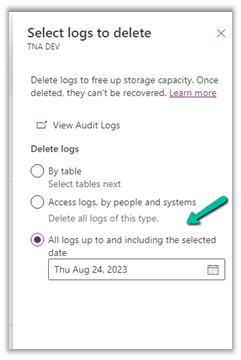
For Logs, we deleted Audit Logs
Similarly, we can also delete Plugin Trace Logs records.
These steps allowed us to decrease the Database Usage from 110 GB to 65 GB.
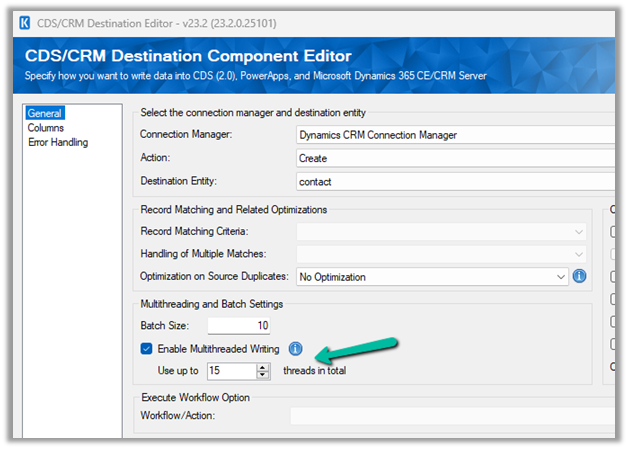
Now let us try making use of the xMultiple feature (CreateMultiple, UpdateMultiple, and CreateMultiple messages) of the CRM / CDS Destination Component.
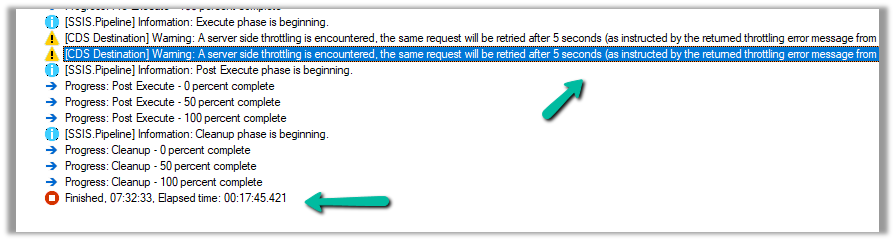
We have updated the Batch Size to 100 to trigger the xMultiple
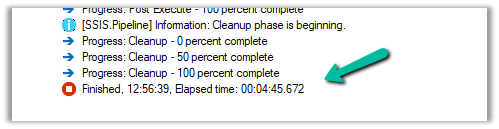
However this time we got the service throttling error, and it took around 17:45 minutes.
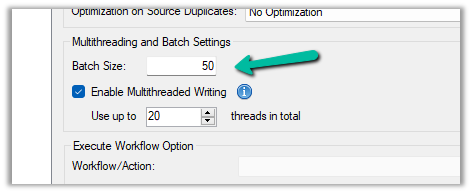
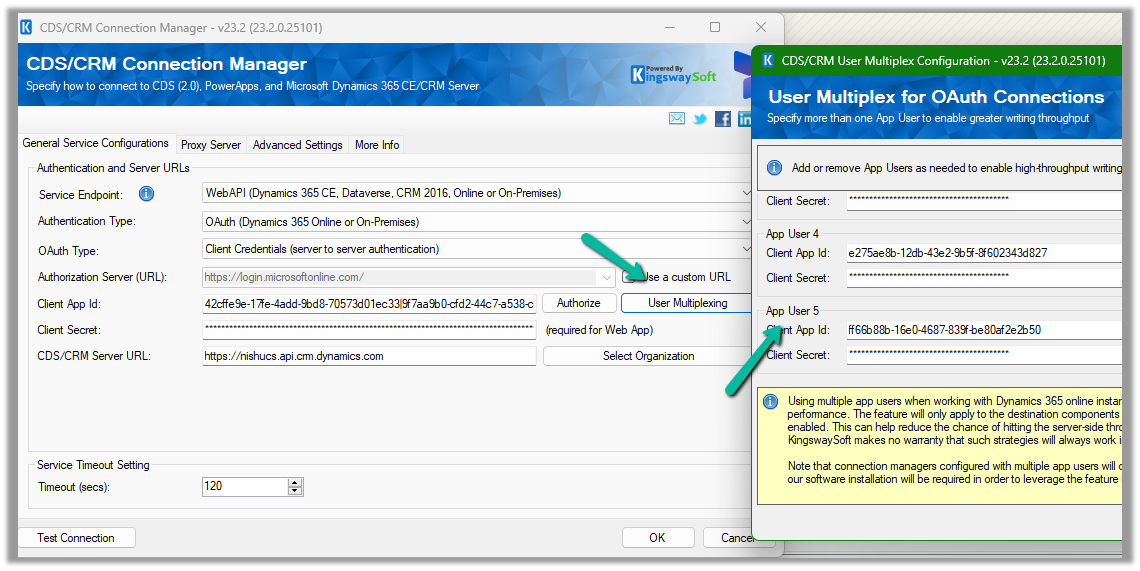
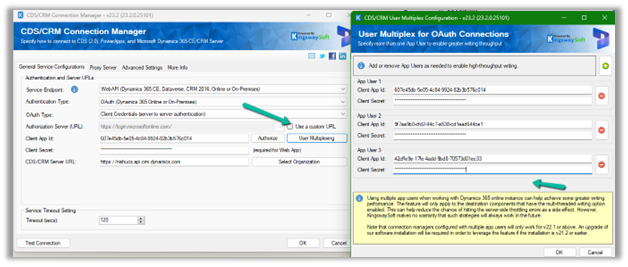
Let us try decreasing the batch size to 50 (to trigger xMultiple), keeping the thread the same as 20, and User Multiplexing with 5 Application users.
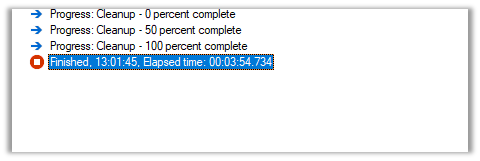
No throttling warning this time and took around 10:42 minutes.
Now let us try the same setup, for a custom table instead of a standard table.
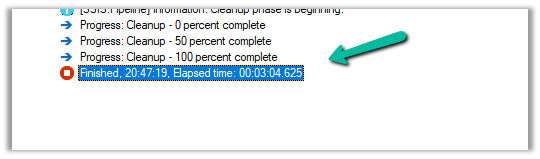
Here we have run our package to create 20K records, with User Multiplexing ( 5 Application users), Batch Size 10, and 20 Threads for our custom table named My Table.
It took around 3:04 minutes.
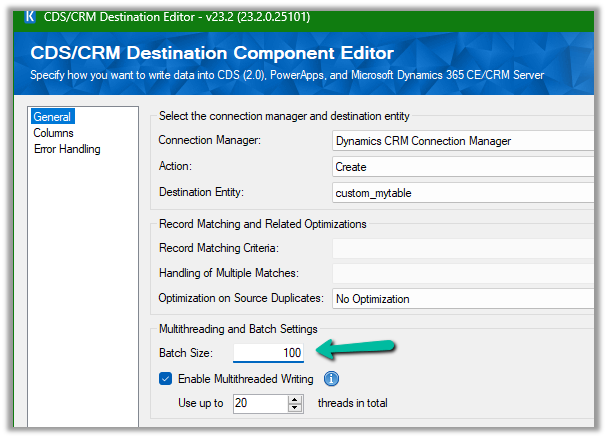
Let us increase the batch size to 100, to get the xMultiple enabled.
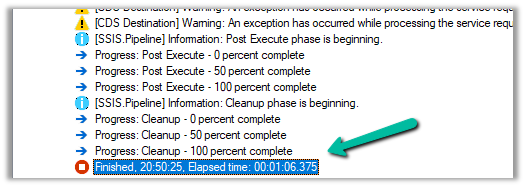
It took 1:06 minutes.
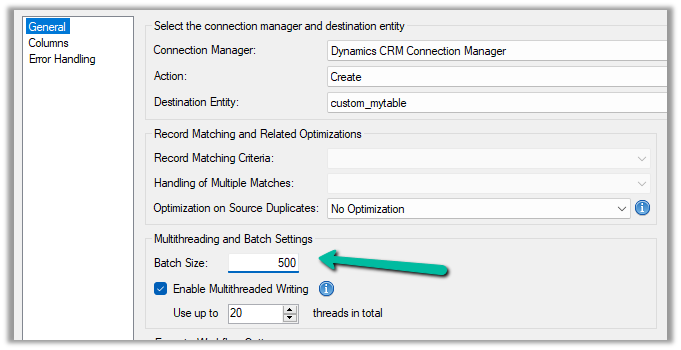
Let us set the batch size to 500
It took around 42 seconds.
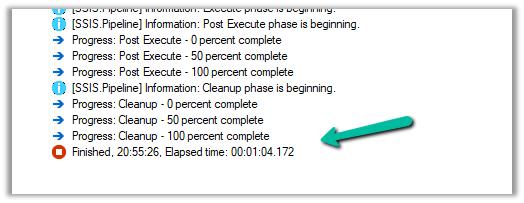
And with 1000 batch size – 1:04 seconds
We can see huge performance improvements using xMultiple when it comes to a custom table.
So I think to get the performance improvements for the standard table we could stick with Batch Size – 10, Thread –10-20, and increase the number of users (Multiplexing).
But for the custom table, we could increase the batch size to either 100 or 500 to make use of xMultiple along with Multiplexing.
Recently we had a requirement to remove an existing plugin, as that was no more required.
Of course, we can simply disable the step here, but then going forward we might end up with too many such plugins and we will always have an overhead to make sure those steps are disabled, whenever we deploy the plugin to other environments,
As a first step, we can remove the plugin class from the project, either exclude or delete
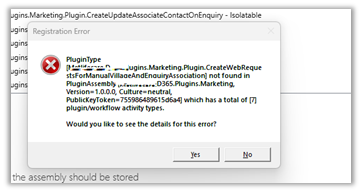
Here, if we try to update the assembly we will get the error about the missing Plugin Type.
So as a next step, we need to Unregister the plugin from the Assembly through the Plugin Registration Tool.
Now we will be able to update our Plugin Assembly successfully.
Lastly, when we have to move the Solution having this plugin assembly to another environment, we can first remove the same Plugin Type from that environment through the Plugin Registration tool, before importing the solution.























 Nishant Rana's Weblog