Step by step – Deleting an existing plugin from Plugin Assembly (Dataverse)


Recently we had a requirement to remove an existing plugin, as that was no more required.

Of course, we can simply disable the step here, but then going forward we might end up with too many such plugins and we will always have an overhead to make sure those steps are disabled, whenever we deploy the plugin to other environments,

As a first step, we can remove the plugin class from the project, either exclude or delete

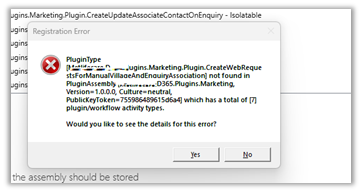
Here, if we try to update the assembly we will get the error about the missing Plugin Type.

So as a next step, we need to Unregister the plugin from the Assembly through the Plugin Registration Tool.

Now we will be able to update our Plugin Assembly successfully.

Lastly, when we have to move the Solution having this plugin assembly to another environment, we can first remove the same Plugin Type from that environment through the Plugin Registration tool, before importing the solution.

Please refer to the helpful post – https://d365demystified.com/2021/12/19/renaming-or-deleting-a-plugin-in-dynamics-365-crm/

Hope it helps..

Advertisements

Filtering Attributes for Create message – Plugin (Dataverse / Dynamics 365)


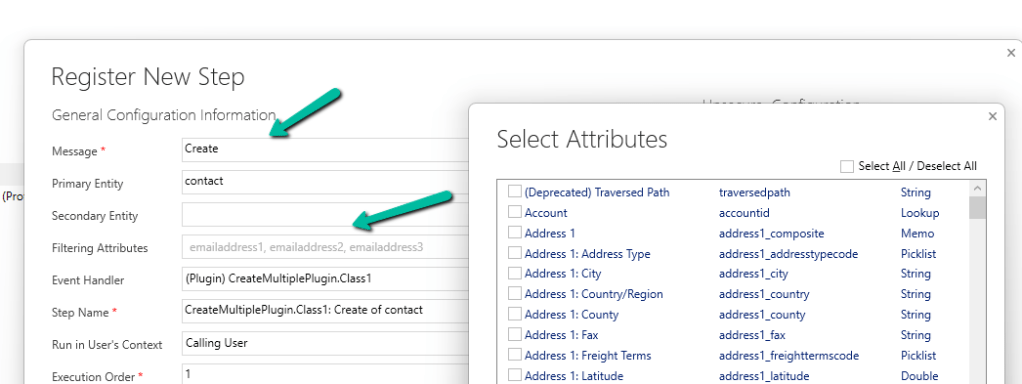
While registering a plugin step, found that we can now specify Filtering Attributes for Create message.

Check the below post for more details –

Advertisements

How to use – User Multiplexing to get better performance for Data Migration /Integration using KingswaySoft Integration Toolkit for Dynamics 365 (Dataverse / SSIS)


Let us see how we can make use of User Multiplexing to get better performance.

Below is our SSIS Package, which uses Data Spawner to create sample records, 20 K in this case, and CDS Destination to create those records (contact).

Data Spawner is used to create the 20000 contact record.

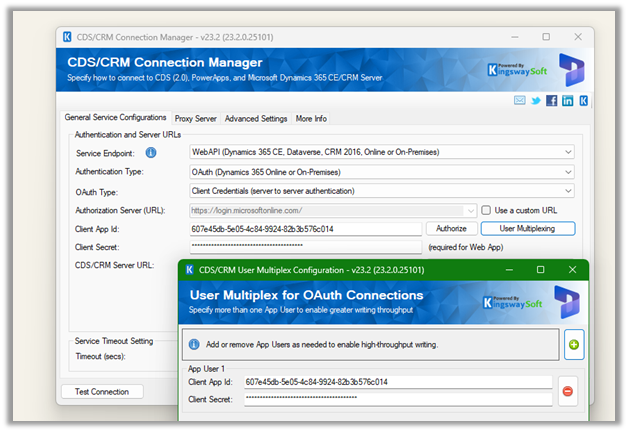
The CRM Connection is using just one application user.

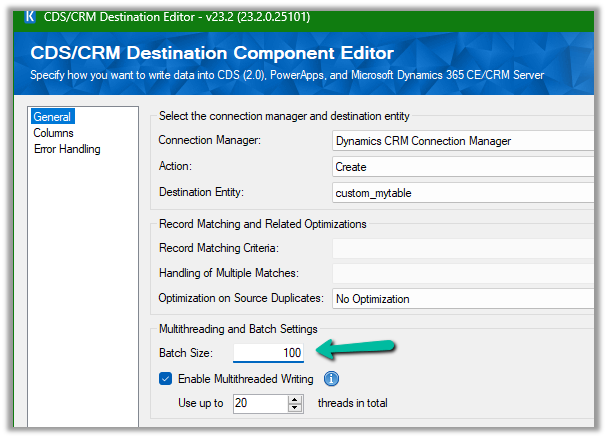
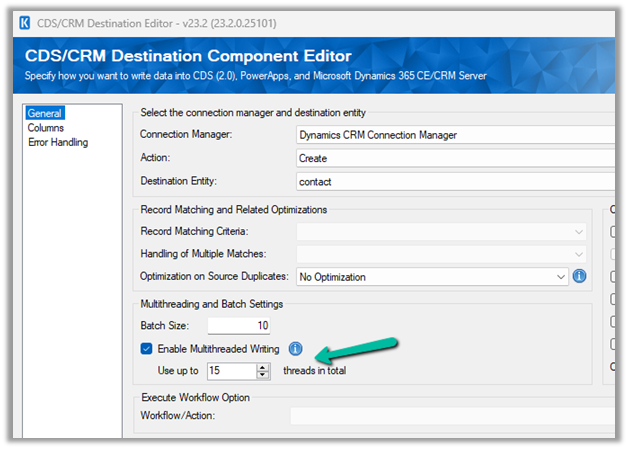
For the Destination Component we have specified,

  • Batch size = 10
  • Thread = 5

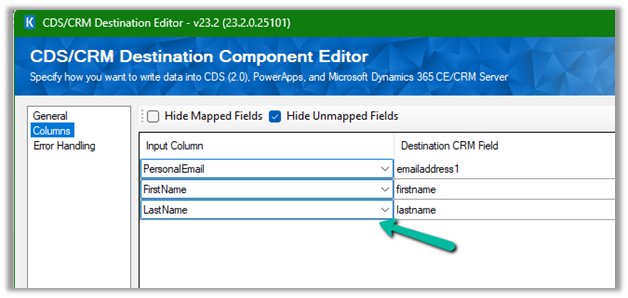
The mapping –

To create 20 K contact records with the above settings took around 20 mins

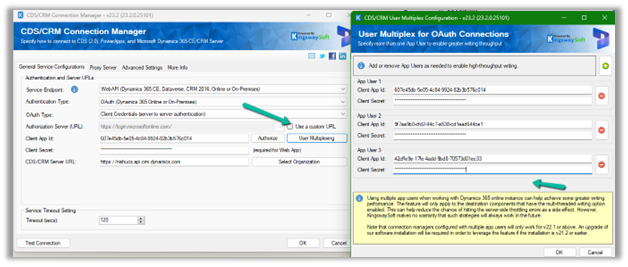
Now let’s add 2 more application users making it 3 application users in total. We’d keep the batch size and thread the same i.e. 10 and 5.

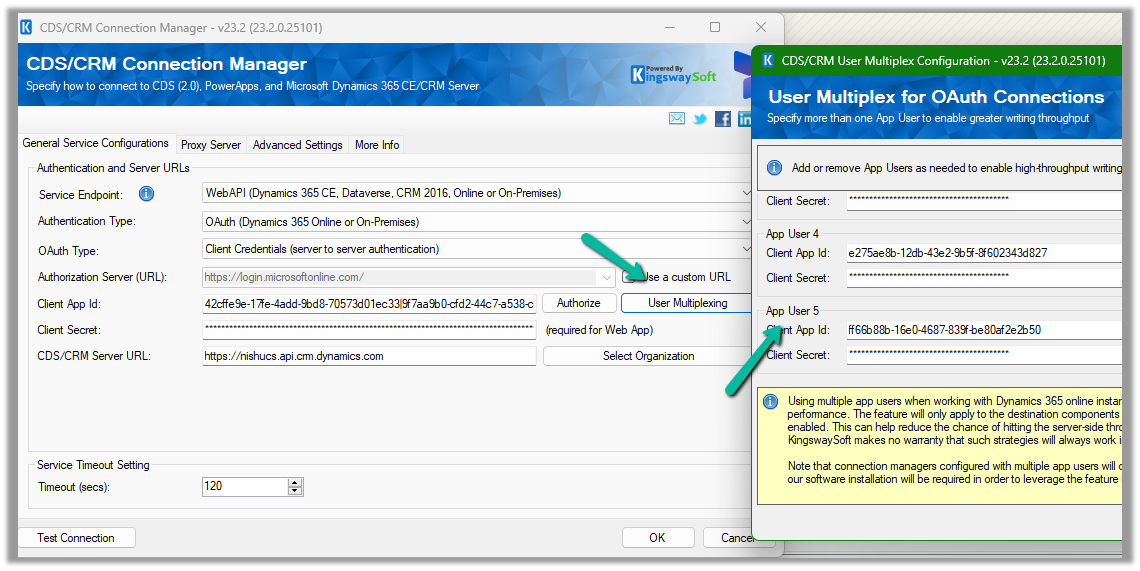
Open the Connection Manager>> User Multiplexing and add 2 more application users configured in the environment.

Let us run it again and observe the performance, this time it took around

11 minutes.

Let us increase the thread to 15 this time and see

It came down to 6 minutes.

Now let us keep the batch size at 10 and thread at 15, but increase the number of application users to 5.

This brought it further down to 4:45

Let us run now with 10 batch sizes, and 5 application users but with 20 threads instead of 15.

It took 3:54 minutes

So to create 20 K contact records –

Batch Size

Thread

Application Users

Execution Time (mins)

10

5

1

19:39

10

5

3

11:17

10

15

3

6:47

10

15

5

4.45

10

20

5

3.54

Thus we need to consider using User Multiplexing (having different connections running under different application users) for better performance.

Get all details here – https://www.kingswaysoft.com/products/ssis-integration-toolkit-for-microsoft-dynamics-365/help-manual/crm/connection-manager

Hope it helps..

Advertisements

Cleaning up the ActivityPointBase to free up storage– Dataverse / Dynamics 365


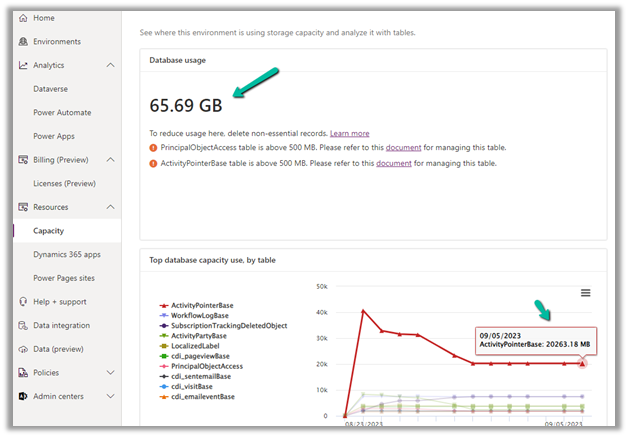
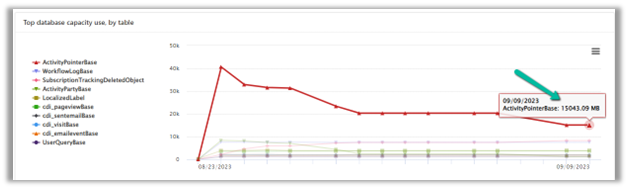
In one of our environments, the ActivityPointBase table was occupying nearly 20 GB. It was earlier 40 GB, and we then deleted email records to bring it down to 20 GB.

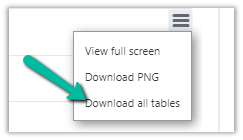
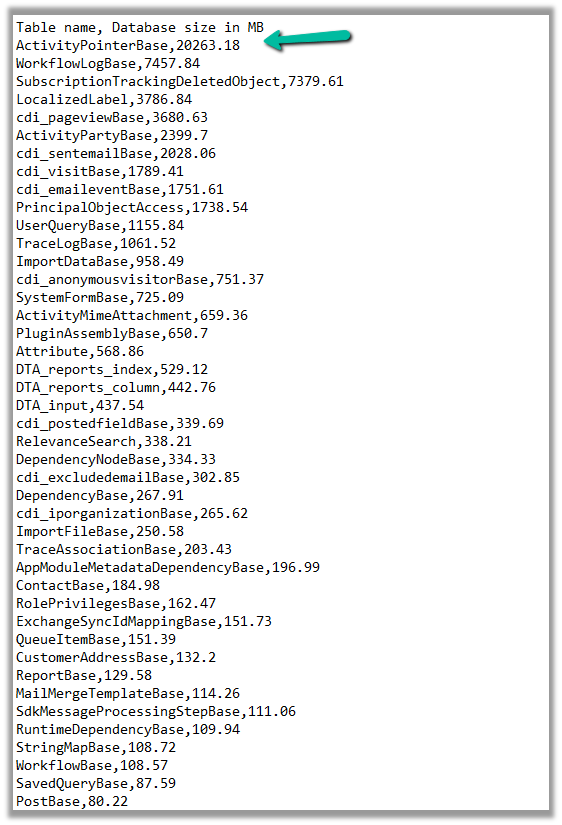
On downloading the table details, we did not get a clear idea of what activity-type table was occupying that much space.

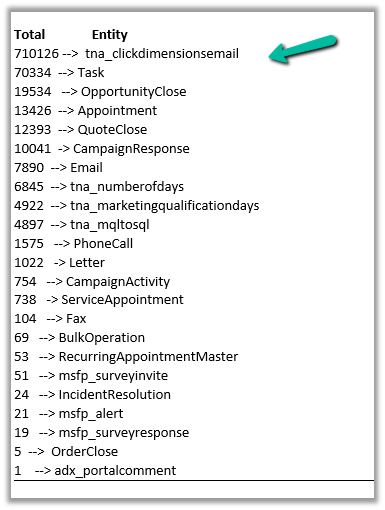
So we raised the Microsoft Support ticket, and they shared with us the breakdown of records occupied by different activity type tables.

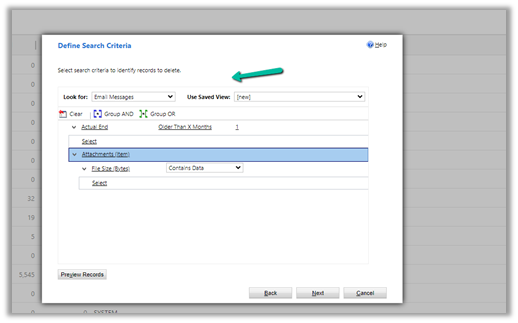
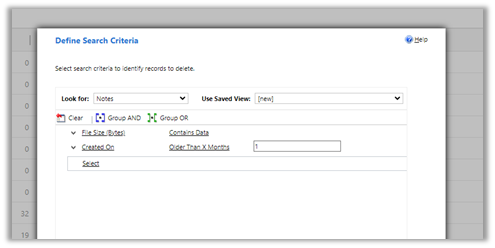
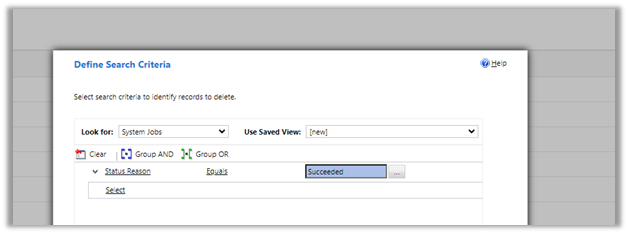
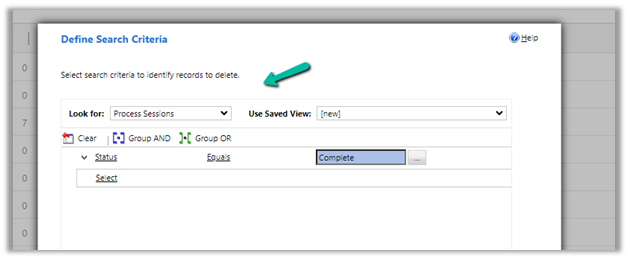
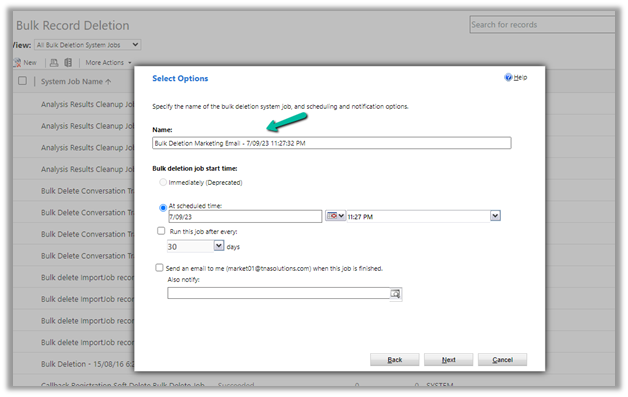
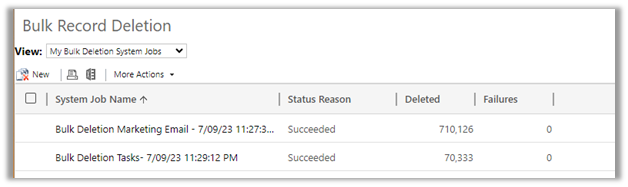
Then we configured our Bulk Deletion Job to delete the corresponding activity type records.

This helped us to bring down the ActivityPointerBase from 20 GB to 15 GB.

https://learn.microsoft.com/en-us/power-platform/admin/capacity-storage

Hope it helps..

Advertisements
Reparent relationship cascading behavior in Dynamics 365 / Dataverse


Check out the below articles explaining in detail the Reparent behavior.

About the reparent action

Advertisements

Dataverse Custom API – Key Articles / Tool


Thanks to David Rivard for the wonderful articles and XrmToolBox Plugin Custom API Manager on Custom API

Custom API Test (XrmToolBox plugin) by Jonas Rapp

https://www.xrmtoolbox.com/plugins/Rappen.XrmToolBox.CustomAPITester/

Also check the other interesting articles on Custom API –

https://xrmdynamicscrm.wordpress.com/tag/dynamics-crm-custom-api/

https://www.pragmatic-development.io/blog/implement-business-logic-with-dataverse-custom-api/

Advertisements