
Sharing a simple example wherein we are configuring the First Name field of the Contact Us Entity Form for the lead entity using Entity Form Metadata.
Suppose we have the below Entity Form configured for Lead entity.

Now go to Entity Form Metadata tab and create a new record.
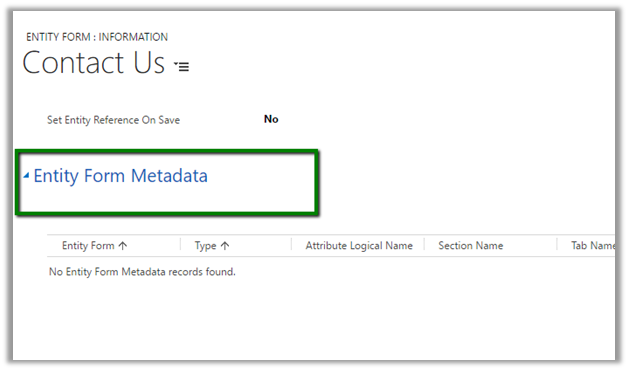
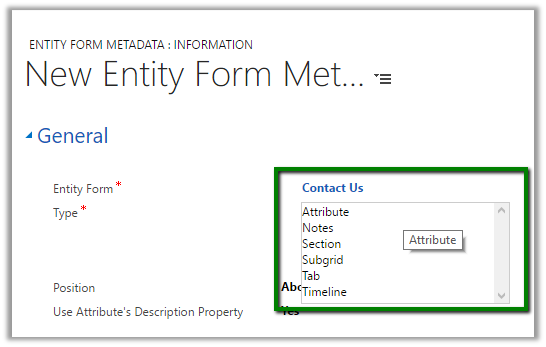
The record allows us to configure Attribute, Notes, Section etc.
Let us configure the First Name field.
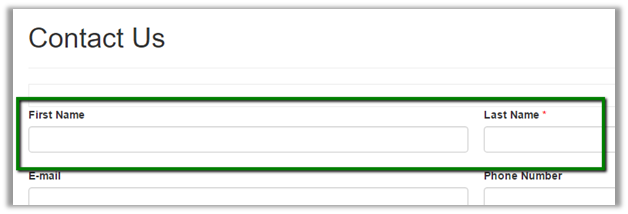
Change the label to “Please Enter First Name”.
First select Type as attribute and specify “firstname” as the attribute to be configured. And then provide the Label.
 Prepopulate the field from the First Name of the Current Portal User.

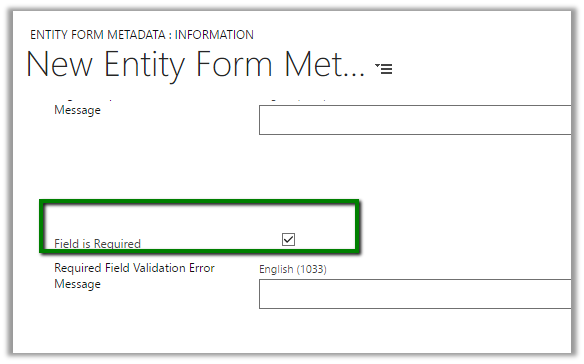
Make the field required
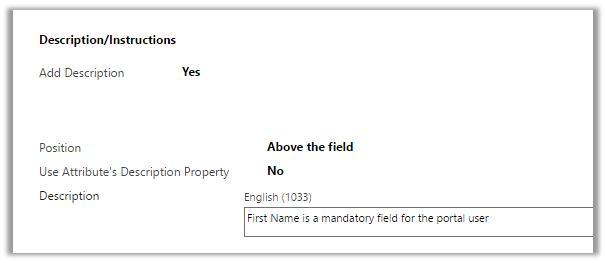
Add instructions to the field
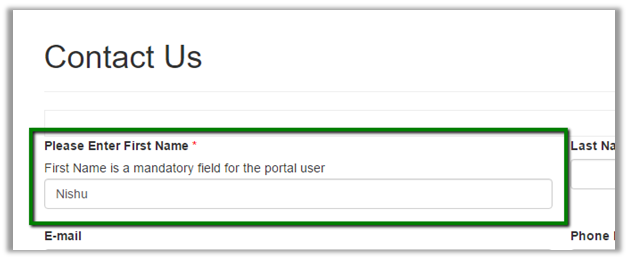
Refreshing the page in the portal updates the first name field in the portal accordingly –
Hope it helps..














 Nishant Rana's Weblog