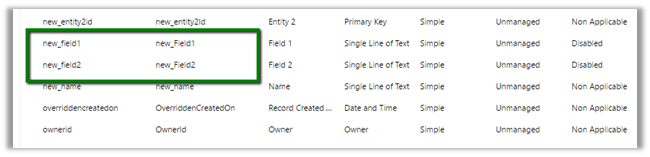
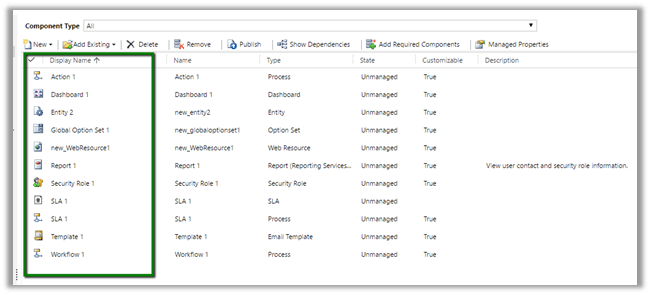
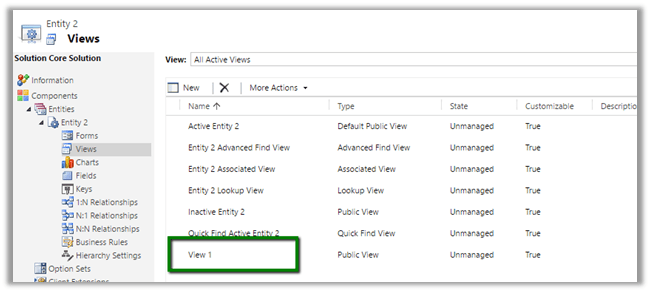
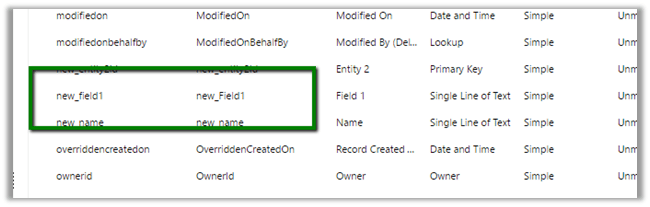
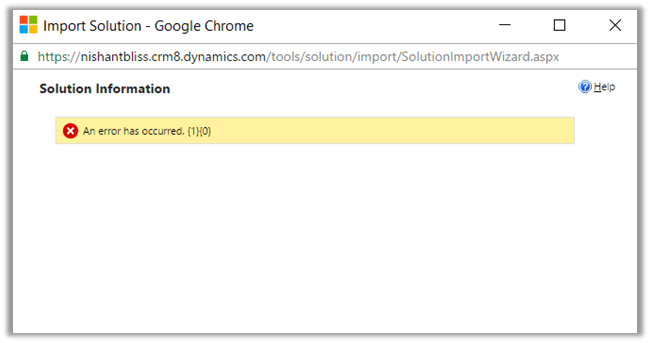
Fixed: Cannot add a Root Component 00000000-0000-0000-0000-000000000000 of type 20 because it is not in the target system error while importing managed solution in CRM 2016.


Hi,

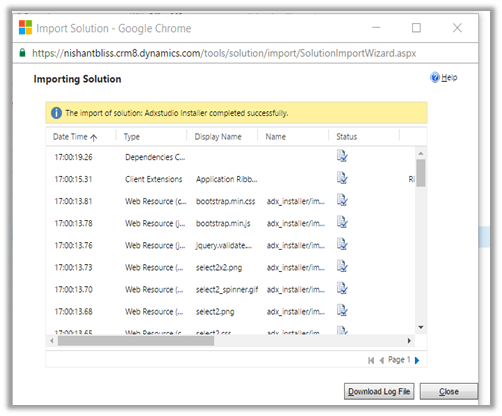
Today we faced this issue while importing managed solution extracted from our Dev Environment to Test Environment (CRM 2016 Online Update 1).

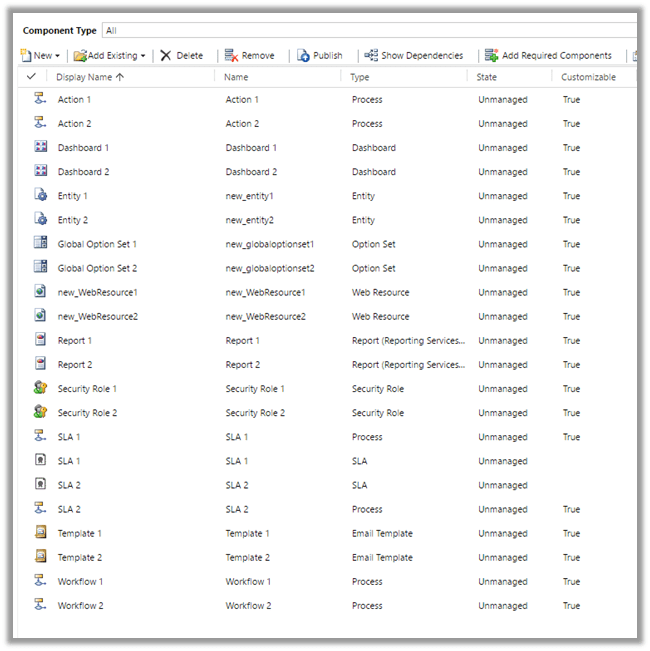
As suggested by few of the posts online, the culprit was the System Customizer role. We removed it from our solution and then imported it back and it got imported successfully.

Helpful Post

http://crmkid.com/tag/cannot-add-a-root-component/

Hope it helps..


IPluginExecutionContext Depth is 2 in Create Plugin during Import of records in CRM 2015 (and earlier)


We had one of our plugins on Create of Opportunity however during the import of the Opportunity record it was not working properly. We had the Depth check in our plugin code to check for infinite loop as the same plugin was being used for Update also.

After some debugging we realized that Depth value is 2 instead of 1 during import.

To test this, we created a sample plugin for create of Test entity record and then imported the Test entity records.

As expected the import failed and we got our custom exception in it.

Hope this helps..

Set PartyList field To in Email in CRM 2015 (and earlier)


Sample code to set the PartyList field for Email Activity.


function setContact() {

var partlistData = new Array();
partlistData[0] = new Object();

// guid of the record
partlistData[0].id = "8B2AD82B-30D6-E511-811F-3863BB356F90";

// name of the record
partlistData[0].name = "Hugh Grant";

// entity schema name
partlistData[0].entityType = "contact";
Xrm.Page.getAttribute("to").setValue(partlistData)

}

Hope it helps..

The selected translations file is either invalid or does not conform to the required translations file schema error while importing translations in CRM 2015 (and earlier)


Hi,

While importing translations we got the below error

On opening the CrmTranslations.xml we saw the translations missing for that row.

On specifying the values for those fields and importing it back fixed the issue.

Hope it helps..

Plugin on update of Quote Detail in CRM 2015 firing on Quote Create Issue.


Hi,

We were facing one issue recently on creating Quote, where in we were getting exception on our Plugin that was registered in Post Update of Quote Detail.

It was kind of surprise for us that why it was getting triggered.

We removed all our others plugin and workflow on Quote and Quote Line but still that plugin was getting triggered. So we thought of trying it out on Vanilla instance of CRM 2016. In case of CRM 2016 the plugin registered on Post Update of Quote Detail didn’t trigger.

We then tried it on Vanilla instance of CRM 2015 On Premise (no online available), and we saw the same case i.e. Plugin getting triggered.

We were getting the following detail on Context.ParentContext (in case where Plugin on Update of Post Quote Detail is asynchronous)

                     Message – Update

         Stage – 30

         EntityReference (Target) – Quote

For Synchronous the message will be Retrieve

Hope it helps..

Import Solution progress bar rolls back without any error in CRM 2015\CRM 2013 Online.


Hi,

Occasionally while importing the solution to our UAT environment we have faced this issue where the solution hasn’t imported, didn’t give any error but has rolled back.

This issue seems to be occurring when we are facing Network Issues and Internet connection intermittently goes down.

Trying it again once the network is stable resolves this.

Hope it helps..