Auto-Closure of Task considering Work Hours and Holidays in Dynamics 365.
Recently we had a requirement to auto close the task after 2 days of due date passed. Here we had to consider work hours and holidays as well.
The good thing was that with SLA considering both work hours and holidays, we could implement this without writing a single piece of code.
Below are the steps to implement it –
Enable SLA for Task
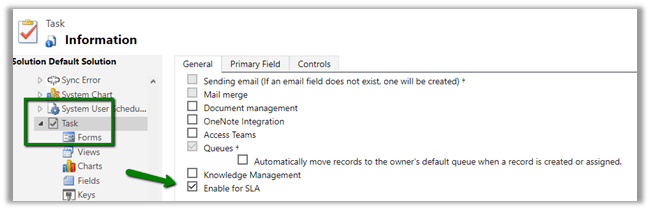
Navigate to Settings à Service Management à Click on Service Level Agreement and create a new SLA against Task.
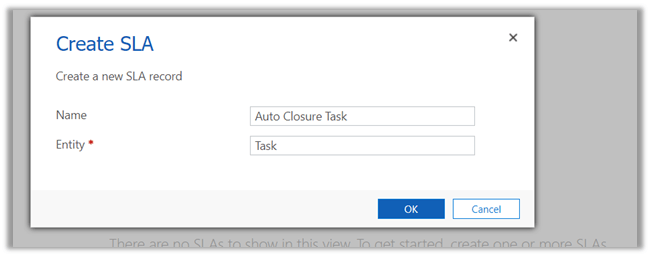
Create a new SLA record with following details.
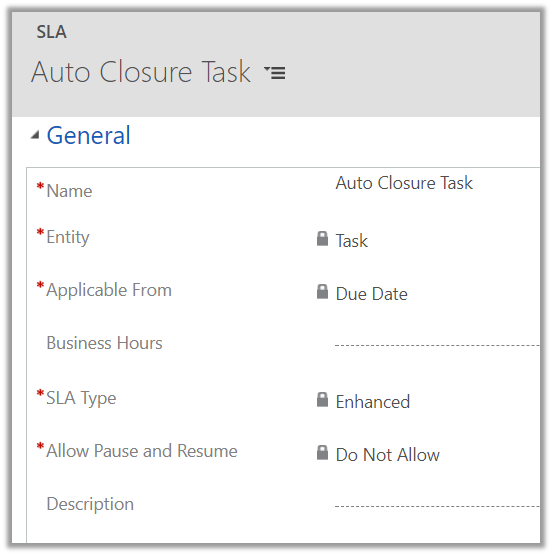
Here we need to specify Business Hours in our SLA. For this, we will be creating a Customer Service Schedule record which observes the holiday.
So let us first define a new Holiday Schedule.
Navigate to Settings à Service Management and click on Holiday Schedule.
This holiday schedule will be used while defining Customer Service Schedule.
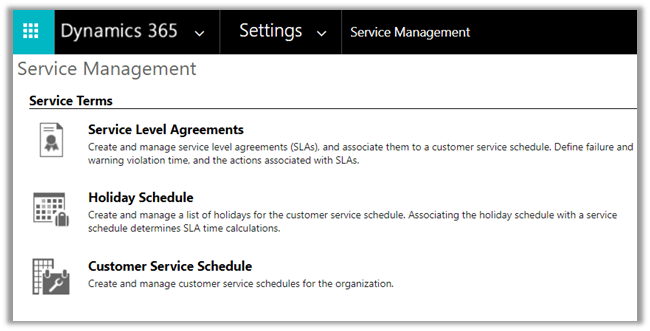
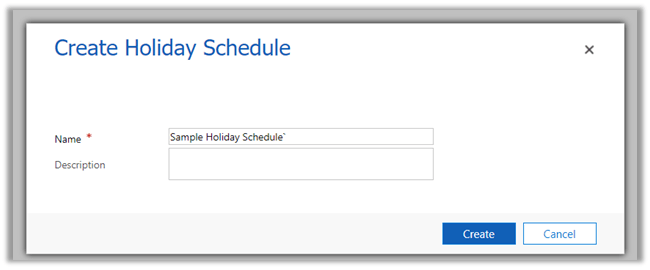
Create a holiday schedule record and add holiday records to it.
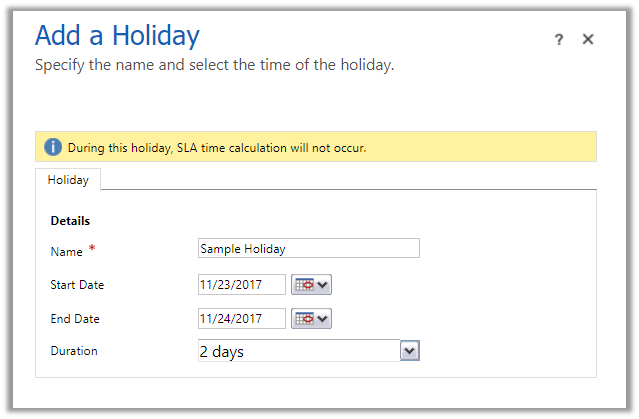
Here we have added a sample holiday of 2 days.
Now let us define the Business Hours.
Navigate to Settings à Service Management à Customer Service Schedule
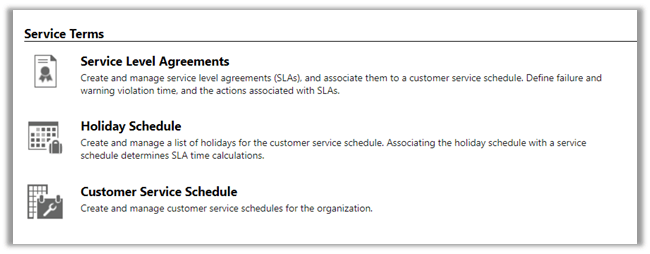
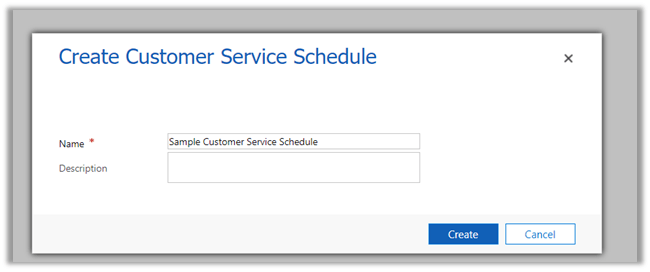
Create a new schedule
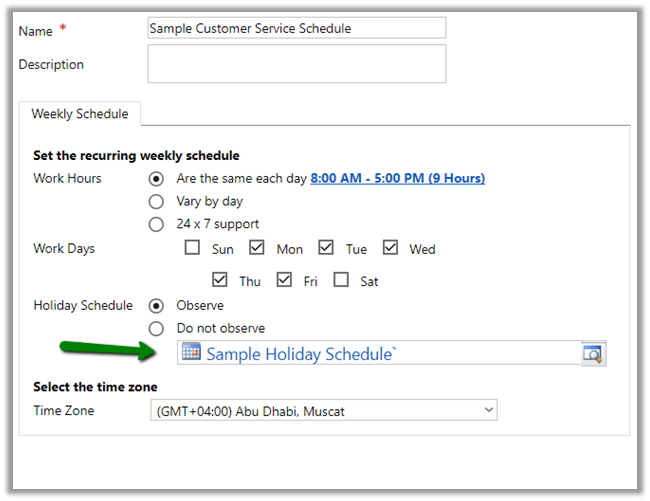
Set Workdays as Mon – Friday and work hours as 8 – 5 P.M. and select our Holiday Schedule record created earlier.
Let us update our SLA record with these new customer service schedule.

Let us try creating a new SLA Item record. Here we will find that there is no KPI’s defined i.e. SLA KPI drop down doesn’t have any value.
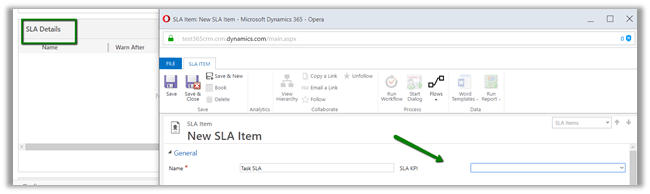
Let us define an SLA KPI here.
For defining KPI we need to create a new relationship between Task and SLA KPI Instance (n-1 i.e. Many to 1).
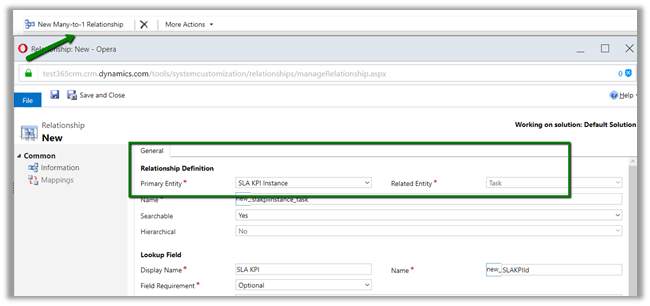
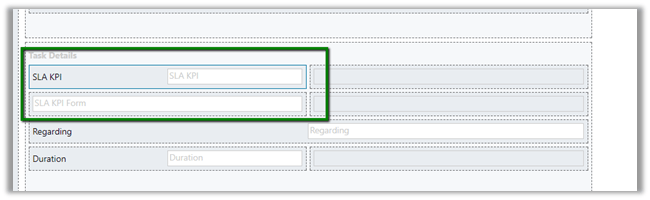
Open the Task form for customization and add this new lookup SLA KPI Instance on the form.
Next, add a Quick View Form of SLA KPI entity in it.
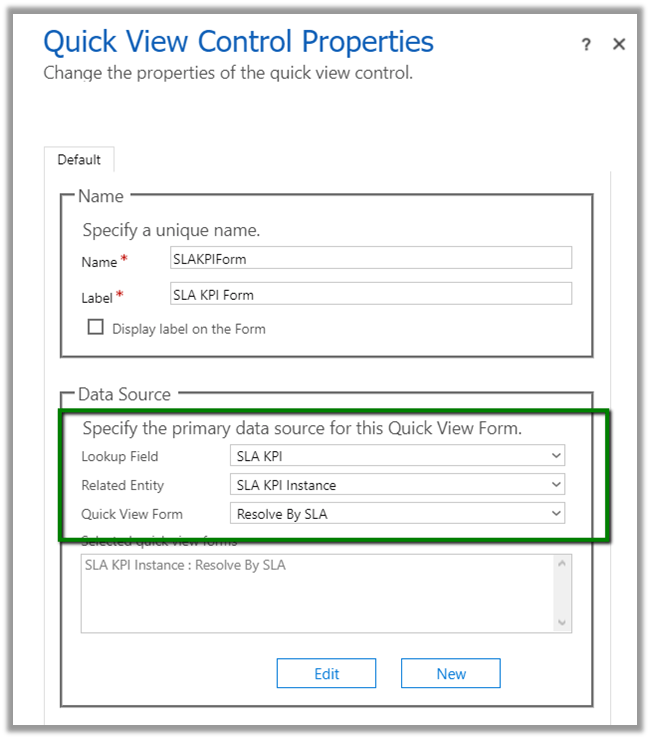
Click on Edit to update the Resolve By SLA quick view form to add a new field Failure Time in it.

Add the Quick View Form to the Task form.
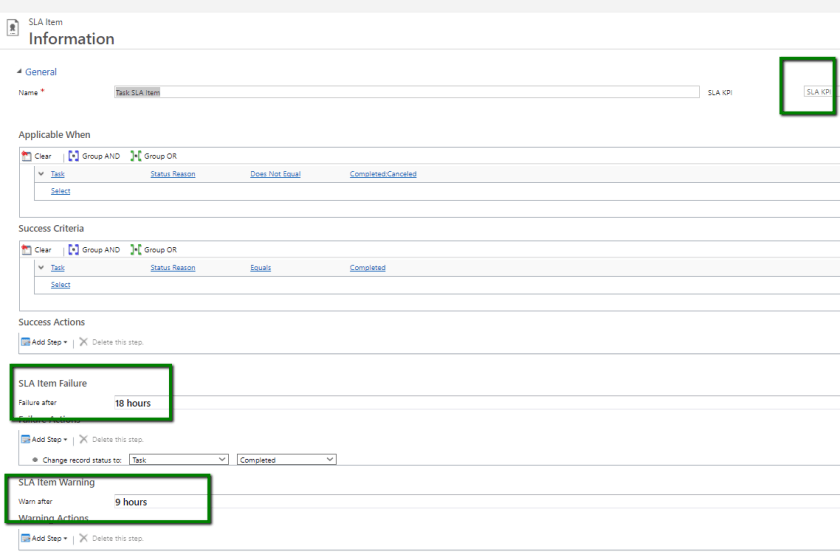
Back in our SLA item,
- Select the new KPI created.
- Specify Applicable as when status reason not equal to either completed or cancelled.
- Failure after 18 hours i.e. 2 Days (as we specified 9 hours working in Customer Service Schedule)
- Warning as 9 hours.
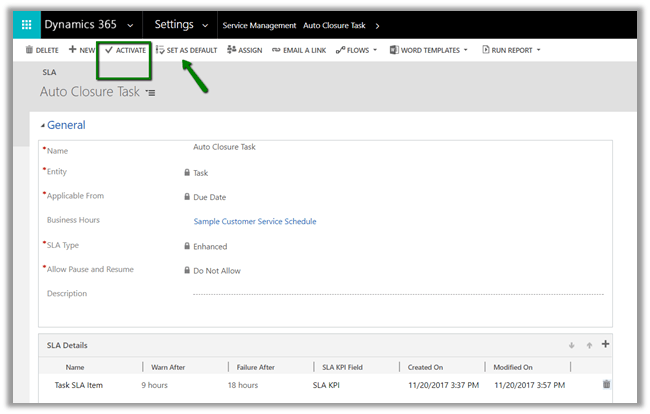
- Activate and Set as Default.
Creating a task with Due Date will start the Timer for Resolve In.
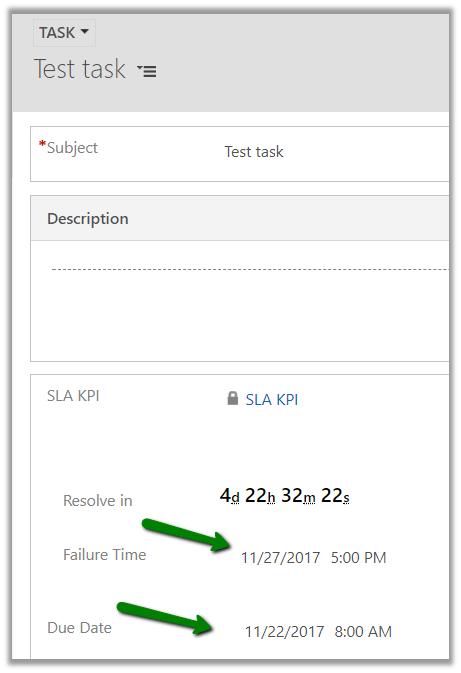
In the task record created we have set the Due Date to 22nd Nov 8 A.M. and we can see the resolve by date to be 27th.
In our SLA we had set the Failure After as 18 hours, and the holiday was set on 23rd and 24th. And also 25th and 26th being Sat-Sun the Failure Time comes as 27th Monday, which is exactly what we want.
Another interesting way of implementing the same without using SLA.
Hope it helps..