

Enhance Case Experience is currently available only for the Customer Service Workspace app which targets to increase the productivity of the agent.
To enable it, navigate to Customer Service Admin Center >> Customer Support >> Case Settings >> Enhanced case experience (Manage)

Enable the options – Here we have enabled the Full case form experience.
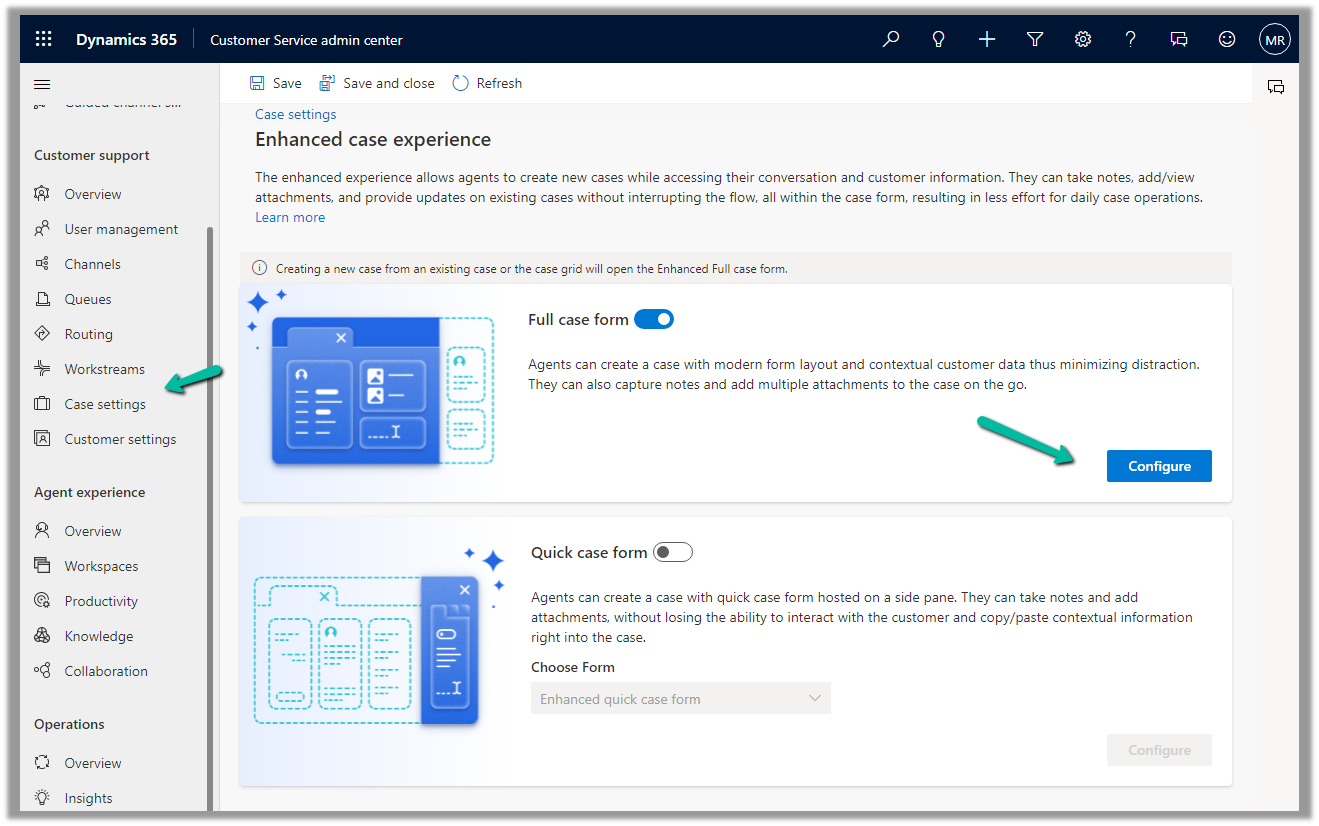
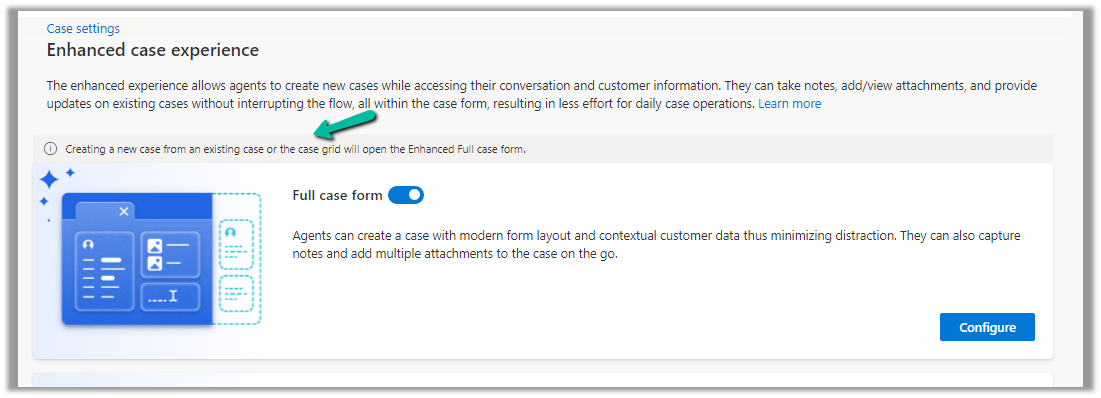
The new case form will show up while creating a new record from an existing case or the case grid.
Clicking on Configure opens the form in the Maker Portal.
The new Full Case form has the following new components added to it –
Grid Control – Case Associations (showing associated knowledge articles, similar cases, merged cases, and child cases)

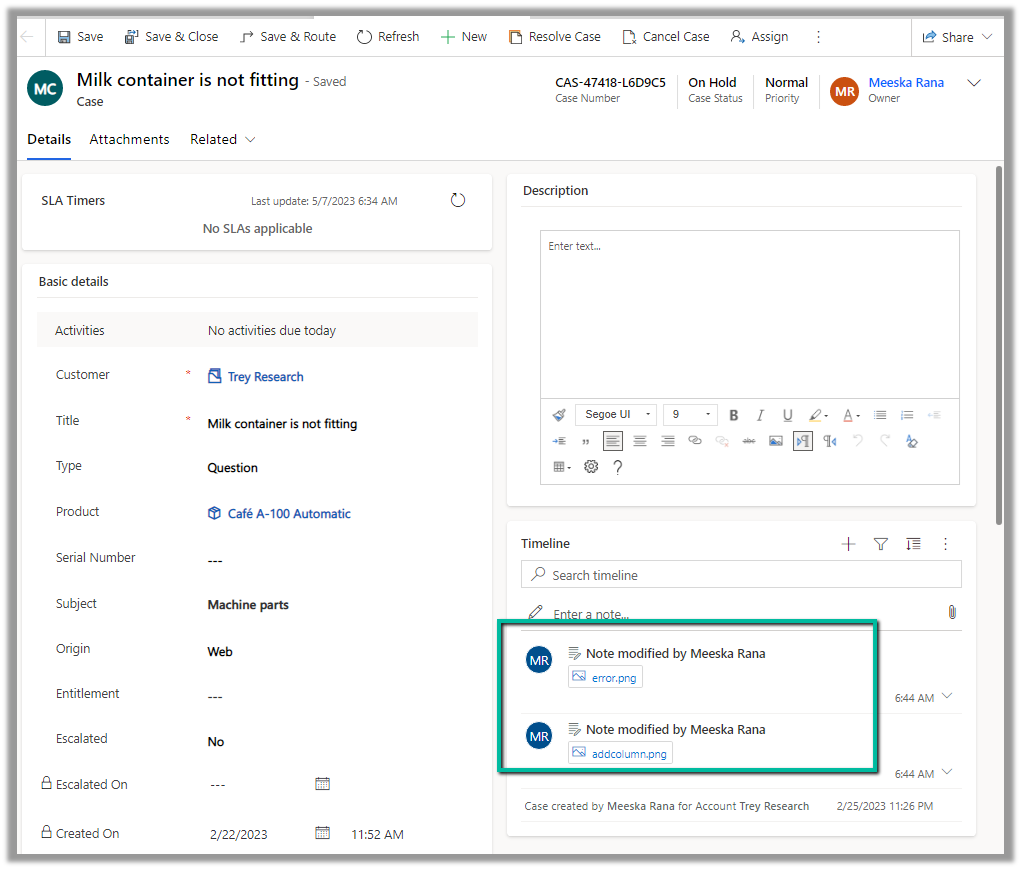
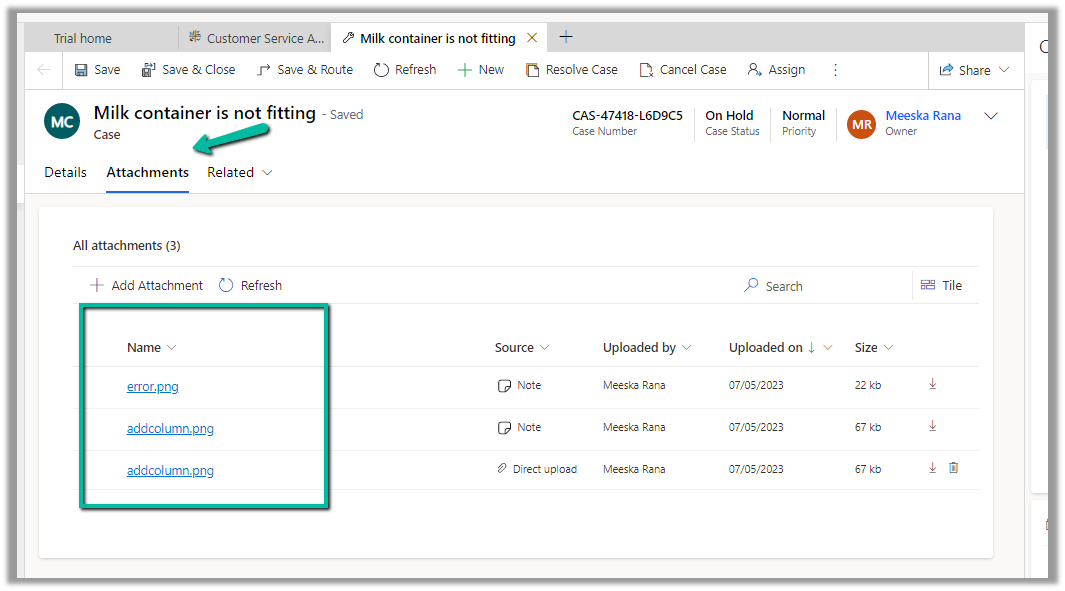
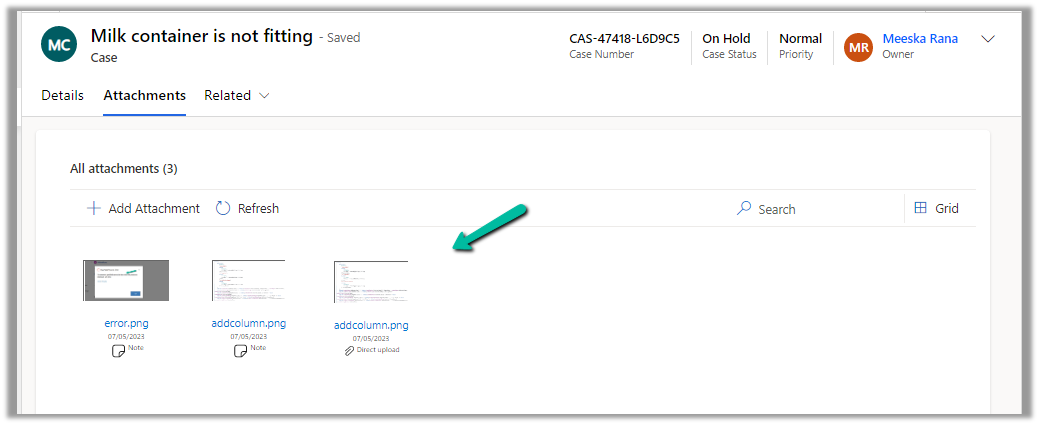
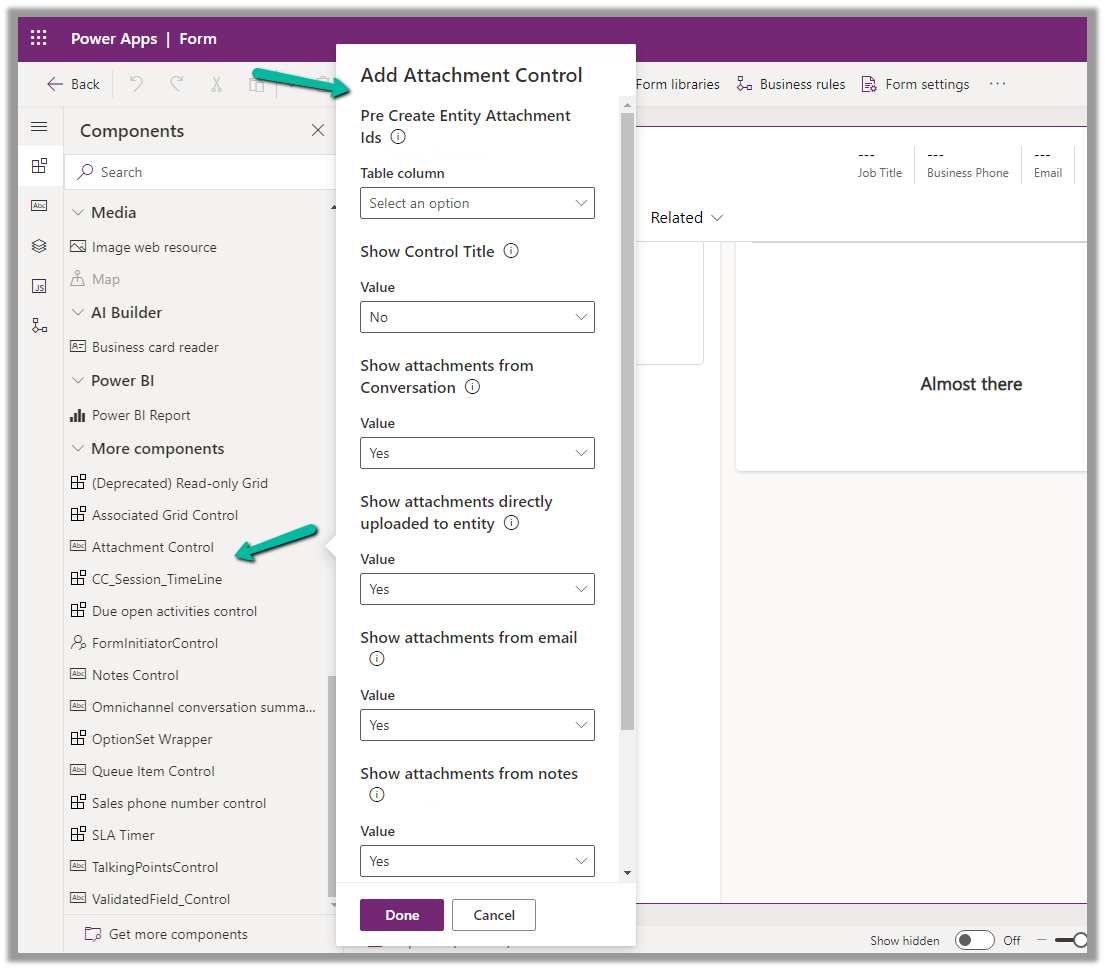
- Attachment Control – For the Case table, the new attachment control gives the option to directly upload the attachment as well as shows all the attachments either uploaded directly or associated with the notes or emails of the case record.
More on Attachment control:https://nishantrana.me/2023/05/08/new-attachment-control-dynamics-365/

- Shows Priority and Case Status as color-coded options.

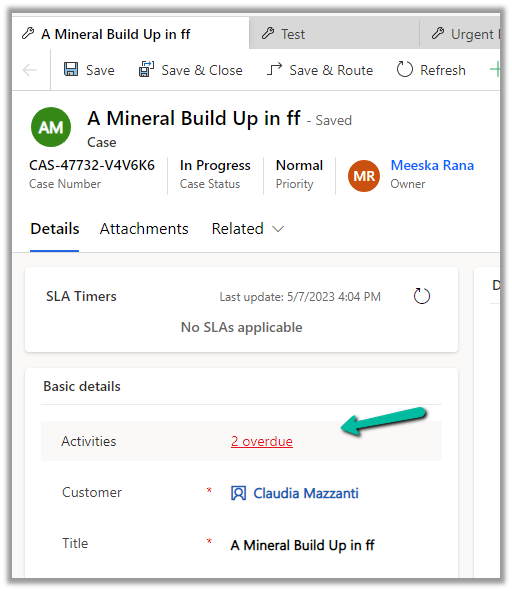
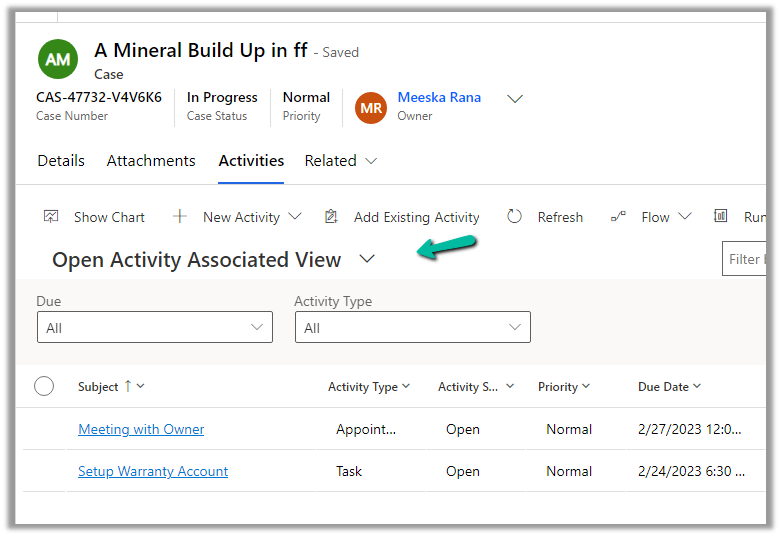
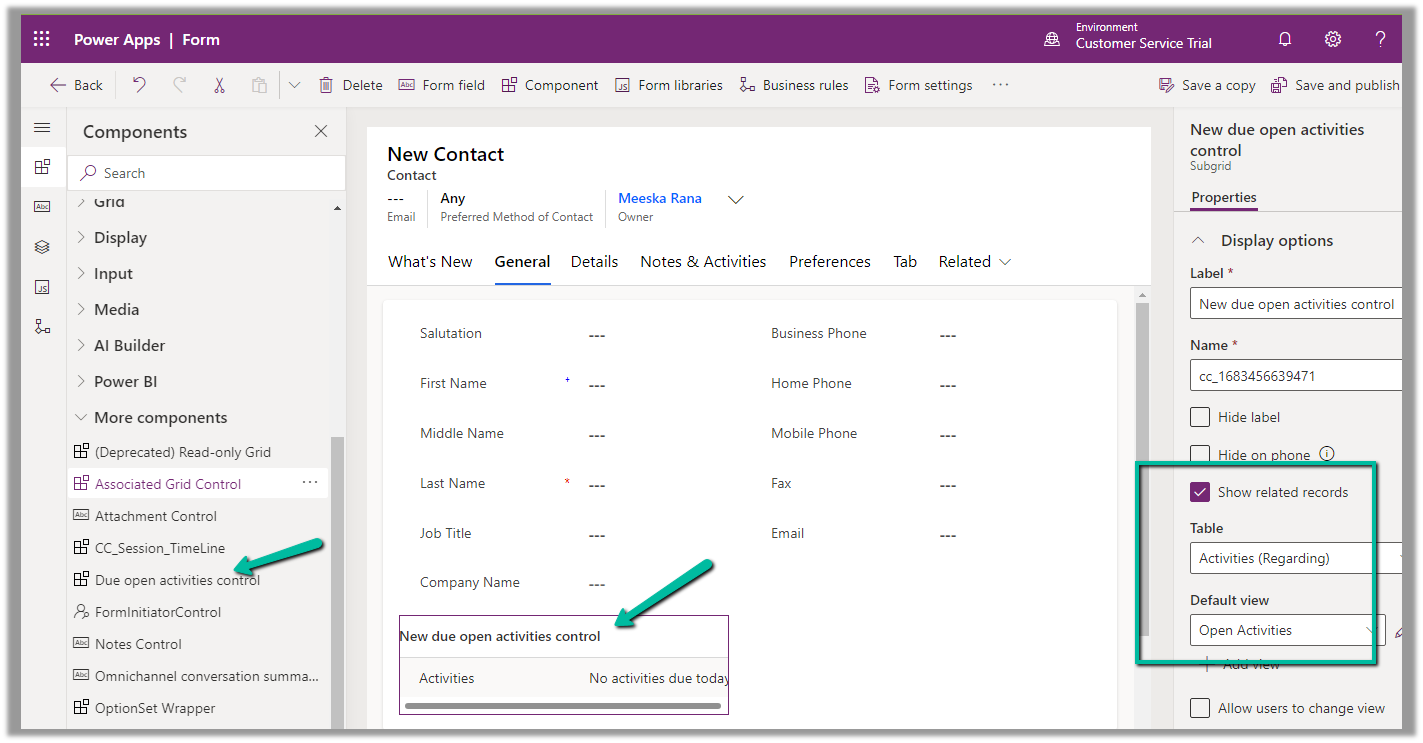
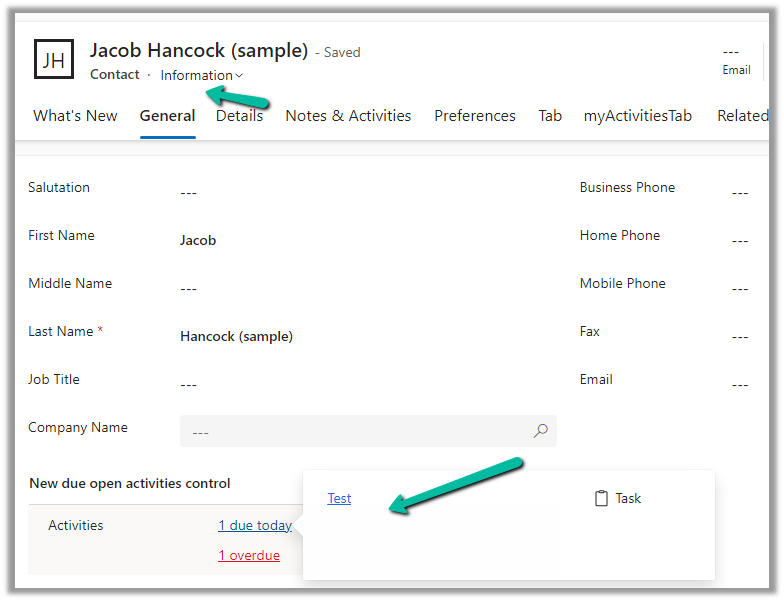
Due Activities Control – shows activities due today or overdue
More on Due Open Activities Control - https://nishantrana.me/2023/05/09/due-open-activities-control-dynamics-365/

It shows the activities overdue

- Queue control shows the details of the Queue the record belongs to along with Worked By field.

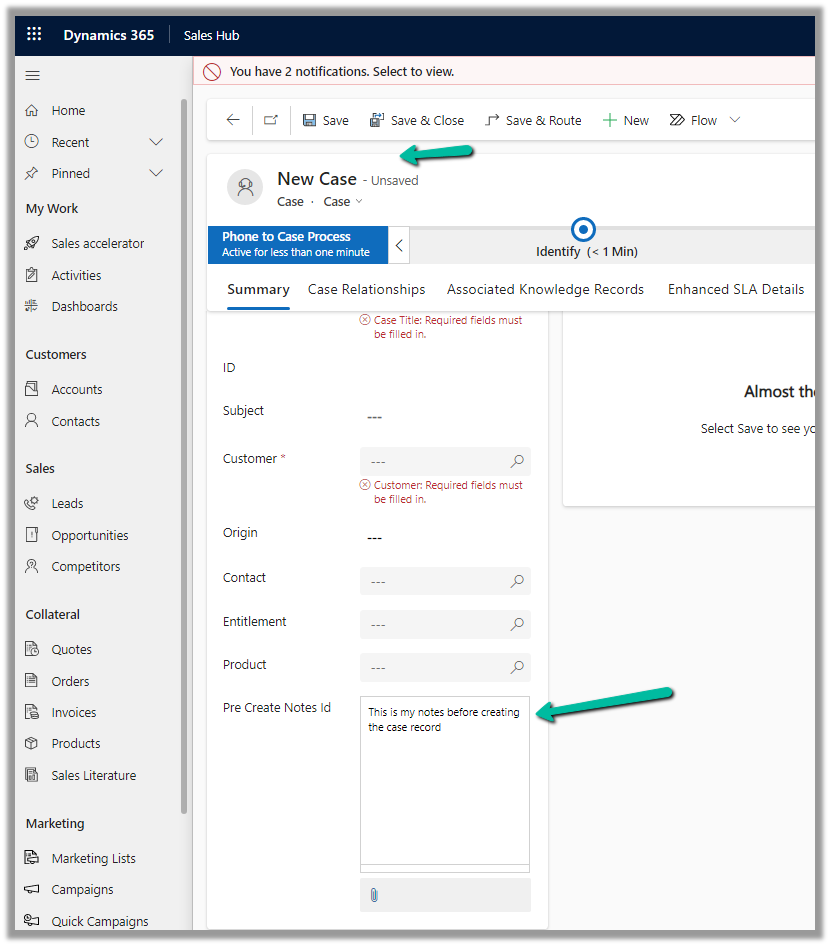
- Notes control that allows taking notes before saving i.e. in a new record.
More on Notes control - https://nishantrana.me/2023/05/10/notes-control-dynamics-365/

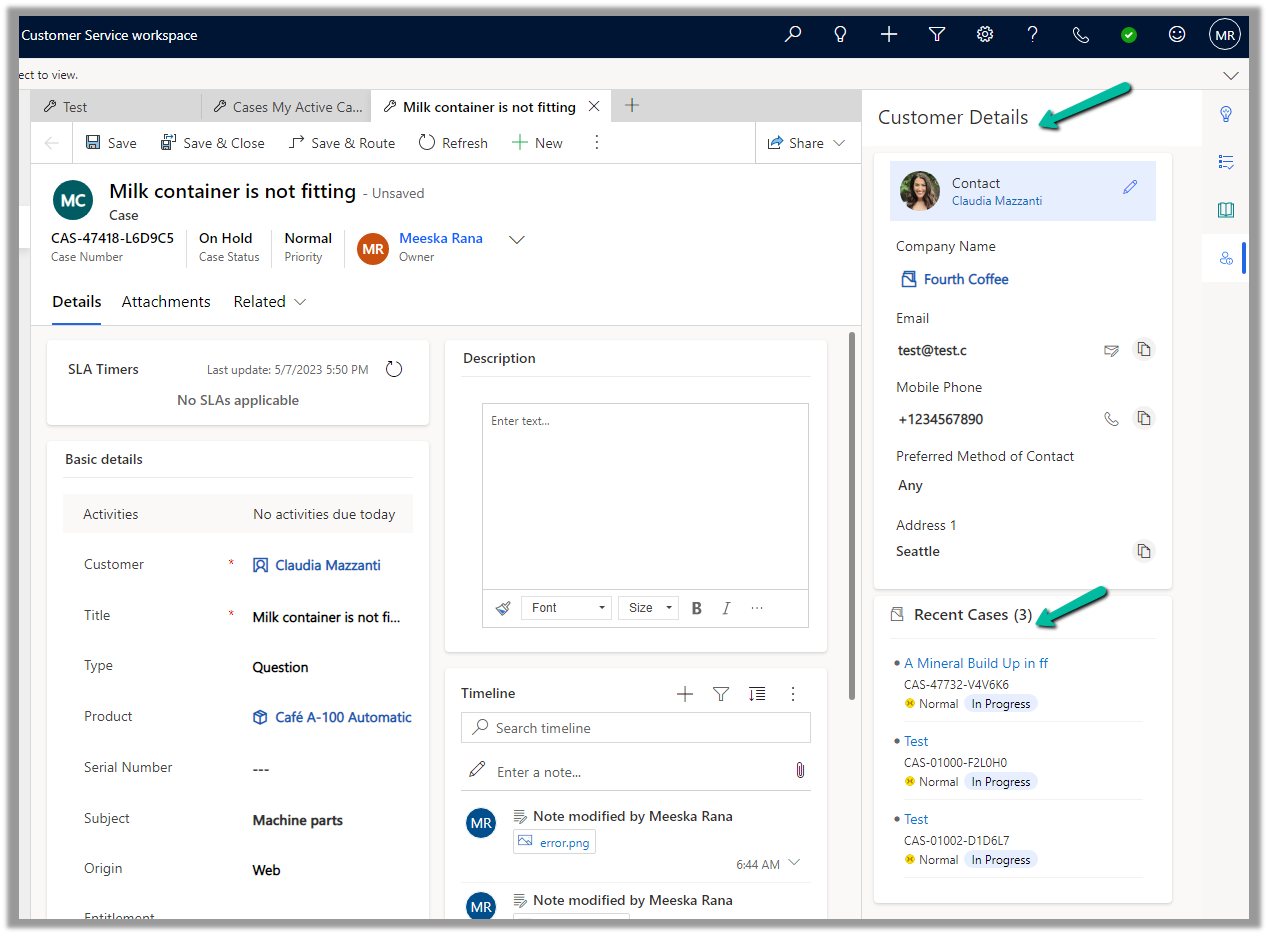
- It also displays the Customer Details section based on the Customer selected in the case, as well as recent cases created.
Get more details on Enhanced Case Form
Hope it helps..


















 Nishant Rana's Weblog