
Update – Append “/_services/about” to the portal URL ==> O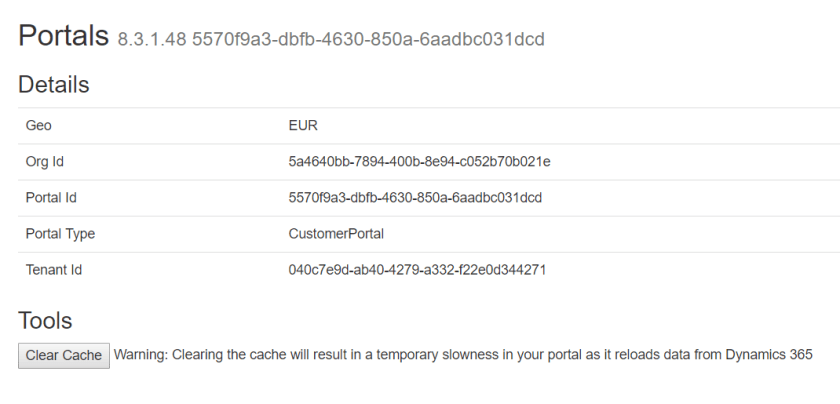
Or
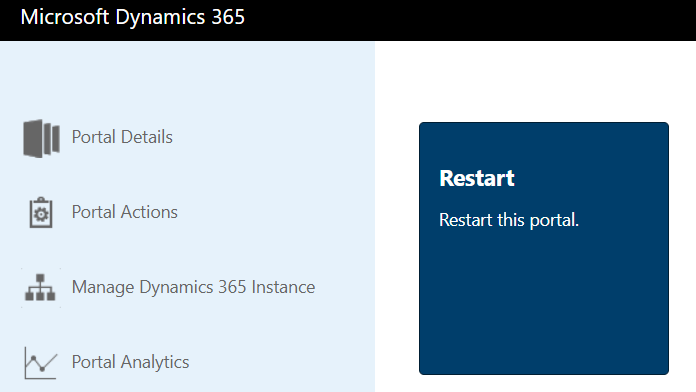
Restart the portal from Portal Admin Page
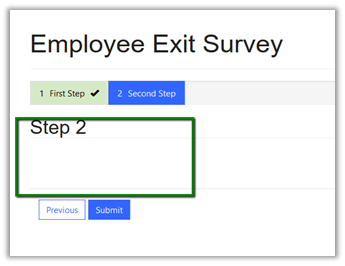
Recently while working on web form configuration we made few changes to the form that was being used in web form step. However, the changes we made were not getting reflected back in the portal.
We had added the 2 controls in Step 2 tab in the form, however the change was not getting reflected back in the portal.

In the portal,
To refresh the website with the latest CRM changes, we can go to the Dynamics 365 Administration Center

And change the portal state to off – update and back on – update.

This updates the portal page with the latest changes

Also refer this document
Hope it helps..
Discover more from Nishant Rana's Weblog
Subscribe to get the latest posts sent to your email.
Share It -


 Nishant Rana's Weblog
I am unable to find where to remove the cache contents on which portal ? or going to the session id? I didn’t understand.
LikeLike