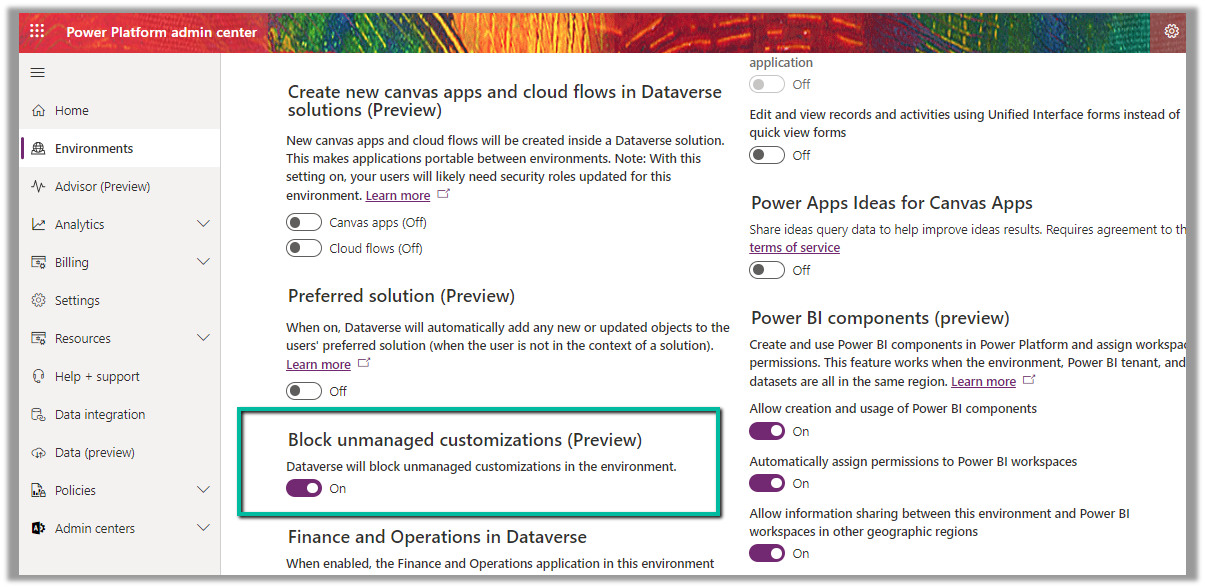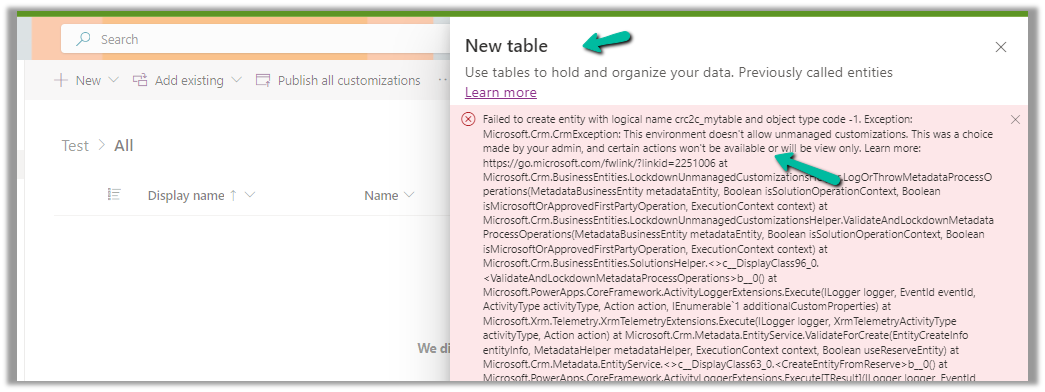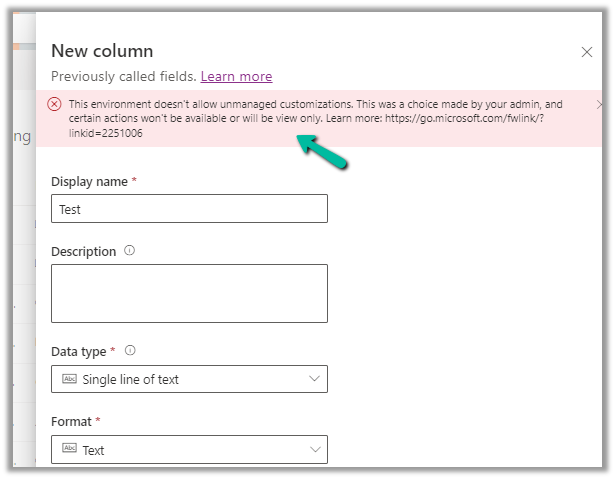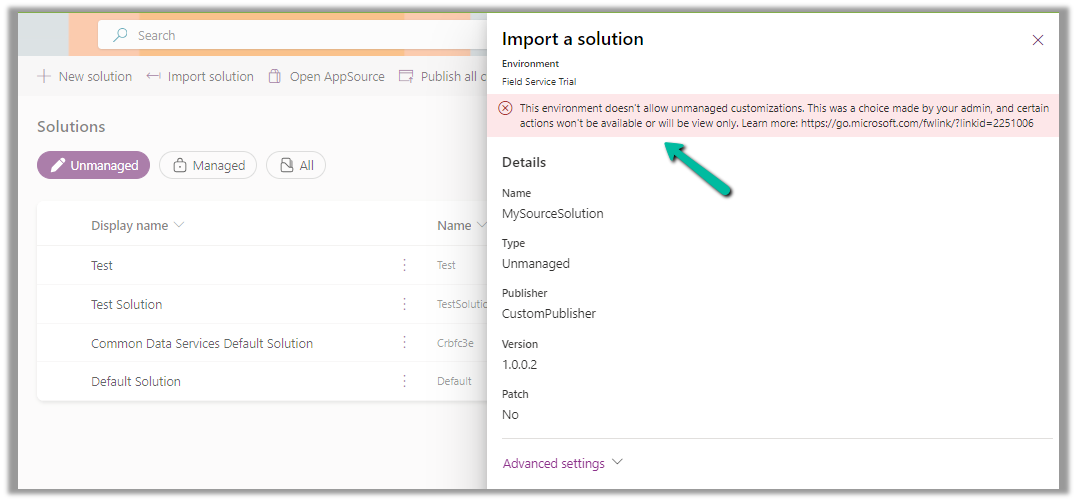
While trying to enable Admin Mode for one of our Dataverse Environments,
we got the below error
“This operation cannot be performed because there is an active lifecycle operation on the environment”
This was because we had a copy operation going in the background, we were copying that particular environment to another environment.
After the copy operation was completed (around 1 hour, for the environment DB Usage – 45 GB, File Usage – 118 GB, and Log Usage – 21.63 GB), we were able to switch on the Admin mode.
Recently in one of our Plugins, which was using Azure.Storage.Blobs and Azure.Storage.Common libraries to move attachments from notes to Azure Blob Storage suddenly started throwing the below exception. The Plugin had been working fine and had been deployed long back to the production environment.
System.TypeInitializationException: The type initializer for ‘Azure.Response’ threw an exception. —> System.IO.FileNotFoundException: Could not load file or assembly ‘System.Memory.Data, Version=1.0.2.0, Culture=neutral, PublicKeyToken=cc7b13ffcd2ddd51’ or one of its dependencies. The system cannot find the file specified.
We raised the Microsoft Support for it and were informed that the reason for this was there was a platform update over that particular weekend to stop loading the “System.Memory.Data” assembly on the plugin server. And as we hadn’t included that assembly in our package (ILMerge), we started getting the exception.
Recently for some of our Dataverse environments, we found duplicate records getting created (same GUID) for Notes and Work Order Incident tables in the corresponding CSV files.
This was causing the Power BI reports built on top of it to fail.
On raising the ticket, the Microsoft Support team mentioned that this is a known bug for certain regions, and they immediately ran the de-duplication scripts in the background which quickly fixed the issue for us. Also, they specified they will be deploying the fix for the issue in the coming days.
You have probably used the copy environment feature in the Microsoft Power Platform admin centre to copy data and customizations between environments.
However, there is a crucial aspect to consider data privacy and security. When transferring data, especially to sandbox environments which typically have less stringent access controls, there is an inherent risk of sensitive information becoming exposed to unauthorized personnel. Such scenarios pose a threat to compliance with stringent data privacy regulations, including GDPR, HIPAA, and CCPA.
However, there is no out-of-box to mask data. Here comes Datamask App which helps with data protection by replacing sensitive information with dummy data.
Diving into the Strength of Data Masking
In the Power Platform sandbox environments, developers, and testers often grapple with the challenge of handling real data without compromising privacy and security. The Data Mask App steps in as a powerful solution to this dilemma. Its primary mission? To mask, anonymize, and obfuscate Dataverse data, offering a shield against potential data breaches.
How does Data Mask app work?
You can download the app from Microsoft AppSource, Download Data Mask app, and the app is available as managed solution.
Upon importing the solution, you need to configure the data mask app.
With configuration, users can selectively mask specific fields, choosing from options, such as replacing with dummy names, generating random strings, or employing asterisks for a discreet approach.
Configuration settings for masking Account number field in Account table.
Various configuration options for table records provide versatile ways to protect sensitive data configurations, it collectively empowers users to customize data protection strategies based on specific needs and compliance requirements.
This dynamic approach ensures that sensitive information, like full names and contact details, is transformed into a secure and privacy-preserving version while retaining its integrity.
When a data mask run is created the masking process starts and we can track the masking of records in the logs section.
Free plan and paid plan
If you would like to test, there is a ‘Test Drive’ option. Otherwise, you can install the app in your environment, but there is a 1000-record limit. If you would like to buy the tool, you can contact https://pascalcase.com for a license.