MultiSelect Option Set in Dynamics 365


Also read – Limitations

https://nishantrana.me/2018/04/27/limitations-of-multi-select-option-sets-in-dynamics-365-ce/

With July 2017 update, we can now finally create multi-select option set in Dynamics 365.

We can also use Existing Global Option Set while defining our Multi Select Option set.

This is how control looks within the form.

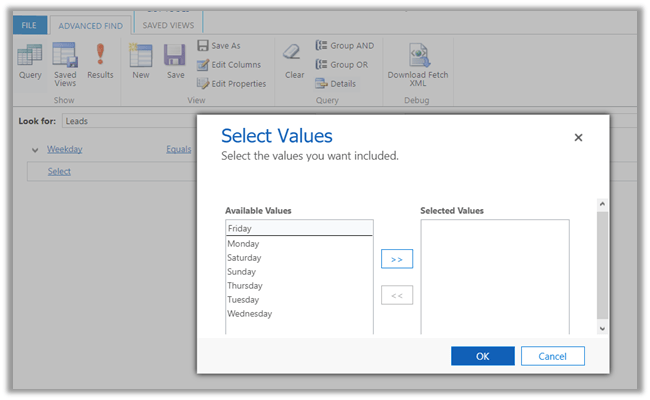
Within Advanced Find View
We can use the existing option set client-side methods on Multi Select Option Set.

https://msdn.microsoft.com/en-us/library/gg334409.aspx#Anchor_1

getSelectedOption() – for new_weekday multiselect option-set with value Thursday and Friday selected –

Hope it helps..

New View Designer inside App Designer in Dynamics 365 July Update


The Dynamics 365 July Update new includes a new View Designer.

It includes the drag and drop capabilities for adding columns from Primary or Related Entity.

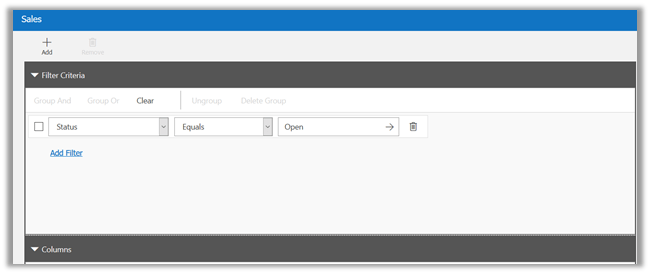
Filter Criteria, Sorting and Column Properties can be defined in the same designer canvas without having to open a new window for that.

Filter Criteria :

Setting sorting and column properties.

Hope it helps..

Specify Web resource dependencies in Dynamics 365 July Update


For JavaScript and HTML Web Resource now we can define dependencies, this makes sure that all the required dependent resources are loaded properly.

For HTML and JavaScript, we can define dependencies on other web resources type like CSS, HTML, JavaScript Libraries, RESX and XML. In case of JavaScript Web Resource we can additionally define dependencies on attributes of a specific entity (selected) as shown below.

Hope it helps..

Tab got renamed after solution import in Dynamics 365 (CRM)


Recently after moving one of our managed solution from Dev to Test environment we started getting below Jscript error.

We figured out that error was getting created by this line of code.

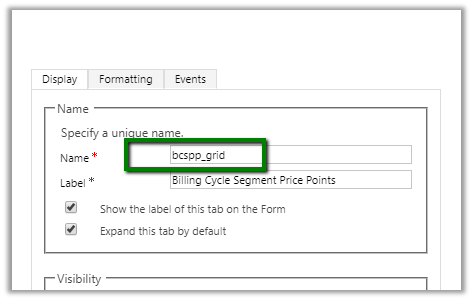
The strange thing was that name of the tab was proper in Dev

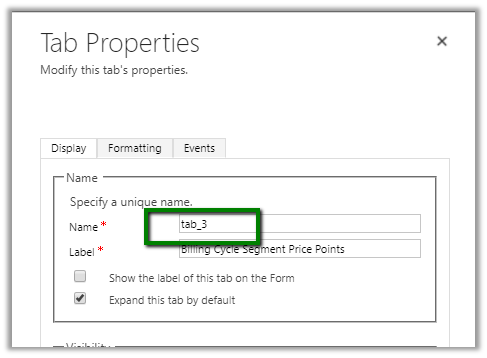
However, in our Test it got added with the name tab_3 which caused the issue.

The reason I can see for this issue could be that we had multiple forms for that entity. And in one of the forms that tab name was tab_3, however, we weren’t using that form, it was inactive in our dev environment.

Update – while moving the same solution to another managed environment a new tab named conflicts tab was added, which pretty much would be because of this particular section only.

Hope it helps..

Existing Contact records are not opening from All Contacts view in Dynamics 365 July Update.


Recently while trying out Dynamics 365 July Update, I ran into an interesting issue.

I had to update one of the existing contact records, however, while clicking on the record, it was opening new contact form instead of opening the existing record.

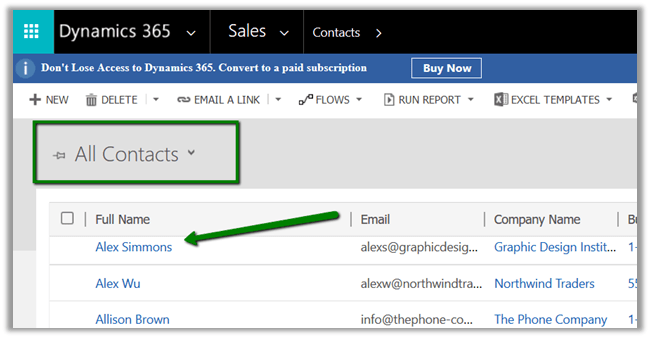
I observed that it was happening when I was doing it from the All Contacts view.

Clicking on Alex Simmons opens the new contact form instead of opening existing recordà

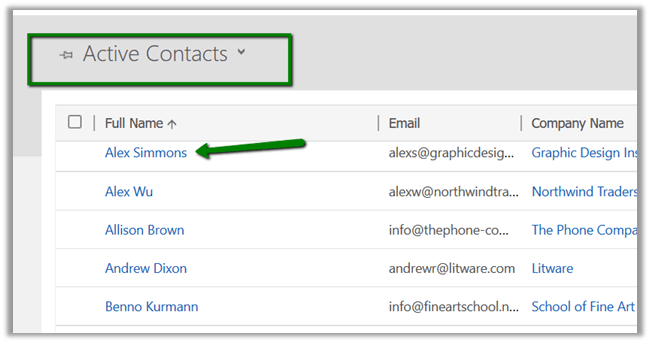
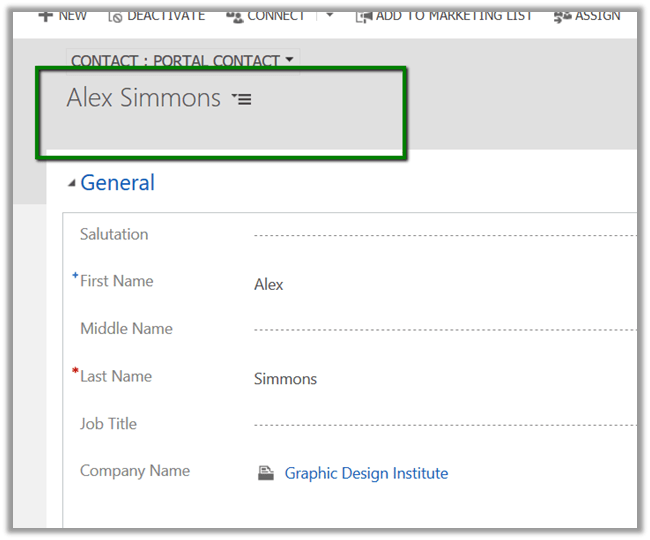
On changing the view to Active Contacts and clicking on Alex Simmons

Opens the Alex Simmons record properly.

Is anyone else also facing the same?


The workaround you’d find in the comments below  –>

Resolution
Go to Settings > Customization > Customize the System > Entities > Contacts >  Views > open All Contacts view.
Add Columns > select any column > click on OK.
Select this newly added column in view and click on ‘Remove’ button.
Click on Save and close & publish all customizations.
Do Ctrl + F5 and  the behaviour starts working as expected


Action not returning Output Parameter in Organization Response in Dynamics 365 (CRM)


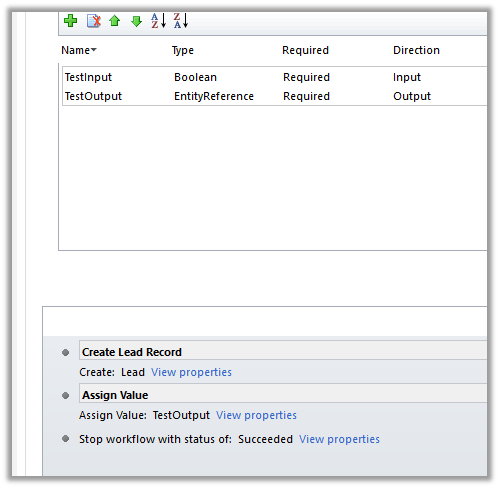
Recently we faced a strange issue in one of our Actions. We were not getting output parameter’s value in the organization response.

Eventually, we realized it was because of the Stop Workflow step added. Removing it fixed the issue for us. We also tried by adding few other Steps like send email, status change, create record etc. after Assign Value step, however, in all those cases it properly returned the response.

Only in the case of Stop Workflow, we got the issue where the response was null for that output parameter.

Hope it helps..