Updating Entity Reference Power Automate vs Plugin


Vrushali Ranjalkar's avatarVrushali's Techno Blog

Recently I worked on a project where not a single line of code was allowed. It was only configuration project. I had a requirement to create number of custom tasks at run time based on the task template. Since plugin was not allowed, used Power Automate(Flow).

While I started working on power Automate, I had to check the syntax for all small things which are on my finger tips when I write the plugin. Hence thought of posting about such syntaxes. Here are few quick help when we create a power automate instead of plugin.

Updating entity reference field

in Plugin if I am updating the regarding field of the task with the case ID

ActivityEntity.regardingobjectid= new EntityReference("incident", targetIncident.Id);

If we want to do same thing in Power Automate, we need to set it in different way

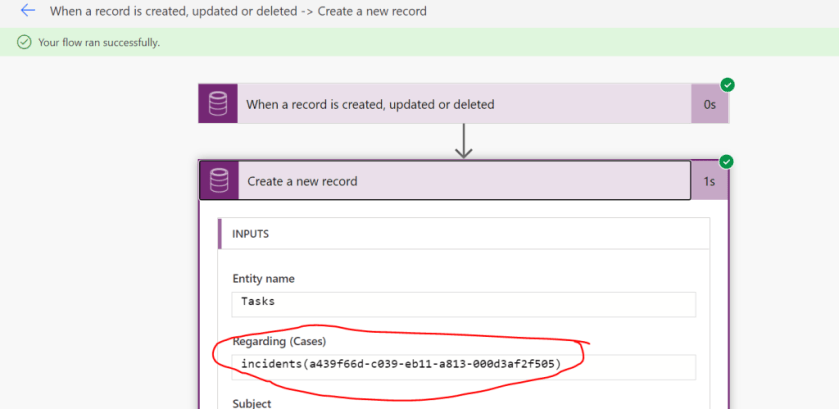
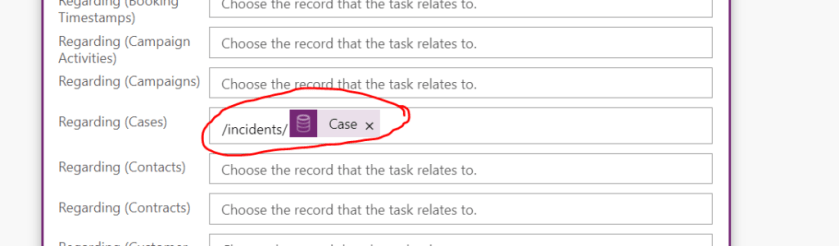
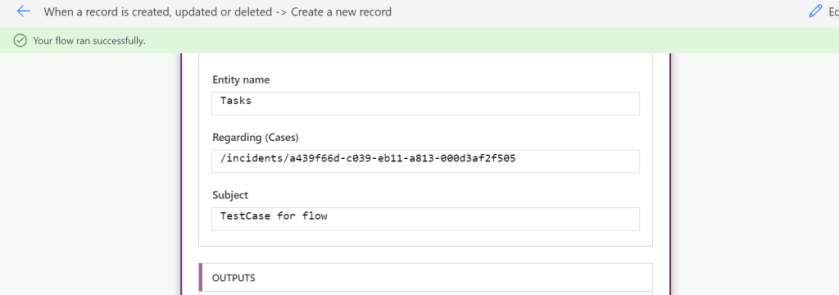
We need to either enter something like below

incidents(Guid) or /incidents/Guid

Updating Owner…

View original post 134 more words

Fixed – 401 Unauthorized error while calling Dynamics 365 Web API


We were recently getting the below error while trying to call Dynamics 365 Web API through Postman.

“401 Unauthorized”

It turned out that we were using the incorrect Token.

To generate the correct token,

For OAuth 2.0 token endpoint (v1) Version 1

  • We need to specify resource with Dynamics 365 URL.


For OAuth 2.0 token endpoint (v2) Version 2

  • We need to specify scope with
    Dynamics 365 URL followed by .default instead of a resource.

The correct token results in the successful call to the Web API

References –

https://matthijs.hoekstraonline.net/2020/04/27/v1-and-v2-identity-and-access-tokens-with-azure-active-directory/

https://crmchap.co.uk/generating-oauth2-v2-0-endpoint-tokens-for-dynamics-365-the-common-data-service/

Hope it helps..

Advertisements

How to – Check user’s access to a record – upcoming feature in Dynamics 365


Was going through the Model-Driven Apps documentation and found the below article

https://docs.microsoft.com/en-us/powerapps/user/access-checker

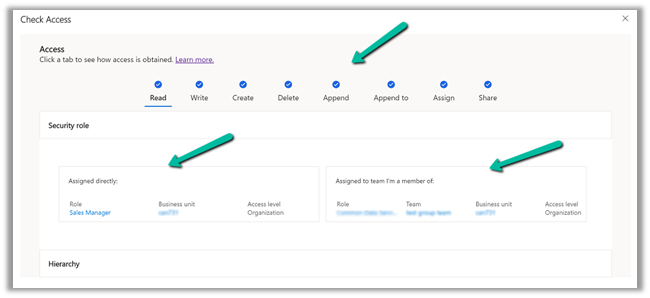
It talks about a Check access button on the command bar of a record which will list down all the rights/access/privileges on that particular record.

And also how the user has got those accesses, through security roles directly assigned or through the team the user belongs.

We can also check the access of the other users as well through user lookup.

More on Access in Dynamics 365

Hope it helps..

Advertisements
Advertisements

How to trigger Power Automate flows from Model-Driven Power App Business Process Flows (and get a response!)


Nick Doelman's avatarThe ReadyXRM Blog by Nick Doelman

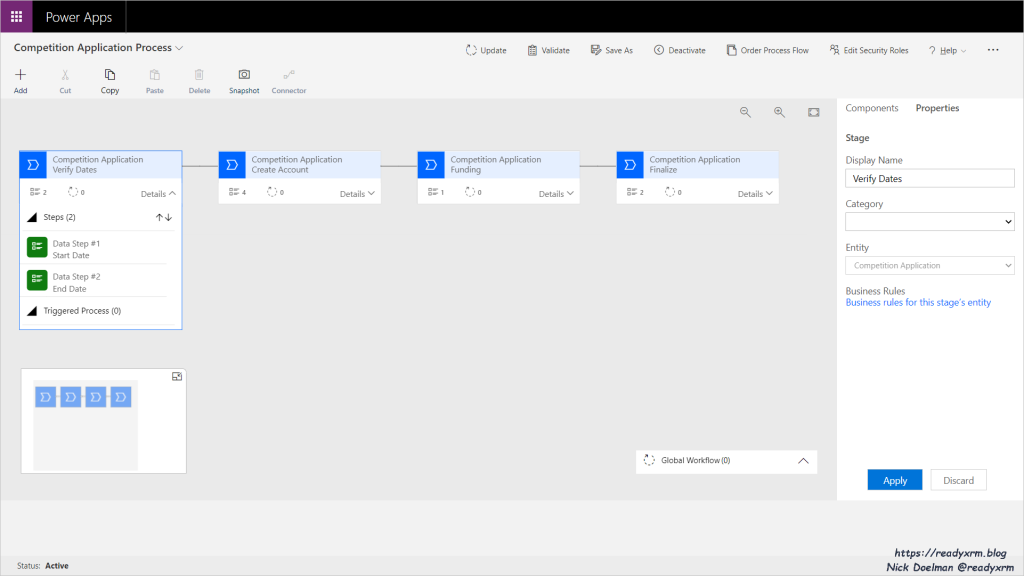
I was working on a project the other day and the requirement was for a user of a Model-driven Power App to go through a series of steps to approve an application with a number of data points. I am not the biggest fan of Business Process Flows, (BPFs) but I felt that it did fit this particular use case.

Business Process Flow

One of the improvements of Business Process Flows in recent years is the ability to run an “Action Steps“. You add an Action Step to your stage and trigger either an Action or a classic Dataverse Workflow. In this case, if the organization submitting the application did not yet exist in Dataverse, the users could run a Workflow to create the Account record (and the workflow could update the application record Account lookup).

NAME CHANGES In case you have been living under a…

View original post 787 more words

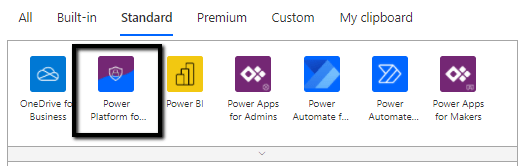
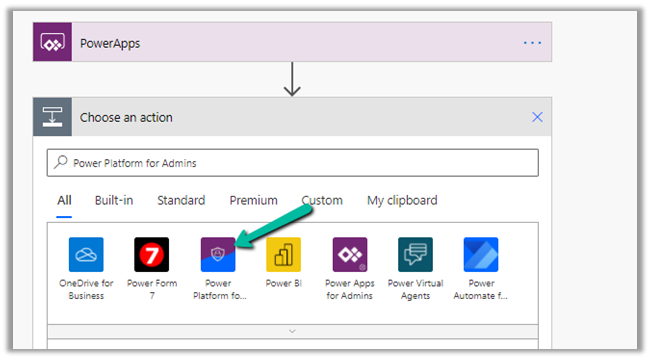
Power Platform for Admins connector (preview) in Power Automate


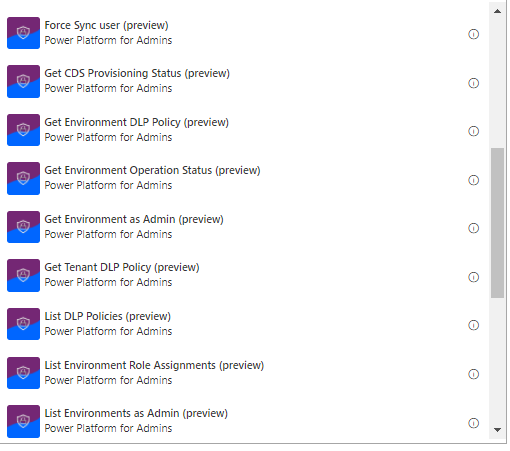
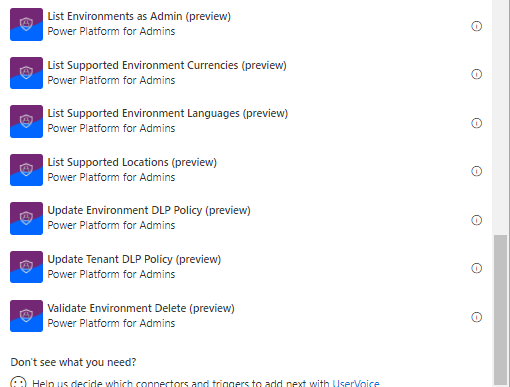
The Power Platform for Admins connector (preview)

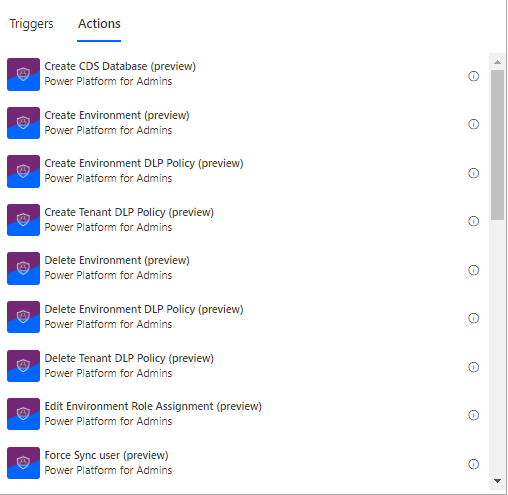
let’s us perform following Actions


The connector allows us to access the Business Applications Platform (BAP) API.

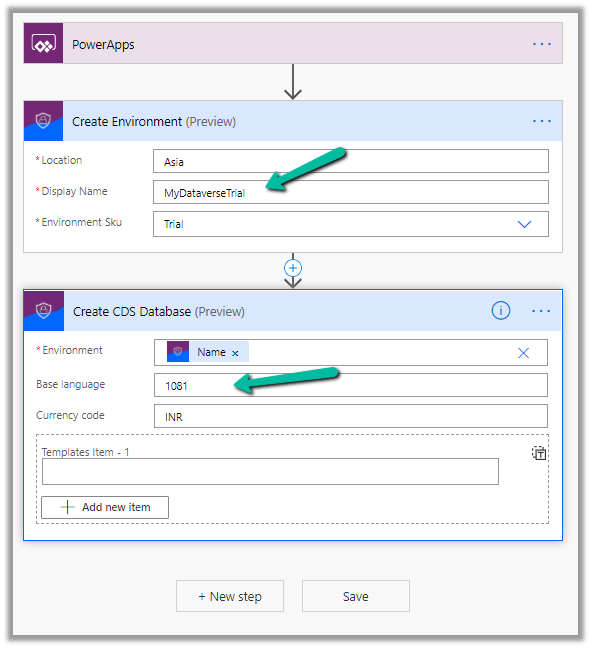
Below is the example of the Create Environment action, followed by Create CDS Database.

Here we are creating a trial environment in Asia region followed by a CDS database in it with base language – Hindi and currency code as INR

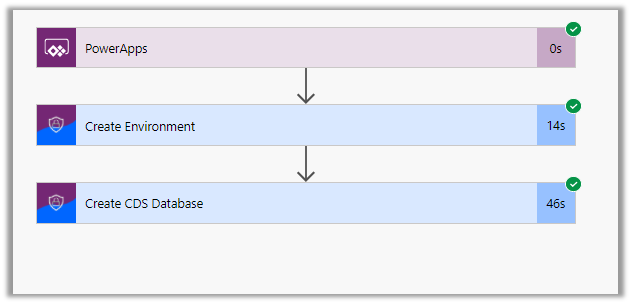
Let us run the flow and see the results

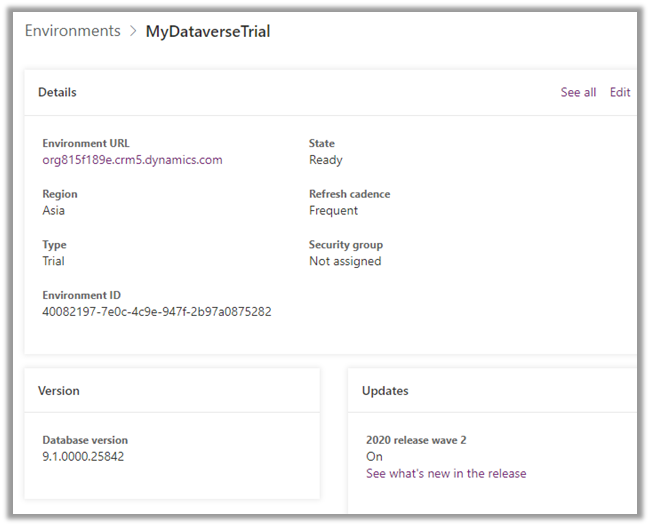
In Power Platform admin center can see the environment created along with the database specified.

All the key URL(s) for Power Platform Admin

Get all the details below –

Power Platform for Admins (Preview)

Power Apps and Power Automate Administration and Governance – Tools and Labs

Hope it helps..

Personalize the Experience with Voice of the Customer – Part 2


Virendra Agrawal's avatarVirendra Agrawal's Blog

Previously (Part 1), we talked about how we could include that piped data in our survey by adding those options as we are designing the questions.

Now it’s time to distribute that survey and consume that piped data we defined earlier, we’ll declare that piped data as parameters inside the distribution method through the invite that we are working with.

View original post 307 more words