
To show CRM Form inside Portal, go to CRM – Portal – Entity Form and let us create a new Entity Form record to show Lead form in Portal.

Here we have selected entity as lead and we are showing Summary Tab in the Lead form in insert mode in the Community Portal.
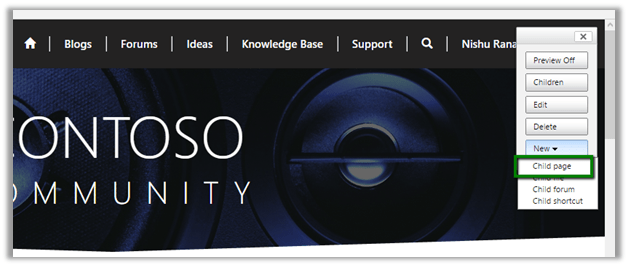
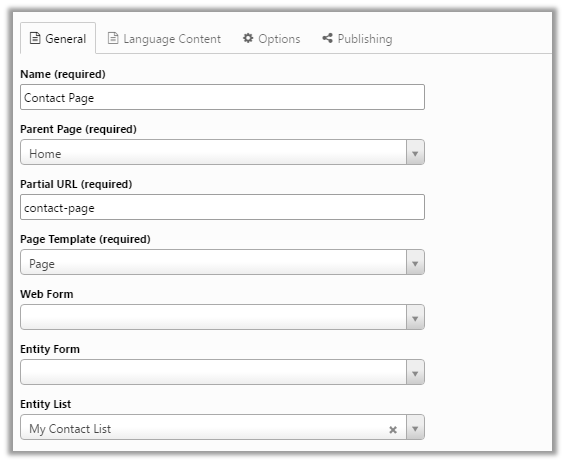
Now login to the portal with admin rights and create a new child page to display this lead form.
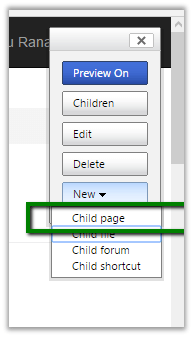
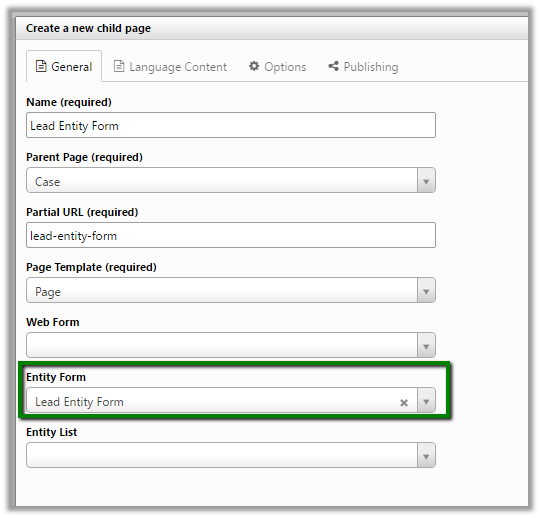
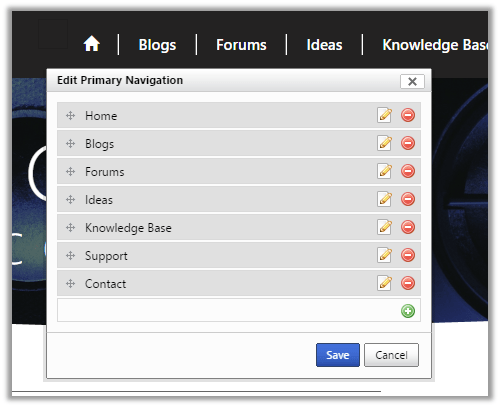
This adds the tab in the Portal page
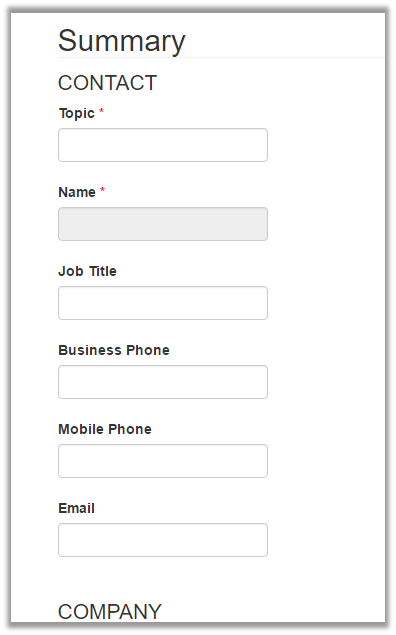
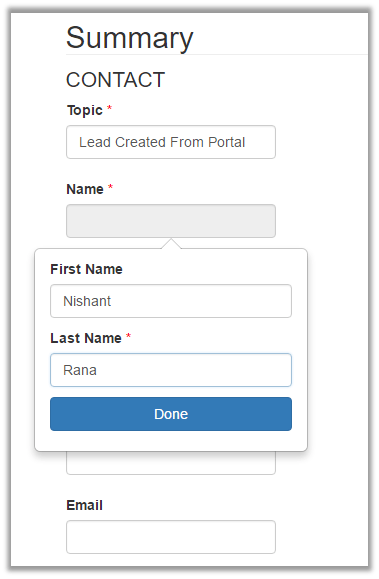
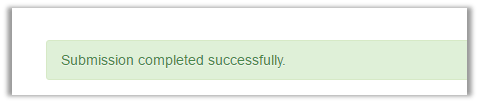
Clicking on Submit shows the message
Opening CRM – Leads, we can see our lead record created.

Hope it helps.













 Nishant Rana's Weblog