
With the 2019 release wave 2 plan, finally, we can customize the opportunity close dialog box (Unified Interface only)
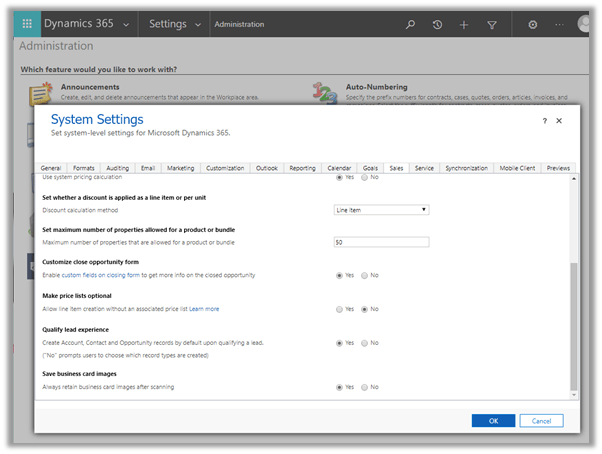
Enable it from the Sales tab of System Settings dialog box.
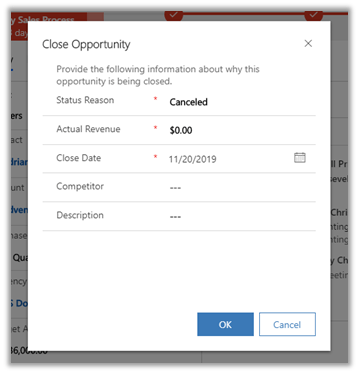
The default out of the box Close Opportunity Dialog Box à
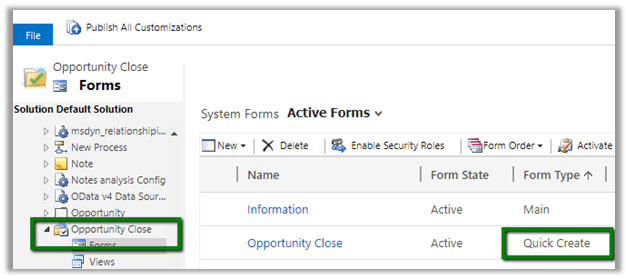
Now to add or remove fields to the dialog box, we need to customize the Quick Create form of Close Opportunity entity.
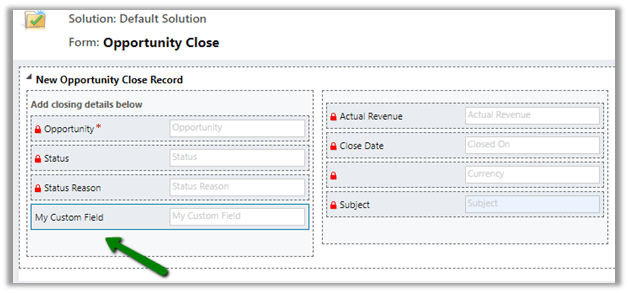
Change the ordering of the fields, added a custom field, removed Competitor and Description dialog box.
Updated Close Opportunity Dialog Box
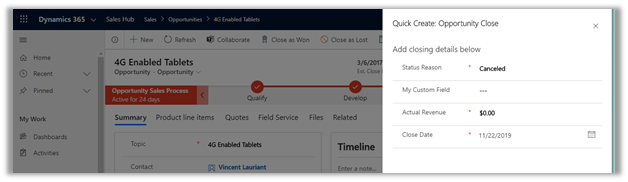
We can use client-side validation on it
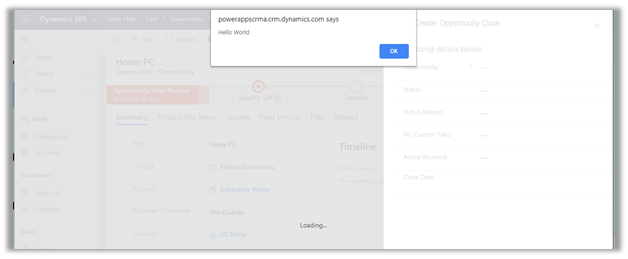
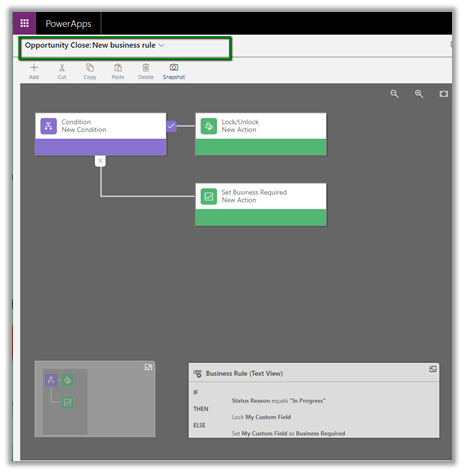
We can specify business rules
We can also customize the Main (Information) form.
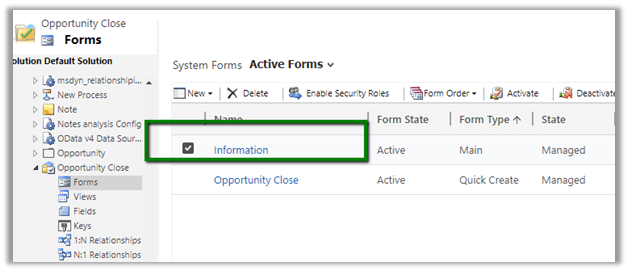
This form can be used to check the details of closed opportunities.
Entity Relationships cannot be customized.
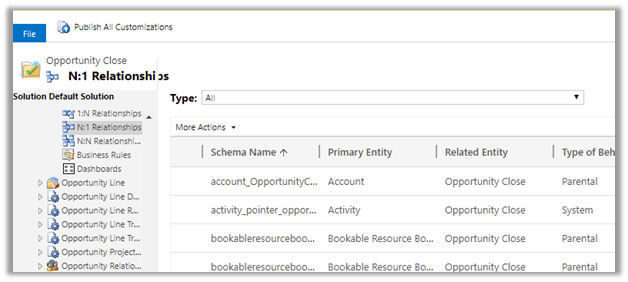
Great to see the feature available as it was one of the most requested features in the product.
https://experience.dynamics.com/ideas/idea/?ideaid=4792dfee-121a-e611-80e2-c4346badc228
Hope it helps..
Discover more from Nishant Rana's Weblog
Subscribe to get the latest posts sent to your email.
Share It -


Hi thank for sharing your findings on this most requested feature. Can you provide more detail on how to customize the dialog box?
LikeLike
Sorry I meant the validation popup.
LikeLike
Hi thank for sharing your findings on this most requested feature. Can you provide more detail on how to customize the validation popup?
LikeLike
Hi Nishant, do you know if this is going to come to on-premise instances?
LikeLike
Hi Phil no idea when we will have this for on-premise.
LikeLike