
Suppose we have setup the Community Portal and we want to configure Knowledge Base articles with the Portal.
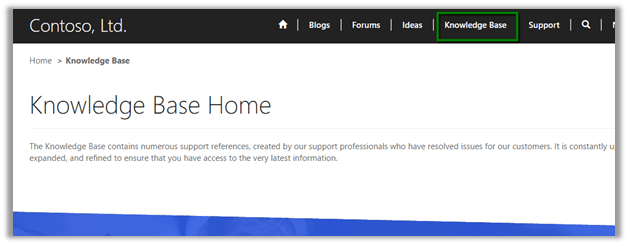
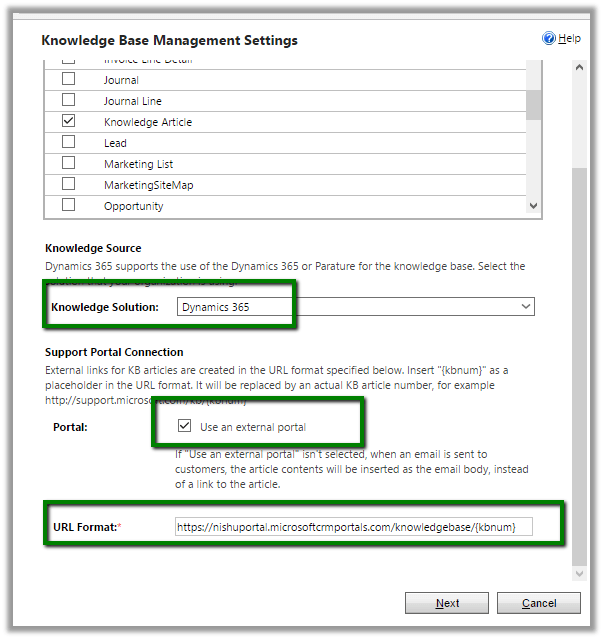
For this, we need to go to Settings à Service Management à Embedded Knowledge Search

Specify the Portal URL and other settings
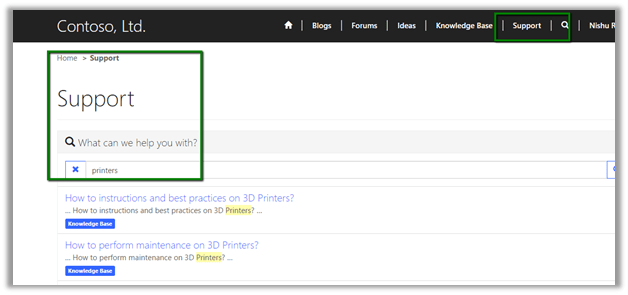
Once the setup is done, go to Support page in the portal and perform a search
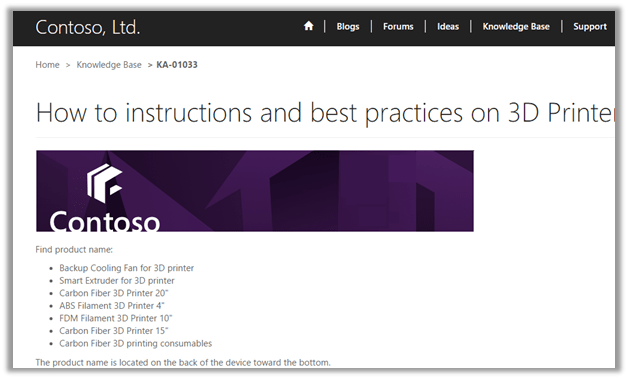
Clicking on the search result opens up the article in the portal.
Hope it helps..
Discover more from Nishant Rana's Weblog
Subscribe to get the latest posts sent to your email.
Share It -


 Nishant Rana's Weblog
3 thoughts on “Associating Knowledge Base article with Portal in Dynamics 365.”