With the Timeline highlights (Generative AI) feature, agents can quickly view the critical information (summary) about the different activities in the timelines, without the need for clicking/reading through each of the activities.
We can enable and disable it at both the form level, app level and environment level.
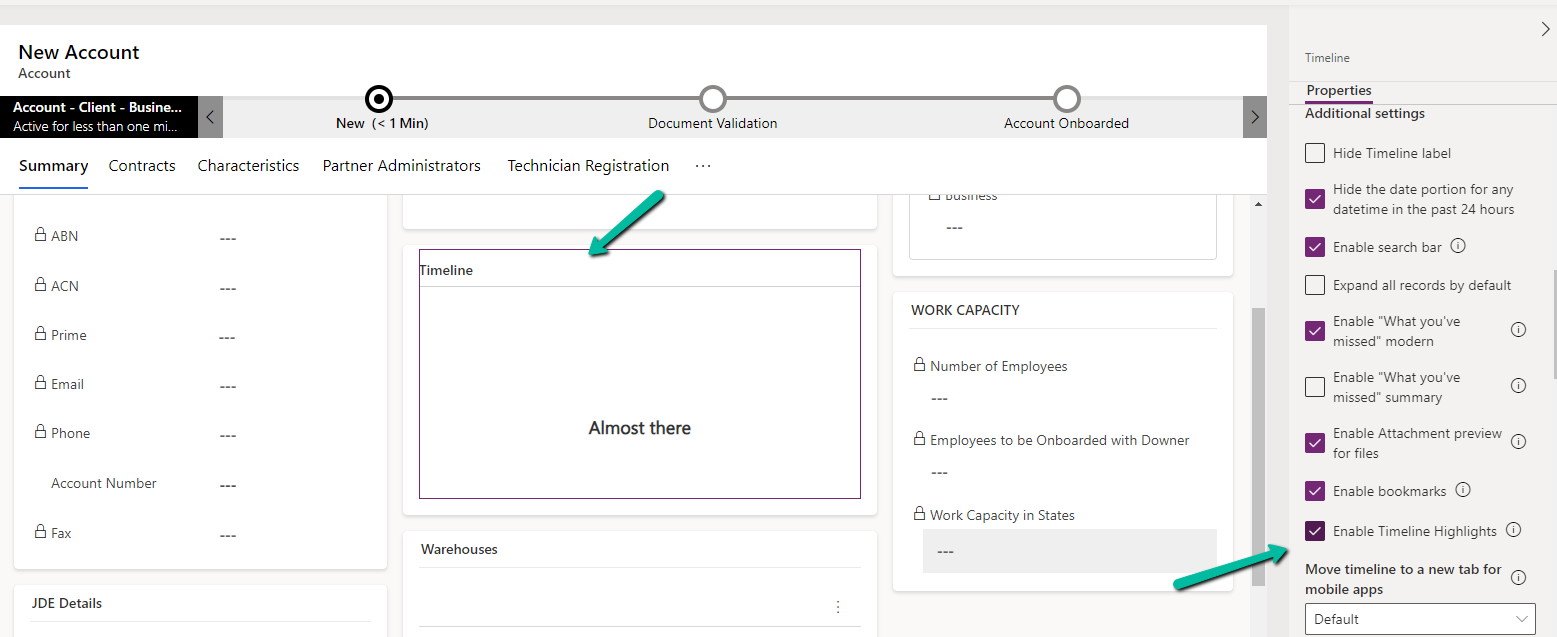
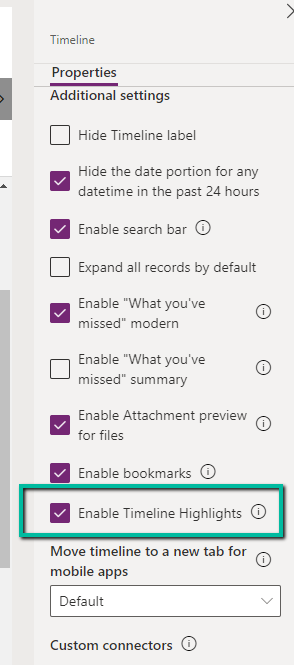
At the form level, we can check/uncheck the Enable Timeline Highlights checkbox for the timeline component.
At the App level, open the Settings >> Features for the corresponding App.
Here if we disable it at the App-level it won’t show up even if it is enabled for that particular form for that particular app.
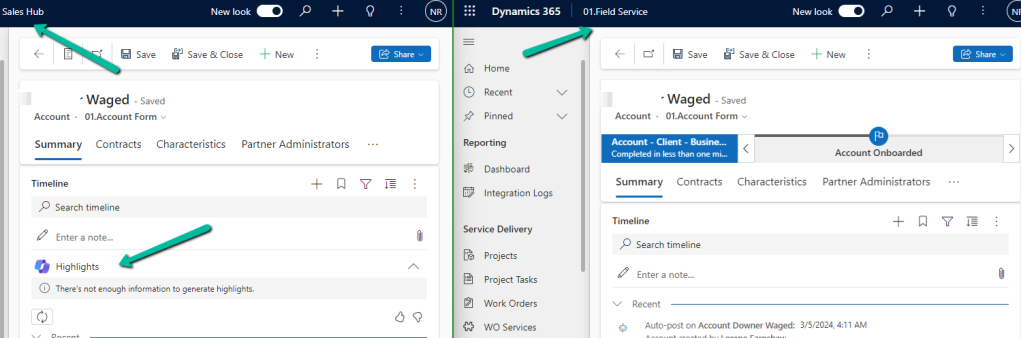
For e.g. we see timeline highlights in the Sales Hub App but not in the Field Service app in which we had it disabled for the account form.
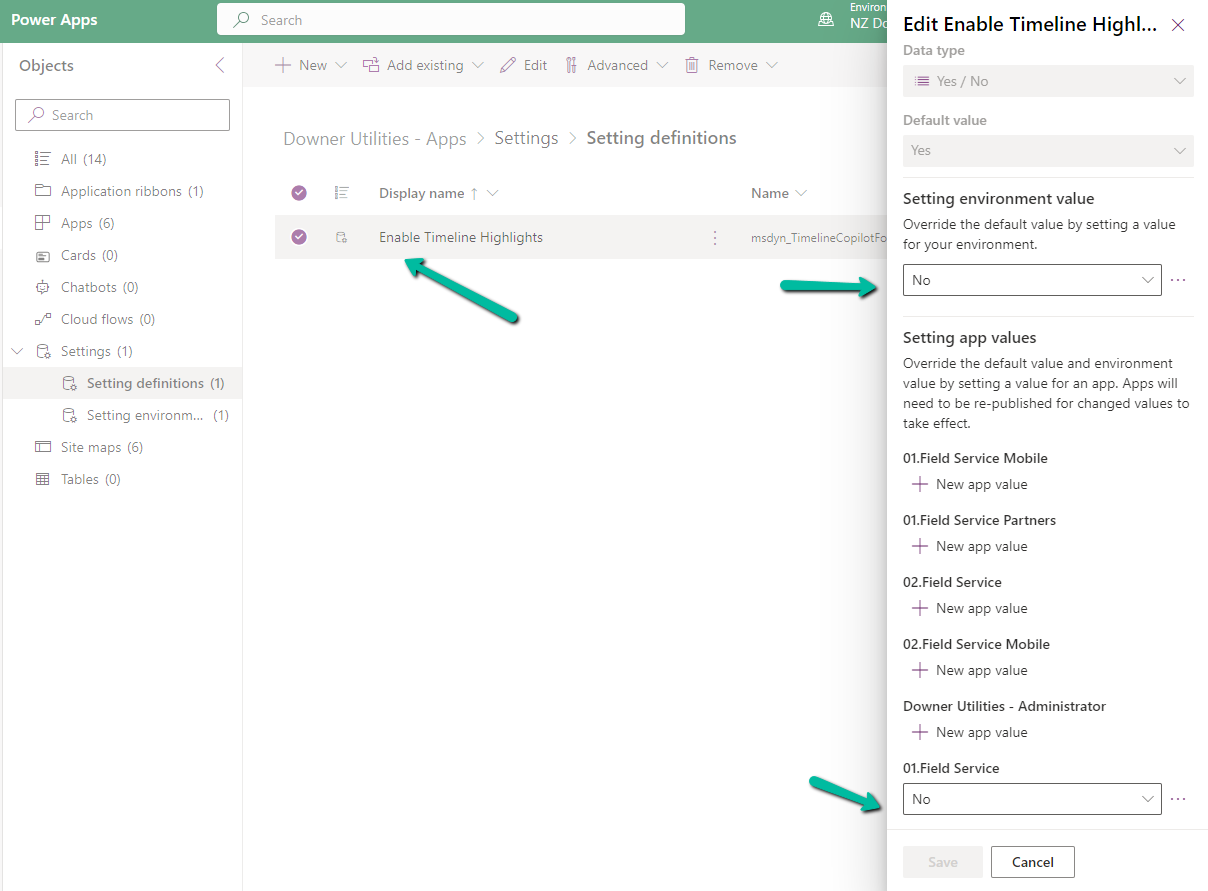
We can also specify it using the Setting Definitions and Environmentvalues as shown below.
For one of our flows while testing we realized it was not getting triggered.
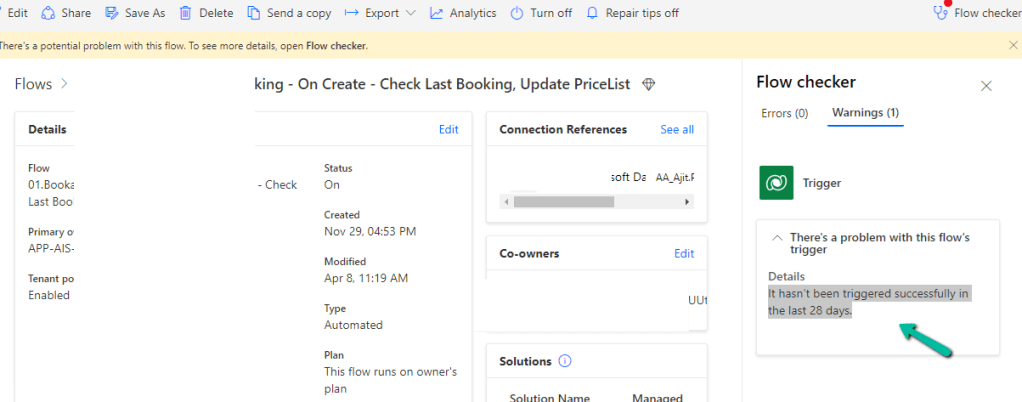
We could see it giving below error –
There’s a problem that needs to be fixed to trigger this flow – It hasn’t been triggered successfully in the last 28 days.
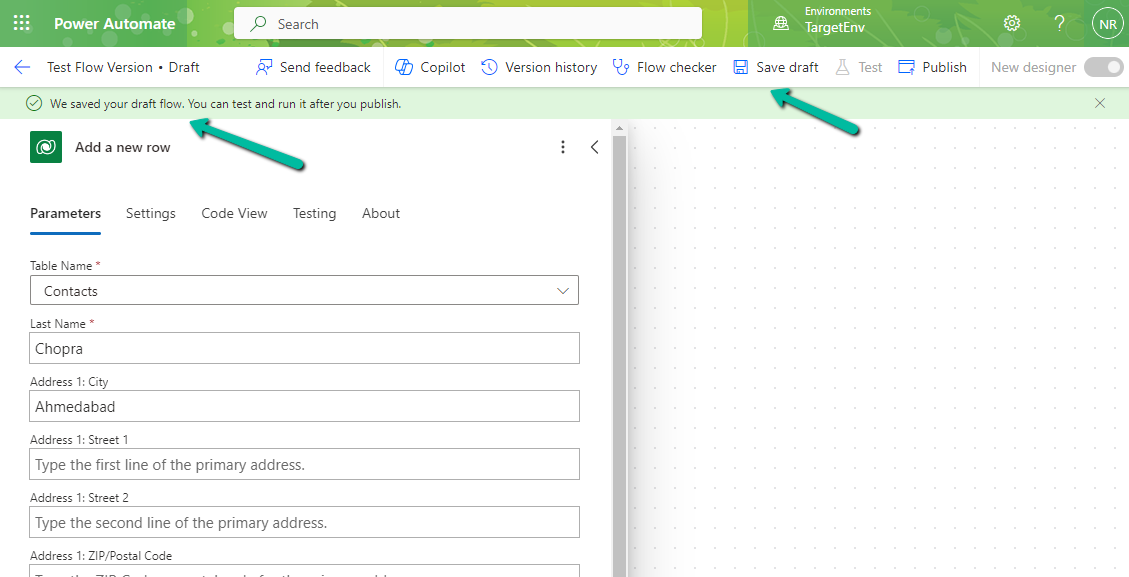
We tried a couple of things and I think either switching it on and off and/or updating the trigger condition and saving it temporarily seems to have fixed the issue. Either of these would have created the correct corresponding Callback registration records.
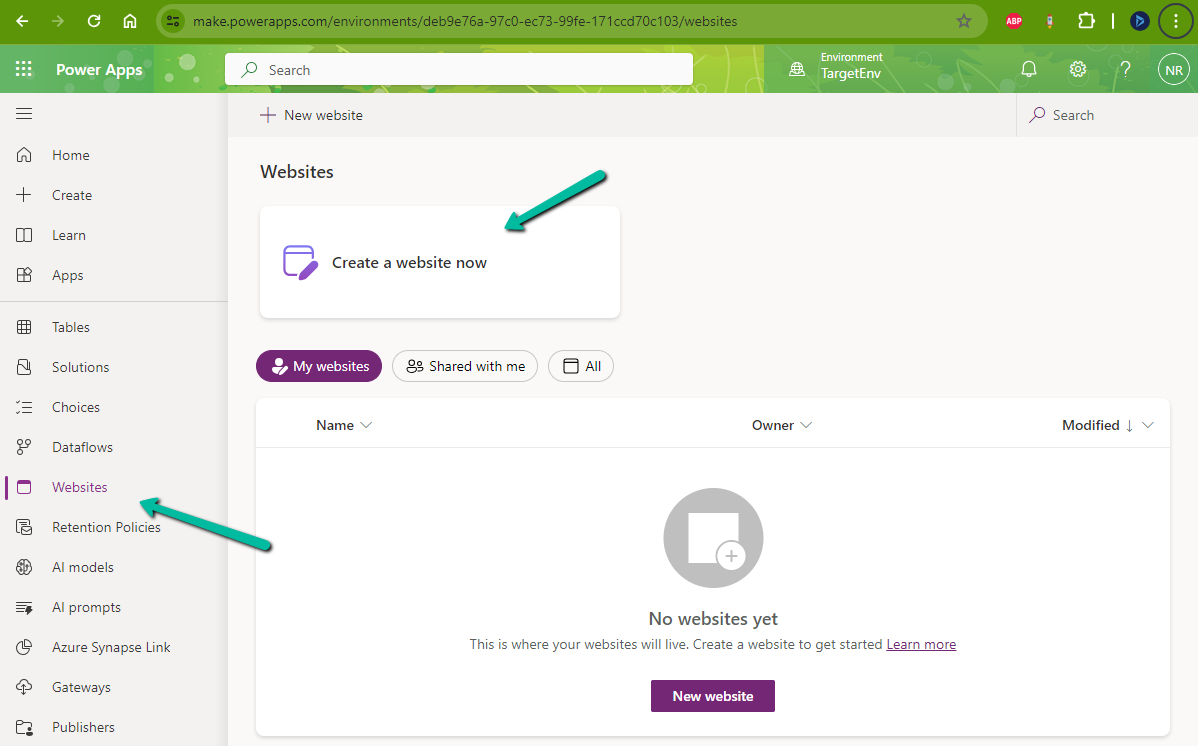
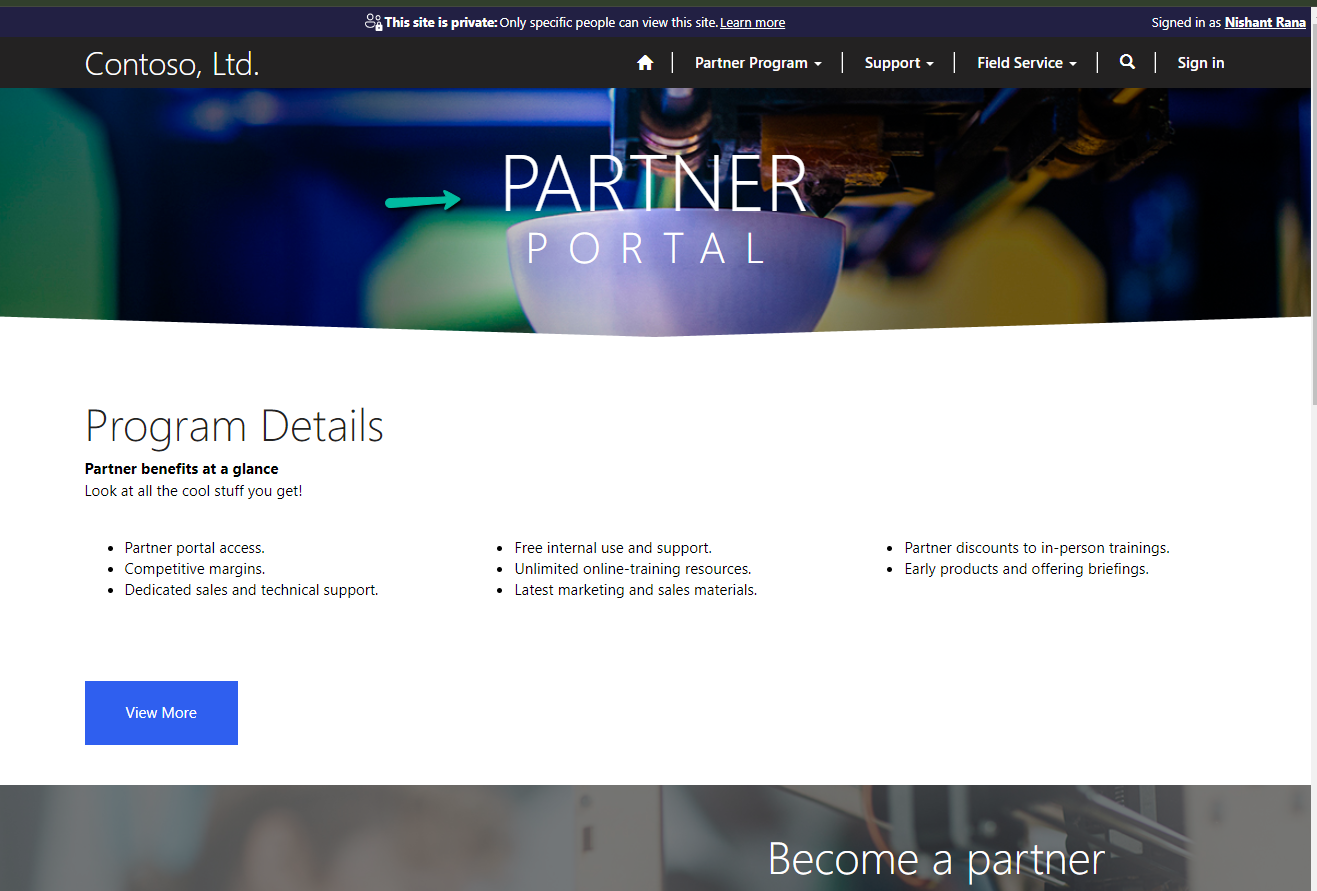
While trying to create a Website with Template – Partner Portal,
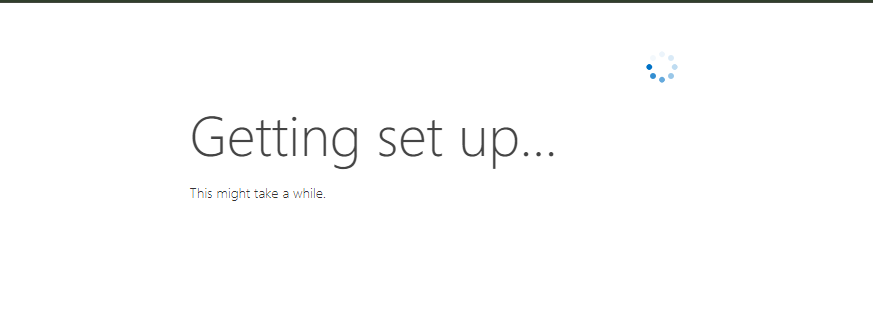
we observed the provisioning stuck at – Getting set up…
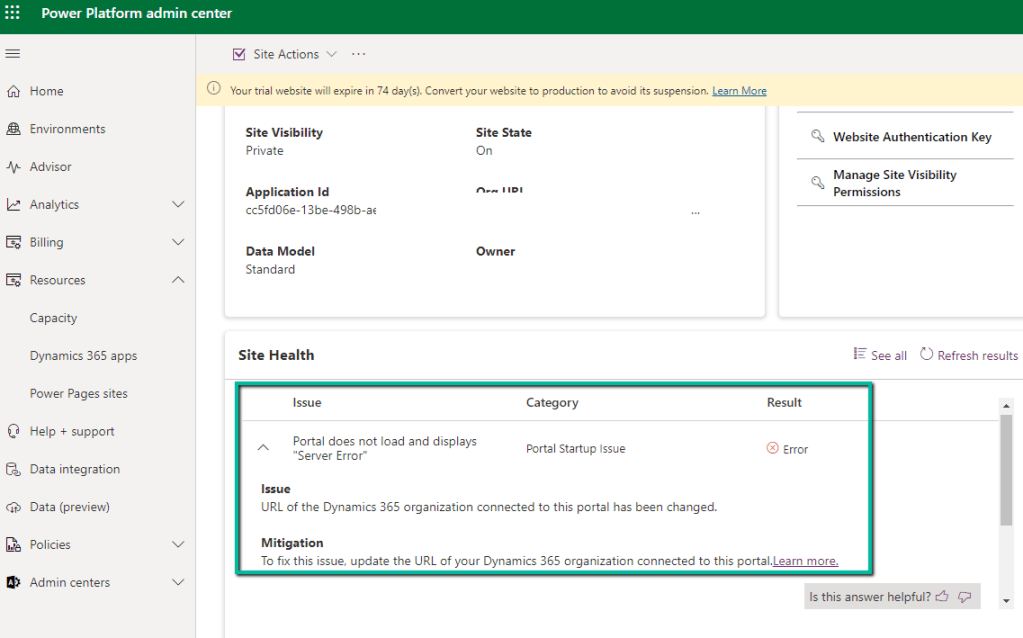
Also, it was showing the below error on checking the Site Health.
“URL of the Dynamics 365 organization connected to this portal has been changed.” Which wasn’t the case as the URL of the organization was correct.
Usually, the 1st Web Site takes time around an hour and then any new website is provisioned within 15-20 minutes (as the common / base solutions are already installed). This was the first website for that environment, however, when it was more than 24 hours, we then raised a Microsoft Support Ticket for it.
Microsoft acknowledged this as a bug and also got the fix ready, but there was a delay in deploying it because of dependencies internally.
In parallel, they also provided us with a workaround, which fixed the issue for us.
The steps are as follows –
Create Web Site with the Customer Self-Service Portal template.
Create Web Site with the Partner Portal template.
If Customer Self-Service Portal is not needed, the website can be deleted then, followed by deleting the below Managed solutions specific to Customer Self-Service.
Recently for one of our plugins, that moves attachments to the Azure Blob Storage, we got the below exception.
BlobFileName: WFU000069107_Inside Install – CFC__2024_03_03_12_24_05_179_temp.jpg Caught Exception: The input is not a valid Base-64 string as it contains a non-base 64 character, more than two padding characters, or an illegal character among the padding characters. System.FormatException: The input is not a valid Base-64 string as it contains a non-base 64 character, more than two padding characters, or an illegal character among the padding characters. at System.Convert.FromBase64_Decode(Char* startInputPtr, Int32 inputLength, Byte* startDestPtr, Int32 destLength) at System.Convert.FromBase64CharPtr(Char* inputPtr, Int32 inputLength)
We were getting errors while trying to use the FromBase64ToString method to decode the Base64 encoded string into its original byte array.
Seemed there were some issues with the image uploaded, even from the browser when trying to download we were getting the below exception.
The solution was to check if it is a valid Base64 encoded string before converting it to a byte array and if not skip it and process other attachments in the plugin.


















 Nishant Rana's Weblog