

Field Suggestions by Copilot for Canvas Apps apply to Gallery, Form Table controls both classic and modern for Dataverse, SharePoint, or SQL Server data source. It analyzes the schema of the table selected and recommends up to 10 fields that also include a maximum of 10 required fields of that table.
Let us see it in action.
Below we have the following fields defined as required fields in the lead table.
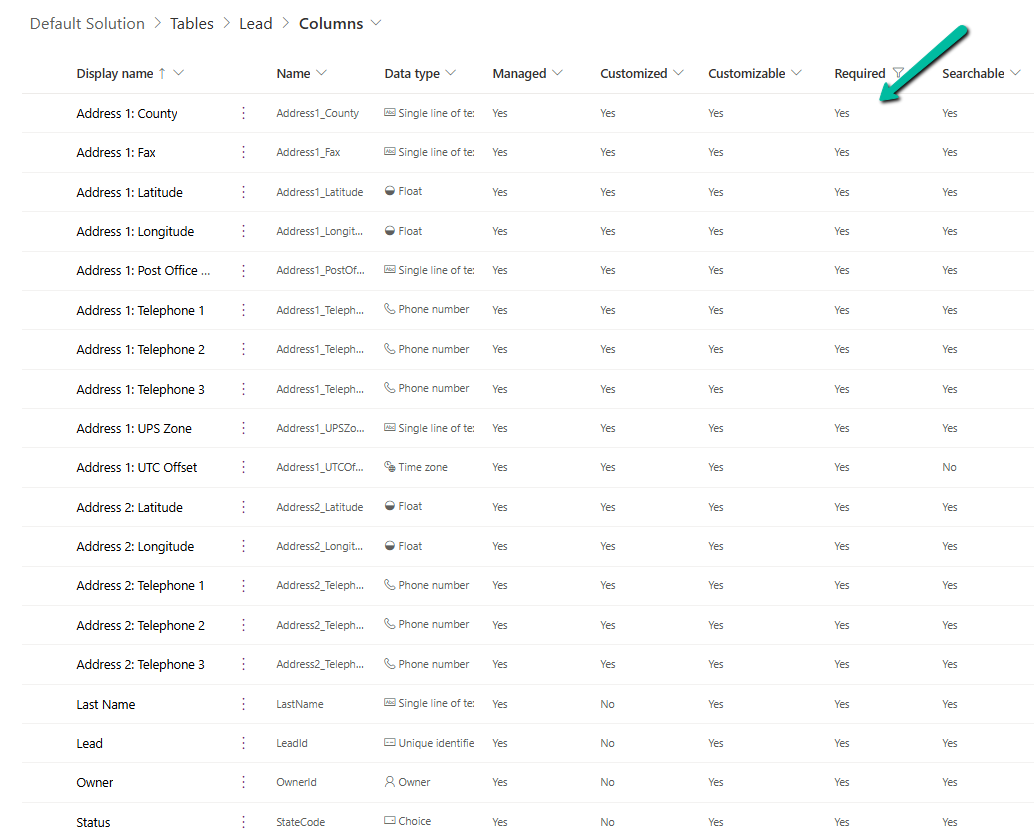
Now inside CanvasApp when we insert and bind the Modern Form / Table or the classic Edit Form / Display Form, Data Table to the lead table it automatically suggests the fields for binding.
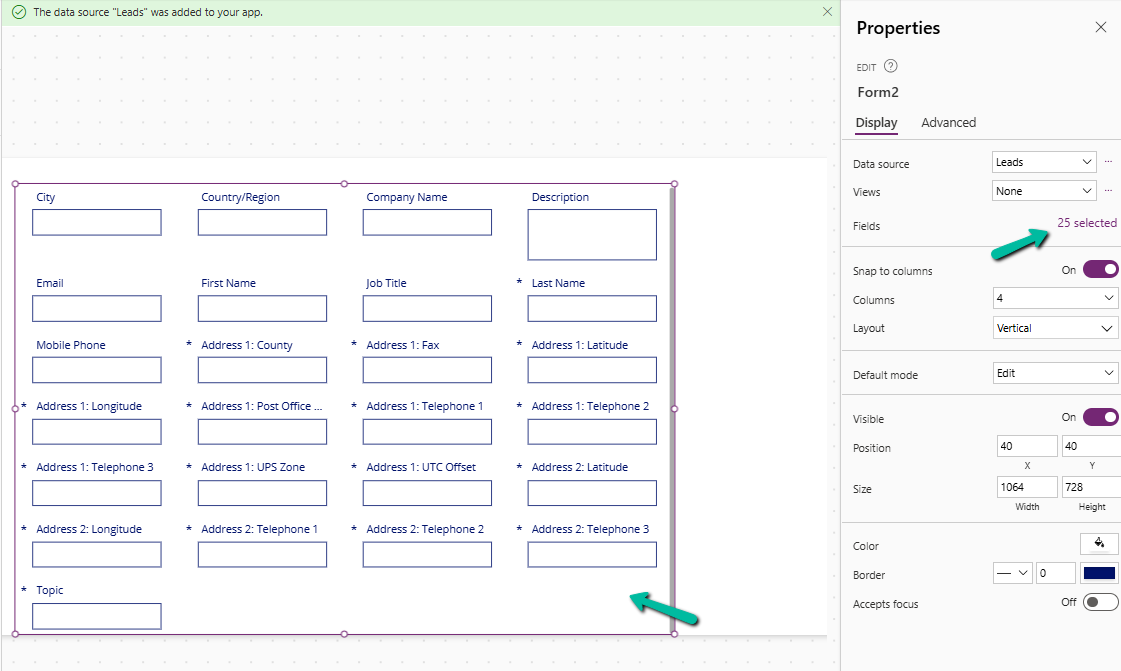
Here we have selected Lead as the Data Source for the Edit form or Form (modern) control.
Here we can see it suggesting all the required fields of the lead along with other key fields of lead like City, Country, Email, First Name, etc.
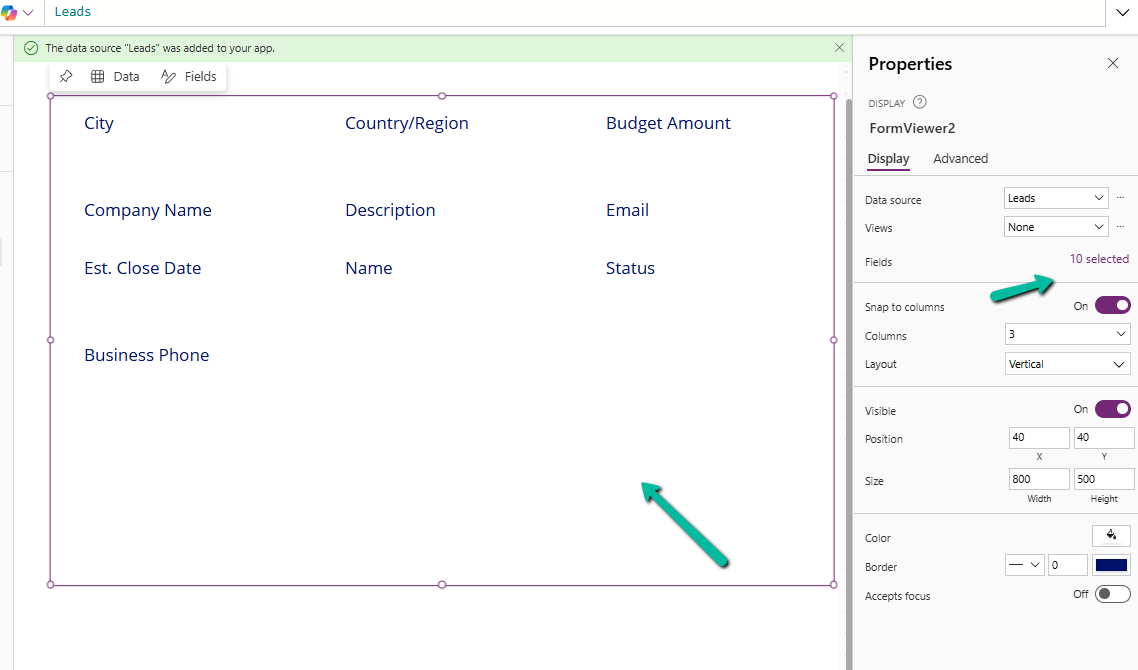
In the case of Table, we can see it suggesting the following 10 fields.
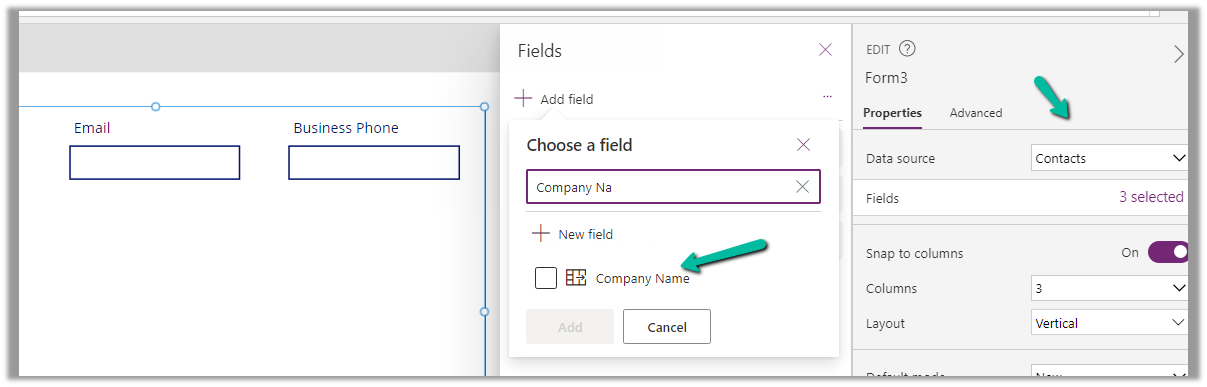
In the case of a custom table with very few fields in it, it suggested the below fields for Form and Table control.

Get all the details here.
Hope it helps..


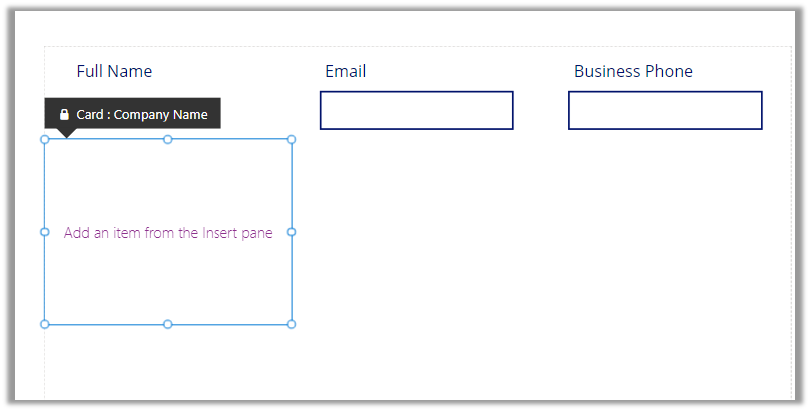
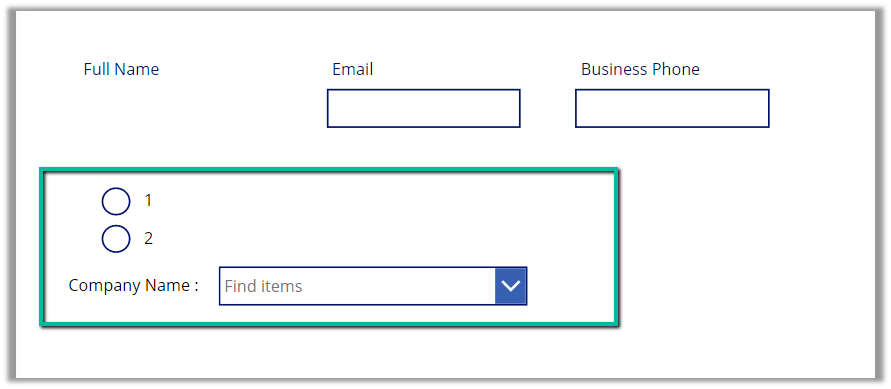
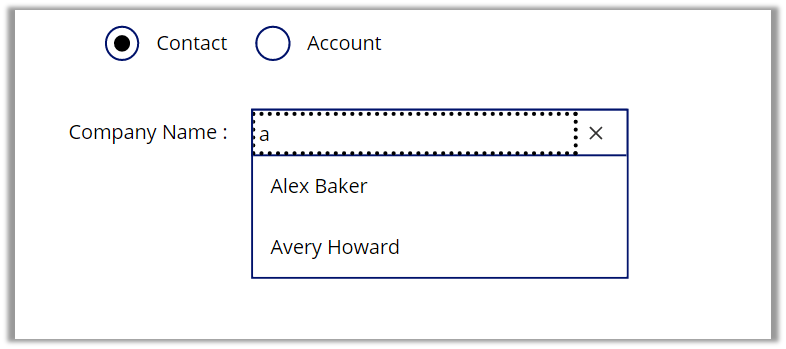
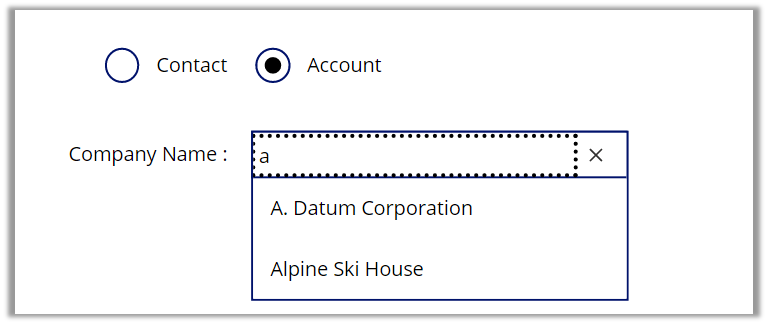
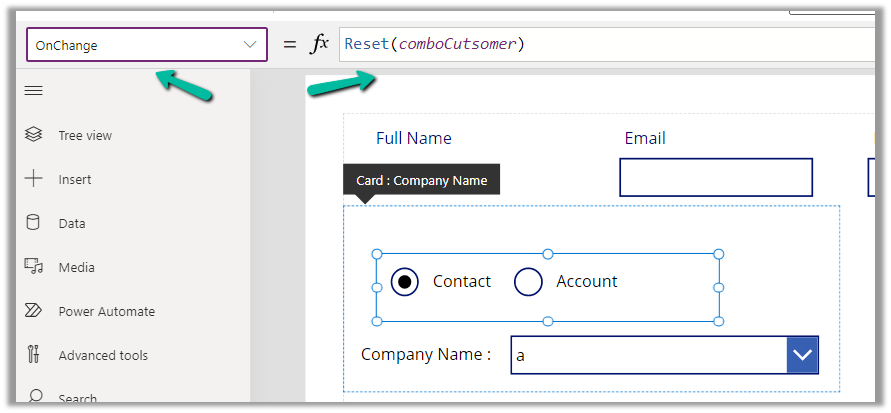
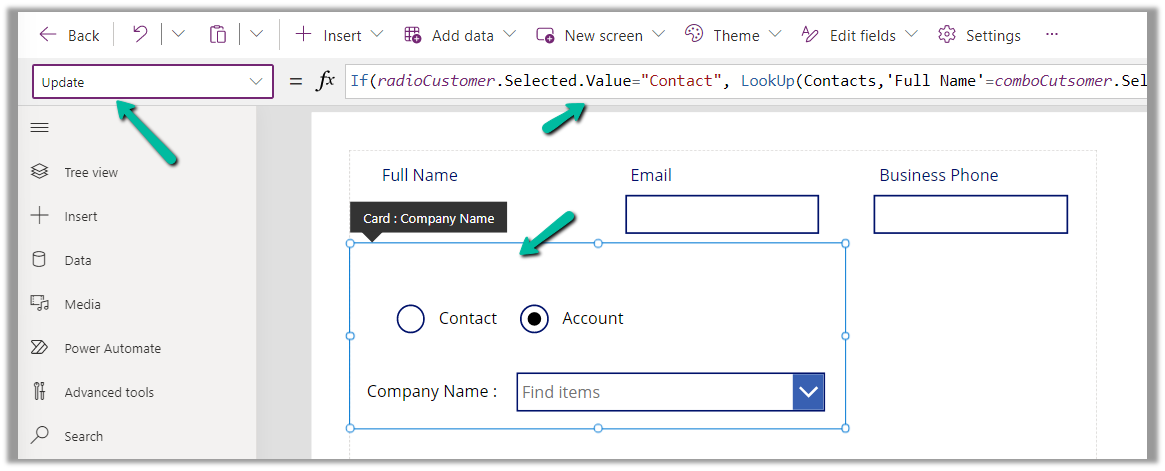
 And set the Items property of the Combo box as below –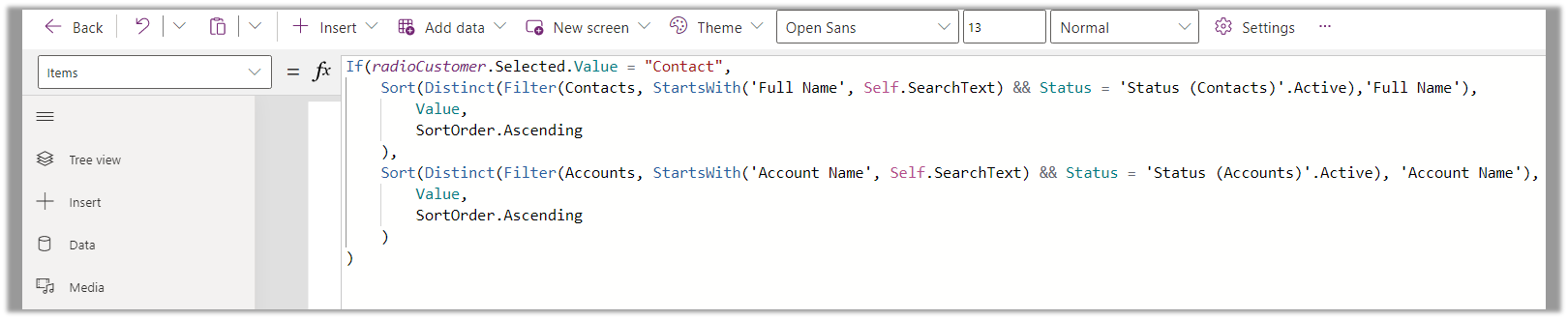











 Nishant Rana's Weblog