“Profiler AppDomain Unloaded” error while using Plugin Registration Tool for debugging CRM 2013 Online Plugin. (Plugin Profiler)


On clicking Start Execution button in Plugin Registration Tool for profiling I was getting the AppDomain Unloaded error.

On opening up the error detail the message was

“Could not load file or assembly Microsoft.Xrm.Sdk, Version=5.0.0.0″

Updating the Plugin Project to use the Version 6 assembly that was part of the SDK, from which I was using Plugin Registration tool fixed the issue.

To understand more check the below links

https://crmbusiness.wordpress.com/2015/03/24/crm-2015-understanding-the-plugin-profiler-and-puzzling-error/

https://social.microsoft.com/Forums/en-US/9709c5b3-a035-4c1a-bdd3-6d8054db31d0/profiler-plugin-type-does-not-exist-in-assembly-error?forum=crmdevelopment

http://blogs.msdn.com/b/devkeydet/archive/2015/02/17/debug-crm-online-plugins.aspx

Hope it helps..

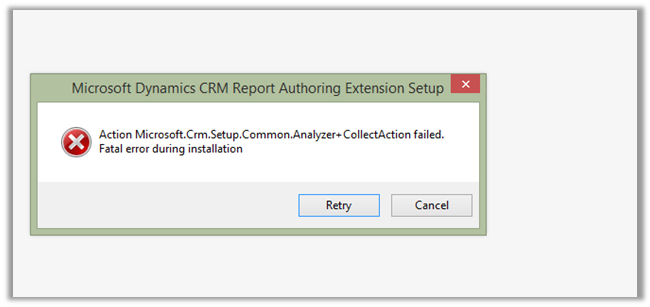
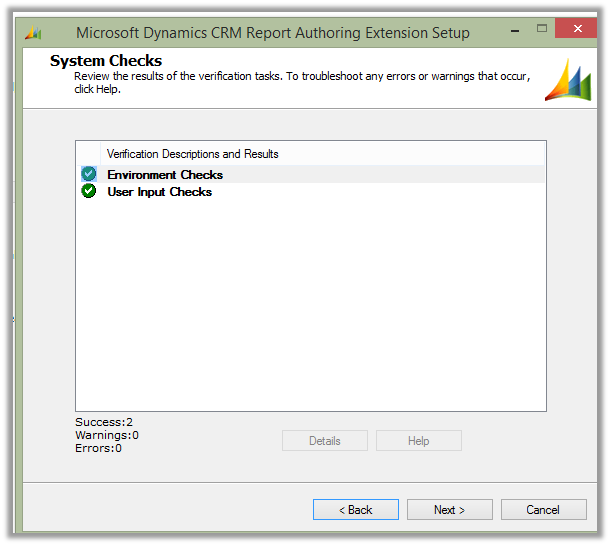
Fatal error during installation- Microsoft Dynamics CRM Report Authoring Extension Setup.


Hi,

Was getting the below error while trying to install

Microsoft Dynamics CRM 2013 Report Authoring Extension (with SQL Server Data Tools support)

https://www.microsoft.com/en-us/download/details.aspx?id=40343g

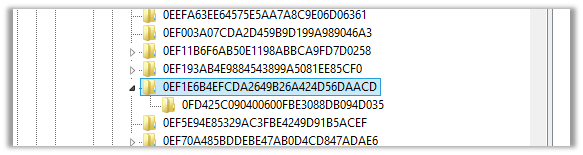
The solution was to delete the following registry key

HKLM\SOFTWARE\Microsoft\Windows\CurrentVersion\Installer\UserData\S-1-5-18\Components\0EF1E6B4EFCDA2649B26A424D56DAACD


After deleting the key the installation was successful.


https://support.microsoft.com/en-us/kb/2988630

Hope it helps..

Missing Posts tab in Social Pane in CRM 2013.


Hi,

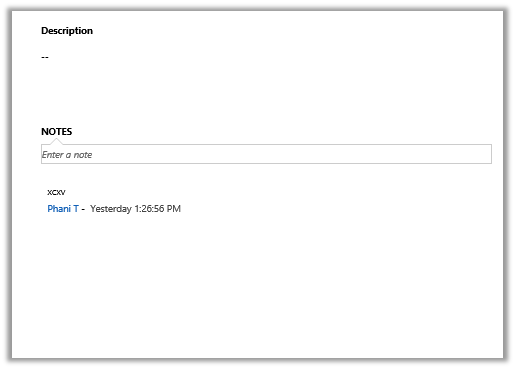
Recently we added Social Pane to one of our custom entity form in CRM 2013. It was only showing Notes and Activities tab. Posts tab was missing.

To get the Posts tab we need to activate Post for that custom entity, which can be done through Post Configurations page.

However the Post Configuration area was missing in our CRM’s site map navigation.

To add it back, we need to follow the steps mentioned this post

http://www.crmcodex.com/2013/11/mscrm-2013-missing-posts-tab-on-the-new-activity-feeds/

i.e. to add the following SubArea

<SubArea Id=”nav_administration” ResourceId=”Homepage_Administration” DescriptionResourceId=”Administration_SubArea_Description” Icon=”/_imgs/ico_18_administration.gif” Url=”/tools/Admin/admin.aspx” AvailableOffline=”false” />

<SubArea Id=”nav_social” ResourceId=”Social_SubArea_Title” DescriptionResourceId=”Social_SubArea_Description” Icon=”/_imgs/area/16_social.png” Url=”/tools/social/social_area.aspx” AvailableOffline=”false” />

<SubArea Id=”msdyn_postconfig” ResourceId=”Activity_Feed_Configuration” Entity=”msdyn_postconfig” />


Add Email and Post Configuration to SiteMap

https://technet.microsoft.com/en-us/library/dn486920%28v=crm.6%29.aspx

Hope it helps..


Missing Activities tab in Social Pane in CRM 2013


Hi,

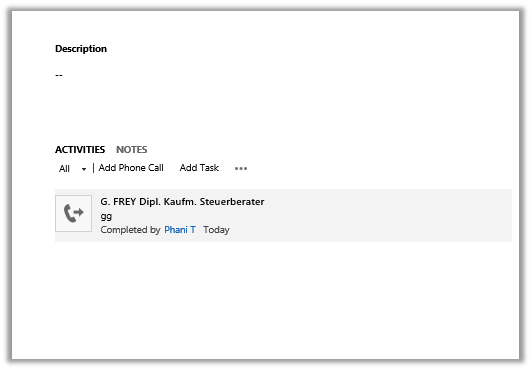
Was working on a task wherein we had to add Social Pane to a form of a custom entity. We enabled the Notes for the entity (Activities was already enabled).

However after adding it to the form it was only showing only Notes tab.

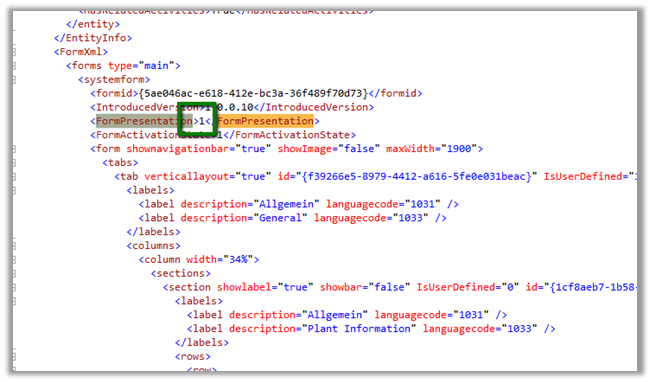
The solution we found was to export the entity and change the following value to 1 for the particular form.

Saving and importing back the solution fixed the issue.


The helpful post

https://thecrmgrid.wordpress.com/2013/11/22/social-pane-control-not-working-in-custom-forms/

Hope it helps..

“The formula is empty” exception while importing solution in CRM 2015


Got this error while trying to import a managed solution.

It was giving this error for Calculated fields.

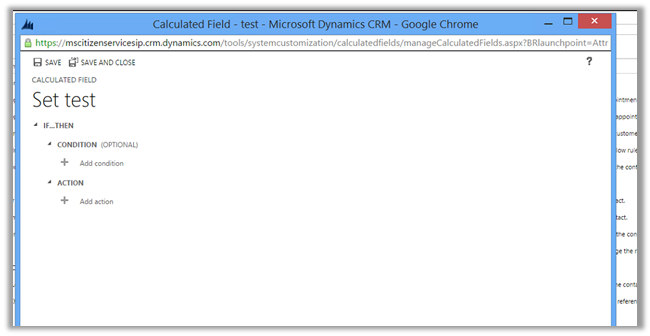
On checking these fields in the source CRM realized that these fields were missing Action in them.

Adding appropriate action to them and then exporting and importing the same solution worked fine.

Hope it helps..

“The entity referenced by this process includes a currency value that does not exist in your organization. Select a different currency and try again.” Error in Workflow in CRM.


After importing one of the solution was getting the below error in one of the processes

The solution was to find out the Currency field and set it to the currency that existed in our organization.

Hope it helps..