New Attachment features for Email – Dataverse / Dynamics 365


We can see a few new features added to attachments for email activity as part of 2024 Release Wave 1.

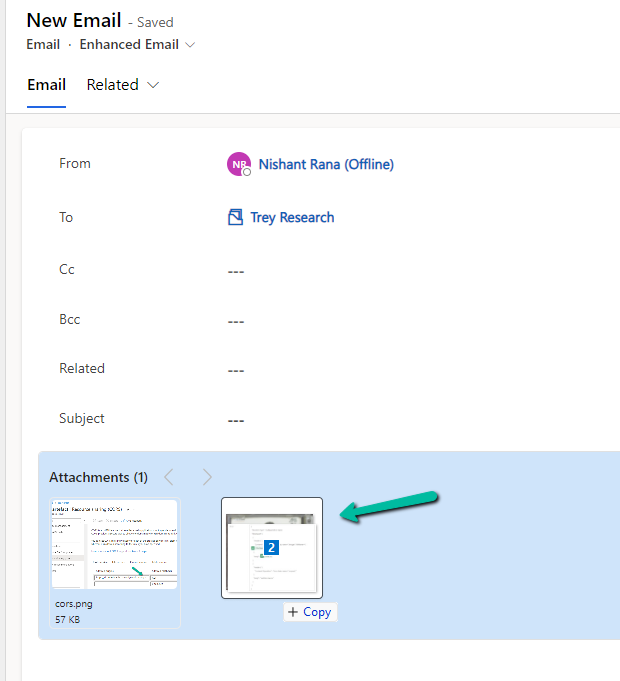
  • We can use drag and drop to add attachments.
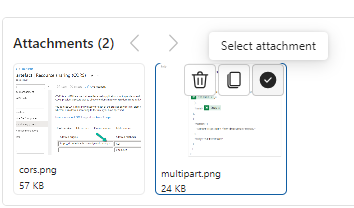
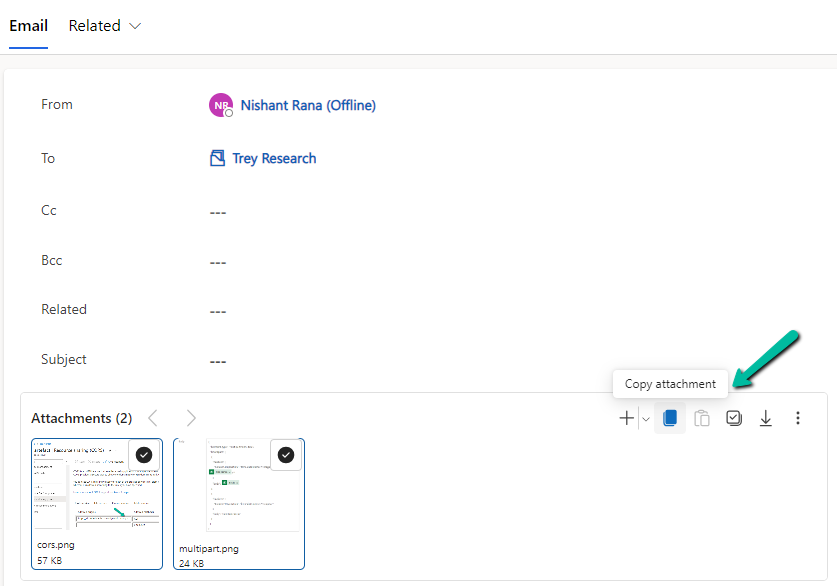
  • Select (Select All) and copy the attachment(s)
A screenshot of a computer

Description automatically generated
A screenshot of a computer

Description automatically generated
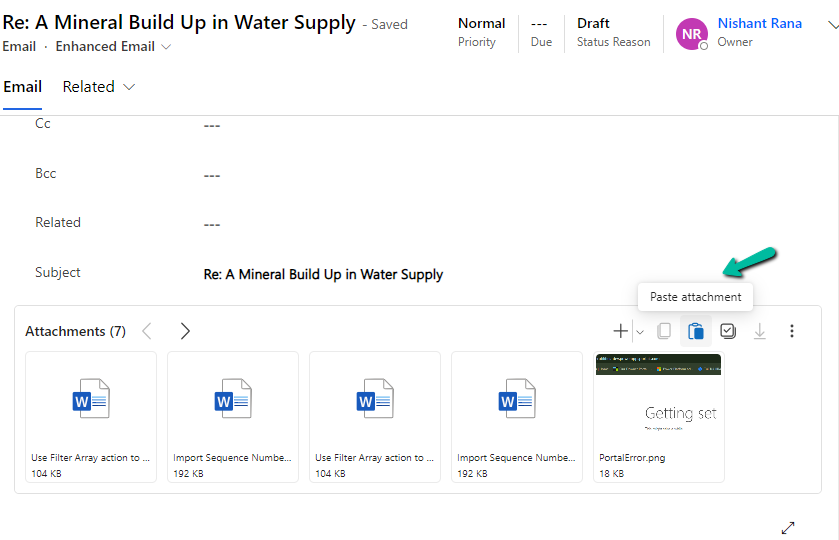
  • And can paste it to another email
A screenshot of a computer

Description automatically generated
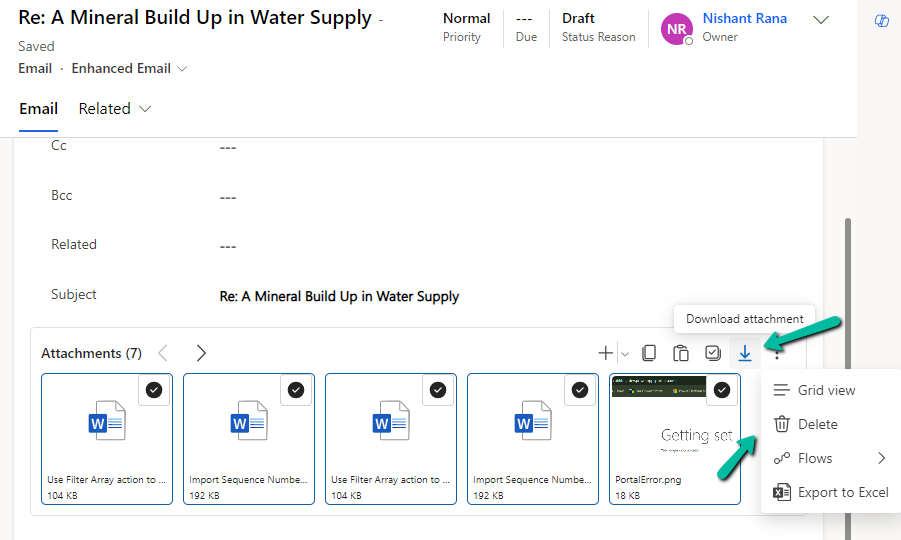
  • Bulk download and delete the attachment(s)
A screenshot of a computer

Description automatically generated
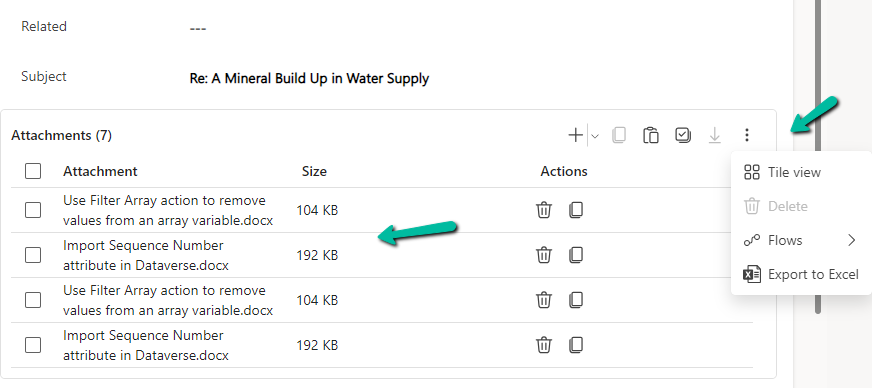
  • We can switch between Tile and Grid view which also shows the size of the attachments.
A screenshot of a computer

Description automatically generated
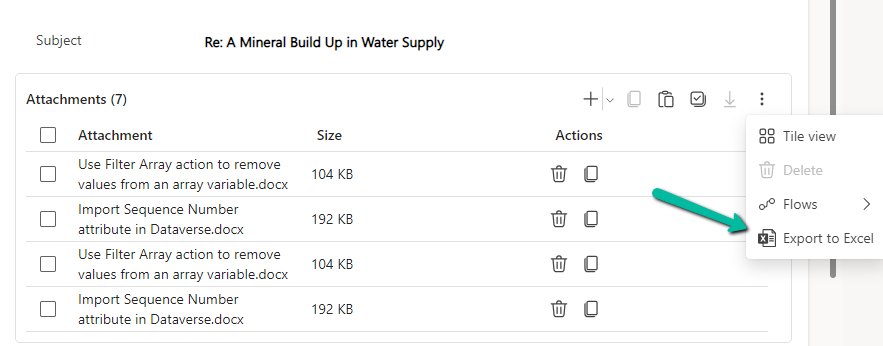
  • We can export attachments to Excel.
A screenshot of a computer

Description automatically generated
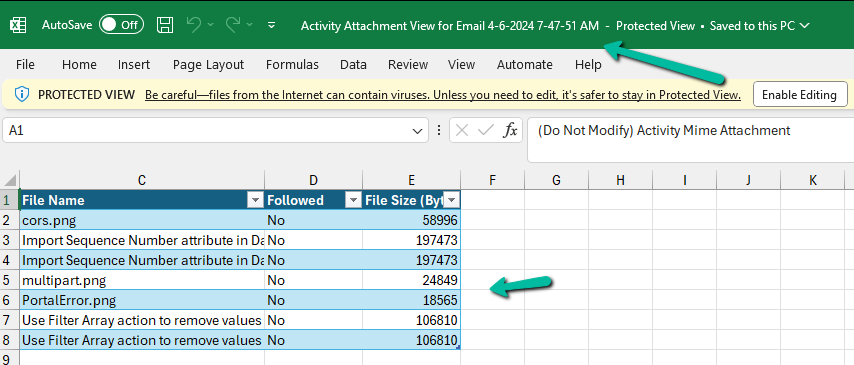
  • The exported Excel file will have the following details
A screenshot of a computer

Description automatically generated

Get all the details here

Hope it helps..

Advertisements

Fixed – The plug-in execution failed because no Sandbox Hosts are currently available. Please check that you have a Sandbox server configured and that it is running – Dataverse / Dynamics 365


Recently we were bulk updating our records, which would trigger an asynchronous plugin registered on its update. We were using the wonderful Bulk Data Updater (XrmToolBox) plugin for it. We realized if we are updating too many records at once say e.g. 100 Batch Size (total 5K records to be processed), we are getting below exception.

The plug-in execution failed because no Sandbox Hosts are currently available. Please check that you have a Sandbox server configured and that it is running.System.ServiceModel.FaultException`1[Microsoft.Xrm.Sdk.OrganizationServiceFault]: The plug-in execution failed because no Sandbox Hosts are currently available. Please check that you have a Sandbox server configured and that it is running. Microsoft.Xrm.RemotePlugin.Grpc.ExceptionHandlers.SandboxFabricHostCommunicationException: Error communicating with Sandbox Host

We than updated the Execution settings to process with a Batch Size of 5 with an interval of 60 seconds. This fixed the issue for us.

Also, check –

Hope it helps..

Geofencing unit ‘Mile’ with id: ” cannot be removed – Dynamics 365 Field Service


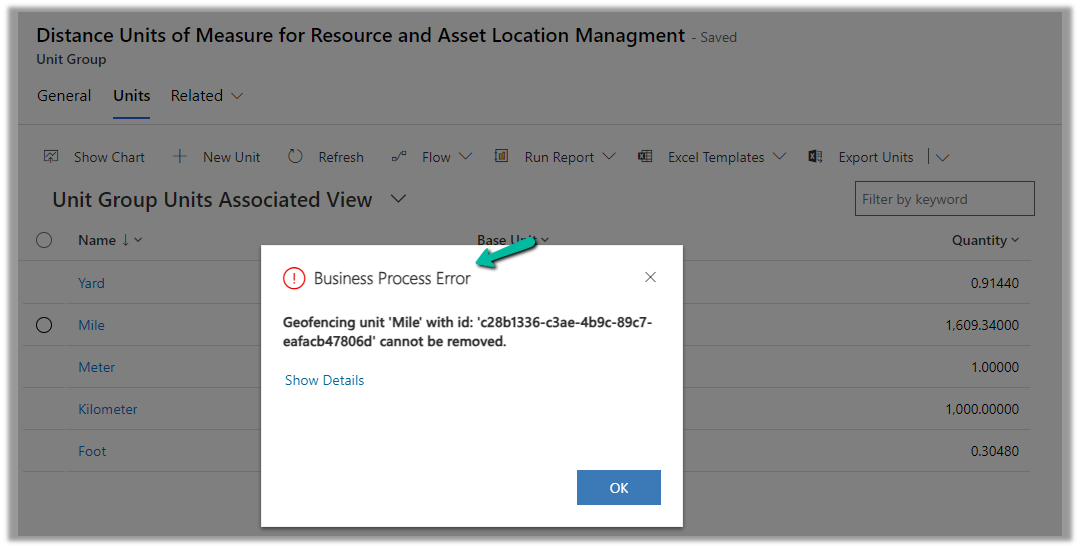
While trying to delete the Unit records related to the “Distance Units of Measure for Resource and Asset Location Management” unit group, we will get the below error

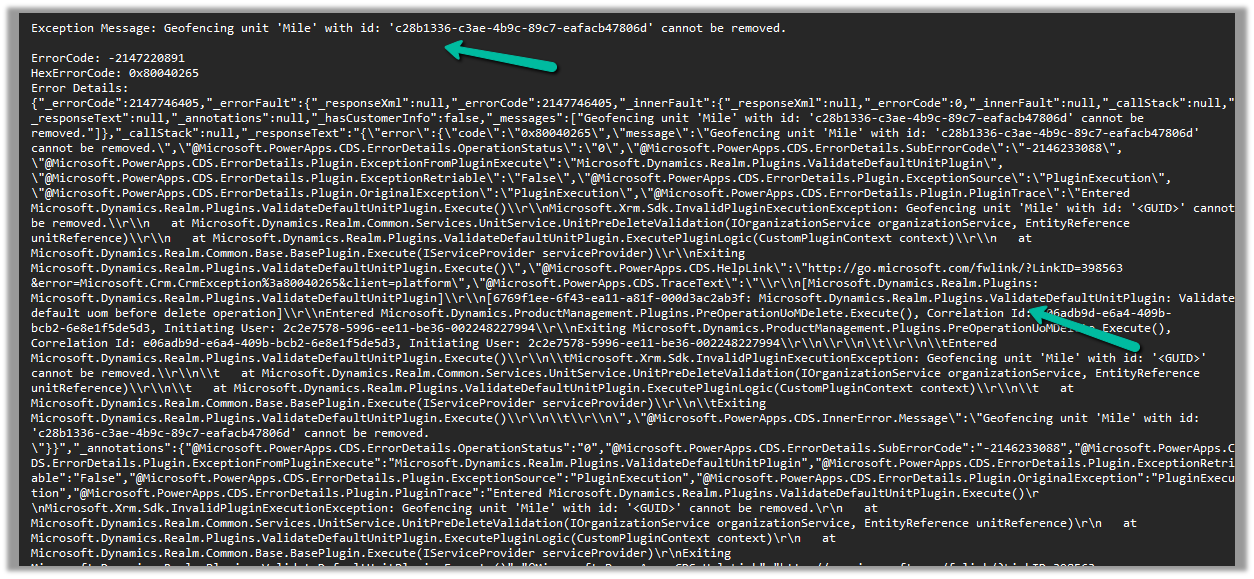
Geofencing unit ‘Mile’ with id: ‘<GUID>’ cannot be removed

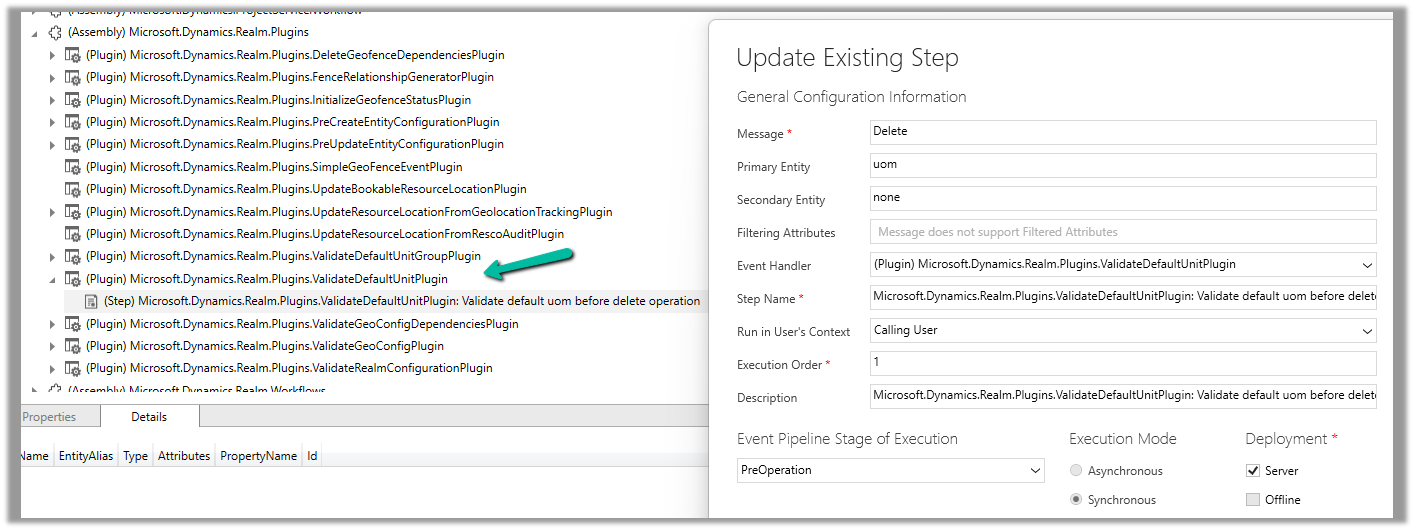
Below is the out of the box plugin that restricts the deletion of the unit

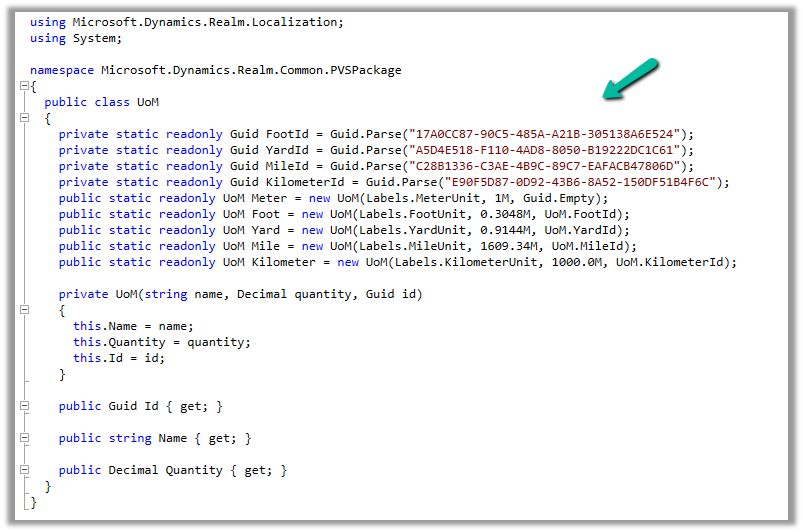
The code for the plugin –

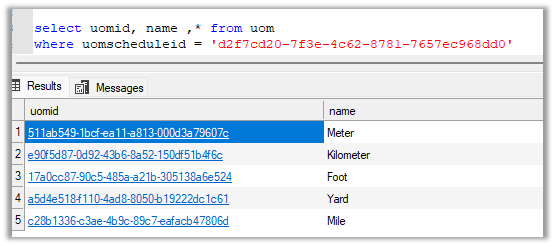
UOM GUIDs –

And the GUIDs within the environment –

To know more about Geofencing.

Hope it helps..

Advertisements