

With the preferred solution (preview), now we can specify a solution to which all our changes, that are made outside of the context of the unmanaged solution, should get automatically added.
To enable it, navigate to Settings >> Features >> Preferred solution (Preview)

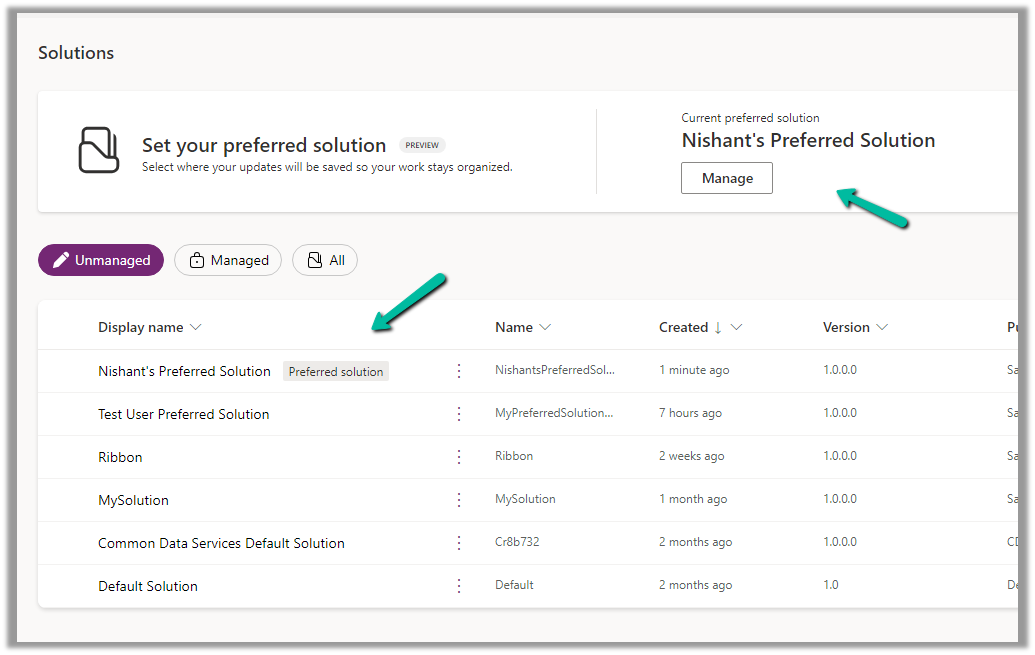
Inside the Maker Portal, now we can see a new section added, asking us to specify the preferred solution, and we can see Common Data Services Default solution set as the preferred solution as default.

We can click on Manage to specify any of the existing unmanaged solutions as the preferred solution or to create a new solution.

Here we have set one of the solutions as the preferred solution.
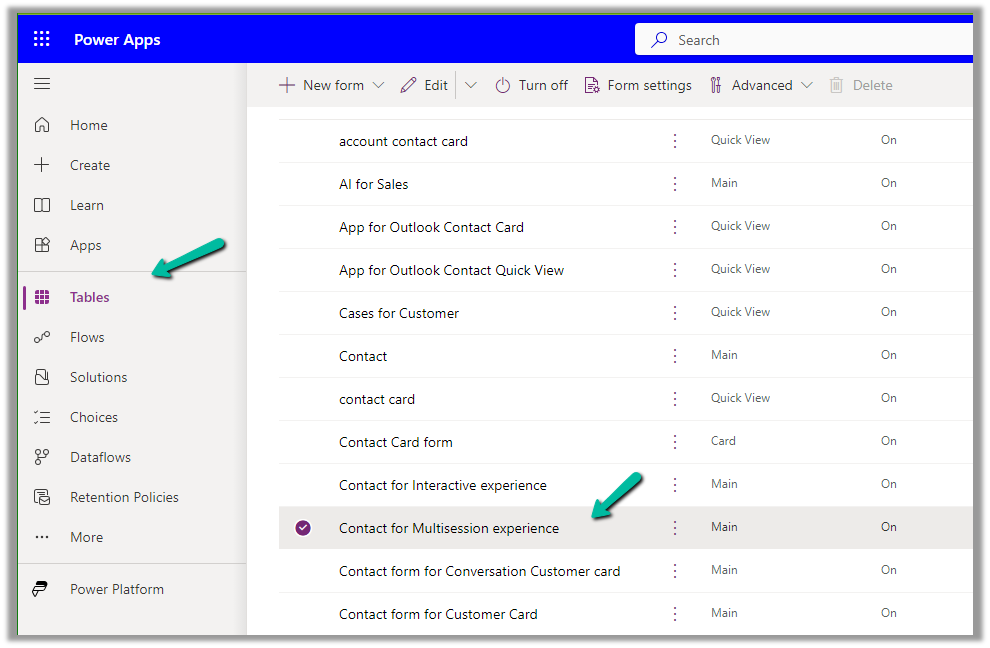
Now let us add an update existing table outside the context of the solution. Here we are updating its form by rearranging some of the fields in it.
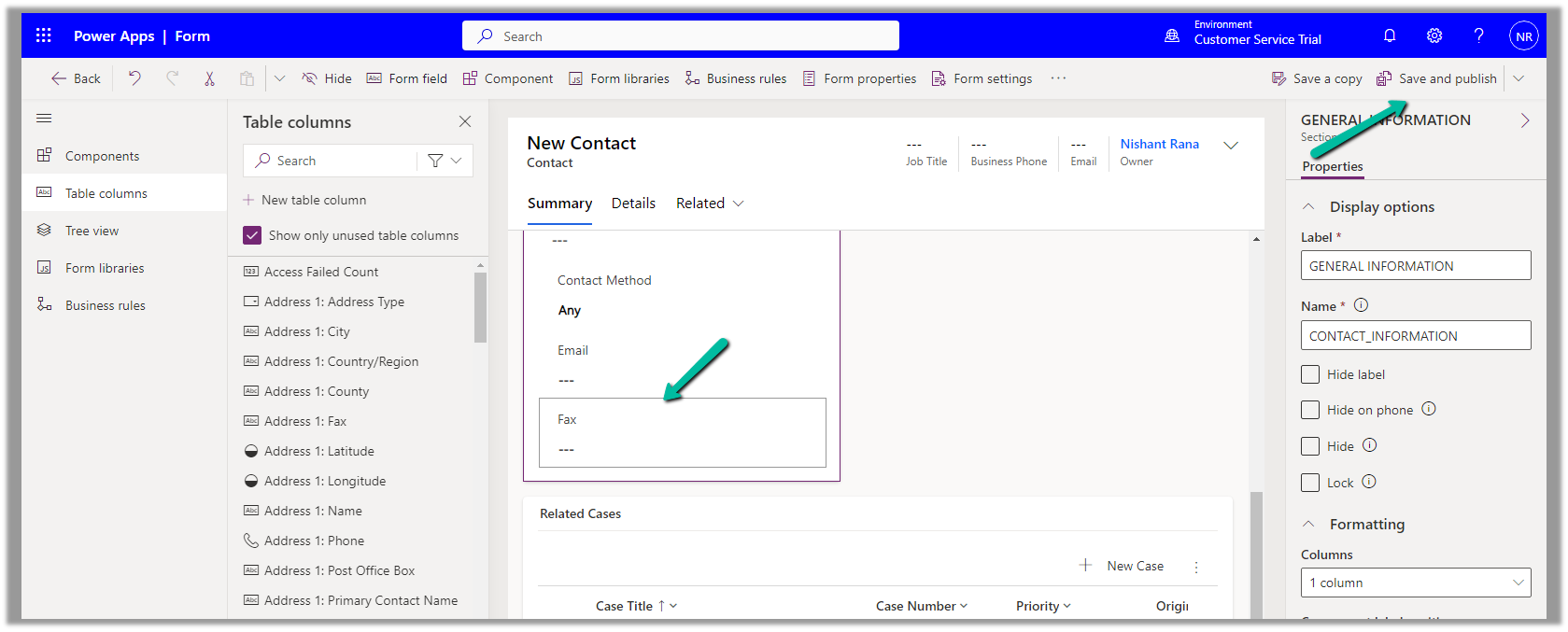
We have moved the Fax field to be the last field in that General Information section and have published the changes.
Back in our preferred solution, we can see the form we updated, automatically added.

Similarly, any other changes, i.e. any solution components added or updated, outside the context of the unmanaged solution, will be added to the preferred solution. (apart from changing the Default Solution where all the solution components reside).
Also, other users/makers can specify their preferred solution.

To add the cloud flows or canvas apps, created outside the context of the solution, in the preferred solution, we can enable the below features.

Here we have created this sample flow from outside the solution and also a canvas app.


We can see them added to our preferred solution.

Get all the details here
Hope it helps..
Discover more from Nishant Rana's Weblog
Subscribe to get the latest posts sent to your email.
Share It -


 Nishant Rana's Weblog
One thought on “Preferred Solution (preview) in Dataverse / Dynamics 365”