

Let us continue our previous post, where we observed performance improvements by using User Multiplexing
Now let us try making use of the xMultiple feature (CreateMultiple, UpdateMultiple, and CreateMultiple messages) of the CRM / CDS Destination Component.

We have updated the Batch Size to 100 to trigger the xMultiple

However this time we got the service throttling error, and it took around 17:45 minutes.
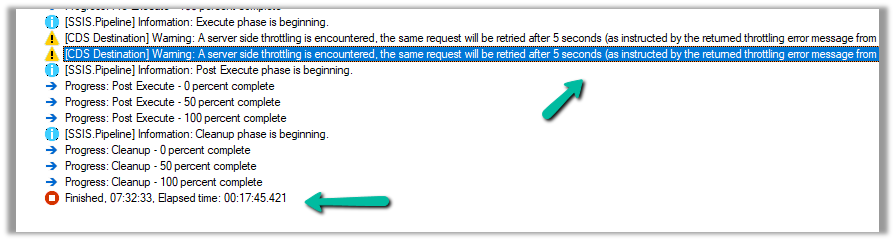
Let us try decreasing the batch size to 50 (to trigger xMultiple), keeping the thread the same as 20, and User Multiplexing with 5 Application users.
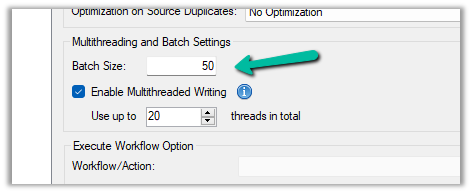
No throttling warning this time and took around 10:42 minutes.

Now let us try the same setup, for a custom table instead of a standard table.
Here we have run our package to create 20K records, with User
Multiplexing ( 5 Application users), Batch Size 10, and 20 Threads for our custom table named My Table.
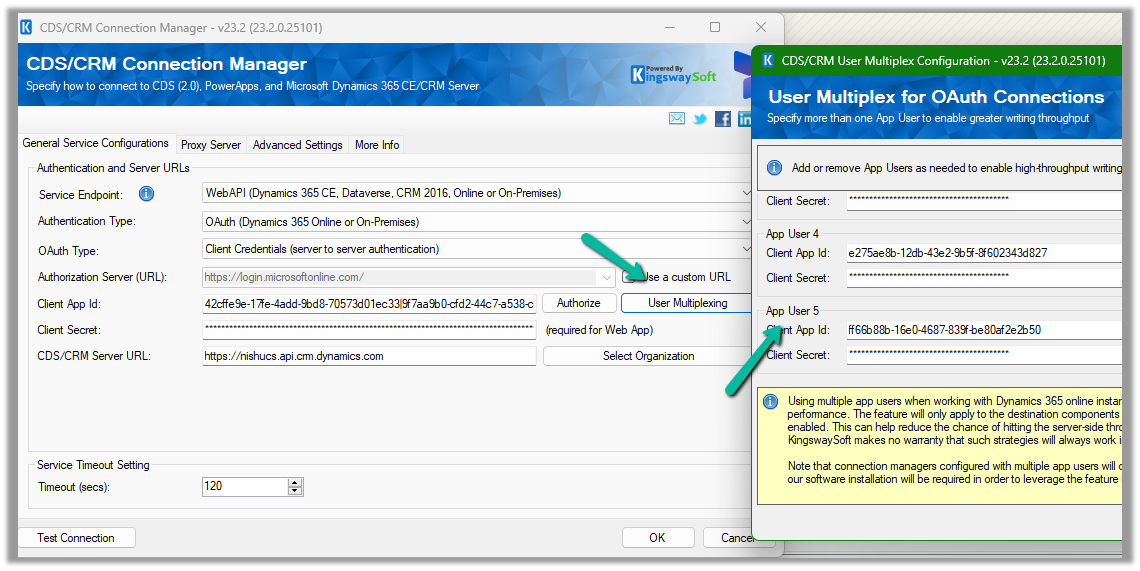

It took around 3:04 minutes.

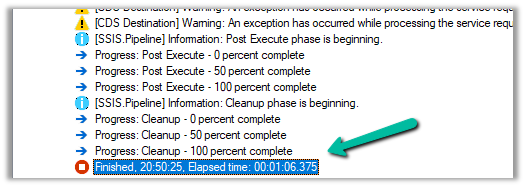
Let us increase the batch size to 100, to get the xMultiple enabled.
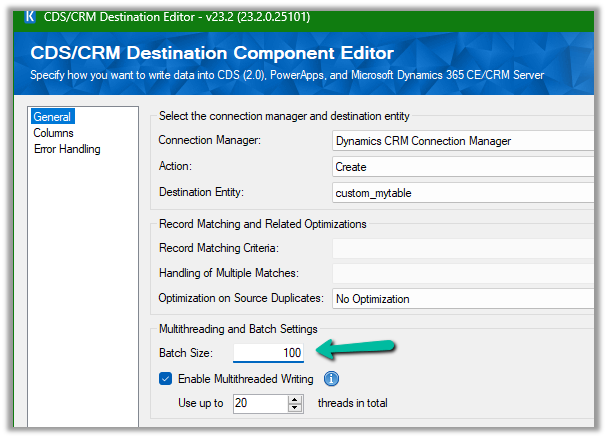
It took 1:06 minutes.
Let us set the batch size to 500
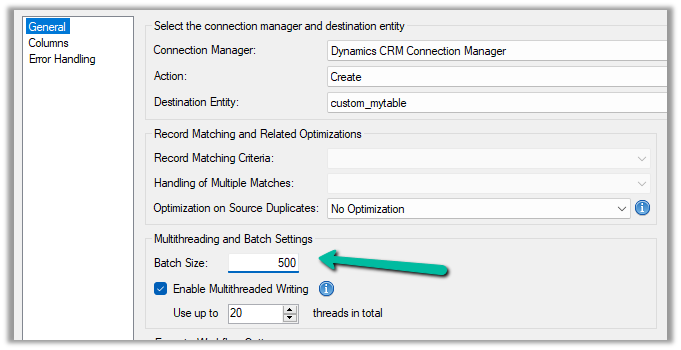
It took around 42 seconds.

And with 1000 batch size – 1:04 seconds
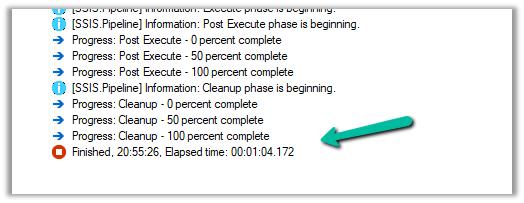
We can see huge performance improvements using xMultiple when it comes to a custom table.
So I think to get the performance improvements for the standard table we could stick with Batch Size – 10, Thread –10-20, and increase the number of users (Multiplexing).
But for the custom table, we could increase the batch size to either 100 or 500 to make use of xMultiple along with Multiplexing.
Hope it helps.
Discover more from Nishant Rana's Weblog
Subscribe to get the latest posts sent to your email.
Share It -


 Nishant Rana's Weblog
Does it perform better than ADF Nishant?
LikeLiked by 1 person
Not sure on that friend. We had run our KingswaySoft ssis packages in ADF.. and got very good performance.
LikeLike
LikeLike
LikeLike