

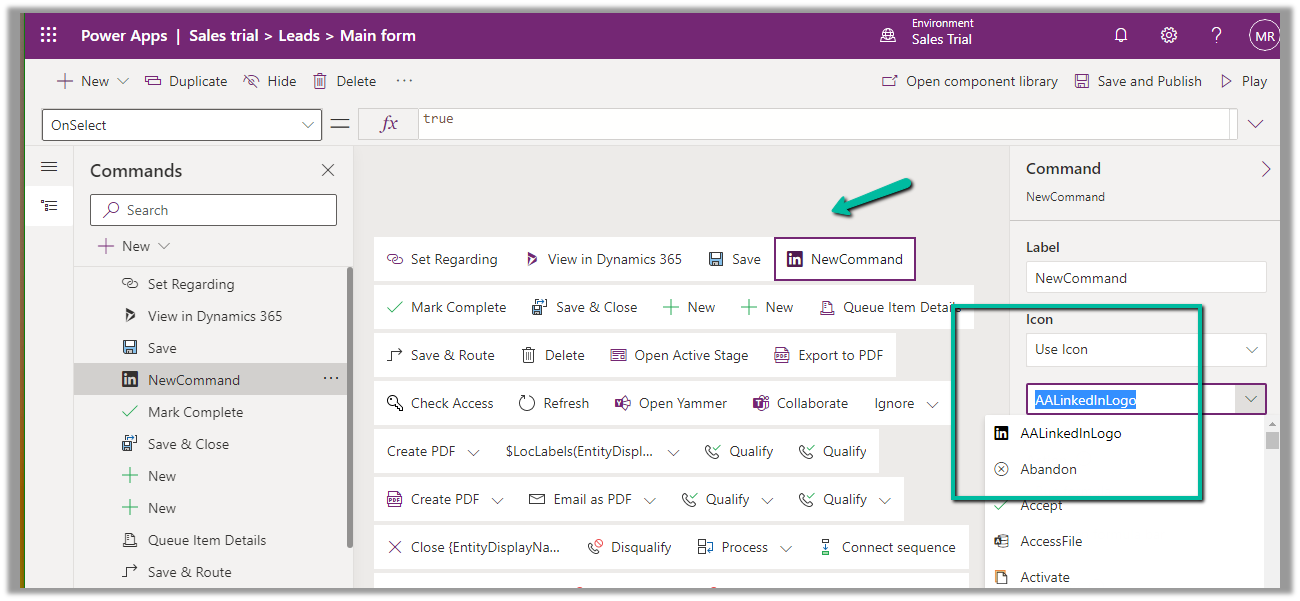
In case of a new command that is added through Command Designer, we can specify an existing Icon using the Use Icon option.
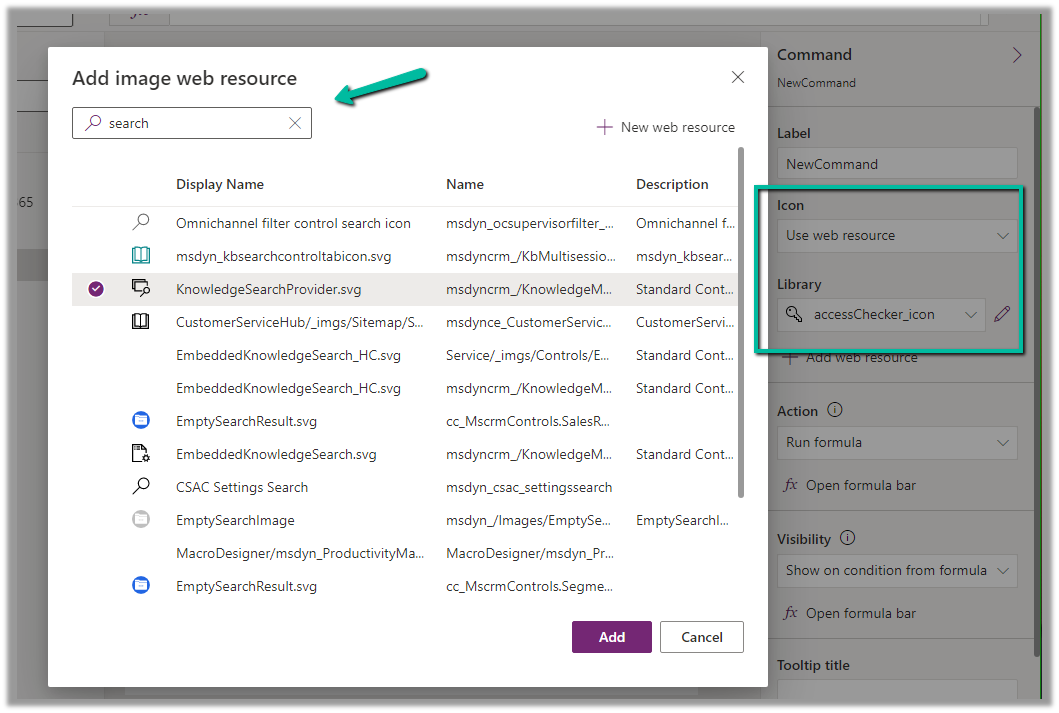
We can also search and specify an existing Web Resource
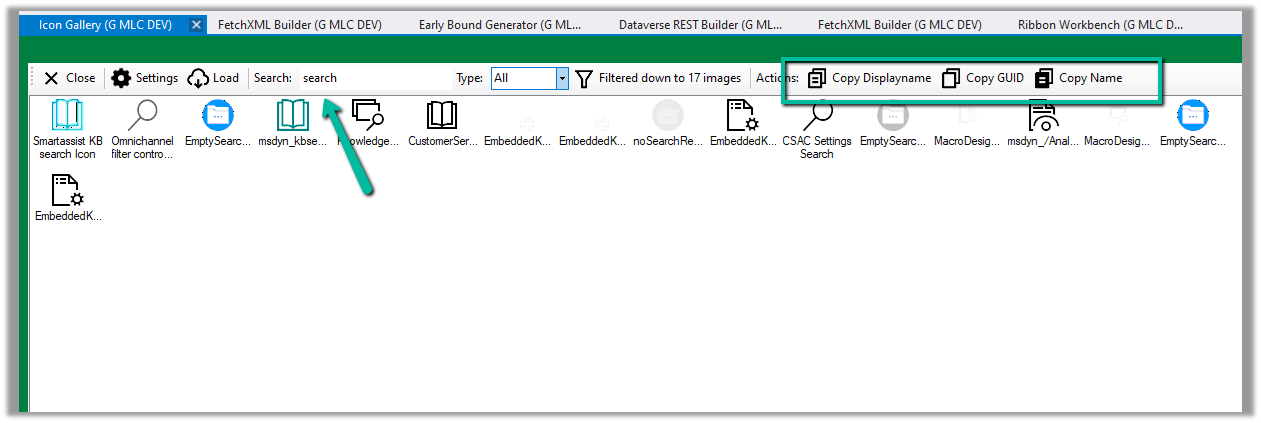
Similarly, we can use Icon Gallery (XrmToolBox Plugin) to search for the existing web resource image and icons.
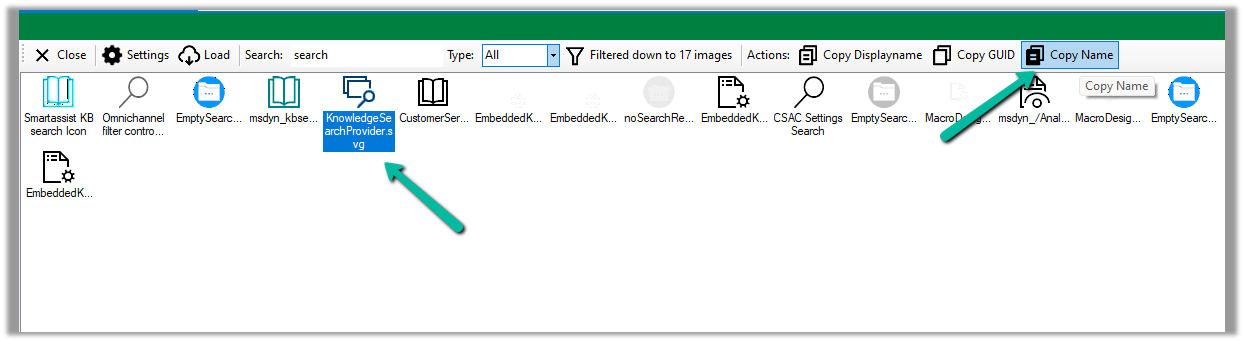
We can then use Copy Name option to get the full path of the web resource
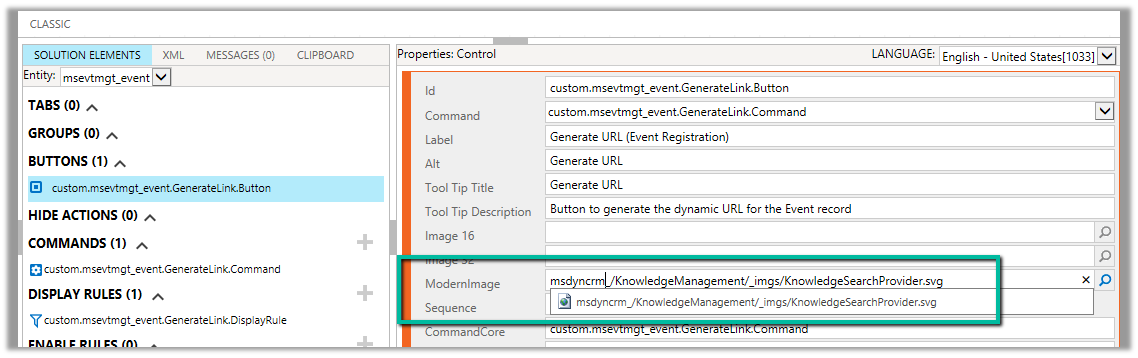
msdyncrm_/KnowledgeManagement/_imgs/KnowledgeSearchProvider.svg
use it to specify Modern Image for our buttons
Hope it helps..
Advertisements
Discover more from Nishant Rana's Weblog
Subscribe to get the latest posts sent to your email.
Share It -


 Nishant Rana's Weblog
One thought on “Using existing Web Resources (image) and Icons for button/ command – Dynamics 365 / Model-driven apps”