
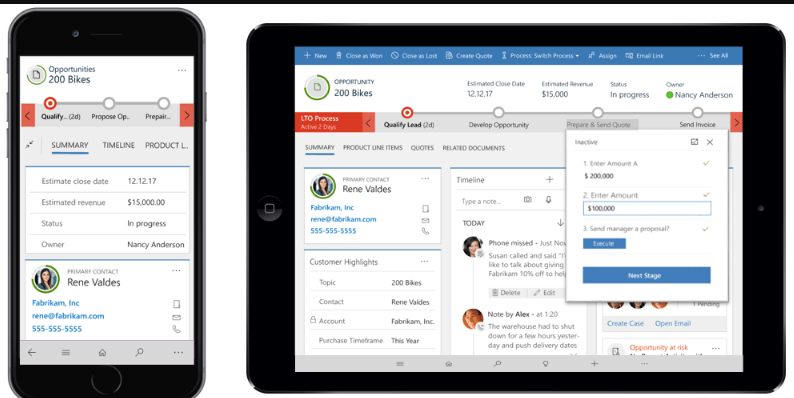
Notes on Dynamics 365 for Phones and Tablets app
- Part 1 – Getting started with mobile app
- Part 2 – Working with attachments in mobile
- Part 3 – Supported iPad devices
- Part 4 – Entity configuration for mobile
- Part 5 – Dashboard Configuration for mobile
- Part 6 – Mobile Form Customization
- Part 7 – Custom Controls in mobile
- Part 8 – Mobile offline configuration.
- Part 9 – Mobile App offline behavior.
- Part 10 – Data Download Filter
- Part 11 – Mobile Settings
- Part 12 – Mobile Offline Limitations
Using Xrm.Device captureImage method to take a picture and attach it to notes.
Using Xrm.Device pickFile to attach files to notes
Fixed – You do not have any apps in this view error.
Upload files using SharePoint integration in mobile app
Calling SetWordTemplate from the custom ribbon button
Attachment to Notes in the mobile app
Discover more from Nishant Rana's Weblog
Subscribe to get the latest posts sent to your email.
Share It -


 Nishant Rana's Weblog
22 thoughts on “Dynamics 365 for Phones and Tablets App posts”