For Microsoft 365 Group we can use – List Group members action of Office 365 Group connector.

Also check – https://nishantrana.me/2022/06/23/how-to-force-user-sync-power-platform-dynamics-365/
Hope it helps..

For Microsoft 365 Group we can use – List Group members action of Office 365 Group connector.
Also check – https://nishantrana.me/2022/06/23/how-to-force-user-sync-power-platform-dynamics-365/
Hope it helps..

In one of our Cloud Flows, for Parse JSON action, we got the below error –
ValidationFailed. The schema validation Failed.
“Invalid type. Expected Integer but got Number”

The generated schema had data type defined as integer instead of number type for certain properties, and the response was having decimal value to it.

So replacing the “integer” with “number” in the Schema of Parse JSON action fixed the issue.


Hope it helps..

Recently we were calling an API (that expects multipart/form-data) to pass the image uploaded in Dataverse’s Image Column.
We used Power Automate for this i.e. to get the image uploaded and use HTTP Action to call and pass the Image details to it.
Below is the specification of the API
https://vision.foodvisor.io/docs/#/paths/analysis/post
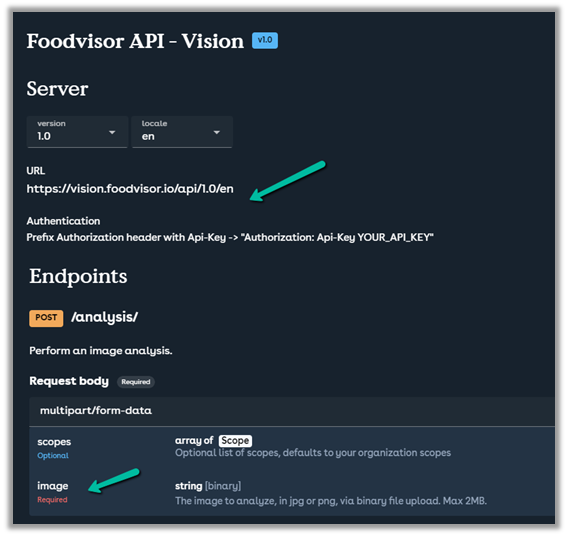
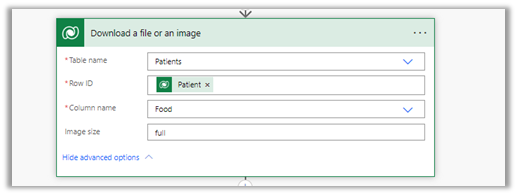
We used the “Download a file or an image” action to get the Image details
Below is how the HTTP action was used to pass the required details.

The successful response –

The body of the HTTP action –
{
"$content-type": "multipart/form-data",
"$multipart": [
    {
      "headers": {
        "Content-Disposition": "form-data; name=\"image\"; fileName=\"@{items('Apply_to_each_2')?['filename']}\""
      },
      "body": @{body('Download_a_file_or_an_image')}
    }
  ]
}
If we want to pass more than one data, we can have multiple headers defined as shown below

Helpful post –
Hope it helps..

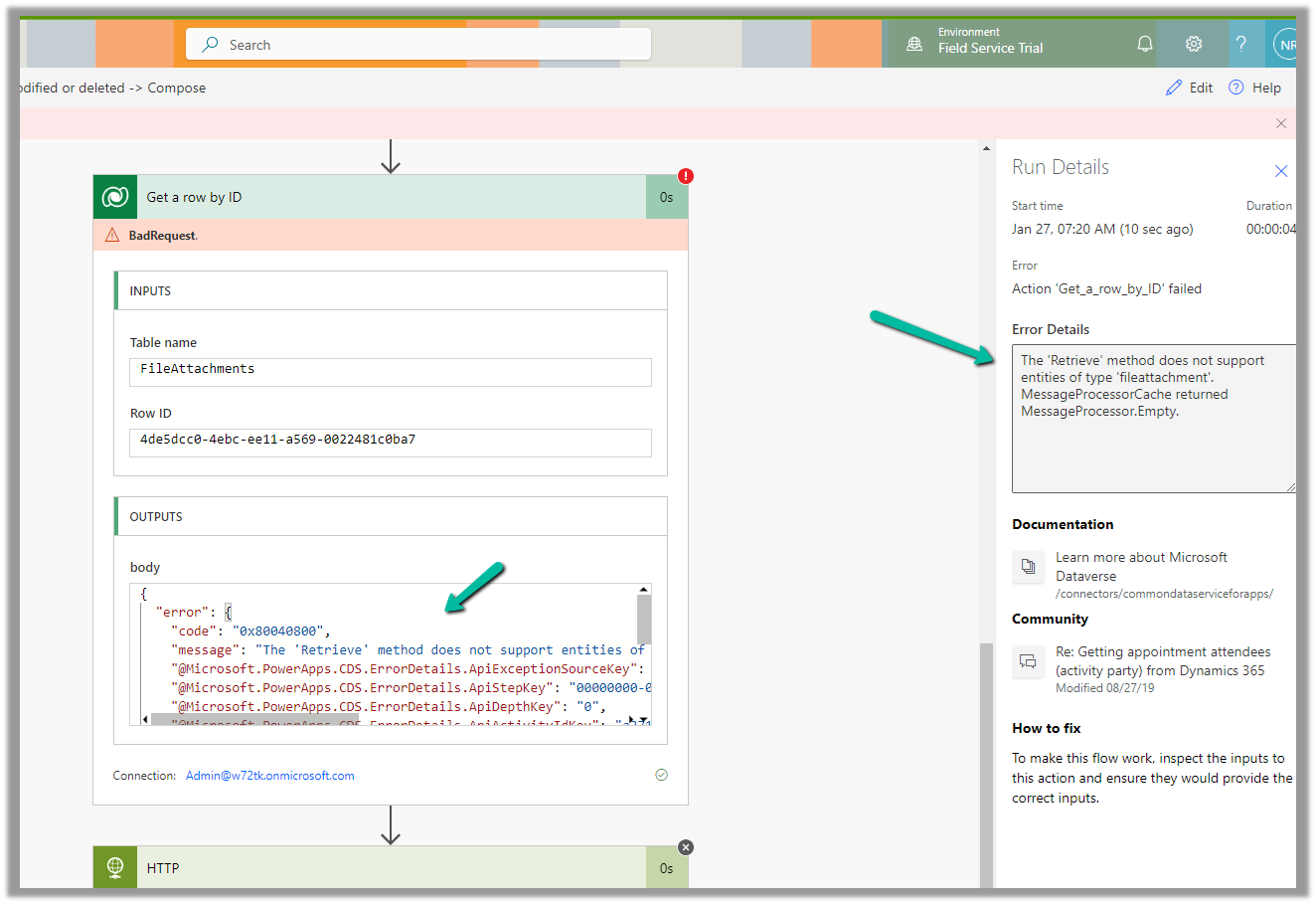
We were getting the below error on using the “Get a row by ID” action on the FileAttachments table.
We were doing it to retrieve the details like the file name and the mime type for the Image Column.
The ‘Retrieve’ method does not support entities of type ‘fileattachment’. MessageProcessorCache returned MessageProcessor.Empty.
The solution here is to use List rows action instead.
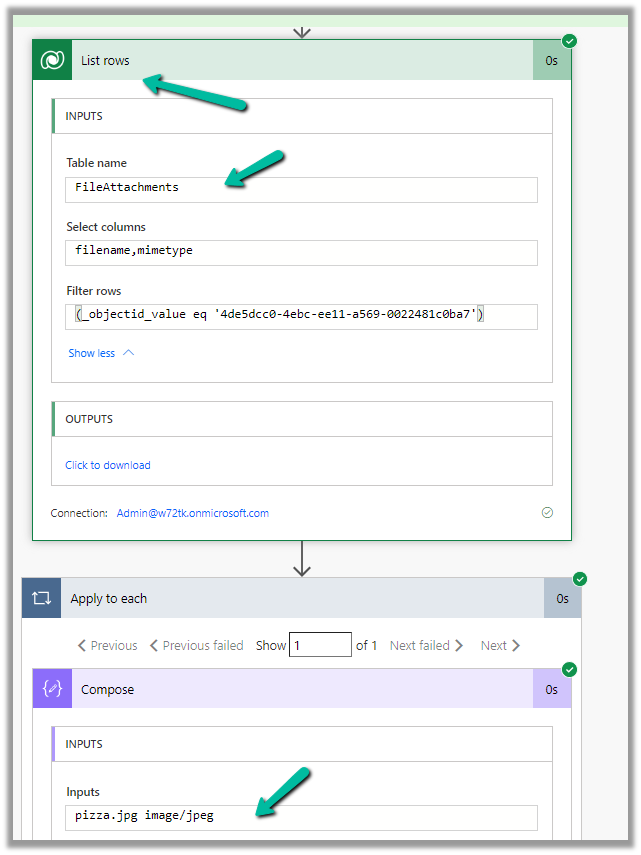
The corresponding record –

Also check – https://temmyraharjo.wordpress.com/2021/09/02/dynamics-crm-plugin-development-exploring-file-and-image-datatype/
Hope it helps..

Recently on trying to open a cloud flow for editing, within the Power Apps Maker Portal,

the screen appeared blank as shown below.
This was in the Chrome browser, signing out and signing in again also didn’t help.
The same was the case inside the Edge browser.
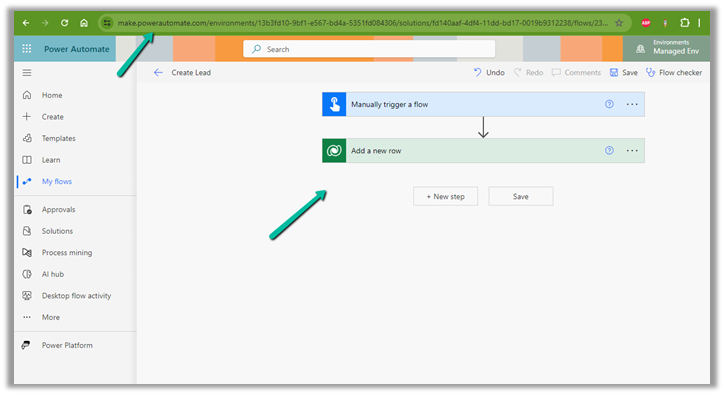
Interestingly we were able to edit from within the Power Automate Maker Portal, so we continued our work from there.
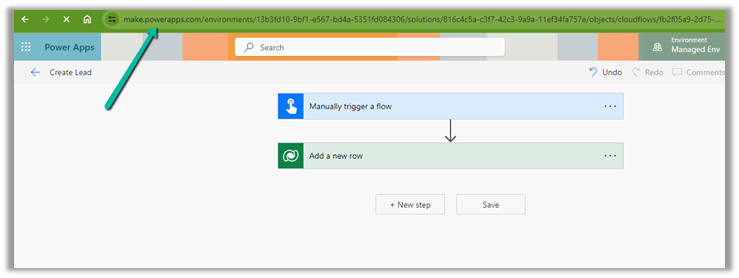
Finally, the issue was resolved automatically after 6-8 hours or so, and we could edit the cloud from the Power Apps Maker Portal also.
Hope it helps..

Recently we got the below error “Forbidden” for one of our flows that was using the Dataverse connection.

After some analysis, we found the root cause of the error.
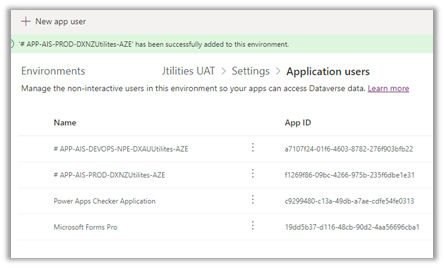
The Dataverse connection reference was created using the Service Principal but it was not added as an Application User (with appropriate security role) in that environment.
Adding the corresponding Application User used for the Dataverse connection fixed the issue for us.
Hope it helps..






 Nishant Rana's Weblog