
Hi,
Let us take a simple plugin to understand the debugging process. We need the profile which we will use for debugging.
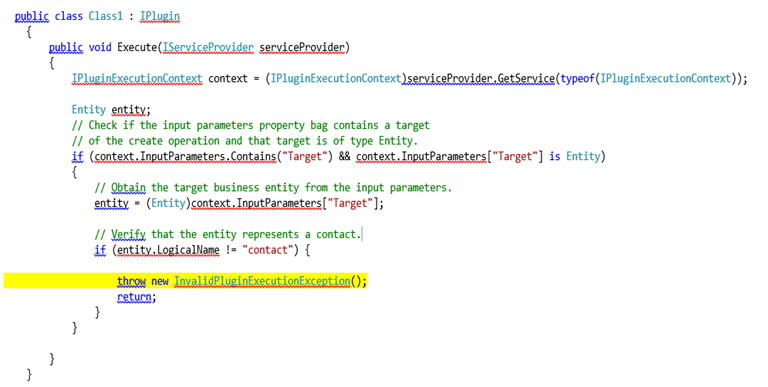
Register the plugin (debug version) and corresponding step using plugin registration tool.
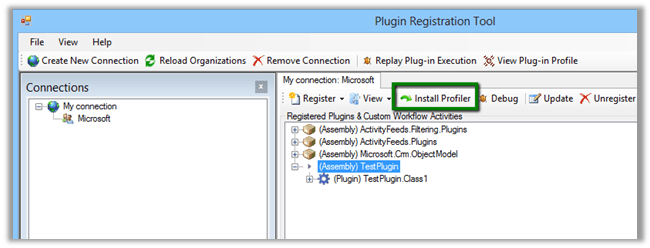
Select Install Profiler in Plugin Registration tool and wait till the installation is complete.
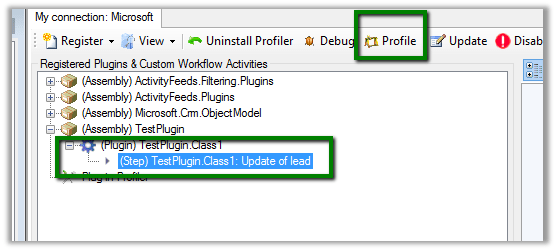
Select the Step in Plugin and Click Profile in the tool
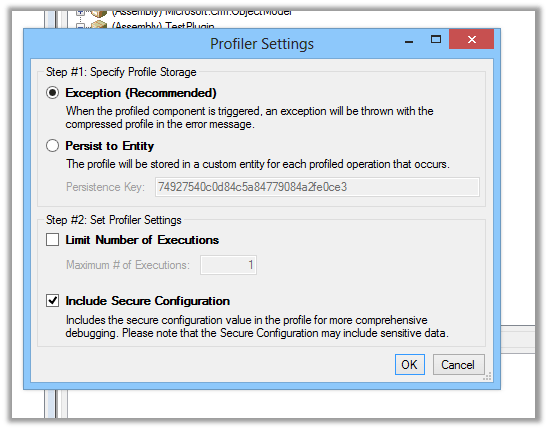
Select Ok in the dialog box
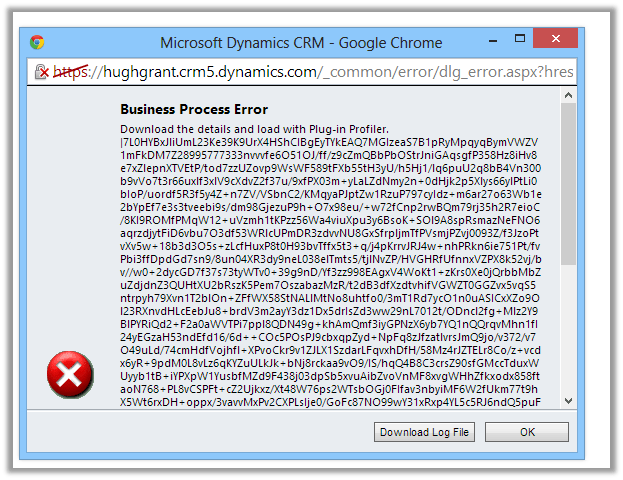
Open CRM and perform the step that will run the plugin.
Download the log file.
Open Visual Studio and attach debugger to PluginRegistrationTool.exe
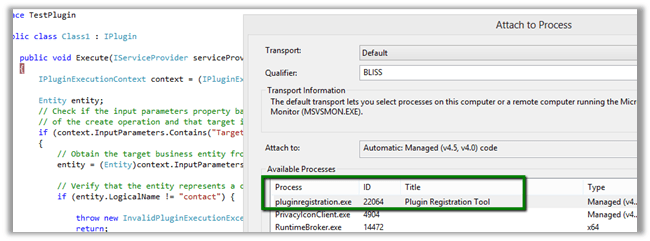
Go back to Plugin Registration tool, select the step and select Debug from the tool bar.

Specfiy the log file in the Profile location and plugin assembly that is in debug folder.
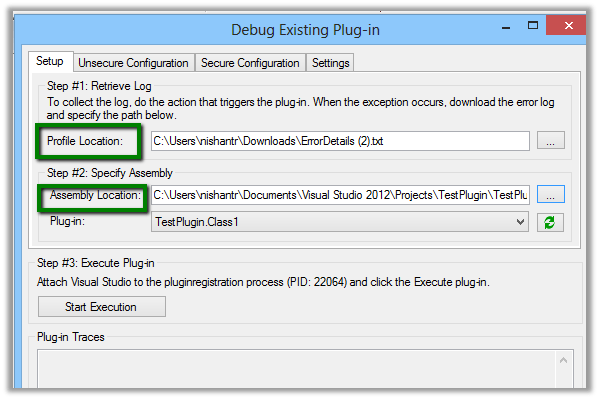
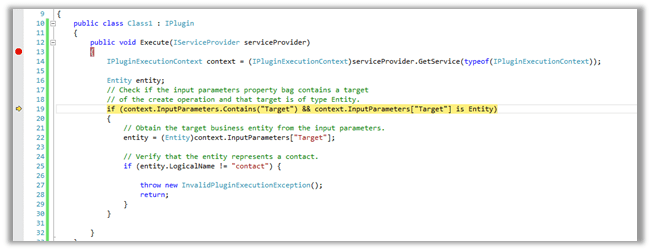
Click on Start Execution to start debugging
Hope it helps.



 Nishant Rana's Weblog