Hi,
I was recently working on a POC that required us to show a kind of integration between CRM 2011 online and SharePoint 2013 online. Basically here based on the case record opened in CRM we wanted to show associated information in the SharePoint 2013 website (could be wiki page, documents, web page etc.) within an iframe of the Case form.
So we first created an Office 365 Preview account for SharePoint 2013.
http://www.microsoft.com/office/preview/en/office-365-enterprise
Added few documents to it and created a custom search result page.
Here the nice thing about SharePoint 2013 is the Document Preview feature. Hover over the search results and user will be able to see the preview of the same.

Here the search term is passed in the query parameter k
https://xxx.sharepoint.com/search/Pages/results.aspx?k=product1
So we simply had to use the same URL in the IFrame inside CRM and in the onload, change the url to add our own value for k query parameter to show respective search results within CRM’s form IFrame.
We already had a CRM 2011 online (trial) instance created in Office 365 online, unfortunately it had SharePoint 2010 online in it and here we specifically wanted to showcase the Document Preview feature which is not in SharePoint 2010.
The issue here was that both CRM 2011 online and SharePoint 2013 online were part of different Office 365 instance. So if we are showing the SharePoint 2013 page within CRM 2010 online it would give the “user not authorized” access.
The solution to this was to give the CRM 2011 online user access to the SharePoint 2013 site.
For this we need to follow the below steps
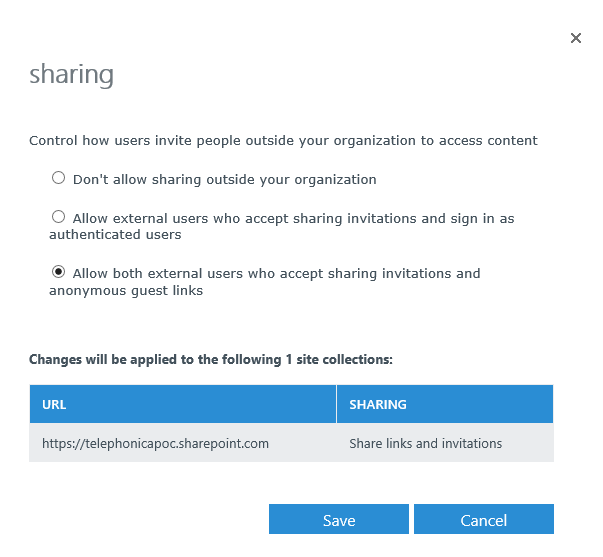
Select the Sharing option for the selected site collection in the SharePoint administration page

Then
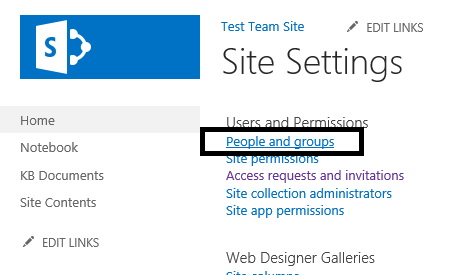
Open the site collection à site settings

Select People and Groups
Add the new user (added the email id of the CRM 2011 online user)

An invitation will be sent to the user’s mail box
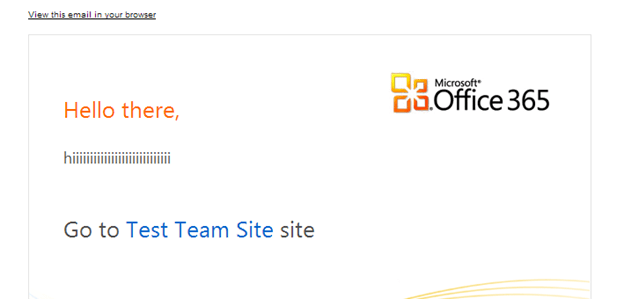
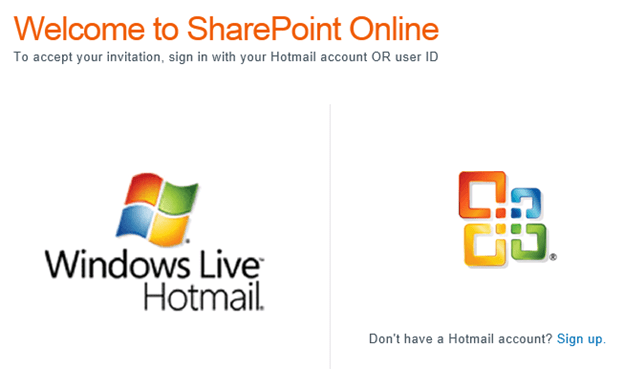
CRM 2011 online user can now accept this invitation by logging in with his account. And he would have access to the SharePoint 2013 online site based on the Groups he has added by SharePoint admin. Now the Search Results page of SharePoint 2013 online can be shown inside CRM 2011 without any authentication issue as the user is now member of SharePoint site.
Hope this helps!
Similar Posts
https://nishantrana.wordpress.com/2013/06/13/import-user-profile-properties-in-sharepoint-2013-from-crm-2011-using-bcs/
https://nishantrana.wordpress.com/2013/06/13/integrating-crm-2011-and-sharepoint-2013-using-bcs-wcf-service-crud-operation/
https://nishantrana.wordpress.com/2013/05/04/integrating-crm-2011-online-and-sharepoint-2013-online-using-bcs-odata-proxy/
0.000000
0.000000