Hierarchical Security is a new security feature introduced in CRM.
It could be either
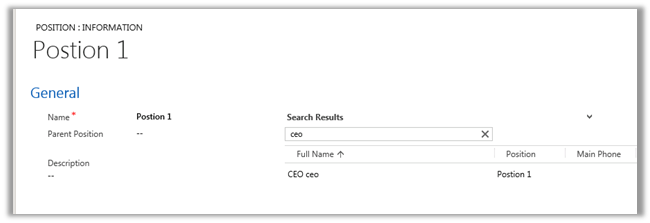
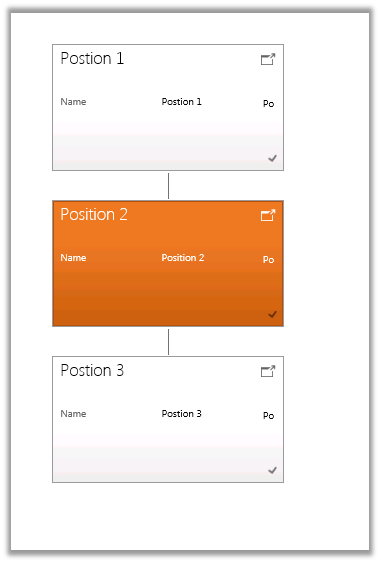
Manager Hierarchy or Custom Position Hierarchy based.
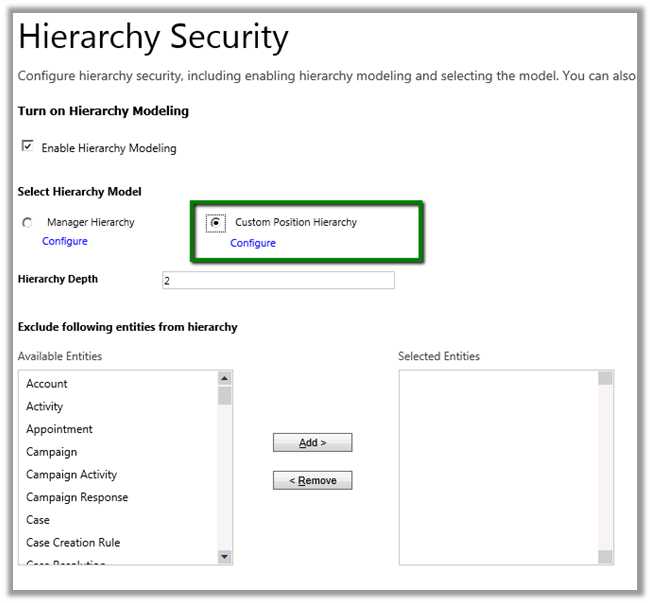
To enable it we need to go to
Settings à Security
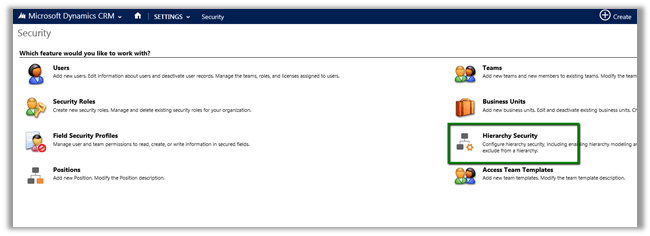
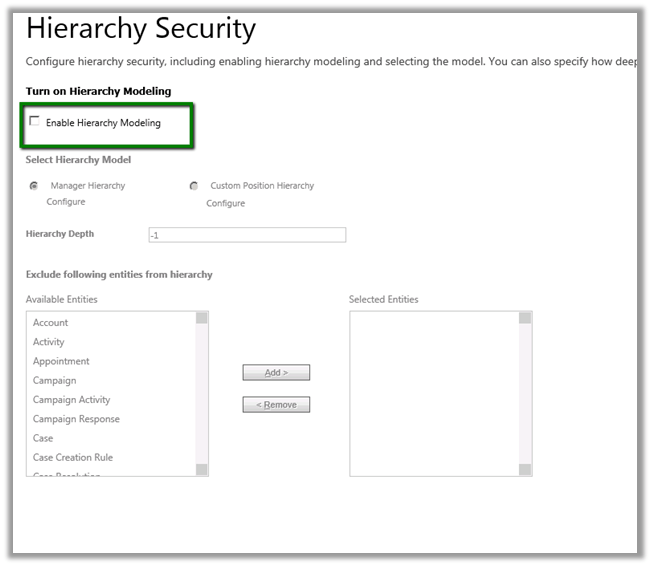
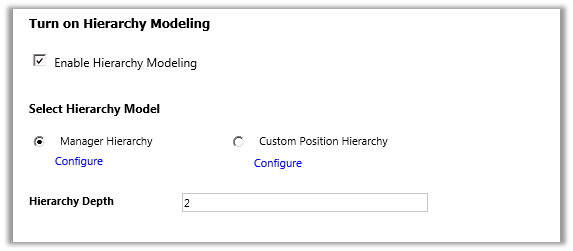
Let us enable Hierarchy Modelling and set the Hierarchy Depth as 2.
With depth we can specify up to what level the user can have read access to the records. Here the user will have write, update, append, append to access to those records only which are accessible to his direct report.
Let us say we have 3 users in our system.
- User A, Manager A and CEO.
- CEO is manager of Manager A and Manager A is manager of User A in our system.
- CEO à manager à Manager A à manager à User A
- User A is sales person and creates a contact record.
- Now in our configuration we have set depth as 2 which means.
- CEO user will have Write access to record that are accessible to Manager A and Read Access to those records accessible to User A.
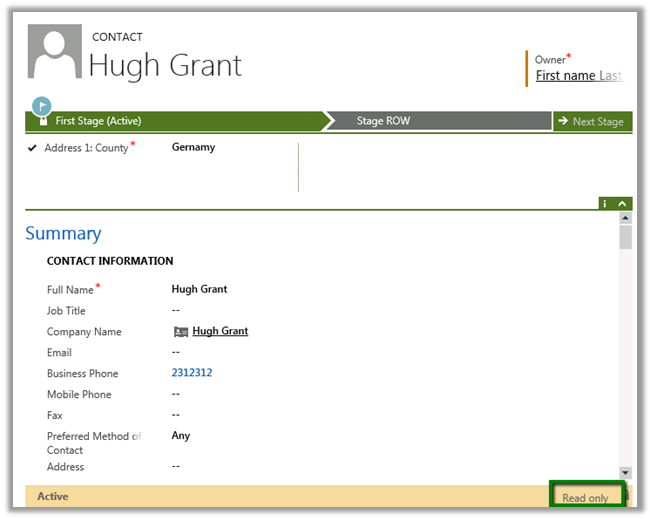
- CEO opens a record created by User A. ( it is read only for him)
- Manager A opens the same record (He can edit it)
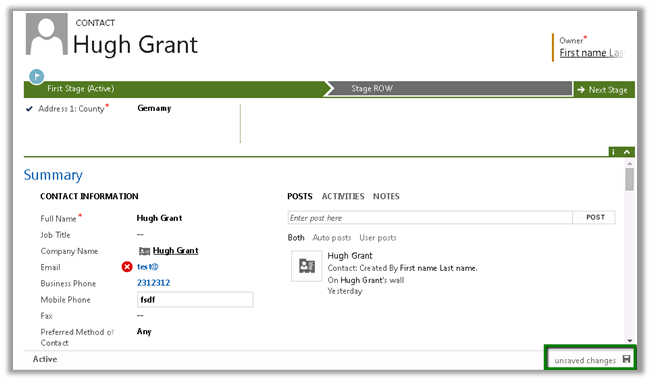
- Now Manager A creates a new contact record. This record will be editable for CEO as he is the manager of Manager A

Hierarchical Security Model works in conjunction with all the other existing security models.










 Nishant Rana's Weblog