

Using Query Assist Copilot we can create segments easily through its Natural Language Processing (NLP) capability.
Create a new Segment from Real-Time Marketing >> Audience >> Segments
Specify the segment name and the target audience (either contact or lead)

Now in Query Assist, we can specify the details of the segment

It also provides us the suggestions.

Let us select the “Contacts who were created last year and make more than $50K” option and append “who work in Financial Industry to it”.

Clicking on Create will open the segment designer page along with the Query Assist panel, which shows the result of the Query.

Click on Use to use that query result.

We can add further conditions to it.
Here we selected the example “Contact who opened an email“
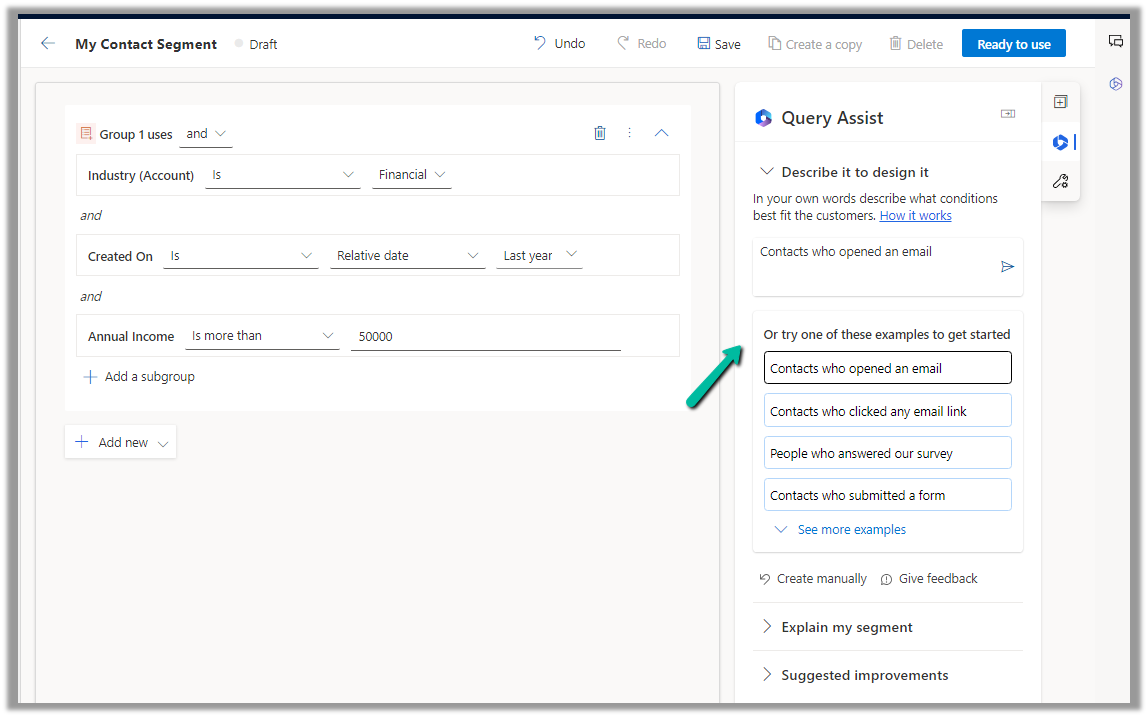
We can then add the result through the “Use” option

The query gets updated with the new condition
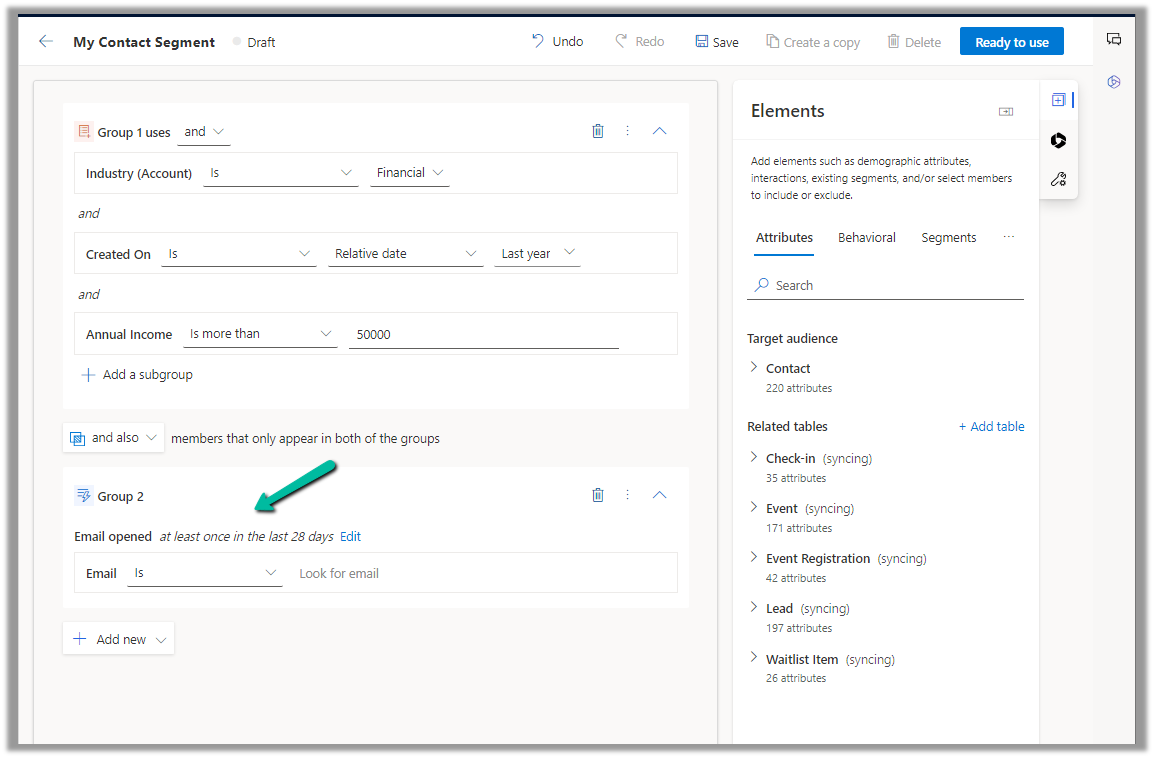
We also get the option to generate a summary for the segment or get suggestions for improving the segment.
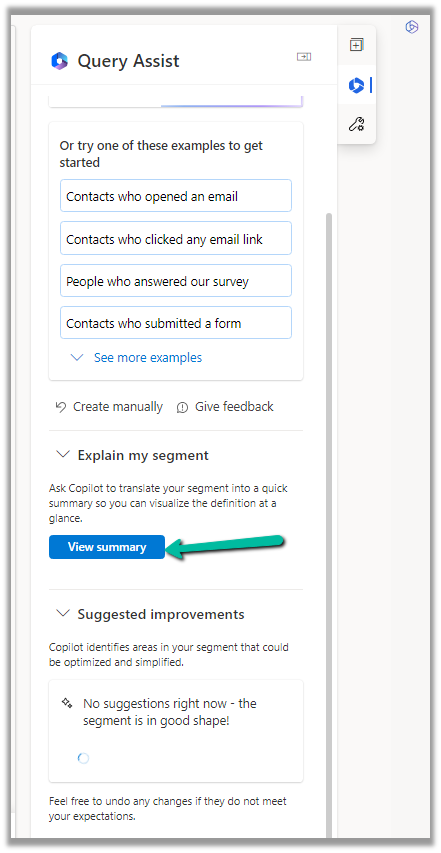
Clicking on View Summary generates the summary.

Get all the details here
Hope it helps..
Discover more from Nishant Rana's Weblog
Subscribe to get the latest posts sent to your email.
Share It -


 Nishant Rana's Weblog
One thought on “Use Query Assist Copilot to create Segments (Dynamics 365 Marketing)”