

Recently we got the below error while trying to open the files in our Real-time marketing Assets Library.

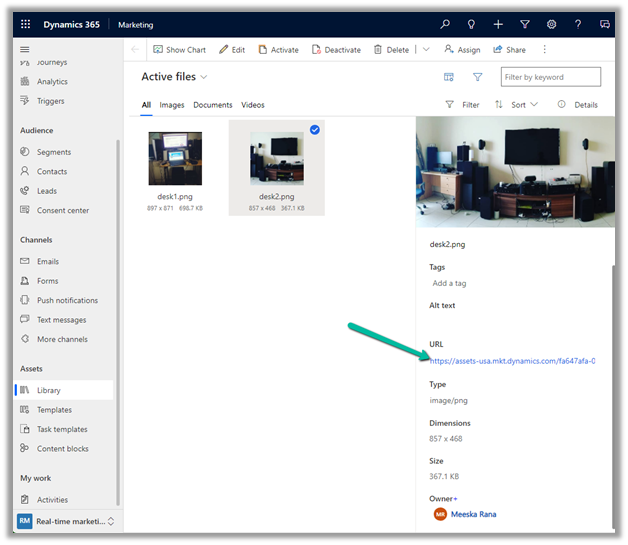
We raised the Microsoft Support ticket for this and got the issue fixed.
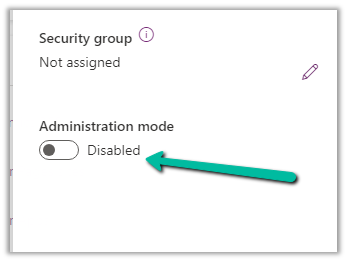
This was because our environment was in Admin mode. (as we were going live so had kept it in admin mode, till we verify it), and there are specific tasks related to processing marketing content, such as resizing image / optimizing image / etc. that requires some Async Service to run in the background which needs the environment to be in the non-admin mode.
Disabling the Admin mode for the environment fixed it.
Hope it helps..
Advertisements
Discover more from Nishant Rana's Weblog
Subscribe to get the latest posts sent to your email.
Share It -


 Nishant Rana's Weblog
One thought on “Fixed – This assets-oce.mkt.dynamics.com page can’t be found in Dynamics 365 Marketing”