

Recently we faced an issue where one of the views was not showing its Name in the app.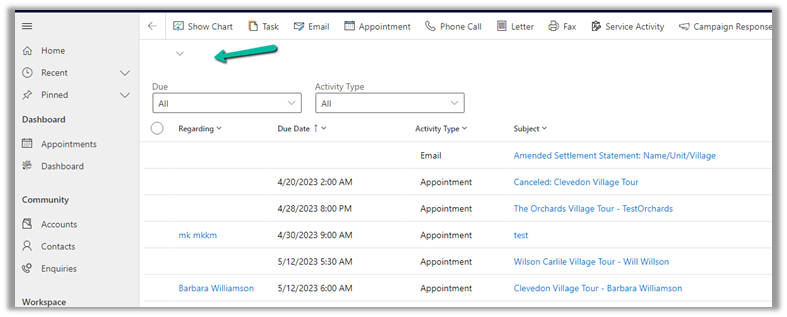
On selecting the View Selector, we were not getting the option to select that view.
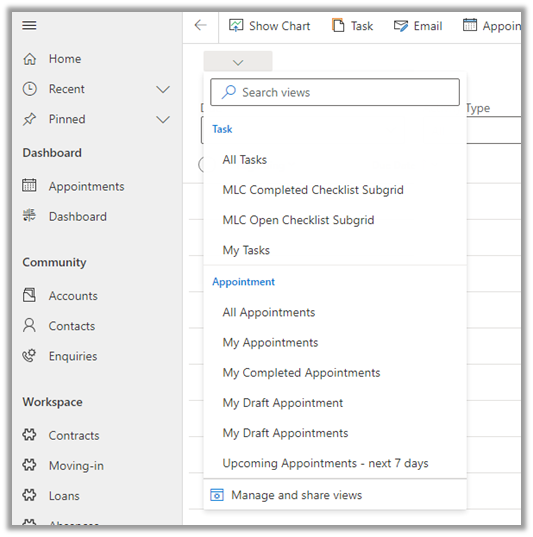
Checking in a Vanilla CRM instance, we can see it is OOB My Activities view.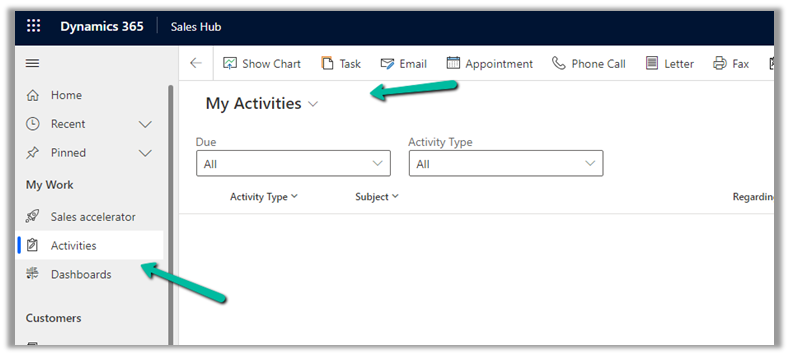
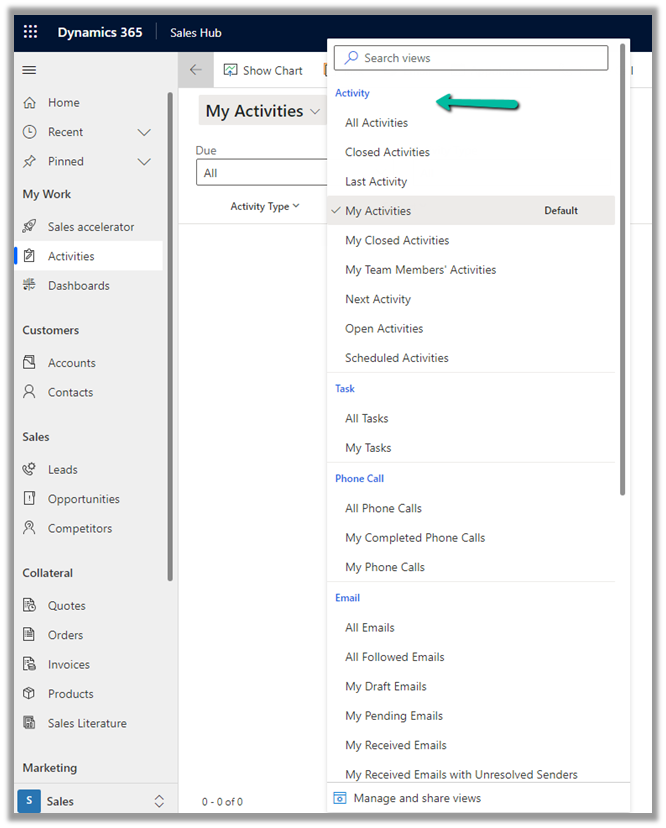
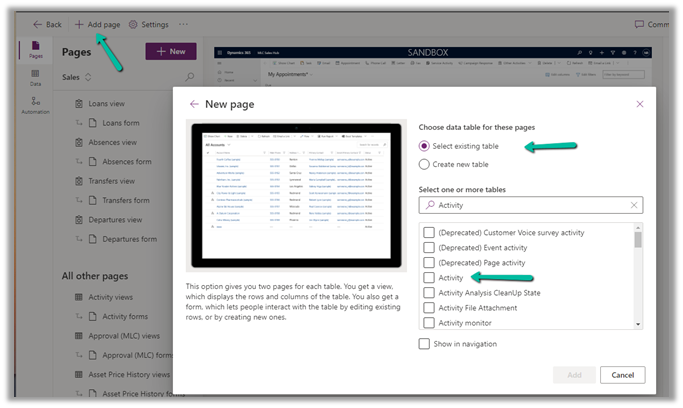
To fix it, we had to edit the App, Add Page >> Dataverse Table >> Select exiting table >> Activity
And add that view to that app and publish the changes.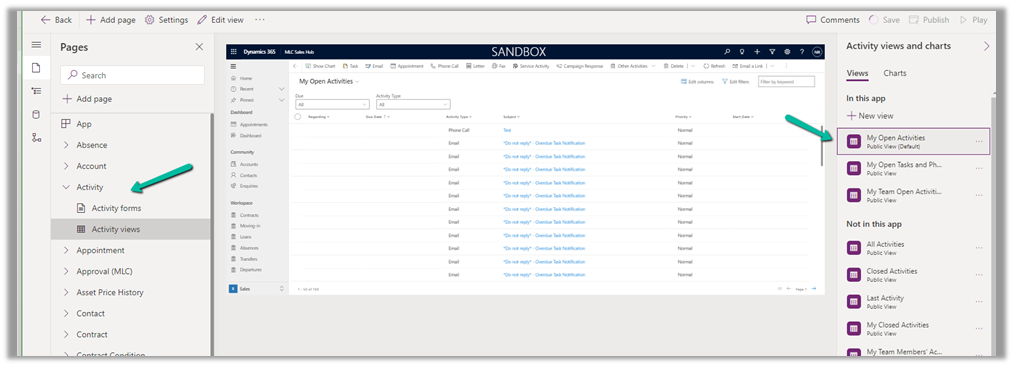
The result –

Hope it helps..
Advertisements
Discover more from Nishant Rana's Weblog
Subscribe to get the latest posts sent to your email.
Share It -


 Nishant Rana's Weblog
One thought on “Fixed – View Name as Blank in Dynamics 365 / Model-driven app”