

On logging into Power Platform Admin Center, we would see our trial environment as expired
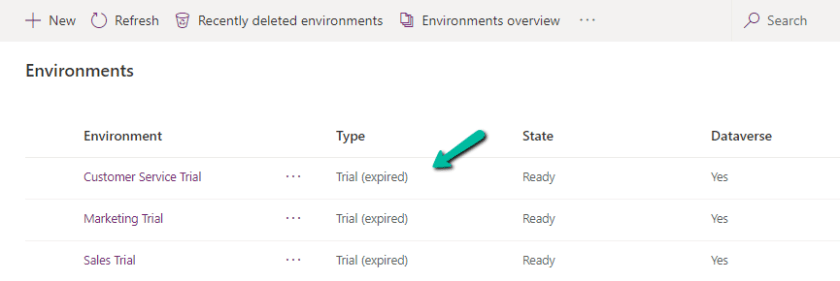
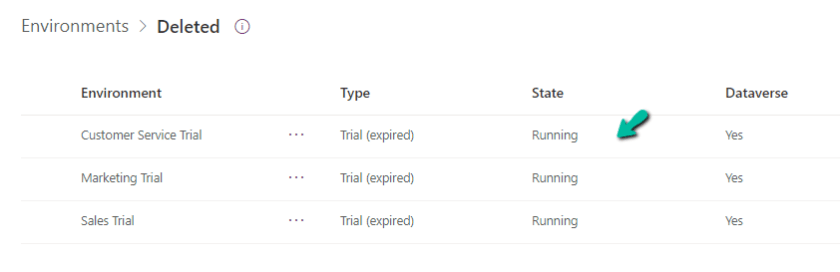
And then within one day or so, we would see them deleted inside Recently deleted environments
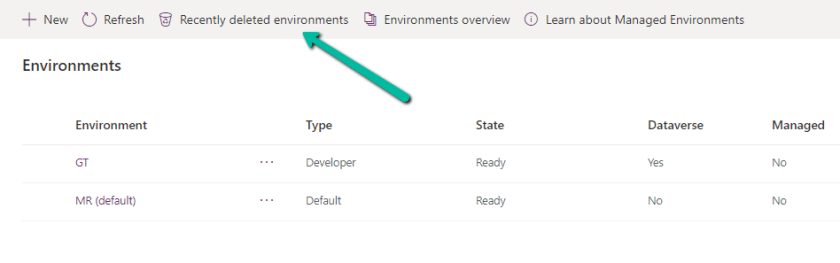
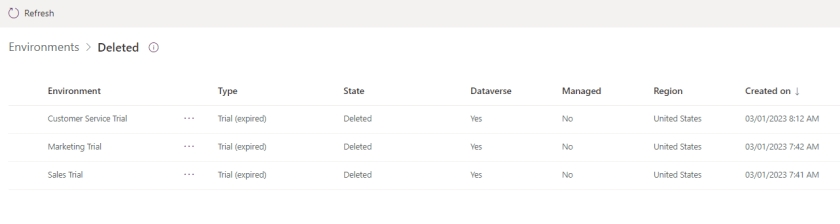
Select the deleted environment and Select Recover

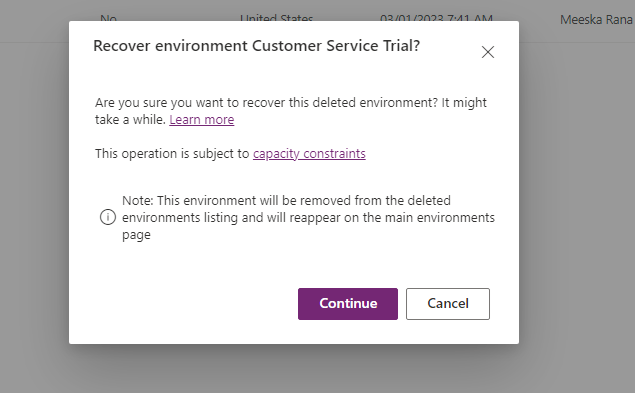
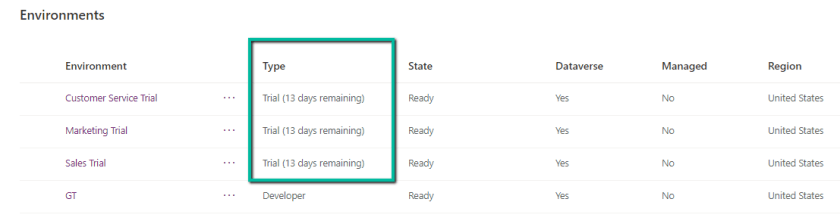
Within 10 -15 minutes we can see the environment recovered with the trial extended for 13 more days.
Hope it helps..
Discover more from Nishant Rana's Weblog
Subscribe to get the latest posts sent to your email.
Share It -


 Nishant Rana's Weblog
2 thoughts on “How to – Extend (Recover) the trial environment (Dataverse / Dynamics 365)”