
Hi,
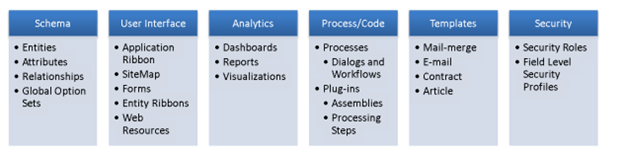
The different components that can be part of a solution are
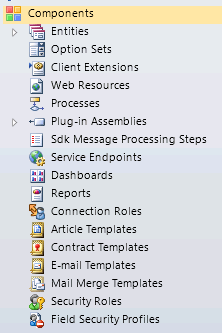
Grouped by type:-

What are the differences between managed solution and unmanaged solution?
Unmanaged solution during export can be exported either as a managed solution or unmanaged solution.
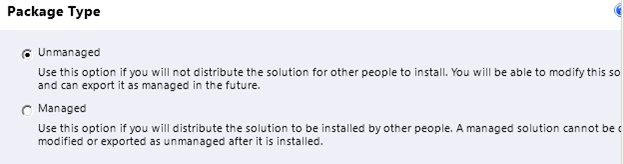
If exported as managed and imported in the other organization, we don’t have to publish them. Unmanaged solutions after import have to be published.
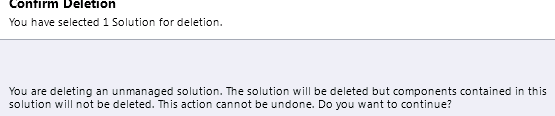
Managed solution can be uninstalled/deleted.
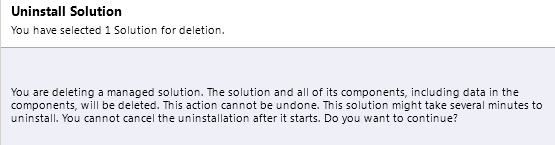
For unmanaged solution we get the following message.
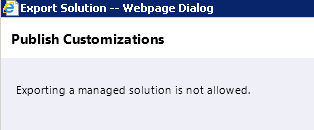
Managed solution cannot be exported.
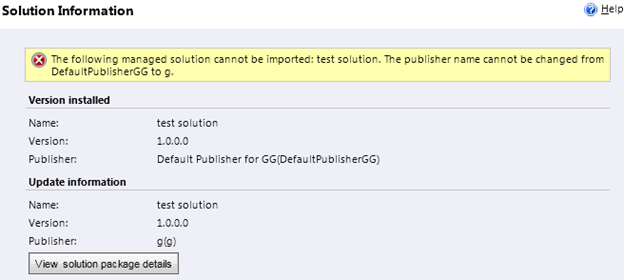
What happens if we change the publisher of the original solution that we exported as managed solution and try to import the same?
What happens if we try importing the same solution that we have already imported as managed now as unmanaged?

And the unmanaged one as managed?

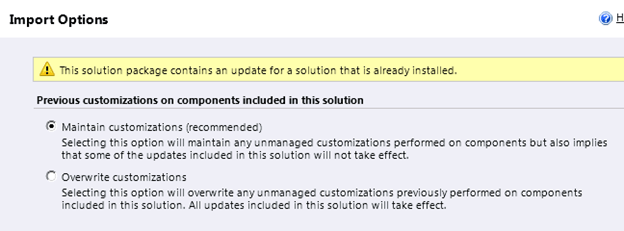
While importing the managed solution that have already been imported into the system as managed we get the following message
Some versioning information that I could find

http://www.dynamicscrmtrickbag.com/2011/05/28/dynamics-crm-2011-solutions-part-1/

http://www.slideshare.net/jukkan/microsoft-dynamics-crm-2011-walkthrough-part-2
Now let us create a solution having an existing entity lead and a new custom entity.
If we export this solution as managed and import it in my new organization and if we want to make changes to either the lead or the custom entity what do we need to do?
Well we get this message if we open the managed solution after importing it in other organization.

It says that we can’t directly edit the components within the managed solution, but if we want to do that then we can always do that from customization area or create a new unmanaged solution, add those components and then make changes to them.
But what if we want to restrict that?
Well we can do that using Managed Properties.
So we go back to our original unmanaged solution click on lead entity there and select Managed Properties option from the tool bar.

So by default the “Can be customized” option is set to true and all the other options are also set as true and disabled. We can’t edit it. So we have no control over the system entities, even if we export them as managed they can still be modified or further customized.
So what about our custom entity?
For our custom entity we can set the managed properties.

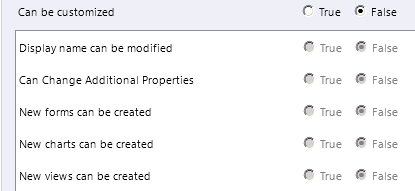
Now let us set it as false and again export the same unmanaged solution as managed and import in our other organization.
Let’s open the custom entity from customization area,
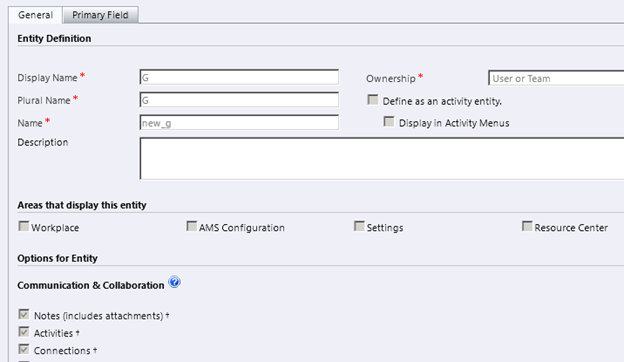
As expected we can see all the fields are disabled for our custom entity.
So what are the different managed properties that we can set for our custom components?
At entity level
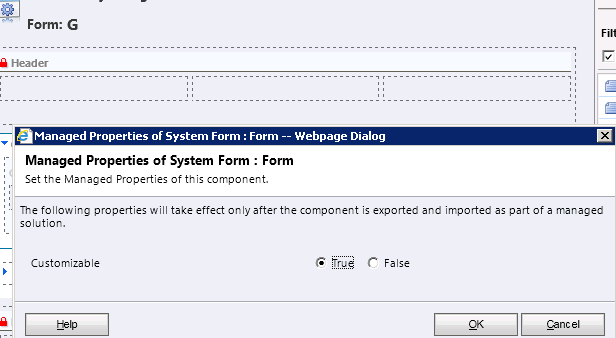
Form level
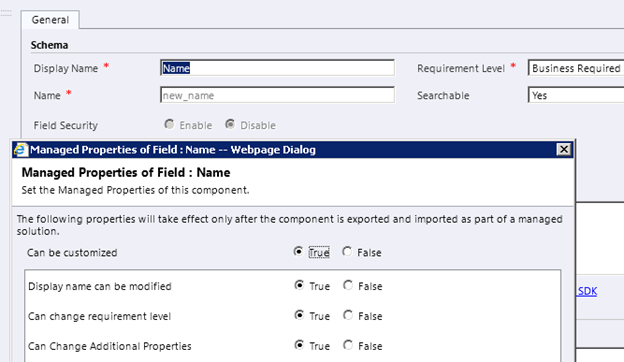
Field level
View

Same for Charts and Relationship and other components of Solution like web resources, charts etc.
Although we can’t set managed properties for our system entities, we can definitely set the manage properties for any of the custom component created for those entities.
Also please check out these posts for more information like Conflict resolution and Dependency Tracking.
And of course MSDN
http://msdn.microsoft.com/en-us/library/gg334576.aspx
Hope it helps.
Discover more from Nishant Rana's Weblog
Subscribe to get the latest posts sent to your email.
Share It -


 Nishant Rana's Weblog
One thought on “Solutions in CRM 2011 – New Features.”