
![Fixed –Lookup value plugintypeexportkey [Guid] is not resolvable – Solution Import error (Dynamics 365 / Dataverse)](https://nishantrana.me/wp-content/uploads/2025/09/pexels-photo-4482033.jpeg?w=1200)
Recently, we faced an interesting import failure while moving a solution containing a Custom API.
Solution “Temp Plugin Step Custom API Transfer” failed to import: Lookup value 8f3269b7-a24d-43e4-9319-0c5e7ddf2b53 is not resolvable.
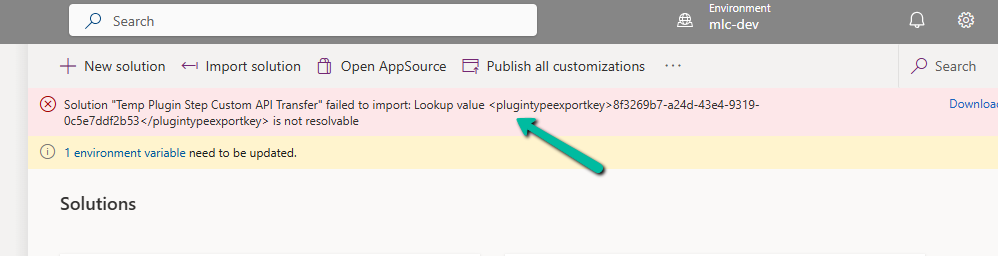
This clearly pointed to a lookup resolution issue — the solution import process was trying to bind the Custom API to a Plugin Type (class), but couldn’t find the referenced plugin in the target environment.
Each Custom API will have its own folder inside the Solution.
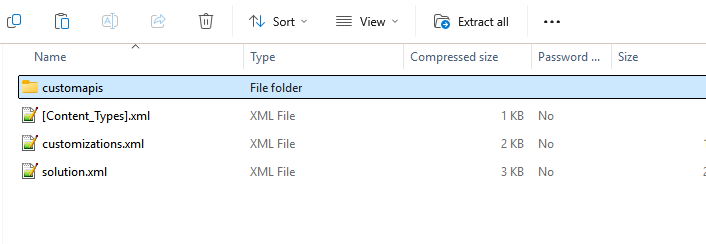
Looking into the solution files (specifically the customapi.xml) of that particular Custom API, we found this section:
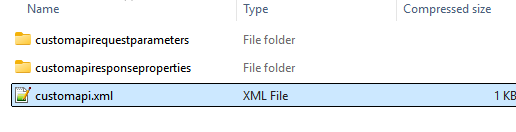
Notice the <plugintypeexportkey> tag. This is where the Custom API references the Plugin Type (the actual C# class implementing the logic).
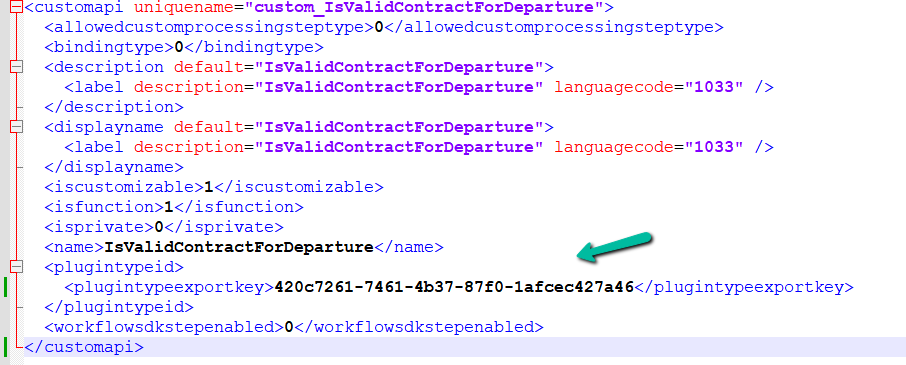
When a Plugin class is created in Dynamics 365, it gets assigned a unique Plugin Type Id (GUID).
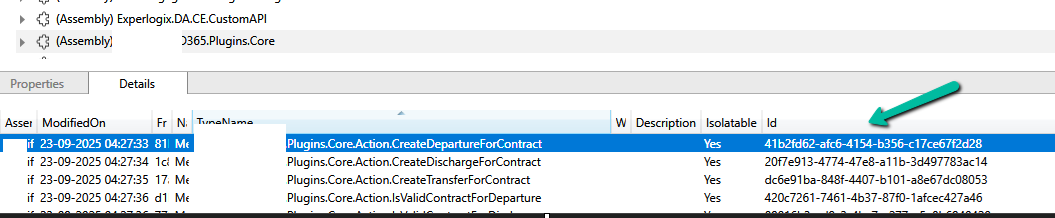
In the source environment, the Custom API was tied to a plugin with ID 420c7261-7461-4b37-87f0-1afcec427a46. However, in the destination environment, which was another development environment, a different plugin class was already created for that custom api. So during solution import, Dataverse tried to match the GUID 420c7261… but couldn’t find it in the target environment. Hence, the lookup resolution failed, and the solution import was blocked.
To resolve this, we manually updated the GUID in the customapi.xml to match the Plugin Type Id of the destination environment. Below, we are getting the ID from the Plugin Registration tool. The other option to fix would have been to remove the Plugin reference from the source, export, and then import.
After making this change, we re-imported the solution, and it worked successfully.
Also check – https://technicalcoe.com/2024/07/04/troubleshooting-power-platform-solution-import-errors/
Hope it helps..

 Nishant Rana's Weblog