Hi,
Was getting the below error while trying to import few records
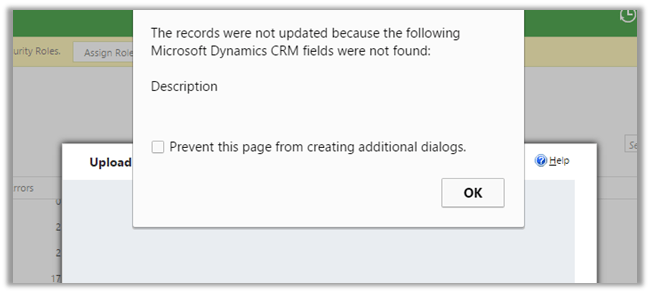
The reason being there were two field in the entity having same Display Name. Renaming one of the fields fixed the issue and import ran successfully.
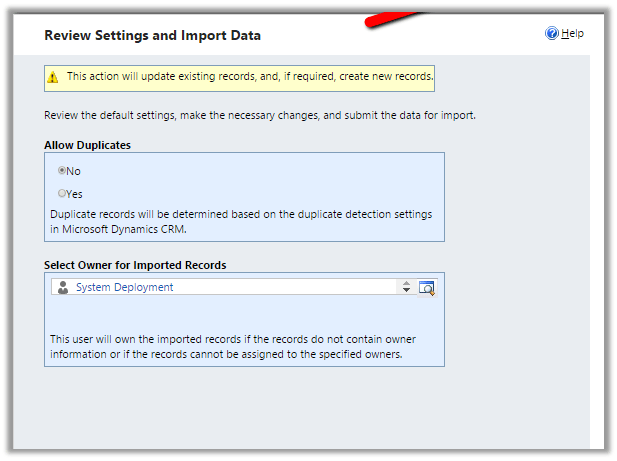
Hope it helps ..

Hi,
Was getting the below error while trying to import few records
The reason being there were two field in the entity having same Display Name. Renaming one of the fields fixed the issue and import ran successfully.
Hope it helps ..

Hi,
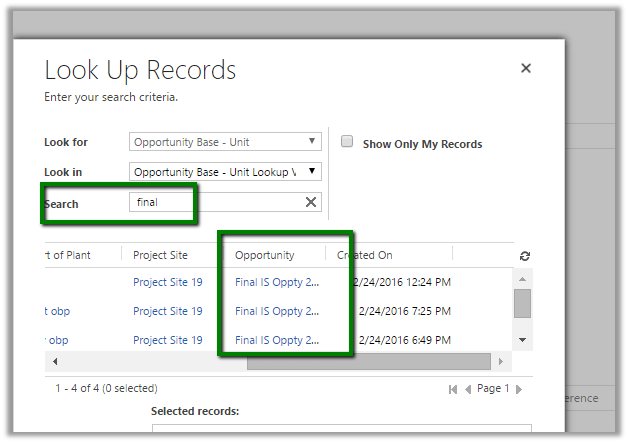
Recently we had a requirement to search based on a particular attribute within the lookup view. The initial thought was to add a Find Columns to the lookup view. But then realized we do not have option of adding Find Columns to the lookup view.
The next thought was if I add that particular field to the list of Find Columns in Quick Find view will it work in Lookup View also? And it worked, basically adding any fields in the Find Column will make it Searchable.
The search works properly in the Lookup View as well as Lookup Inline View.
Hope it helps..

Hi,
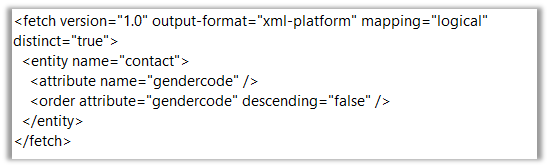
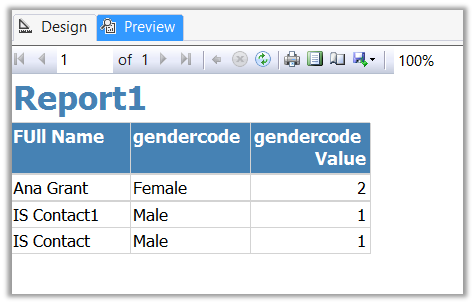
Sharing a sample report which shows the usage of Multi Value parameter in filter.
Replace the Condition generated in the Fetch xml query using Advanced Find

As following
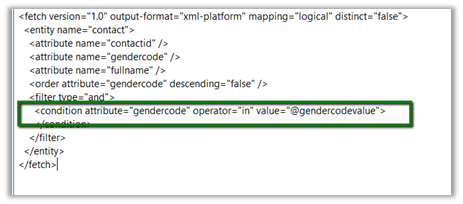
Create another DataSet to provide value for @gendercodevalue parameter.
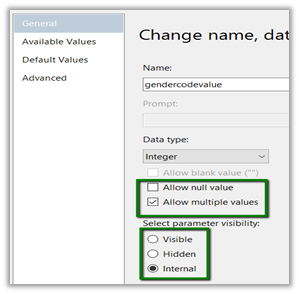
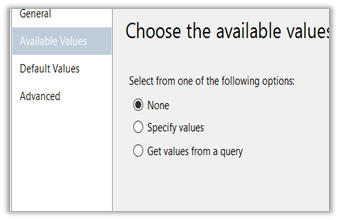
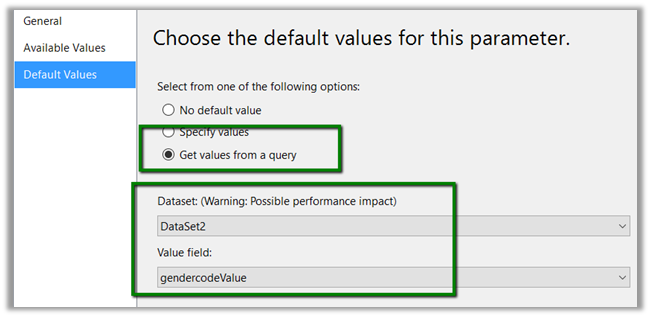
Set @gendercodevalue parameter as following ( internal – if we do not want user to select or specify value for it in report)
Preview:
Hope it helps..

Hi,
We found the New button was missing in Quote Line when we tried to creating the new views.
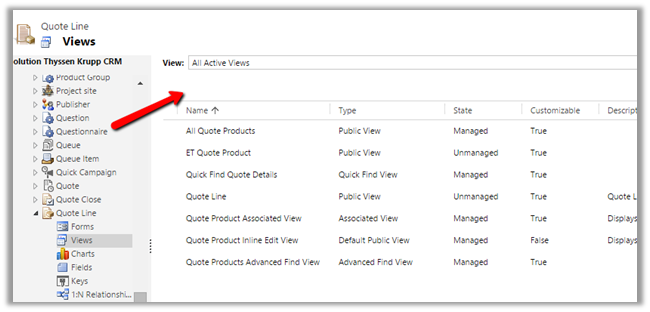
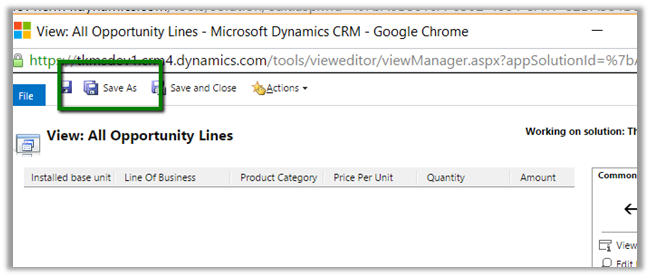
The work around is to use “Save As” and crate new view.
Hope it helps..

Hi,
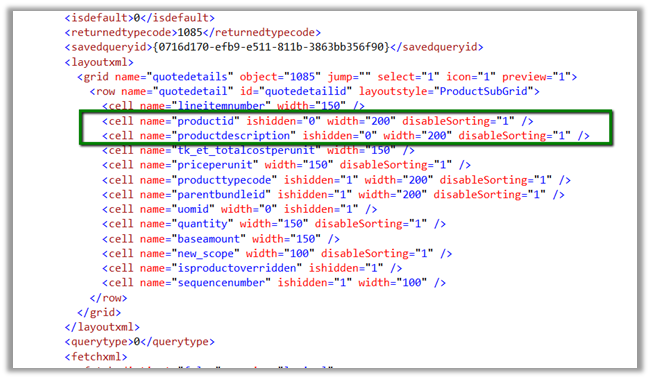
We faced this issue where we were not able to add the Existing Product and Write In Product in View in Quote Line opportunity.
After raising the product support ticket, we followed the below steps to fix it
Hope it helps..

Hi,
Our plugin was failing repeatedly with the below error message.
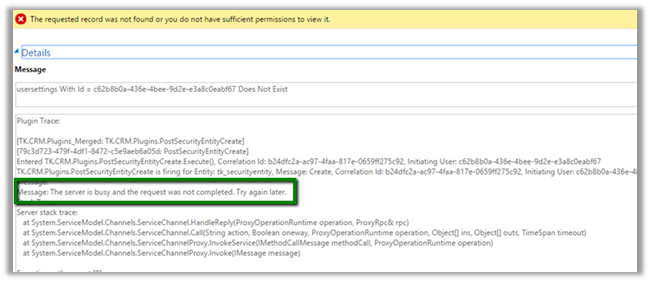
After some analysis we realized that it was because of using ExecuteMultipleRequest in the plugin and as we had multiple ExecuteMultipleRequest running at the same time. And as mentioned in the MSDN
https://msdn.microsoft.com/en-in/library/jj863631.aspx
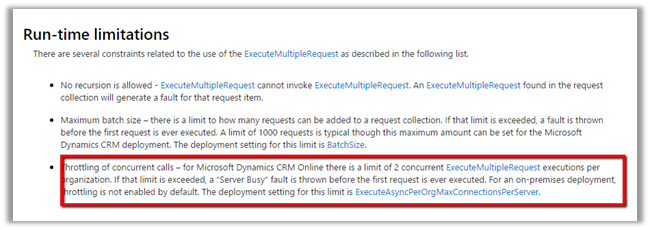
We refactored the code to execute one request at a time and it fixed the issue.
Hope it helps..

 Nishant Rana's Weblog