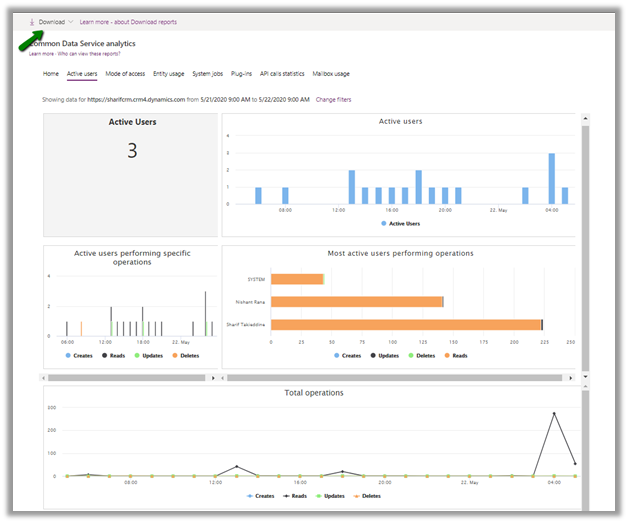
We can get the different metrics about the usage of the platform like active user usage, the operation performed, the entity used, plugins and API statics, etc. through Command Data Service Analytics (formerly Organization Insights).
https://admin.powerplatform.microsoft.com/analytics/d365ce
These reports can also be downloaded.
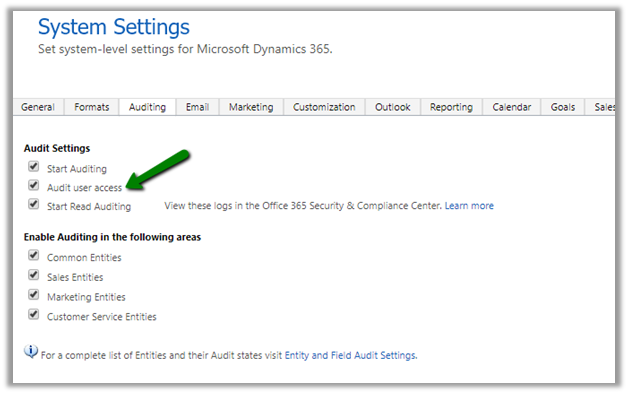
Some of these details can also be captured by enabling Audit user access.
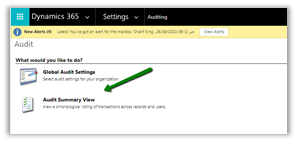
And navigating to Audit Summary View
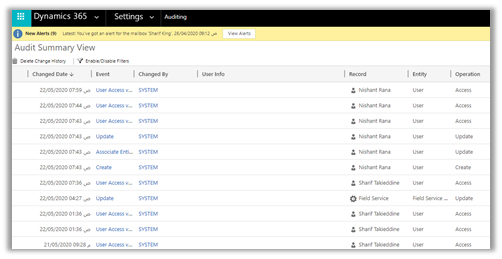
This view can be filtered to show only the User Access via Web event to get the last logon details for the users.
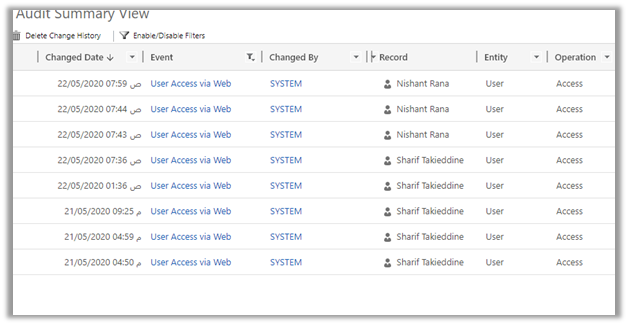
We can use below FetchXML query to get the same details
<fetch mapping=’logical’ aggregate=’true’ version=’1.0′ >
<entity name=’audit’ >
<attribute name=’createdon’ alias=’LastLoginDate’ aggregate=’max’ />
<filter>
<condition attribute=’operation’ operator=’eq’ value=’4′ />
</filter>
<link-entity name=’systemuser’ from=’systemuserid’ to=’objectid’ alias=’su’ link-type=’inner’ >
<attribute name=’fullname’ alias=’fn’ groupby=’true’ />
<attribute name=’domainname’ alias=’dn’ groupby=’true’ />
<attribute name=’userlicensetype’ alias=’ult’ groupby=’true’ />
<attribute name=’accessmode’ alias=’am’ groupby=’true’ />
<attribute name=’isdisabled’ alias=’id’ groupby=’true’ />
</link-entity>
</entity>
</fetch>


We can also run the following SQL Query (in case of on-premise) to get the details
SELECT su.fullname,
su.domainname,
su.userlicensetype,
su.accessmode,
su.isdisabled,
max(a.createdon) AS LastLoginDate
FROM audit AS a
INNER JOIN
systemuser AS su
ON su.systemuserid = a.objectid
WHERE a.operation = 4
GROUP BY su.fullname, su.domainname, su.userlicensetype, su.accessmode, su.isdisabled;
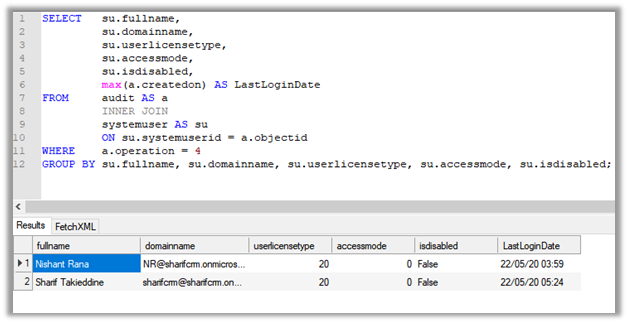
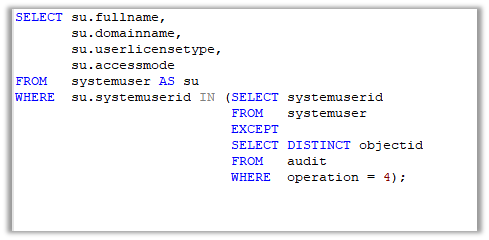
Now there could be some users who have never accessed the application, to get details of those user we can use the below query
SELECT su.fullname,
su.domainname,
su.userlicensetype,
su.accessmode
FROM systemuser AS su
WHERE su.systemuserid IN (SELECT systemuserid
FROM systemuser
EXCEPT
SELECT DISTINCT objectid
FROM audit
WHERE operation = 4);
We can also use the wonderful User Audit Viewer XrmToolBox Plugin for getting the user audit details.
Update – 8 Jun 2021- Just checked it- Audi Table is available in SQL 4 CDS so ignore the below details
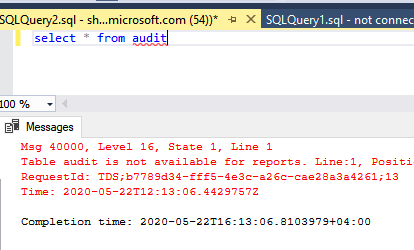
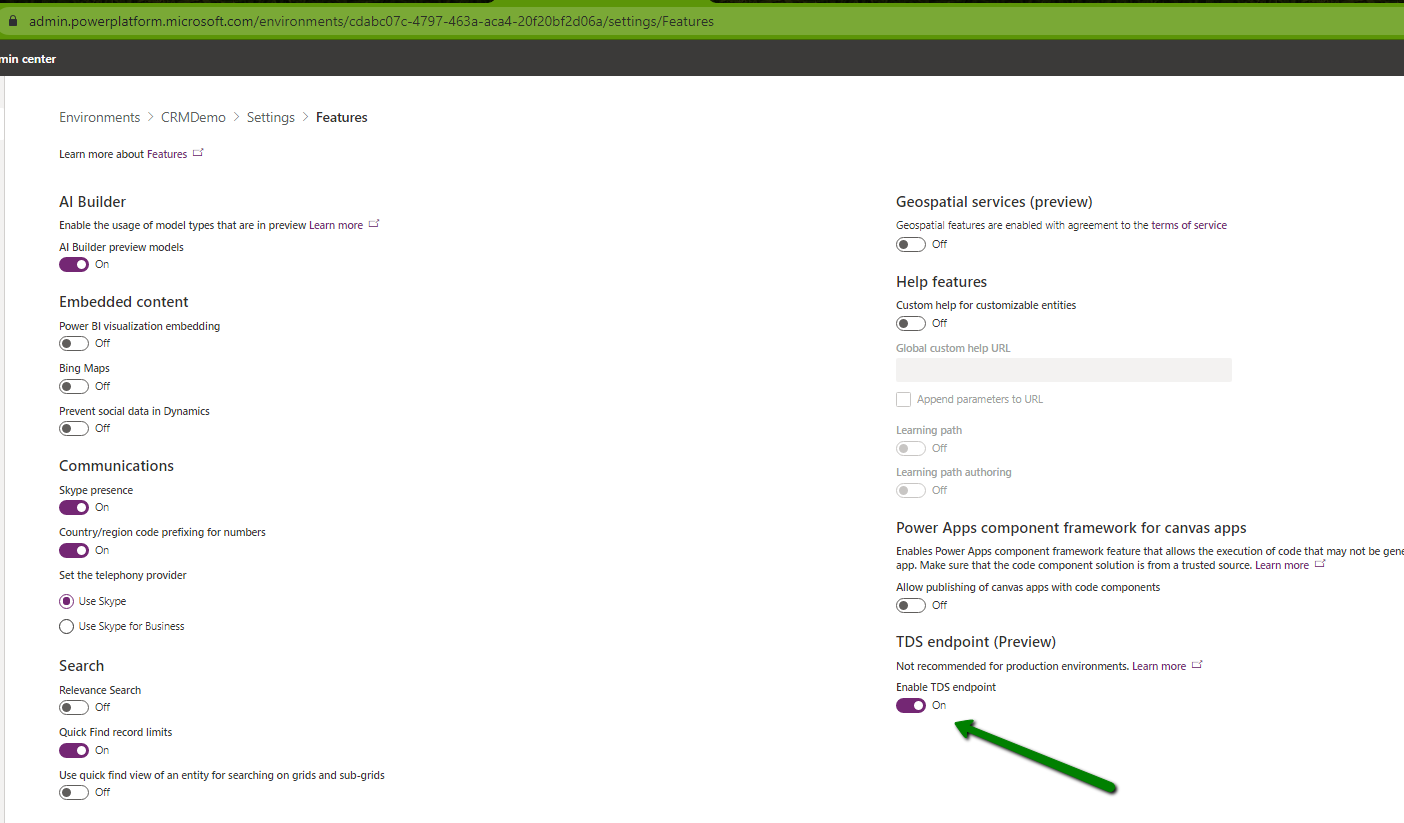
Can we use the new SQL Data Connection for CDS (preview) to query Audit information ?
We cannot as the Audit Table is not available
Hope it helps..











 Nishant Rana's Weblog