Hi,
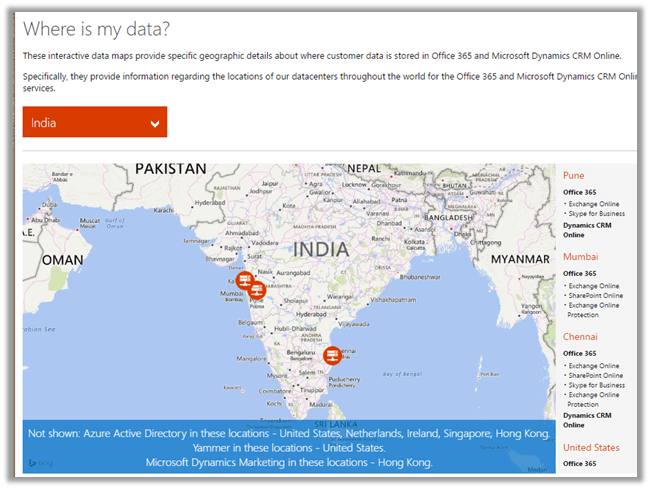
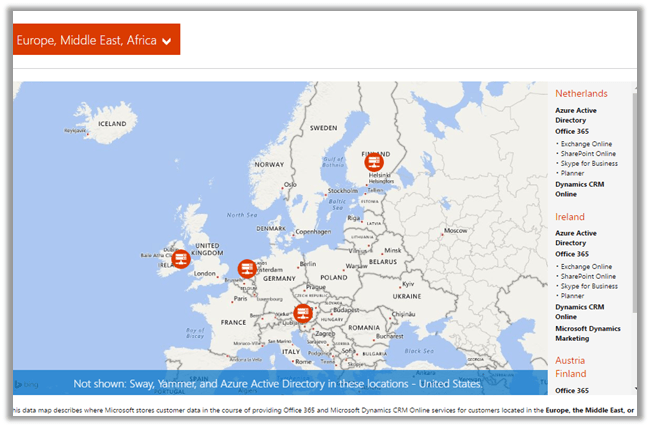
Check this site that lists different Microsoft Global Data Center worldwide.
http://o365datacentermap.azurewebsites.net/
For India :
For EMEA :
Hope it helps.

Hi,
Check this site that lists different Microsoft Global Data Center worldwide.
http://o365datacentermap.azurewebsites.net/
For India :
For EMEA :
Hope it helps.

Hi,
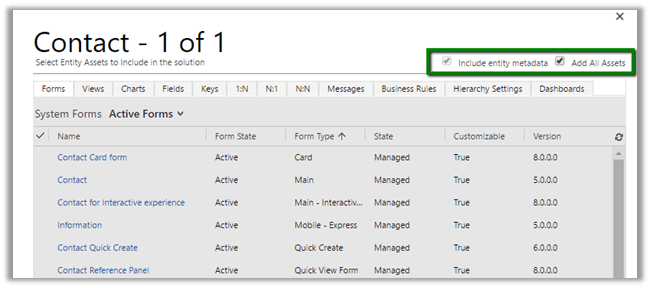
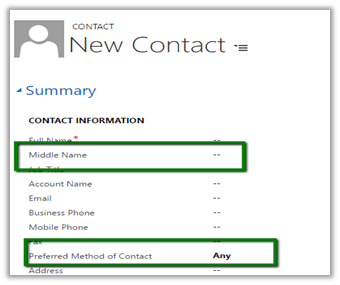
Just sharing a simple scenario to understanding the working of Patches with Managed solution,
Create a solution named Test Solution with Contact entity in it. (with Add All Assets option)


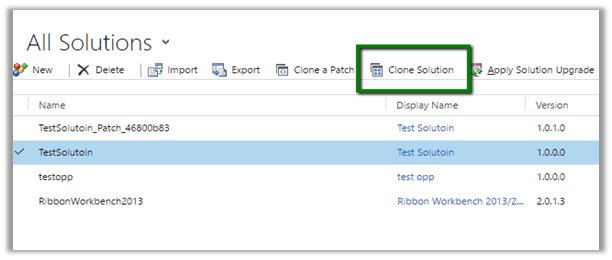

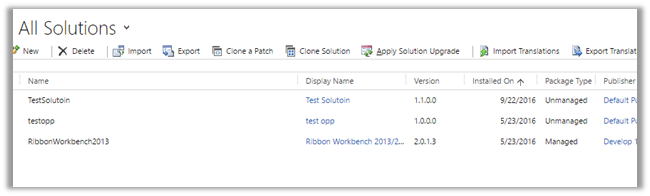

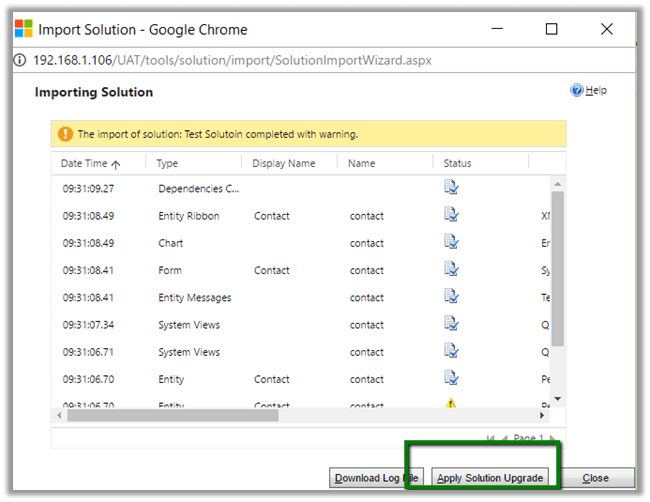


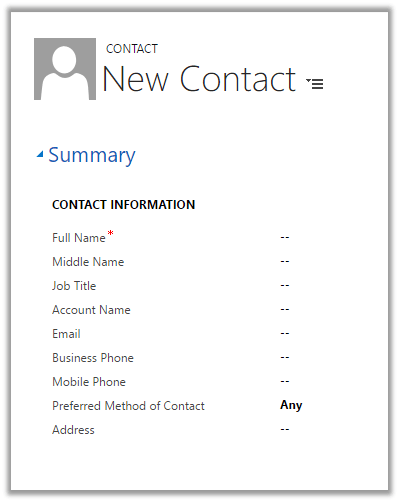
Hope it helps.

CRM 2016 Online Update 1 introduces new entity called Category.
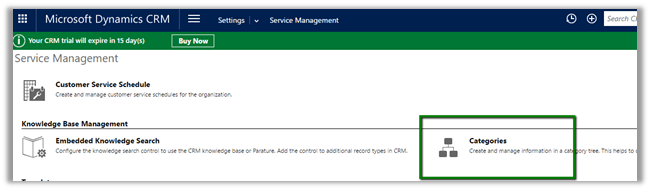
We can define Parent Category and Child Categories.
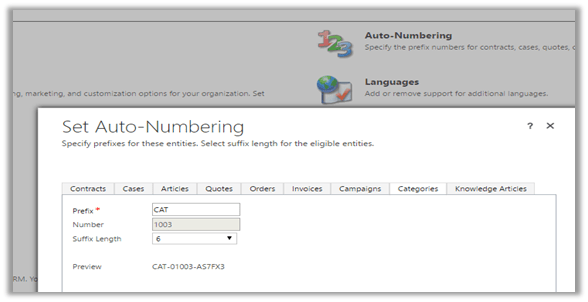
Category Number format can be defined in Auto Number settings.

For Category entity we can create 1 – N relationships with System Entity and Custom Entity and then associate their records with the categories. We cannot create N – 1 and N – N relationships from Category.
To associate category, I have created a new 1 – N relationship between Category and Account and added the lookup to the Account form.
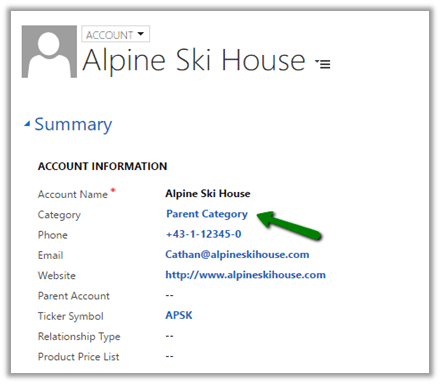
This way category entity can help in grouping, search and reporting.
More details
https://msdn.microsoft.com/en-us/library/mt728945.aspx
Hope it helps.

Hi,
To test Web API query we can make use of Advanced Rest Client chrome extensions.
https://chrome.google.com/webstore/detail/advanced-rest-client/hgmloofddffdnphfgcellkdfbfbjeloo
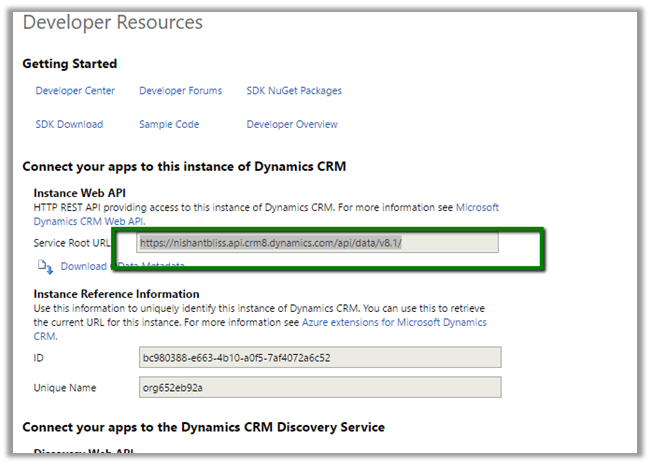
Log in to CRM Online and from Settings > Customizations > Developer Resources
Get the Service Root URL
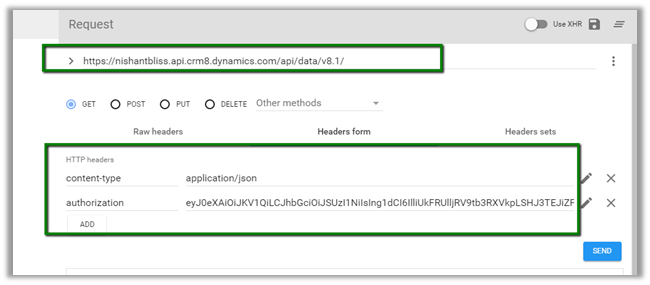

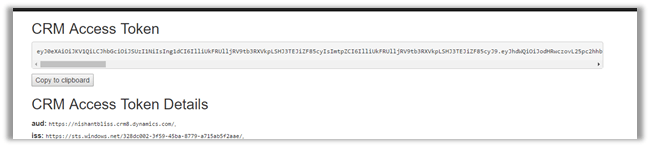
Click on Send and to get the response
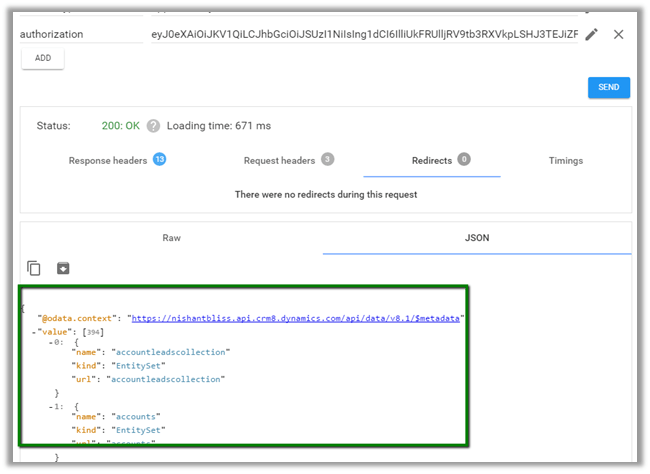
Update the query and click on SEND

More details here
https://msdn.microsoft.com/en-us/library/gg334767.aspx
Hope it helps.

Hi,
With CRM 2016 Update 1 now we have got this option of creating custom attribute of data type Customer for any entity à system as well as custom.
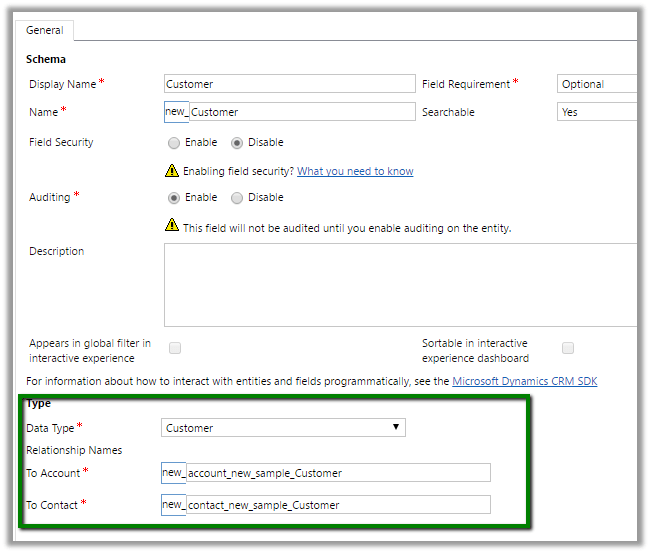
This in turn will create 2 new relationships with account and contact entity.

Hope it helps.

Recently we faced a strange issue with translations. It was showing correct translated value in the Form, however the same field in the Header was showing the label in English instead of German.
In Development environment it was working properly only in TEST we were facing this issue after deployment.

Then just to give it a try, I opened the form for customization, removed the City field form Header and added it back and did publish.
Surprisingly it started showing correct translated label in the header.

Hope it helps..

 Nishant Rana's Weblog