
There are two types of SLA available now.
Standard which was introduced in Leo and other is Enhanced.

Pause and resume features has been added to Enhanced SLA.
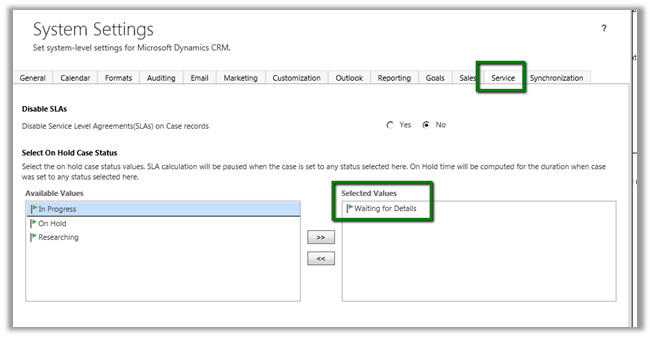
To enable this we need to go to Settings à Service Management à Service Configuration Settings
The pause feature is based on Status value.
In System Settings we can specify the status values on which the SLA should pause.
Let use create a new SLA
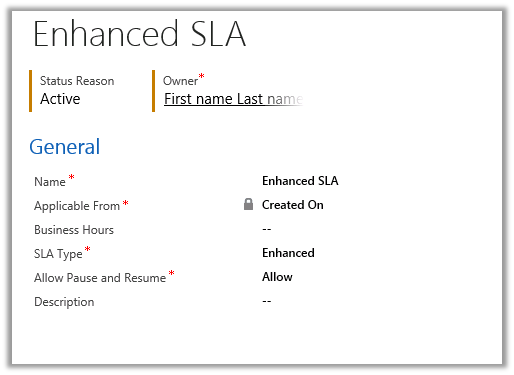
And the following SLA Item in it
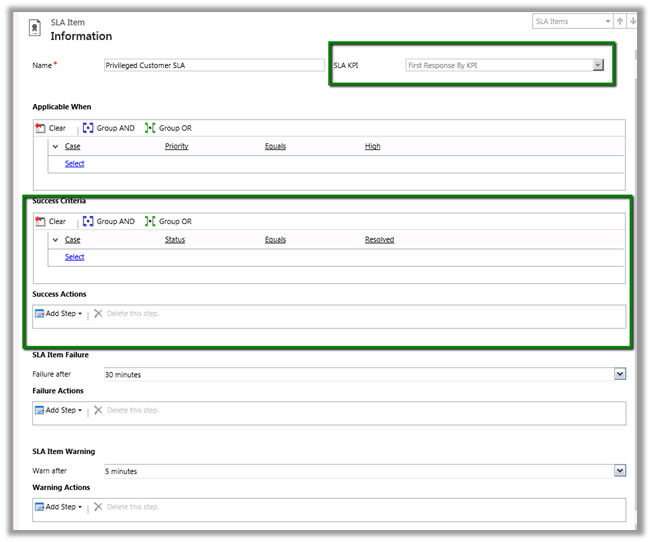
SLA Item is based on First Response by KPI.
Here we can also see new Success Criteria and Success Action added to SLA.
The SLA would run if the Case Priority equals High and will wait for 5 minutes before warning and will fail after 30 minutes.
Now I go and create a new case and set its Priority as High.
The following Timer control would start running in the Case Form.
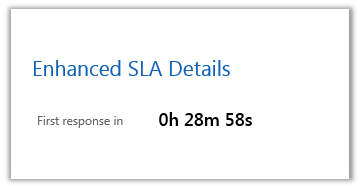
And now if I go and set the Status of Case as “Waiting for details” i.e. our pause condition.
The timer will be paused.
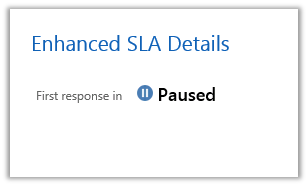
Now as soon as I change the Status of Case to something else
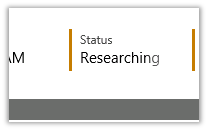
The time control will resume

Now I go and mark the case as Resolved which is our success criteria. The First response in will show Succeeded.











 Nishant Rana's Weblog