How to use special date operators (last-month for ex) in OData and MS Flow


Phani Rajasekhar's avatarPhani Rajasekhar

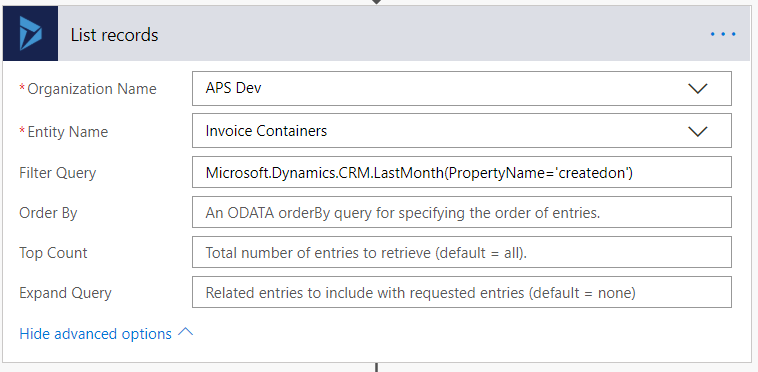
Today we got a requirement to fetch all the records that are created in the last month by using MS Flow. We can do this by using “Dynamics 365 List records” action and we have to provide OData filter query for this action. I tried to use the same “last-month” operator that we use in the fetch xml. But this will not work for OData query. We need to use “LastMonth” function for this as defined in this link. The below are the examples to use these date functions.

In OData Query

?$filter=Microsoft.Dynamics.CRM.LastMonth(PropertyName=@p1)&@p1=’createdon’

In MS Flow
Hope it is useful….

View original post

Optimum batch size and thread while deleting records using SSIS Integration Toolkit for Microsoft Dynamics 365


Recently we had to delete few records for one of our entities. It was a user owned entity with 1 custom 1 – n relationship with contact having around 190 fields.

It was Dynamics 365 CE Online on version 9.1 and had ExecuteMultiple max limit set to 20. (by raising support ticket with Microsoft)

https://msdn.microsoft.com/en-us/library/microsoft.xrm.sdk.deployment.throttlesettings.executemultipleperorgmaxconnectionsperserver.aspx

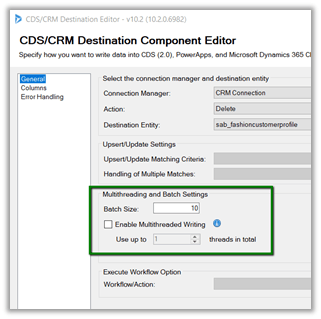
Batch Size and the Thread settings were used

Message – Delete

Sample Batch Size – 10000

The result: –

It seems that total thread between 10 – 15 with batch size 50, 100, 250, 500 gives similar results. Batch size of 50 with 15 threads could result into time out issue

https://nishantrana.me/2018/12/18/system-aggregateexception-one-or-more-errors-occurred-ssis-integration-toolkit-for-microsoft-dynamics-365-error-in-kingswaysofts-ssis-integration-toolkit/

So the optimum would be around 100 batch size with thread between 10 to 15.

Check out the below post as well while using UPSERT

https://nishantrana.me/2018/06/04/optimum-batch-size-while-using-ssis-integration-toolkit-for-microsoft-dynamics-365/

Hope it helps..

System.AggregateException: One or more errors occurred. (SSIS Integration Toolkit for Microsoft Dynamics 365) error in KingswaySoft’s SSIS Integration Toolkit


Occasionally we might get the below error in our SSIS Package.

[Dynamics CRM Destination [2]] Error: An error occurred with the following error message: “System.AggregateException: One or more errors occurred. (SSIS Integration Toolkit for Microsoft Dynamics 365, v10.2.0.6982 – DtsDebugHost, v14.0.3002.113)KingswaySoft.IntegrationToolkit.DynamicsCRM.CrmServiceException

: CRM service call returned an error: CRM service call returned an error: The request channel timed out while waiting for a reply after 00:01:59.6189794. Increase the timeout value passed to the call to Request or increase the SendTimeout value on the Binding. The time allotted to this operation may have been a portion of a longer timeout. (Error Type / Reason: Timeout)KingswaySoft.IntegrationToolkit.DynamicsCRM.CrmServiceException

(Status Reason: Timeout): The operation has timed out”.

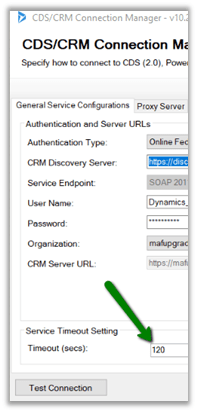
The way we can fix is either increase the time out in the CDS/CRM Connection Manager as suggested.

However the better solution is to keep the batch size low around 100 or so in the CDS/CRM Destination Component. We have observed that decreasing the batch size helps here in case of this error.

Hope it helps..

Fixed NSIS Error – Error Launching installer in Windows 10.


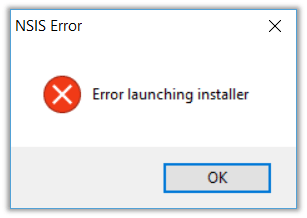
Recenlty I bought Shanling M0 DAP, and while trying to run the setup.exe for its USD DAC Driver I got the below error.

NSIS (Nullsoft Scriptable Install System) is a tool that allows programmers to create installers for Windows. It is released under an open source license and is completely free for any use

The issue could be because of the setup file failing the self-check. So, installing it might not be successful, and could lead to other problems if continued.

This self-check can be skipped by running the setup through command line using /NCRC command line switch.

/NCRC disables the CRC check, unless CRCCheck force was used in the script.

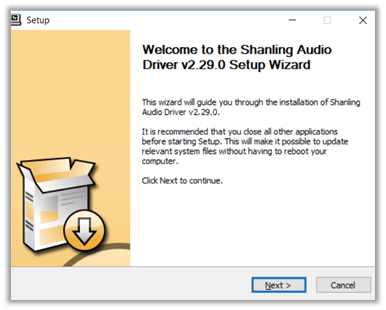
Running through command line with NCRC switch allowed the driver to be installed.

Hope it helps..

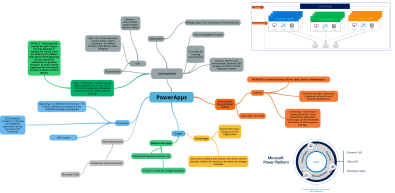
PowerApps – Quick Overview (mind map)


Hi,

I was reading this wonderful whitepaper on PowerApps by David Yack and preparing notes on that using mind map.

Sharing the same.

https://www.goconqr.com/p/16333871-powerapps-mind_maps

PowerApps


Hope it helps..

D365: Multiple Currency Issue in Opportunity Line Grid(Inline Edit View) on Opportunity Form


Interesting !

Ajit Patra's avatarAjit Patra

Recently, while working on qualifying lead to opportunity we faced a weird issue.

We were using multiple currencies in our D365 instance 
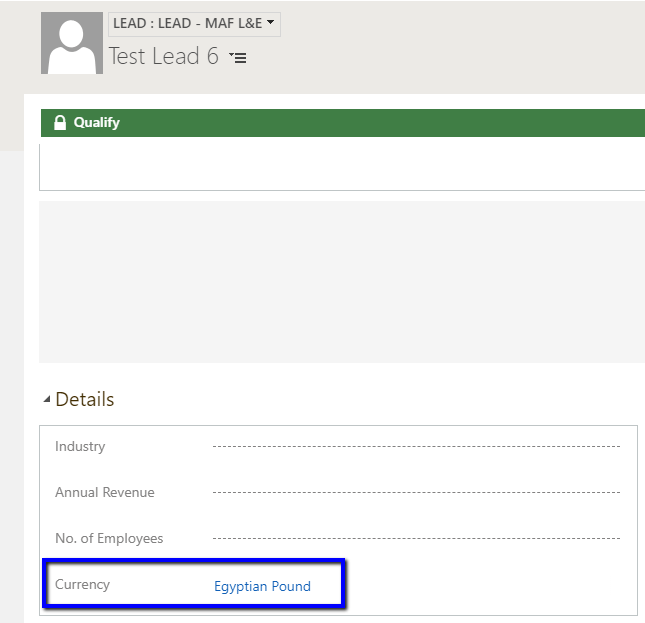
AED(Base currency in our case) and Egyptian Pound. We used Egyptian Pound currency on Lead while creating.

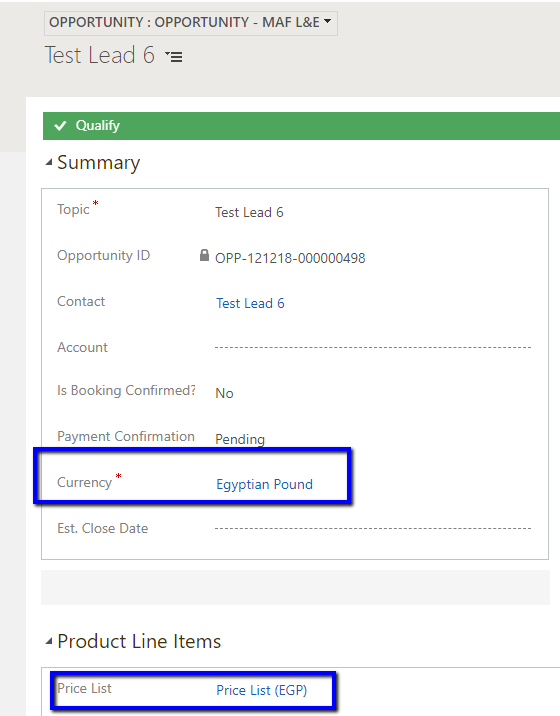
On qualifying Lead to Opportunity, we were mapping the currency of Lead to Opportunity. So, eventually, currency selected on Opportunity was Egyptian Pound and corresponding Price List was populated.

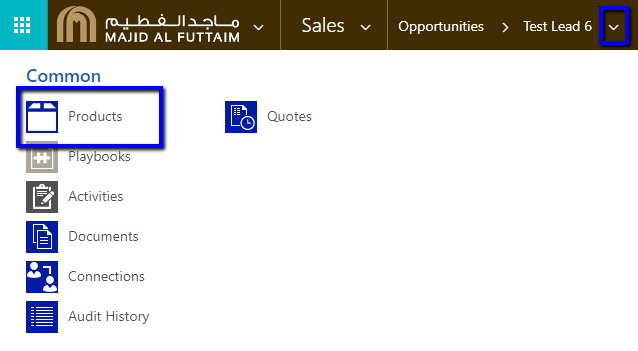
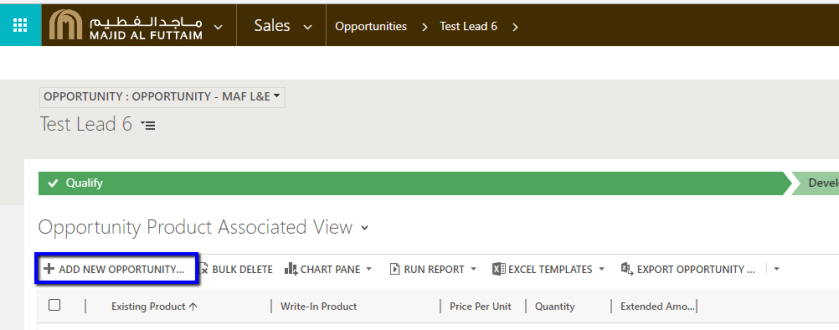
After qualifying lead, we added Opportunity Product to the Opportunity from Related entities –> Add New Opportunity Product.

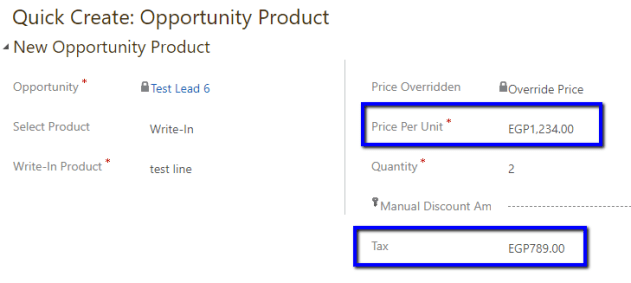
We created the Opportunity Product using Quick Create form. Here, we were able to put Price Per Unit and Tax using currency Egyptian Pound.

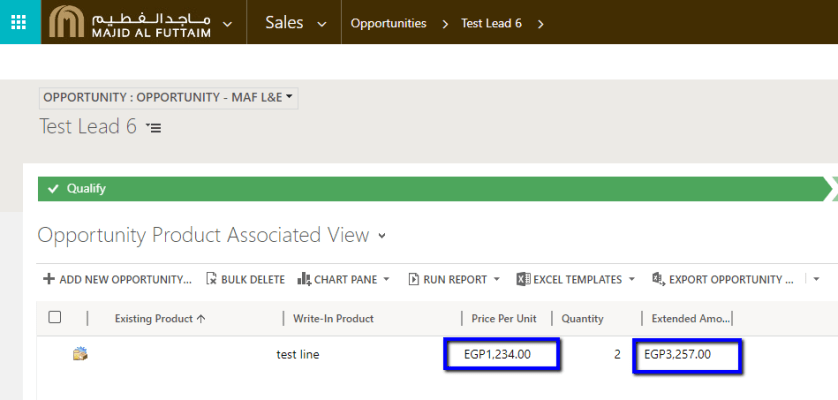
In Opportunity Product Associated View also we were able to see Price Per Unit and Extended Amount in Egyptian Pound currency.

However, coming to the main Opportunity form, in Products grid, we found that Price Per Unit and

View original post 129 more words