
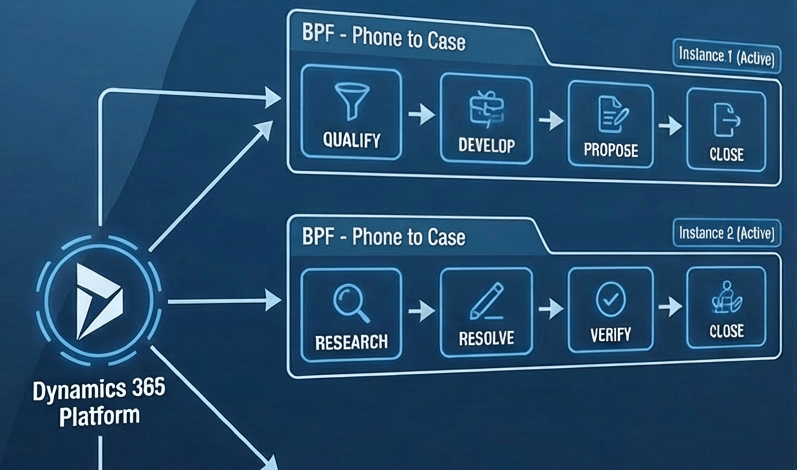
We recently worked on a requirement where we had to sync Business Process Flow (BPF) data between two different Dataverse environments for the Case (Incident) table. At first glance, the requirement looked straightforward — pick the active BPF instance and replicate it. However, while analyzing the source environment, we encountered an interesting and unexpected scenario.
For certain Case records, we found that there were multiple active Business Process Flow instances (of the same BPF) present for the same record.
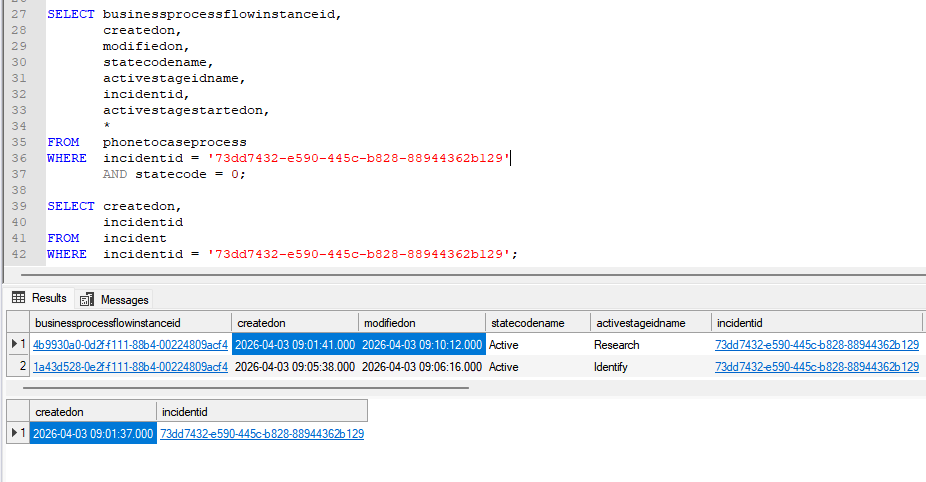
Below is an example where we observed two active BPF instances for the same Case record:
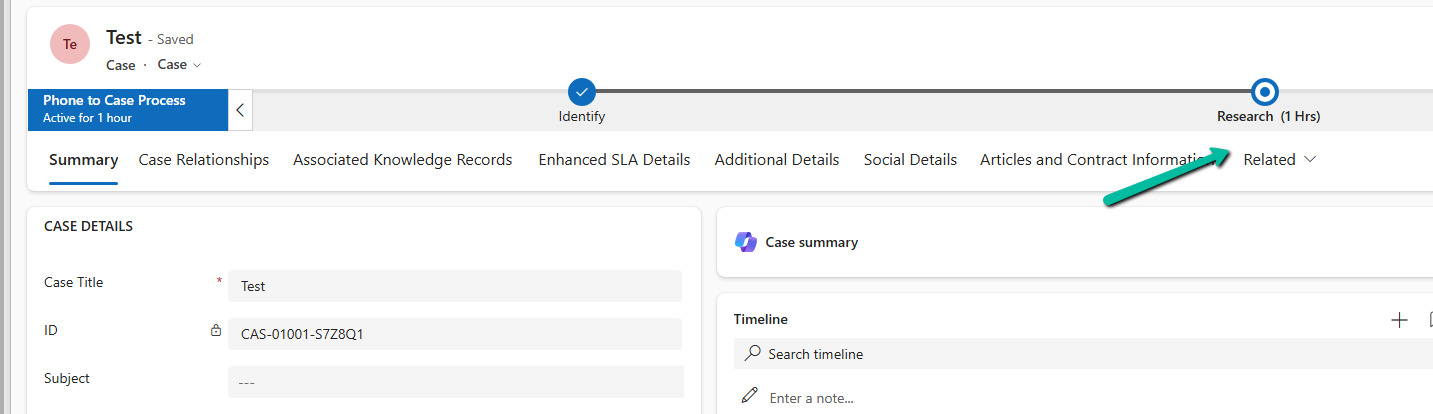
Below is our Case record with Research as the active stage.
As we know, Dataverse is designed to maintain only one active BPF instance per record. So naturally, this raised a question — which one should we consider during synchronization?
On further analysis, we observed a consistent pattern. One BPF instance was typically created at the time when the Case record itself was created. The second instance — usually the one with the most recent Modified On value — corresponded to the latest process applied.
Based on this observation, we decided to use the following approach during synchronization:
For records with multiple active BPF instances, we pick the instance with the most recent Modified On value and ignore the older ones. This ensures that we are syncing the most relevant and currently active business process state.
Naturally, we wanted to understand how such a scenario could even exist, so we tried to replicate it. We attempted to create another BPF instance programmatically using the SDK. The code executed successfully and even returned a GUID; however, interestingly, the GUID was always the same as the already existing active instance.
This behavior clearly indicates that the platform prevents creating duplicate active instances through standard SDK operations.
After further experimentation, we discovered that the only way we were able to create multiple active BPF instances was by directly updating the Incident lookup (incidentid) on an existing BPF instance record. By reassigning the BPF instance from one Case record to another, we effectively bypassed the normal BPF lifecycle validations. This resulted in multiple active BPF instances being associated with the same Case record.
During data migration or synchronization scenarios, it is important to handle such anomalies carefully. In our case, choosing the BPF instance with the latest Modified On value ensured that we always picked the most relevant process state.
Hope it helps..
Discover more from Nishant Rana's Weblog
Subscribe to get the latest posts sent to your email.
Share It -


One thought on “Multiple Active Business Process Flow Instances for a record in Dynamics 365 / Dataverse”