

Using the SuppressCallbackRegistrationExpanderJob optional parameter in our Request object, we can bypass the execution of the flows registered against that particular event/trigger.
We have a flow registered on the update event of the lead record.

Now let us create a lead record through SDK.

We can see our flow triggered.
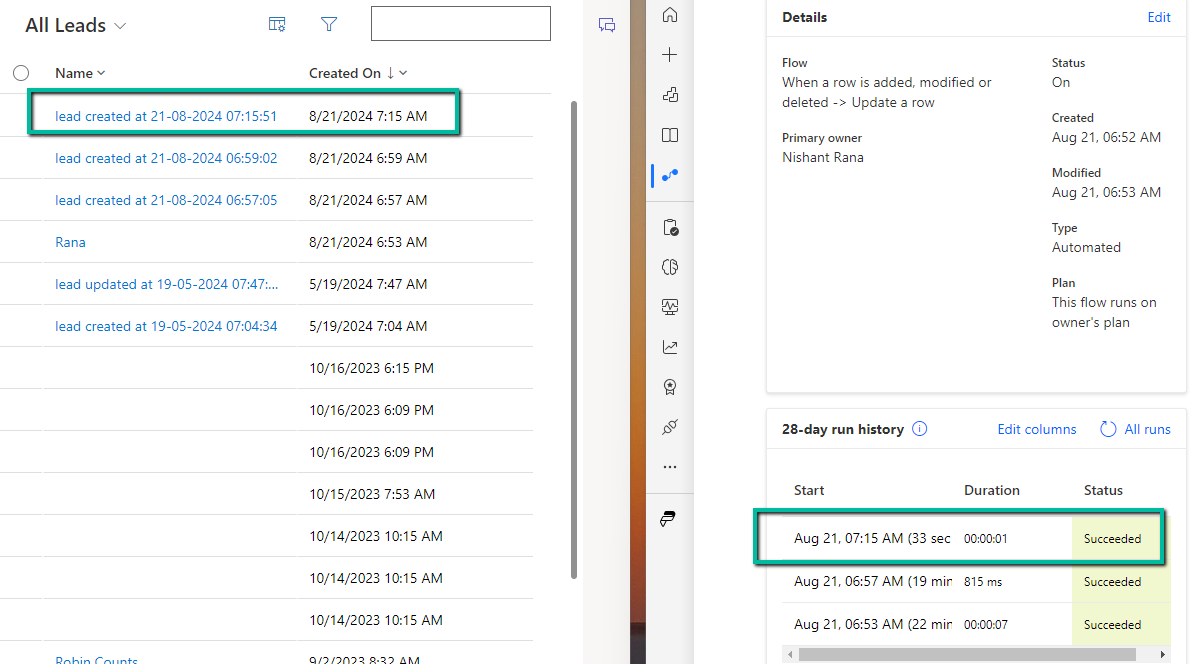
Now let us add the optional parameter SuppressCallbackRegistrationExpanderJob and check
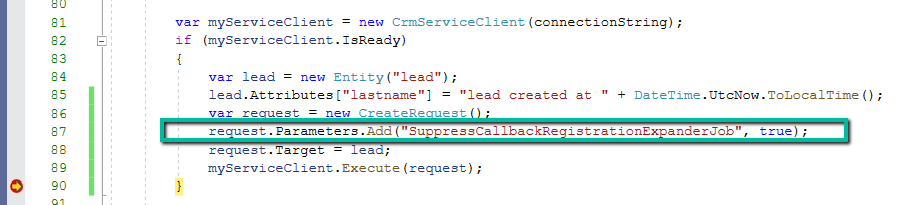
This time as expected our lead record was created but the flow was not triggered.
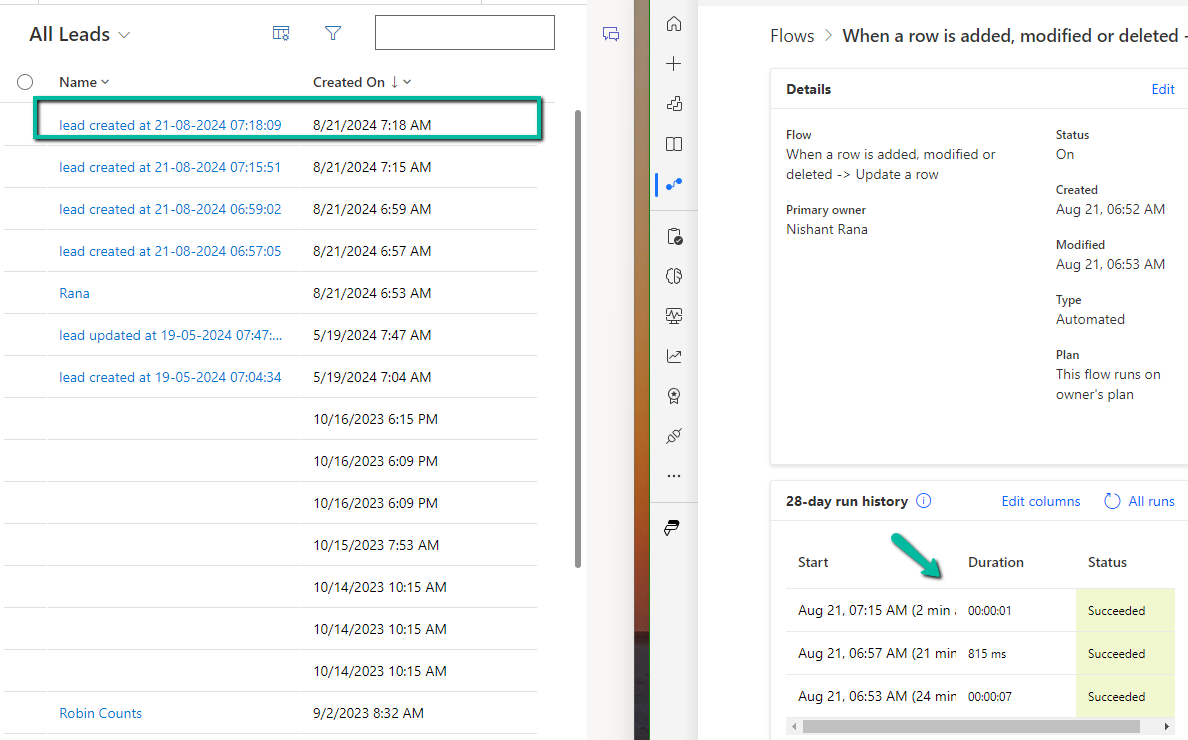
Also check –
Bypass execution of specific plugin (step) using BypassBusinessLogicExecutionStepIds parameter
Hope it helps..
Advertisements
Discover more from Nishant Rana's Weblog
Subscribe to get the latest posts sent to your email.
Share It -


 Nishant Rana's Weblog
One thought on “Bypass Power Automate Flows using SuppressCallbackRegistrationExpanderJob optional parameter – Dataverse / Dynamics 365”