

We can convert our basic queue to an advanced queue by setting the field “Is Omnichannel Queue” or “Automatic work distribution” schema name “msdyn_isomnichannelqueue“- to Yes.
We would usually do it to use the existing basic queue in the Unified Routing.
We can find that option in the Conflicts Tab of the Queue form
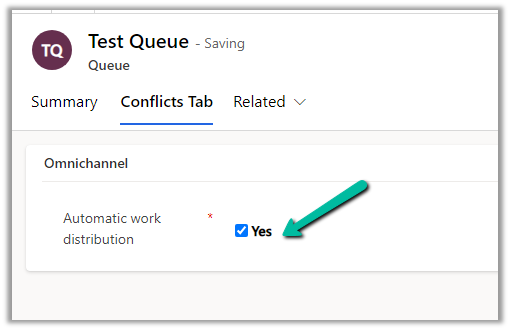
Or in case you cannot find the conflicts tab, you can add the field to the form
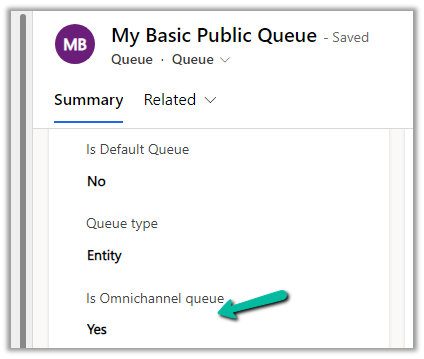
Here we need to be careful while converting the basic queue to an advanced queue, as we cannot revert this. If we try to do this we will get the below error –

Get more details here.
Hope it helps..
Advertisements
Discover more from Nishant Rana's Weblog
Subscribe to get the latest posts sent to your email.
Share It -


 Nishant Rana's Weblog
One thought on “How to – convert basic queue to an advanced queue – Dynamics 365”