

Unified Routing can be configured in Customer Service Hub or Omnichannel Admin Center.
To configure it for Dynamics 365 Customer Service, navigate to
Service Management >> Service Configuration Settings >> Unified routing
(requires Tenant administrator’s consent – click on Provide Consent link)
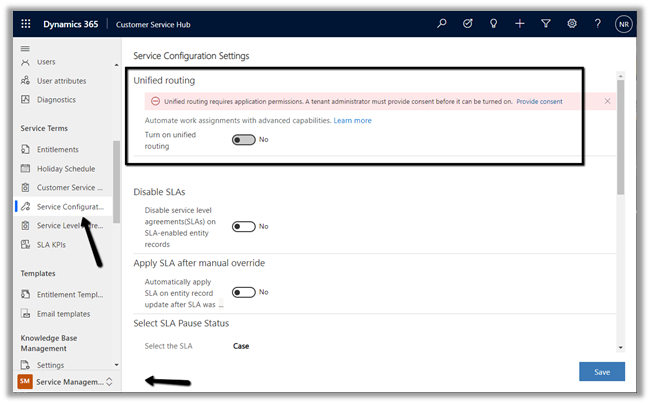
Accept the permissions requested and provide the consent.


In case unified routing remains disabled –https://nishantrana.me/2022/03/08/solved-disabled-turn-on-unified-routing-option-in-dynamics-365-customer-service-hub/
Unified Routing once switched on, cannot be disabled from the application, and we need to contact Microsoft Support to turn it off.

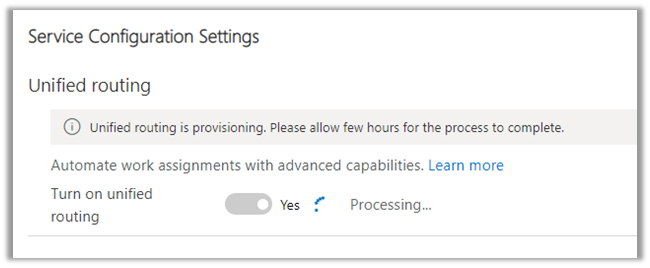
The provisioning starts
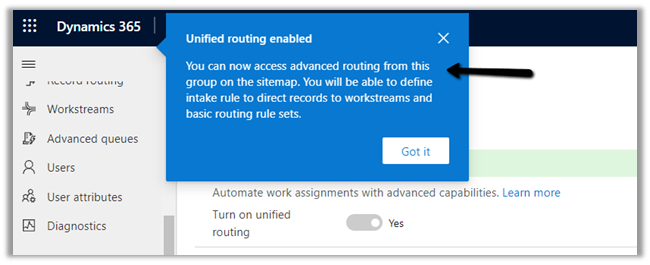
After a couple of hours, we can see Unified Routing configured for the Customer Service app.
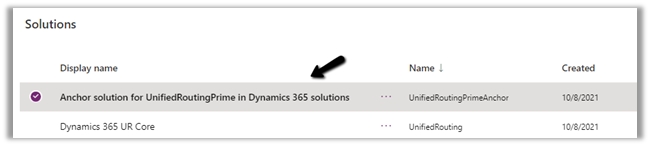
We can see the following solution – Anchor solution for UnifiedRoutingForCS in Dynamics 365 solutions installed in the environment.
Hope it helps..
Discover more from Nishant Rana's Weblog
Subscribe to get the latest posts sent to your email.
Share It -


 Nishant Rana's Weblog
2 thoughts on “How to – Provision Unified Routing in Dynamics 365 Customer Service Hub”