

Recently we were exploring ways of extracting attachment from notes to a local drive for our case entity. We also wanted to organize it based on Case Number.
For this, we used KingswaySoft’s SSIS components.
Other posts on SSIS and Dynamics 365 –
https://nishantrana.me/2018/11/26/ssis-and-microsoft-dynamics-365/
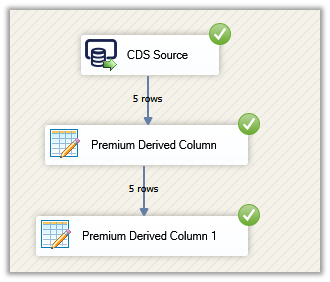
This is how our final package looked like
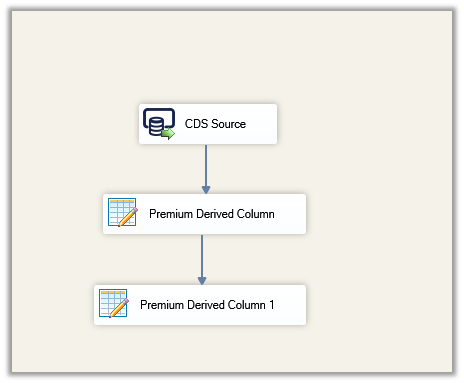
For CDS Source, we used Source Type as Fetch XML.
And the below Fetch XML to fetch notes details where objecttypecode is incident and isdocument property are true (i.e. has an attachment) and case as the linked entity to get the case ticket number.
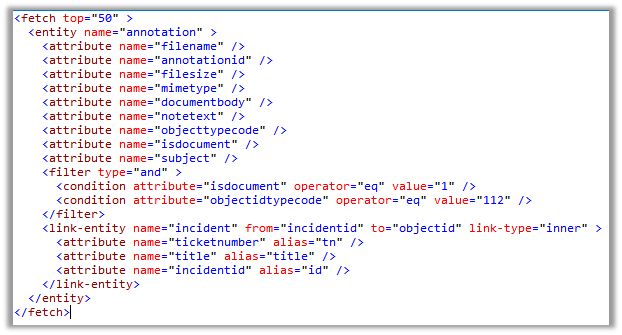
Result View –

CDS / CRM Source Component –
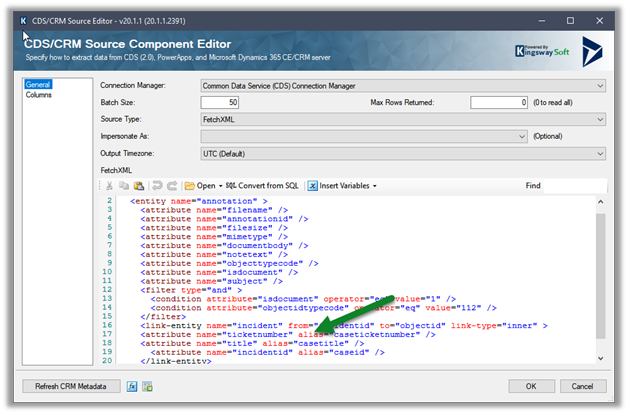
Make sure to use the alias for the attributes of the linked entity.
Next drag the Premium Derived Column, here we will use the DecodeBase64 encoding function to decode the file content stored in the documentbody field using as base-64 encoded string.
DT_Image output column will have the binary content of the attachment
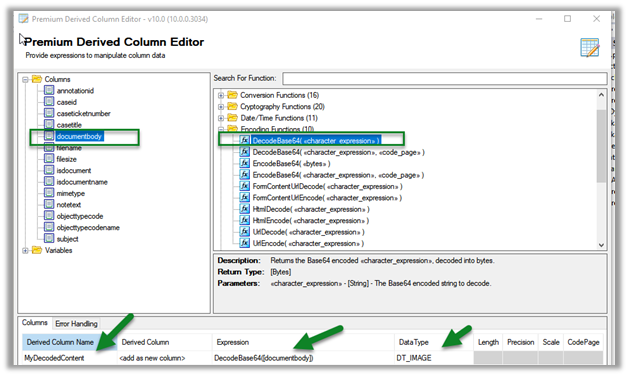
Next, we have added another Premium Derived Column, this time to write the binary content to the local drive, using the WriteBinaryContent function.
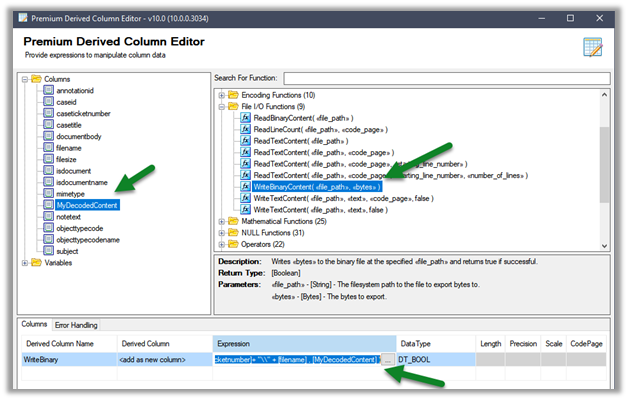
Click on the ellipsis to specify the expression.
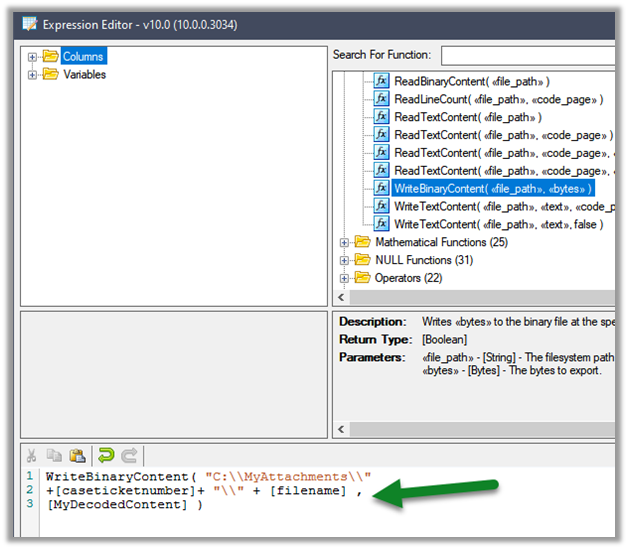
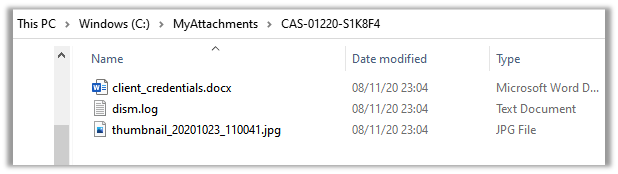
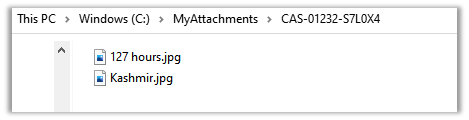
Here we are creating a folder based on the case ticket number and storing the corresponding attachments inside it.
Let us run the package
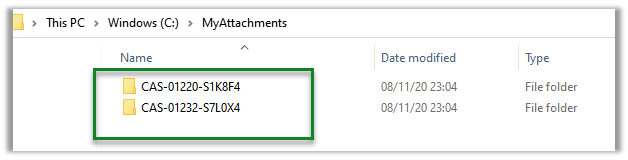
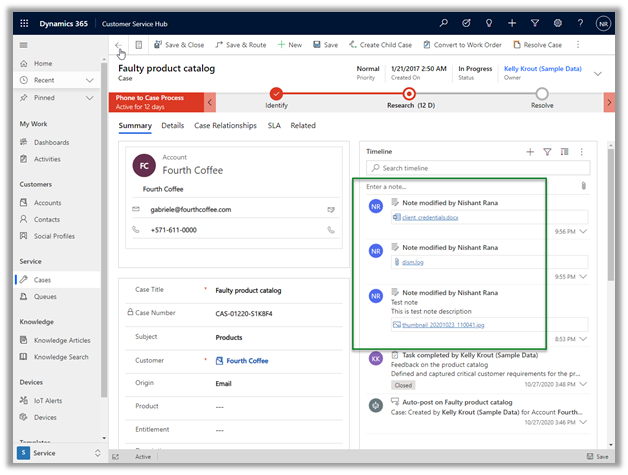
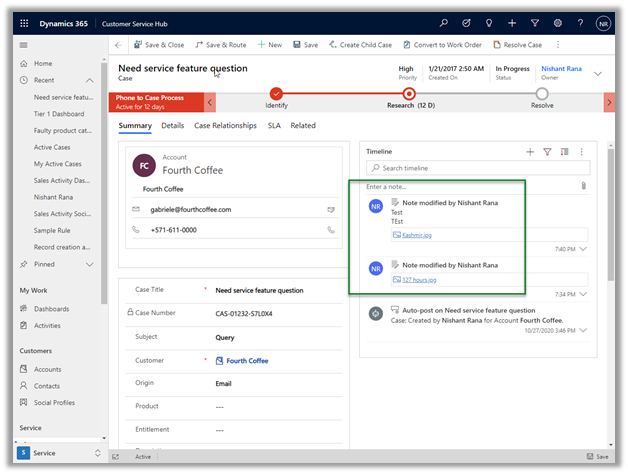
On successful execution, we can see the folders created with case ticket number and attachments added to it.
Get all the details here
http://www.kingswaysoft.com/blog/2017/03/21/Extracting-CRM-Attachments-with-Ease
Hope it helps..
Discover more from Nishant Rana's Weblog
Subscribe to get the latest posts sent to your email.
Share It -


3 thoughts on “How to – Extract attachment from Notes in Dynamics 365 / CE / CDS – SSIS (KingswaySoft)”