Sample Decision Matrix Template for Single vs Multi Instance – Dynamics 365


Deciding on a single instance or multi instance is a difficult process, specially for an Enterprise Customer, as each has its own share of pros and cons.

Sharing a sample decision matrix that could help us to decide on single versus multi-instance.

Download it here –

https://drive.google.com/file/d/1uRRZHyPjEo8QoD-OGaJqmyc5QLBf8mNB/view?usp=sharing

Also check the below post for more details

Single vs Multi-instance – Points to consider

Hope it helps..

Differences between Subject and Category Entity in Dynamics 365


Subject entity \ feature has always been an integral part of Dynamics CRM at least since 3.0.

It gives a nice hierarchical way of organising and maintaining information.

To create or update Subject, navigate to Service Management area.
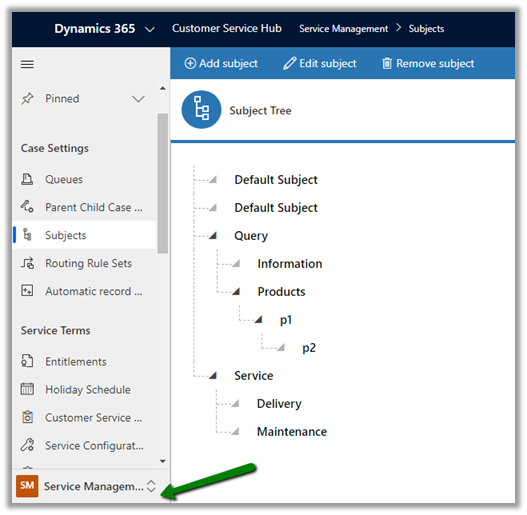
Similar to Subject entity, Category entity was introduced in CRM 2016 Update 1 (Service Pack 1 – On-Premise).

Navigate to Service Management area, to work with Category entity.

  • Can we customize Subject or Category Entity?

We cannot customize Subject. It is available for Case, KB Articles, Product Catalog items and Sales Literature.

We can customize Category Entity.
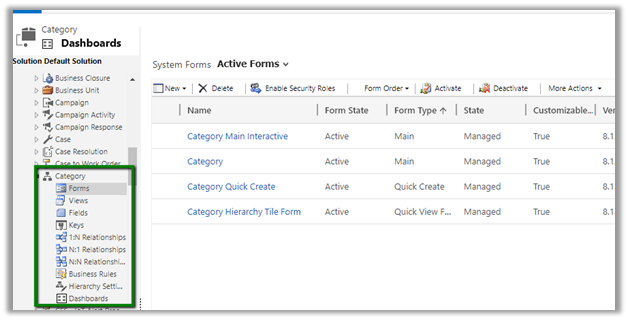
We can create forms, add fields, views, business rules, dashboards etc.

Can create 1 – N relationship from Category to other entities.

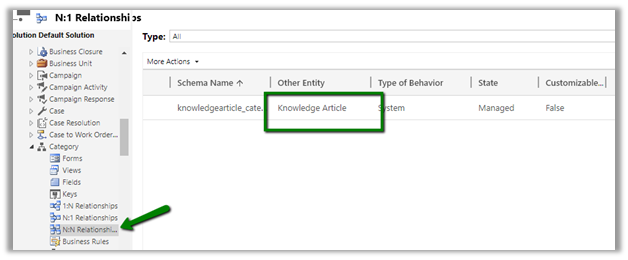
We cannot create N- 1 or N-N relationship.

It has N-N relationship with Knowledge Article entity
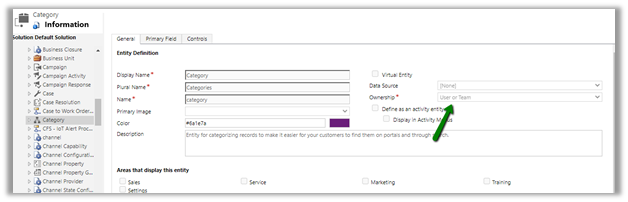
  • Is category User Owned or Organization Owned entity?

User Owned
  • How are they rendered inside form?

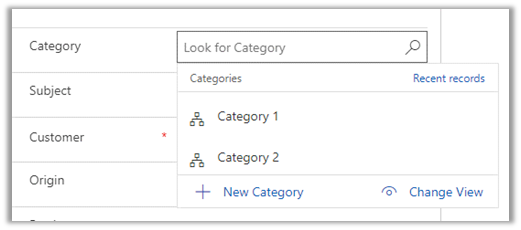
Subject are rendered as tree structure
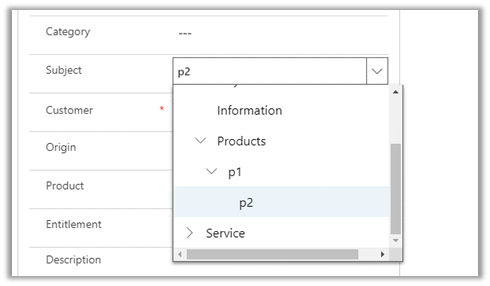

Category are rendered as lookup
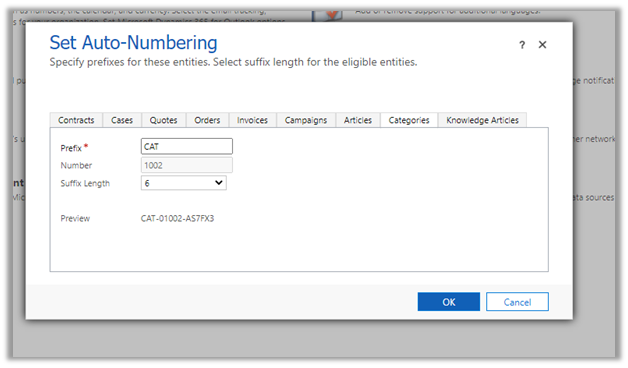
We can also specify Auto-numbering for Categories
  • What happens if a delete a Subject or category?

Deleting the subject will not delete its child record.

Deleting the category will delete its child record.

  • Can we run advanced find on Subject and Categories?

We can do it on Categories, not on Subject.
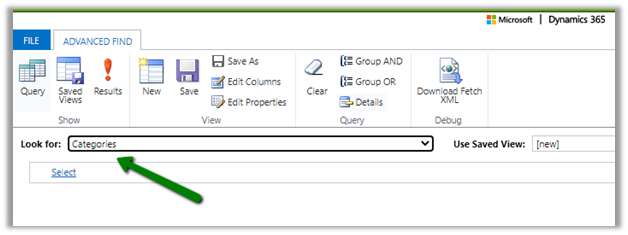
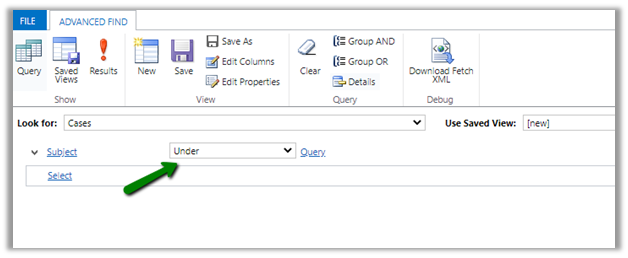
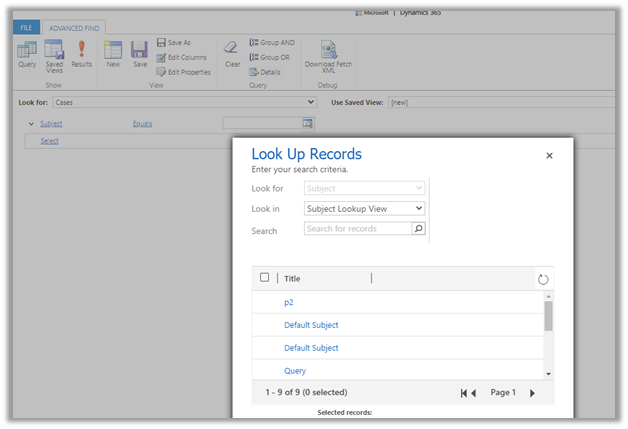
  • How does Subject render when used in advanced find filter condition? Tree view?

It renders like a lookup

Few considerations while migrating  Subject records

https://crmchap.co.uk/importing-exporting-subject-records-between-dynamics-365-customer-engagement-environments/

Hope it helps..

Advertisements

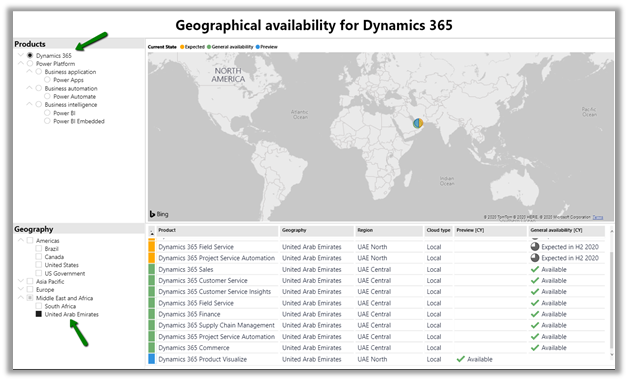
Check Dynamics 365 App and Power Platform features availability at different geography


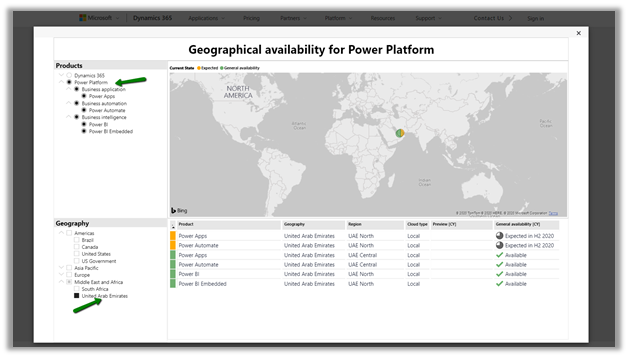
Recently we had to find out what all Dynamics 365 Apps and Power Platform features are available in our UAE region.

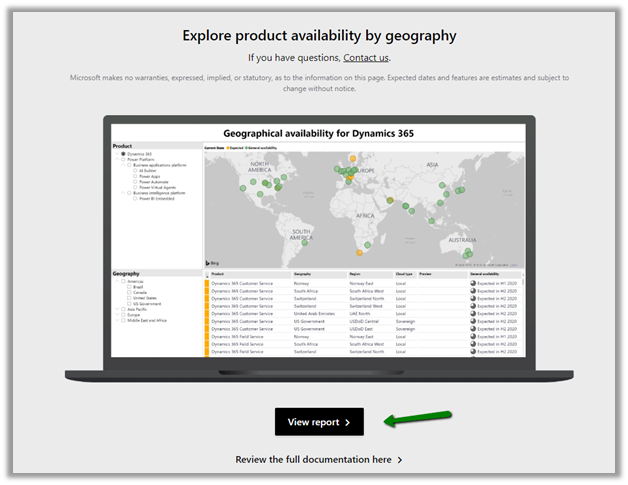
To get these details navigate to

https://dynamics.microsoft.com/en-cy/geographic-availability/

and open the report

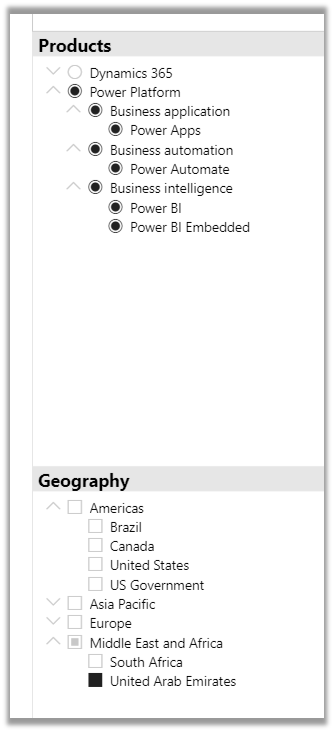
Below are the different Products and Geography available.

Below is the report filtered for UAE for Power Platform.

For Dynamics 365 App

Hope it helps..

Implement character length validation in a Canvas Power App | Power Platform


priyeshwagh777's avatarD365 Demystified

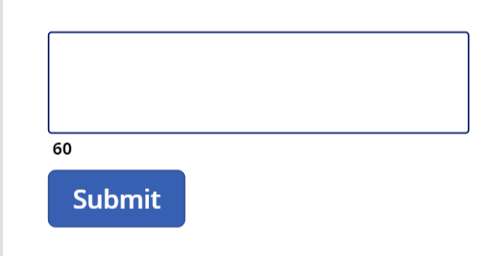
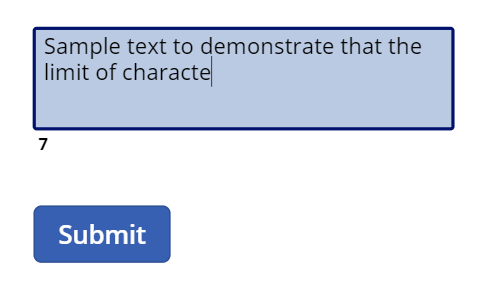
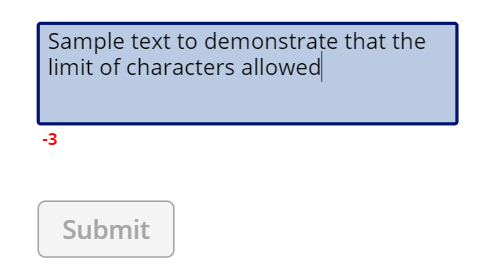
Often times, you want to know the size of text entered in a field and want to indicate a user that they need to restrict the text to your specific size, like Twitter. And make sure the user is restricted within the limits. So, I’ve added a button to show that validation –

undefined

And you want to dynamically check the length as you type to see how much is remaining
undefined
And maybe also add some validation like disabling the button if the limit is reached
undefined

Let’s look at how we can implement this in Canvas Power App!

Setup

Let’s get to building this out!

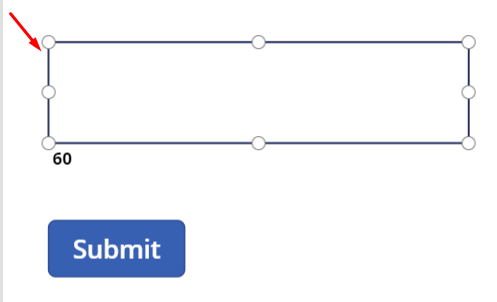
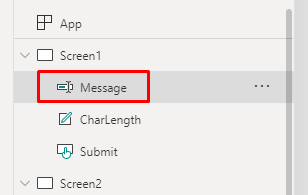
  1. Let’s say you have a Text Input. I’ve simply called it “Message
    undefined
    undefined
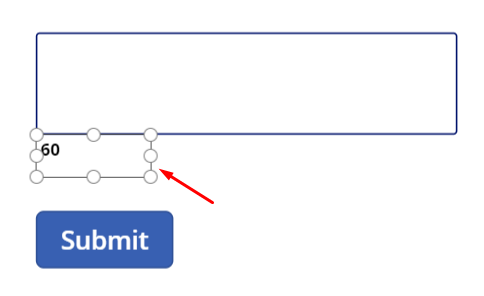
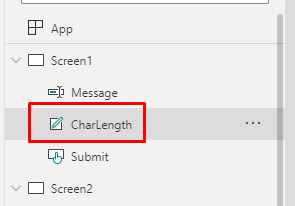
  2. Then, I have the Label field called as “CharLength“. This will be a place holder for our counter of characters in the Message textbox.
    undefined
    undefined
  3. And finally, a Submit button which…

View original post 340 more words