
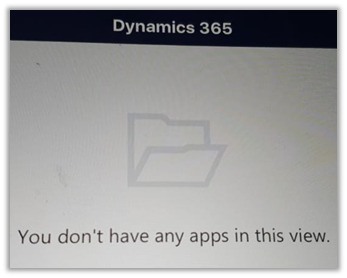
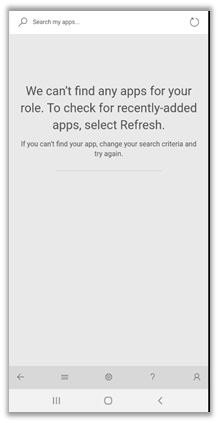
For one of our users, we were getting below error when he was trying to access Dynamics 365 through phone and tablet app.
To resolve it make sure that all the required privileges are assigned to the user’s security role.
and also the role is added to the appropriate app.
Settings à My Apps
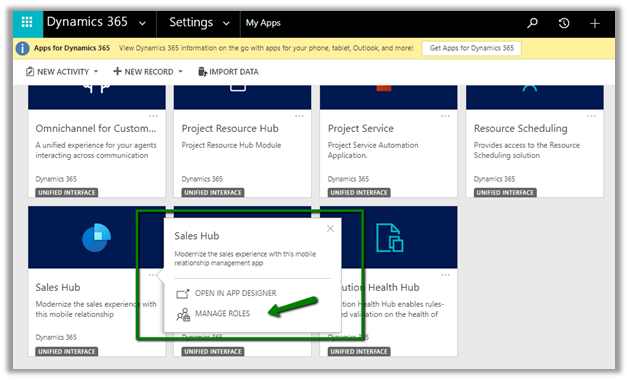
Select the security role and click on Save.

We can see the app appearing for the user.

Hope it helps..
Advertisements
Discover more from Nishant Rana's Weblog
Subscribe to get the latest posts sent to your email.
Share It -


 Nishant Rana's Weblog
I did this the user still can’t see the app. Only giving them System Administrator role allows them to see it. Do you happen to know why?
LikeLike