
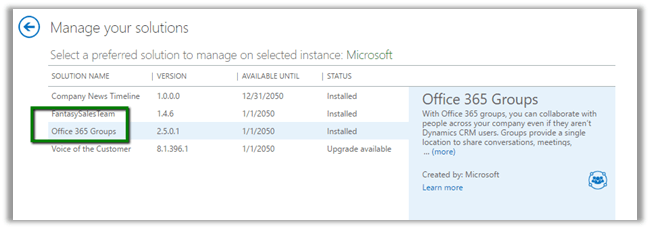
Go to CRM Admin Center à Solutions à Install the Office 365 Groups Solution
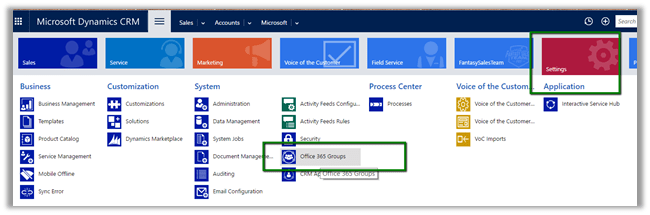
Once installed, go to Settings – Office 365 Groups to configure Entities.
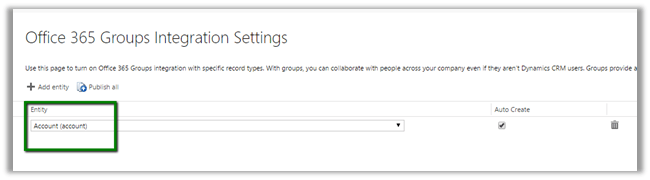
We have enabled it for Account (select entity and Publish All)
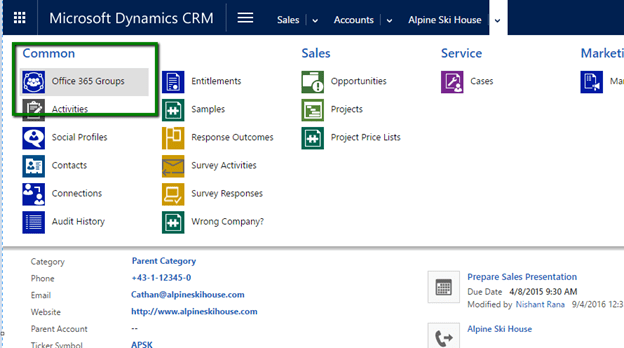
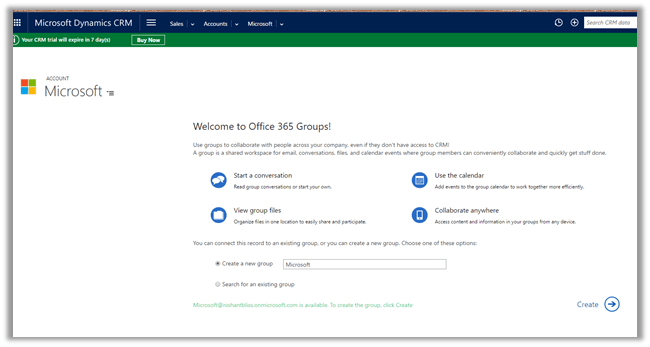
Open the Account Record and navigate to Office 365 Groups.
It will auto create a Group or we can specify an existing one.
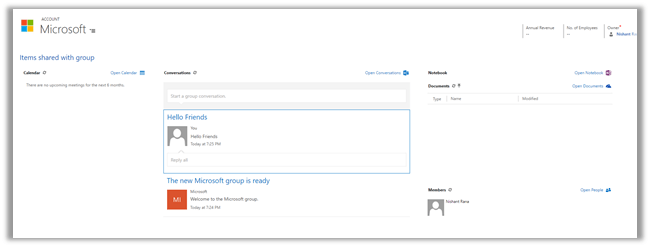
Once configured we can see the Calendar, Conversation, Notebook etc.
Hope it helps..
Discover more from Nishant Rana's Weblog
Subscribe to get the latest posts sent to your email.
Share It -


 Nishant Rana's Weblog