

In one of our requirements, we wanted to create/send an email on the creation/update of the case with the description of the email same as the description of the case.
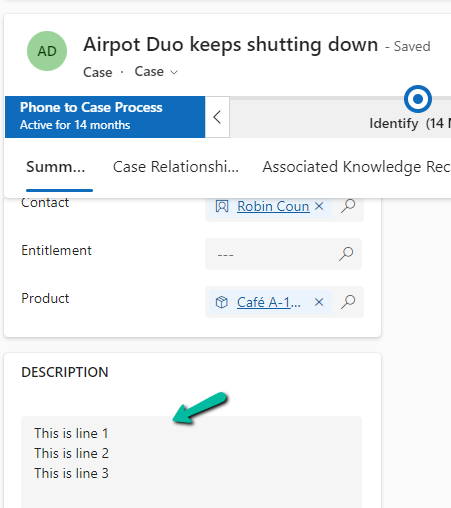
In our Case record, for the description, we have the line break (\n) specified.

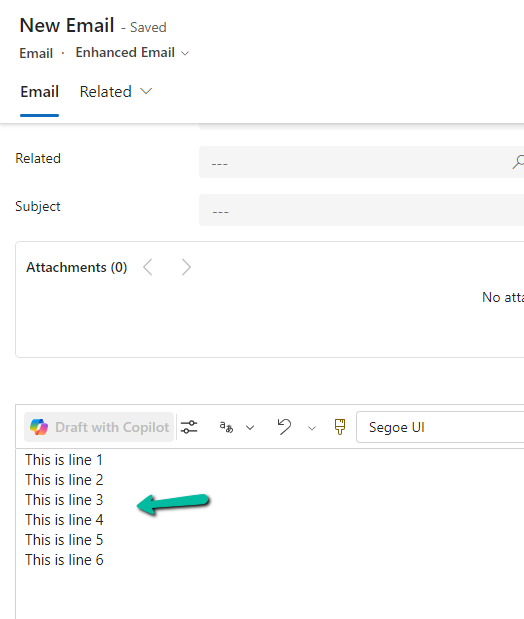
However, for the email created, we see the line break ignored.

To fix this we might think of applying the below formula by replacing “\n” with “”.
replace(triggerOutputs()?[‘body/description’],’\n’,’
‘)

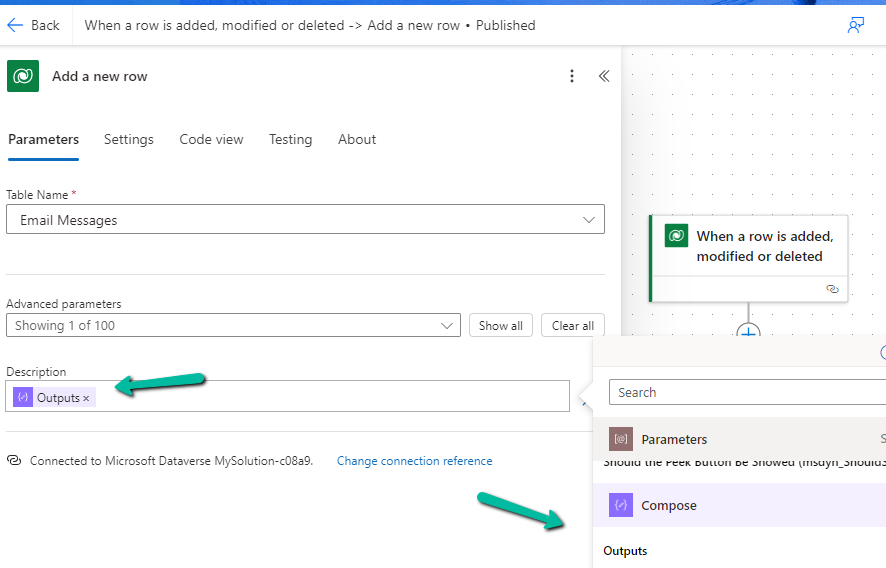
On triggering our flow after these changes.
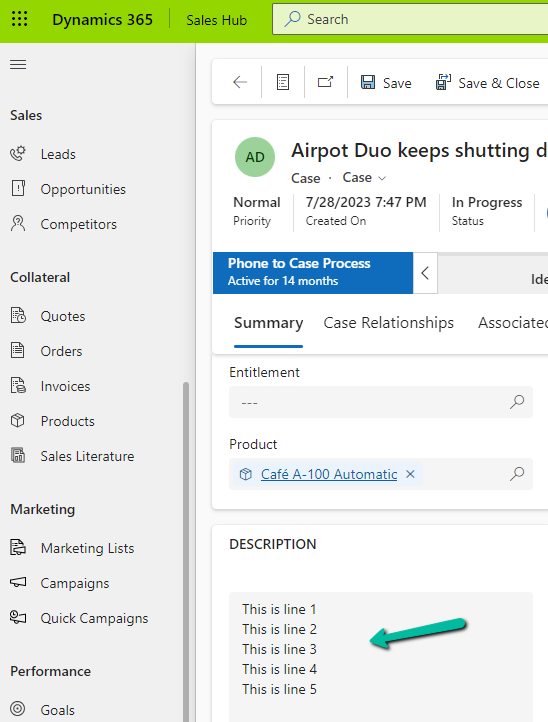
We still do not see the line break added in the description of the email.
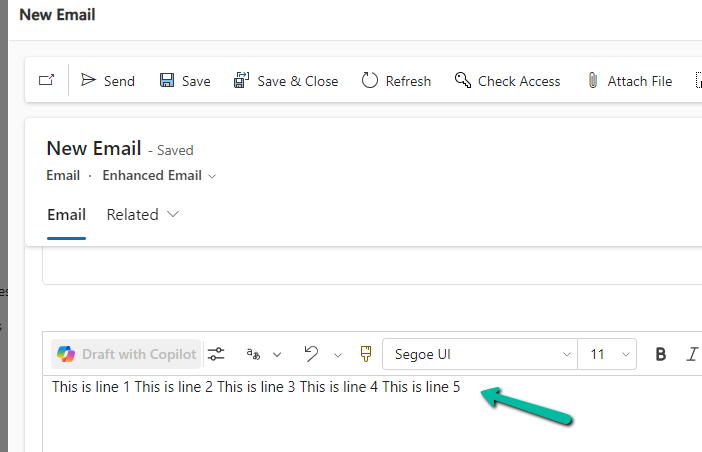
This is because the ‘/n’ character is ignored by the replace formula.
To fix this we need to first initialize a variable for the new line of type string by hitting/pressing the Enter button for the Value.

Next comes our formula where we will use this variable.
replace(triggerOutputs()?[‘body/description’],variables(‘varNewLine’),’
‘)

Triggering the flow now –
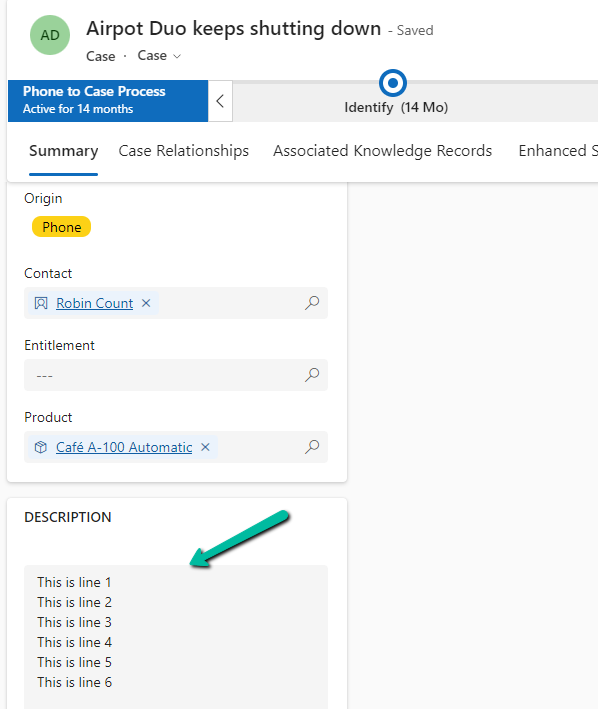
generates the proper email description with line break.
The helpful post – https://tomriha.com/how-to-replace-new-line-n-in-a-power-automate-expression/
Hope it helps..

 Nishant Rana's Weblog